9 Workload Management Strategies for Balanced Team Capacity
- What are Workload Management Strategies?
- Key Benefits of Better Workload Management
- 9 Effective Workload Management Strategies to Balance your Team Capacity
- Real Life Examples of Workload Management Strategies
- Master your Tasks with Workload Management Strategies
- FAQs about Workload Management Strategies

Key Highlights:
- Workload management strategies prevent burnout by balancing team tasks effectively.
- Forecasting workload ensures deadlines are realistic and resources are utilized wisely.
- Automation and software tools streamline repetitive tasks for smarter workload management.
Your team looks exhausted by midweek because the workload just isn’t balanced. Tasks pile up, deadlines slip and even the most talented people feel stretched thin. When workload management strategies aren’t in place, burnout rises, quality drops and taking on new work feels overwhelming.
The good news? A structured approach can fix this. Start by using clear task lists, realistic project schedules and a supportive work environment that protects work-life balance.
These nine strategies will help you distribute work fairly, prevent overload and keep your team productive without pushing them past their limits.
What are Workload Management Strategies?
Workload management strategies are systematic approaches that help individuals and teams organize their tasks as well as responsibilities effectively. These methods involve prioritizing work based on urgency and importance while distributing resources in ways that prevent burnout. The goal is to create a sustainable balance between productivity and well-being.
Workload management operates through assessing current tasks and then allocating time as well as energy accordingly. You identify what needs immediate attention versus what can wait. This process ensures critical work gets completed without overwhelming anyone involved.
Main objectives:
- Prevent burnout: Distribute work evenly so no one becomes exhausted from excessive demands.
- Improve productivity: Focus energy on high-impact tasks that move projects forward meaningfully.
- Enhance clarity: Create visibility into who is doing what and when deadlines are approaching.
- Optimize resources: Match the right people with the right tasks based on their skills and availability.
- Maintain quality: Ensure adequate time and attention for each task so standards don’t slip under pressure.
Key Benefits of Better Workload Management
Strong workload management gives teams the clarity and structure they need to stay efficient. The right task managers in place will help you improve resource utilization and keep projects moving smoothly.
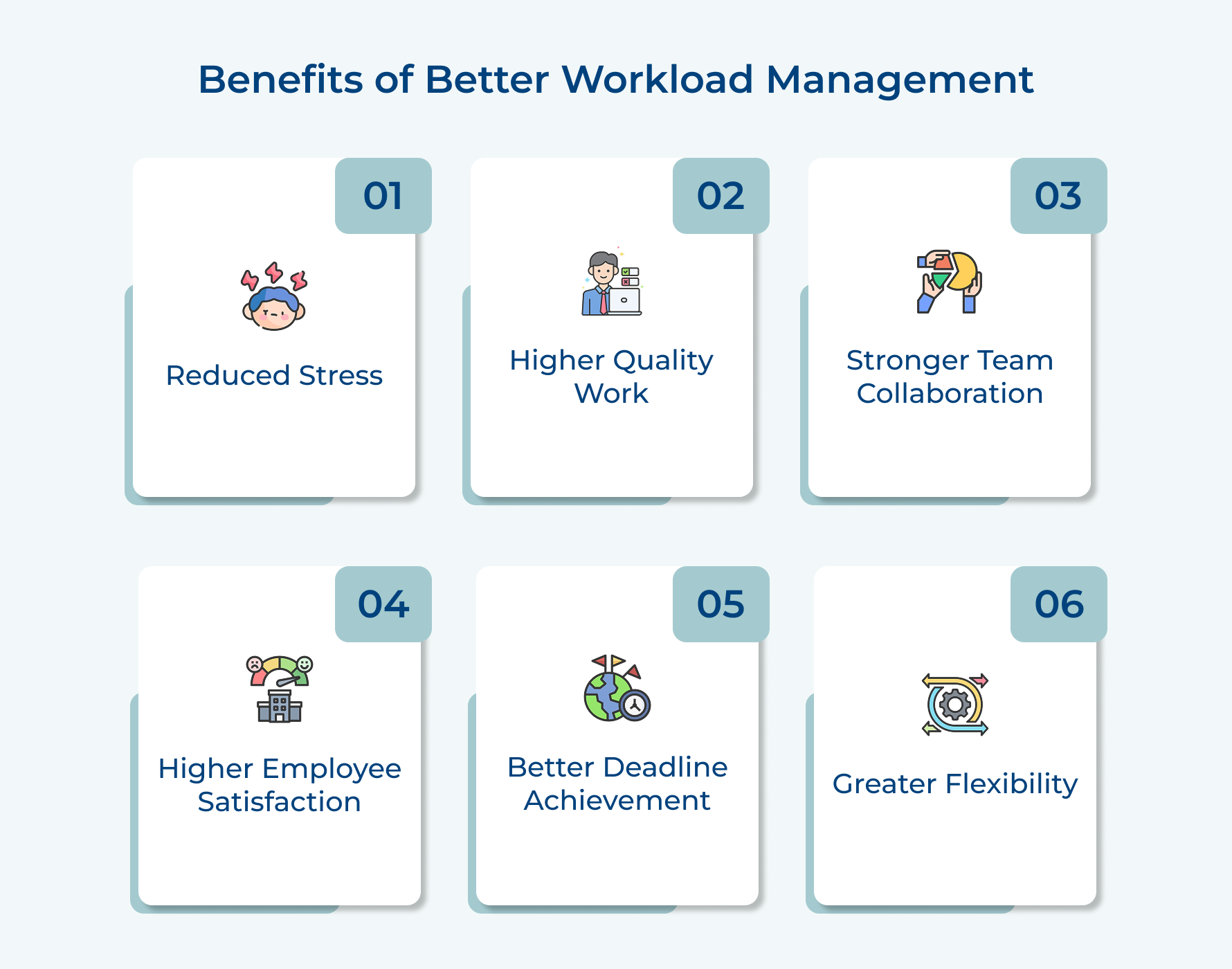
1. Reduced Stress and Anxiety
Clear priorities make it easier to focus on the right tasks and support better stress management. You avoid the confusion that comes from cluttered plans or unclear expectations.
2. Higher Quality Deliverables
Realistic timelines and a solid Work Breakdown Structure ensure work is completed properly instead of rushed. This approach naturally improves accuracy and output quality.
3. Better Team Collaboration
Strong team communication helps everyone understand their responsibilities and avoid duplicated efforts. Smooth handoffs keep work moving without unnecessary delays.
4. Increased Employee Satisfaction
A balanced work culture shows people their time and capacity are respected. Fair distribution keeps the team motivated and reduces frustration.
5. Improved Deadline Achievement
Structured plans prevent scope creep and keep timelines under control. You stay committed to the original plan without scrambling at the last minute.
6. Greater Flexibility for Changes
Effective planning supported by professional services automation leaves room to handle surprises. Teams can adapt quickly because they’re not stretched to the limit.
9 Effective Workload Management Strategies to Balance your Team Capacity
This article outlines nine essential workload management strategies that will help you balance your team’s capacity, ensuring they not only meet their targets but thrive in their roles.
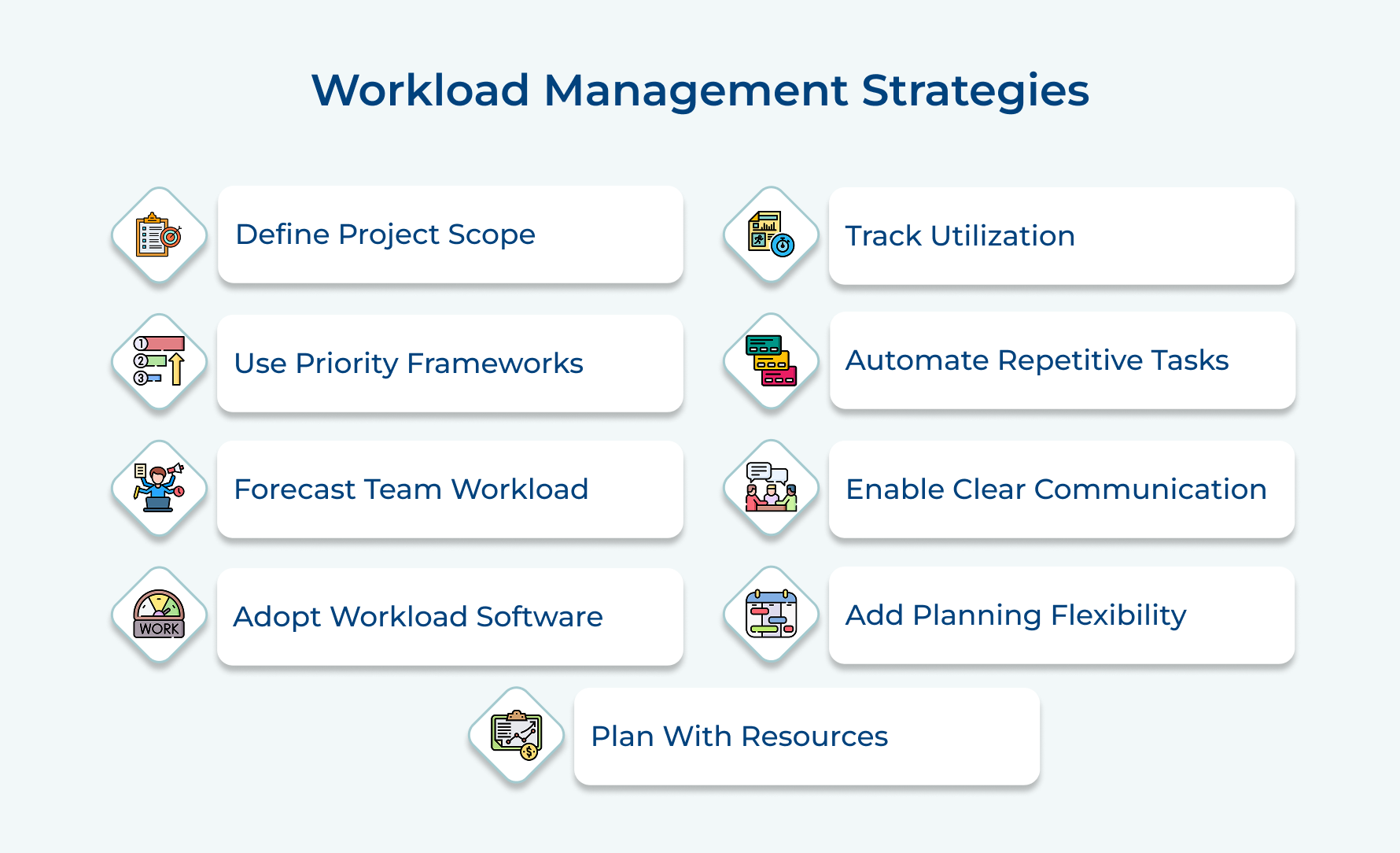
1. Clearly Define Every Project’s Scope
Scope definition sets clear boundaries around what a project will and won’t include. Without this clarity, teams face endless changes while expanding expectations that drain resources. A well-defined scope protects your team from burnout and keeps everyone focused on agreed-upon goals.
Here are three effective ways to define project scope clearly:
- Establish specific deliverables and boundaries upfront: Start every project by documenting exactly what you’ll deliver and what falls outside the project limits.
- Document all requirements and constraints clearly: Write down technical requirements and resource limitations in detail.
- Communicate scope limits to all stakeholders: Share the documented scope with everyone involved and get their written agreement.
Consider a marketing team launching a new campaign. They define the scope as creating five social media posts and two blog articles within three weeks. When the sales team requests additional video content, the clear scope documentation allows them to explain this falls outside current capacity and needs separate planning.
2. Leverage Task Prioritization Frameworks
Prioritization frameworks provide structured methods for deciding which tasks deserve immediate attention versus which can wait. These systems prevent the common trap of treating everything as urgent when only some items truly are. Using a framework removes guesswork and emotional decision-making from the prioritization process.
Here are four proven frameworks you can apply immediately:
- Eisenhower matrix: Divide tasks into four quadrants based on urgency and importance to focus on what truly matters.
- RICE scoring: Evaluate tasks by Reach, Impact, Confidence and Effort to make data-informed decisions.
- Value vs. effort matrix: Plot tasks on a grid comparing their value against required effort to identify quick wins.
Beyond using these frameworks, you should also rank tasks by urgency and impact directly. This approach examines each task’s deadline pressure alongside its potential consequences if delayed. High-impact urgent items get tackled first while low-impact non-urgent work gets scheduled for later or delegated appropriately.
3. Forecast Your Team’s Workload Accurately
Workload forecasting means predicting how much work your team can realistically handle over a given period. Accurate forecasting keeps you from promising deadlines you can’t meet or burning out your people.
Effective capacity planning generally includes these essential elements:
- Analyzing historical data to understand how long similar tasks actually took.
- Accounting for individual capacity based on work hours and existing commitments.
- Factoring in non-project work like meetings and administrative tasks.
Implement this strategy effectively by tracking time spent on past projects to establish realistic baselines. Use this data to estimate future work while adding contingency buffers of 15-20%. Review forecasts monthly against actual performance and refine your prediction methods based on what you learn.
4. Use the Best Workload Management Software
Workload management software centralizes task tracking and resource allocation in one accessible system. These tools replace scattered spreadsheets and endless email chains with organized visibility into who’s doing what.
Consider these five critical factors when selecting your software:
- User interface simplicity: Choose platforms your team can navigate intuitively without extensive training or constant support needs.
- Real-time collaboration features: Ensure the tool allows simultaneous updates and instant visibility across all team members as well as projects.
- Customization capabilities: Look for software that adapts to your specific workflows rather than forcing you into rigid templates.
- Reporting and analytics depth: Select solutions that provide meaningful insights into utilization patterns and project progress as well as bottlenecks.
The right software becomes your single source of truth for all workload information. It eliminates confusion about task ownership and deadline status while providing managers with the visibility needed for smart resource decisions.
Based on these criteria, here are four workload management tools worth considering:
- Kooper: Offers intuitive project views with strong task dependencies and team collaboration features for mid-sized teams.
- Monday.com: Provides highly visual customizable boards with excellent automation capabilities and extensive integration options for diverse workflows.
- Wrike: Specializes in enterprise-level workload management with advanced resource planning and detailed reporting for complex organizations.
5. Practice Resource-Conscious Workload Planning
Resource-conscious workload planning focuses on assigning tasks based on each person’s skills and actual availability, helping you balance employee workload without overwhelming a few team members. This approach keeps productivity steady and prevents unnecessary bottlenecks.
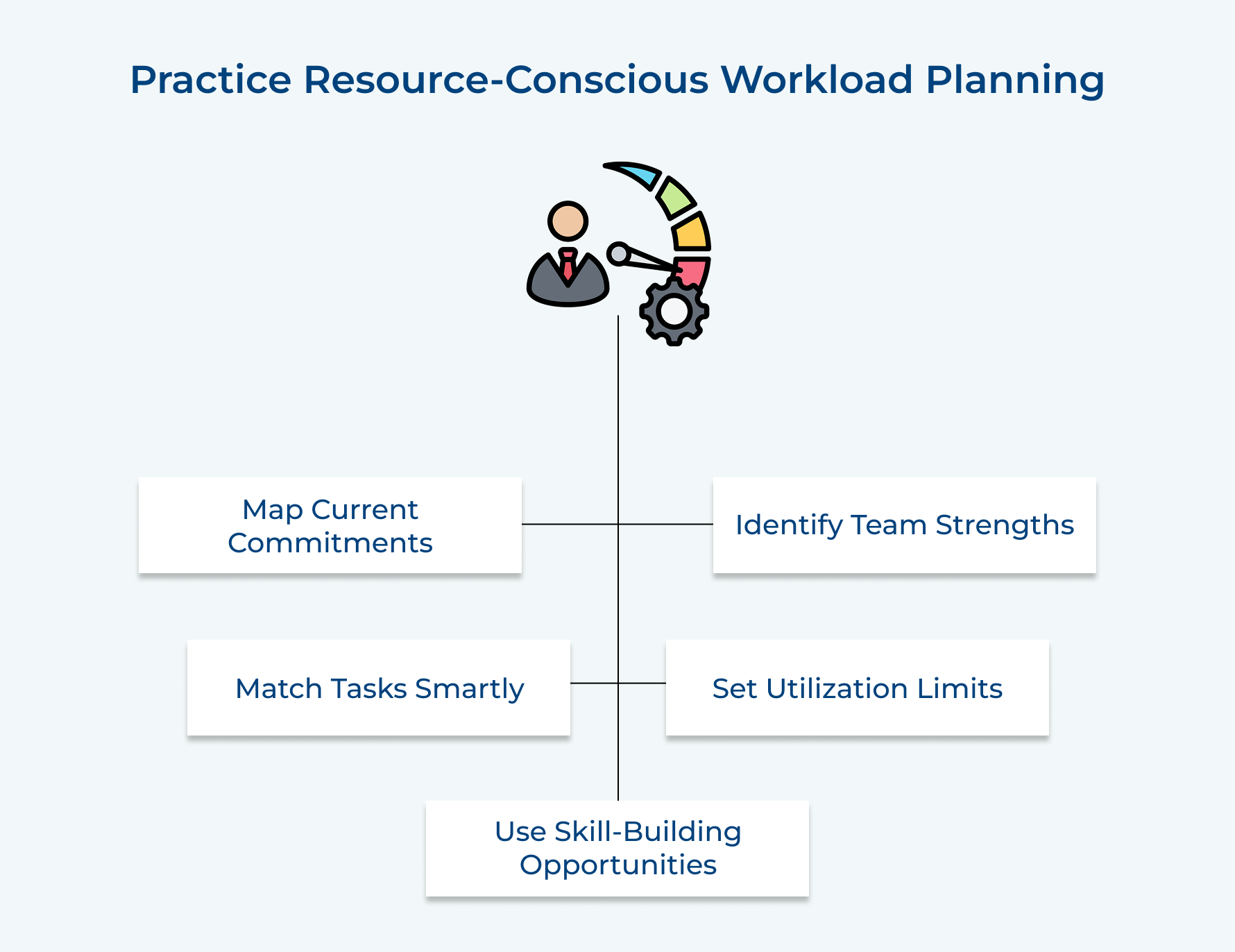
Start by mapping everyone’s current commitments and strengths before handing out new work. Match complex tasks to the right experts while shifting repetitive tasks to team members who can handle them efficiently or use them as skill-building opportunities.
Pro tips:
- Create a skills matrix that shows each team member’s strengths so you can make informed assignment decisions quickly.
- Set a maximum utilization threshold like 80% capacity per person to leave room for unexpected urgent work.
6. Track Utilization Levels Consistently
Utilization tracking means monitoring how your team members spend their time and if they’re operating at healthy capacity levels. Regular tracking lets you catch imbalances before they become serious problems that affect both quality and morale.
Consider this five-question checklist for tracking utilization levels:
- Is each team member spending more than 85% of their time on billable or productive work?
- Are there individuals consistently working overtime while others finish early?
- How much time is lost to context switching between too many simultaneous projects?
- Are people taking their allocated vacation time or letting it accumulate unused?
- Which team members have declined new work requests due to capacity constraints recently?
This checklist helps you spot warning signs like chronic overwork or inefficient task distribution before they damage team performance. You’ll notice patterns that aren’t visible when you only look at individual task completion.
7. Make Use of Automation in Repetitive Processes
Automation means using technology to handle routine tasks without human intervention for each instance. Automating the mundane frees your team to focus on work that actually requires human judgment and expertise.
Before automating, consider which processes are truly repetitive and if they follow consistent rules that technology can replicate reliably. The best automation candidates are high-volume activities where small time savings per instance add up to hours saved weekly.
Here are practical automation use cases that streamline workload:
- Status report generation: Automatically compile project updates from various tools into a single dashboard rather than manually collecting information from team members.
- Task assignment based on rules: Set up workflows that route incoming requests to appropriate team members based on request type and current capacity.
- Reminder and notification systems: Send automated alerts for approaching deadlines or required approvals instead of manually following up with people.
The main challenge with automation is the upfront time investment needed to set up systems correctly. Overcome this by starting with one high-impact process and dedicating specific time to implement it rather than trying to automate everything at once.
8. Establish Clear Communication Channels
Clear communication channels means creating designated spaces and processes for sharing work updates as well as capacity concerns without confusion. When everyone knows where to look for updates and how to raise issues, coordination becomes effortless rather than exhausting.
Set up specific channels for different communication needs rather than mixing everything together. Create one space for daily status updates, another for urgent blockers and a separate channel for general questions.
Pro tips:
- Establish response time expectations for each channel so team members know when “urgent” really means urgent versus can wait.
- Schedule dedicated focus time blocks where team members can ignore communication channels to do deep work without interruptions.
9. Build Flexibility Into Your Planning
Flexibility in planning means leaving intentional space in your schedule for unexpected work rather than booking every hour of team capacity. Teams operating at 100% capacity constantly scramble when anything unplanned appears while those with built-in flexibility absorb changes smoothly.
Here are effective ways to build planning flexibility:
- Create contingency plans for key resources: Identify backup team members who can step into critical roles if your primary person becomes unavailable.
- Allow time for learning and development: Build regular slots into your schedule for team members to explore new tools and strengthen their skills.
Imagine a software development team that schedules their two-week sprint at 80% capacity instead of filling every available hour. When a critical bug appears requiring immediate attention, they can address it without pulling someone off planned feature work.
Real Life Examples of Workload Management Strategies
These real-world examples show how different teams apply workload management principles to solve specific challenges. Each scenario demonstrates practical approaches you can adapt to your own situation.
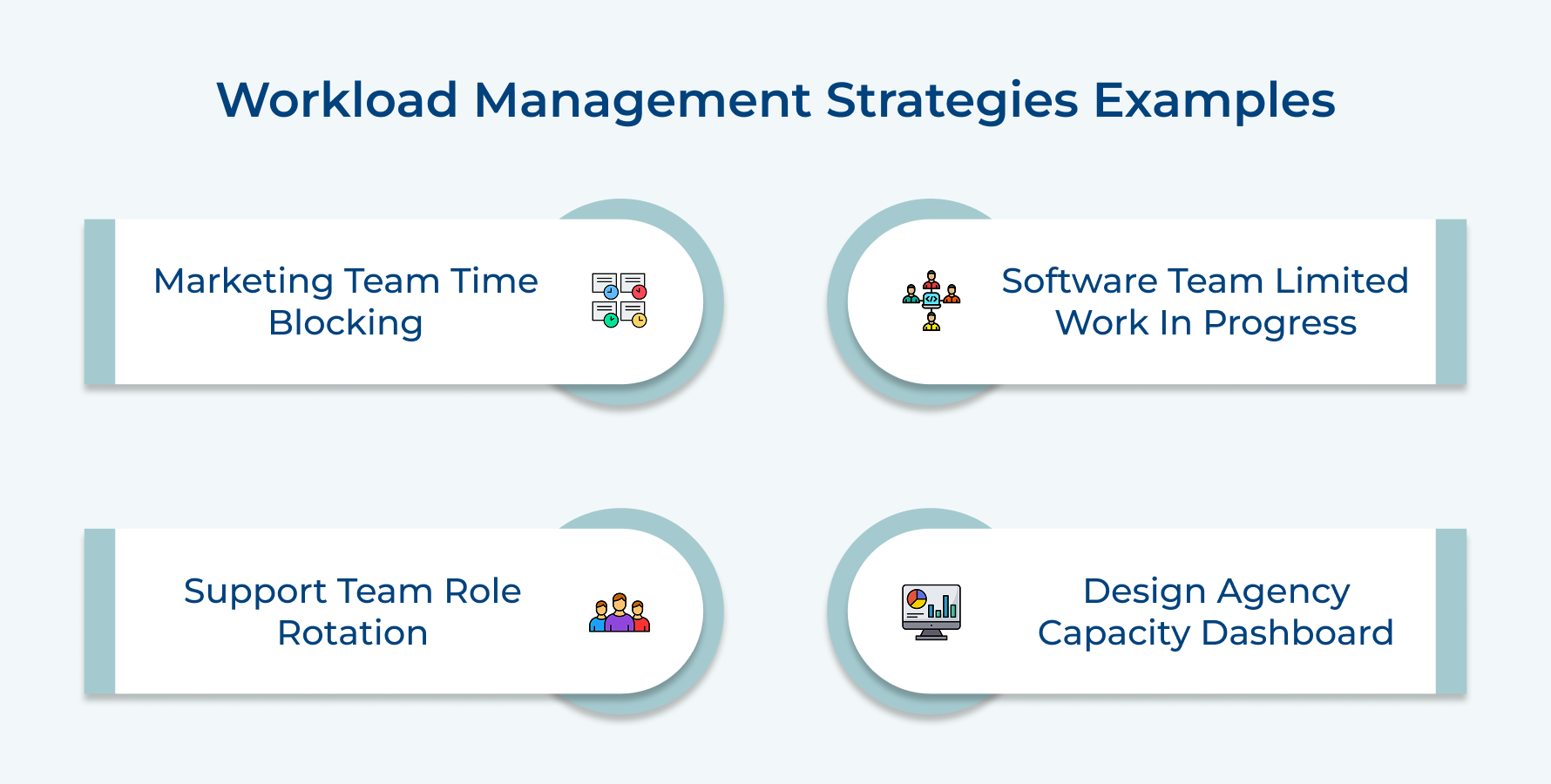
Example 1: Marketing Team Using Time Blocking
A content marketing team of five people struggled with constant interruptions derailing their creative work and missing publication deadlines regularly. They implemented time blocking where mornings from 9 AM to 12 PM became dedicated writing time with all notifications silenced.
The results appeared within two weeks as blog posts got completed on schedule and quality improved noticeably. This simple structure transformed their workload from chaotic to manageable without requiring new tools or budget.
Example 2: Software Development Team Limiting Work in Progress
A development team noticed projects dragging on for months because developers juggled five tasks simultaneously and nothing reached completion quickly. They adopted a work-in-progress limit where each developer could actively work on a maximum of two tasks at once.
The constraint forced honest conversations about priorities since accepting new work meant finishing or pausing something current first. Projects moved through their pipeline faster because focused attention replaced scattered effort across multiple incomplete items.
Example 3: Customer Support Team Rotating Specialized Roles
A support team faced burnout among their technical specialists who handled the hardest tickets while general inquiries piled up for everyone else. They created a rotation system where each specialist spent three days handling advanced issues then two days on general support.
The rotation prevented expert fatigue by giving them variety throughout each week. Junior team members learned advanced troubleshooting by observing specialists during handoffs while overall ticket resolution improved because specialists stayed energized.
Example 4: Design Agency Using Capacity Dashboard
A design agency regularly overcommitted to client projects because account managers didn’t know how busy designers actually were when saying yes to proposals. They implemented a shared capacity dashboard showing each designer’s current project hours and availability updated daily.
Account managers could now see immediately whether taking a new project meant hiring freelancers or pushing timelines before making promises. The transparency reduced conflicts between sales and production teams while improving project profitability through realistic scheduling.
Master your Tasks with Workload Management Strategies
Mastering workload management strategies transforms how your team operates by creating clarity around priorities and capacity limits. These approaches prevent burnout while improving the quality of work everyone delivers. When you implement even a few of these techniques, you’ll notice immediate improvements in team morale as well as project outcomes.
Start small by choosing one or two strategies that address your biggest current pain points rather than overhauling everything at once. Consistency matters more than perfection when building sustainable workload practices. The investment you make in thoughtful workload management pays dividends through healthier teams and better results over the long term.
Limit time — not creativity
Everything you need for customer support, marketing & sales.

Shivank Kasera is part of the marketing team at Kooper, where he focuses on building content that helps agencies and service providers grow. With a keen interest in SaaS, operations, and scalability, he translates practical insights into actionable resources for business leaders.