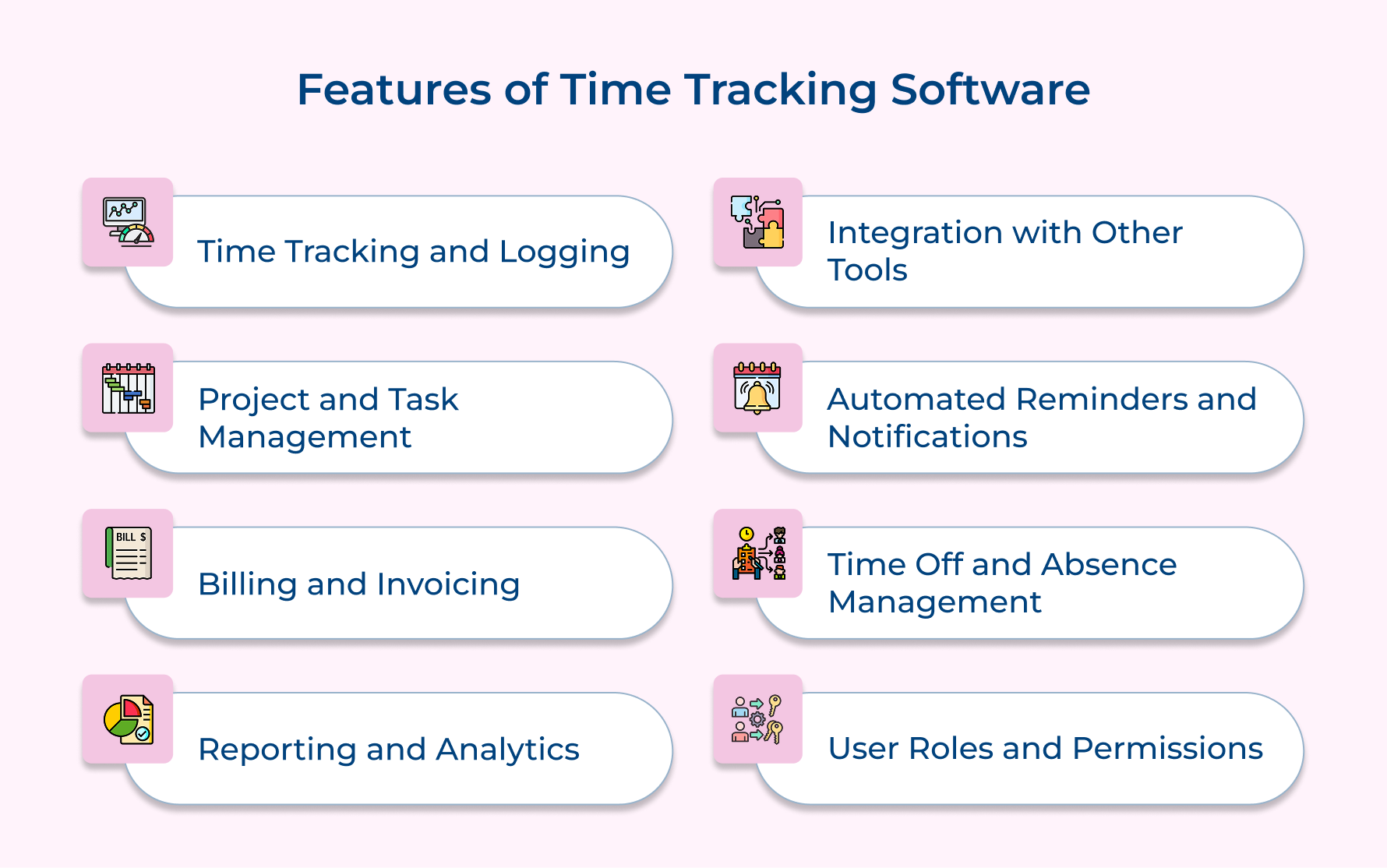
Time Tracking and Logging
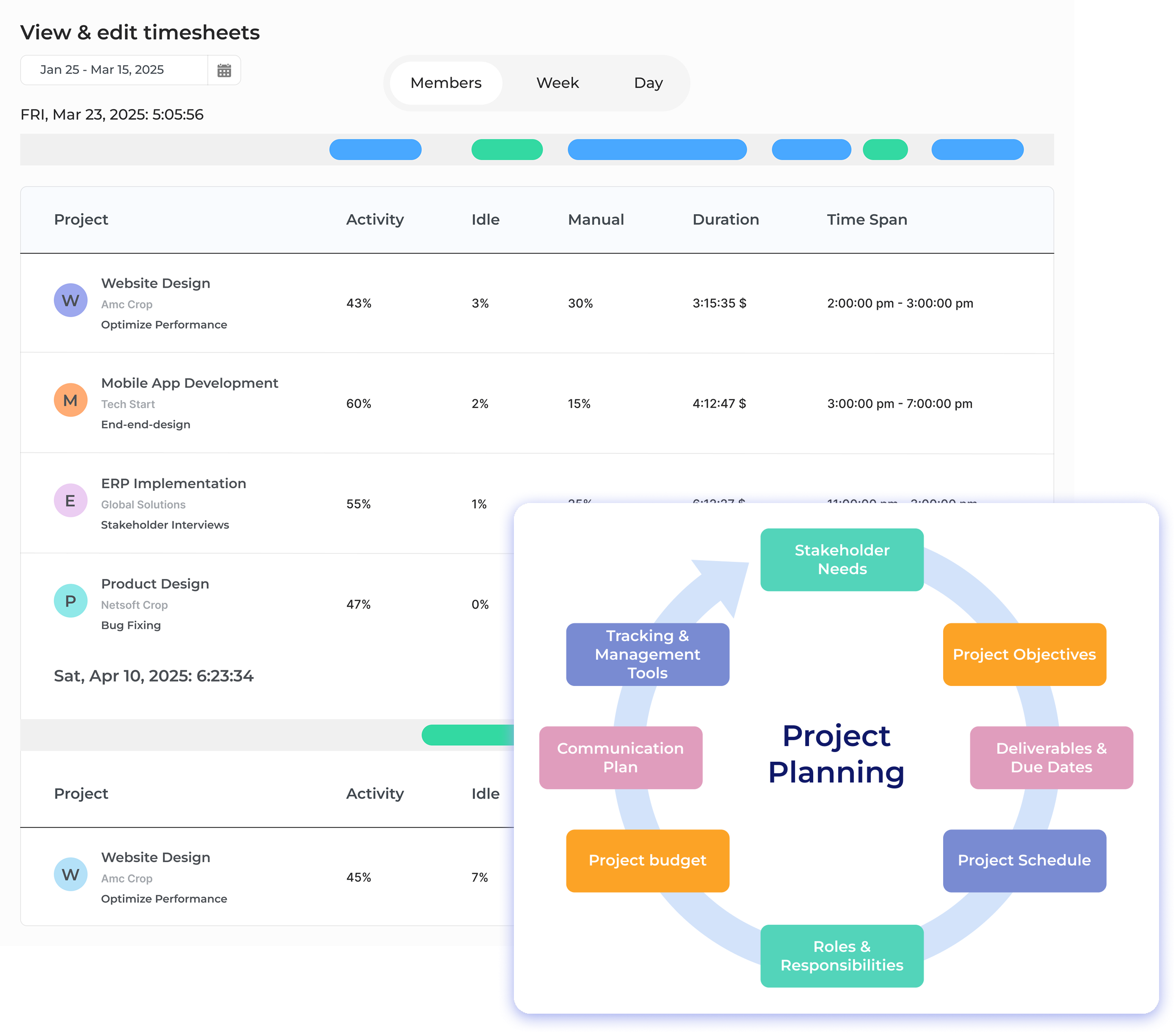
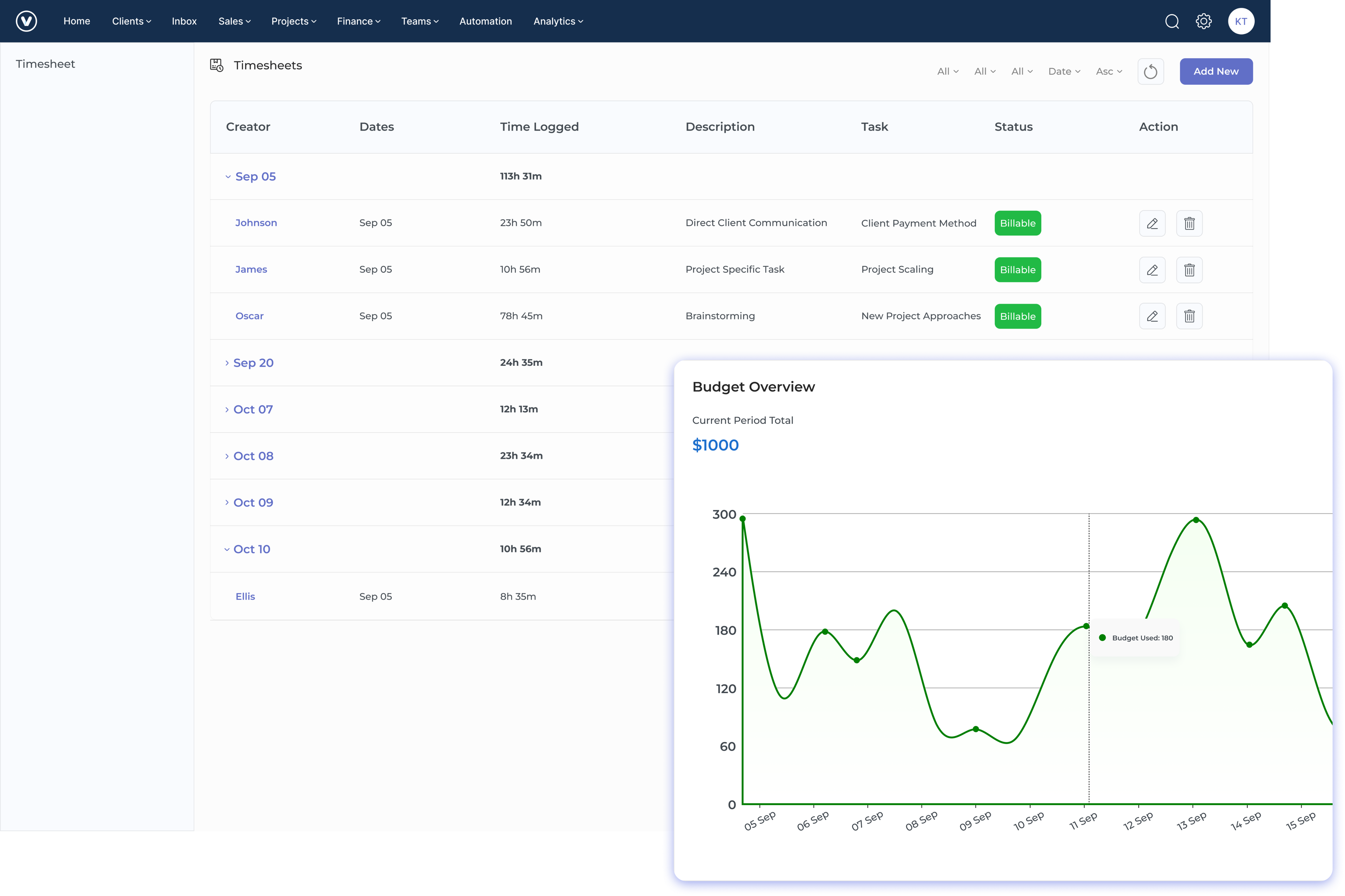
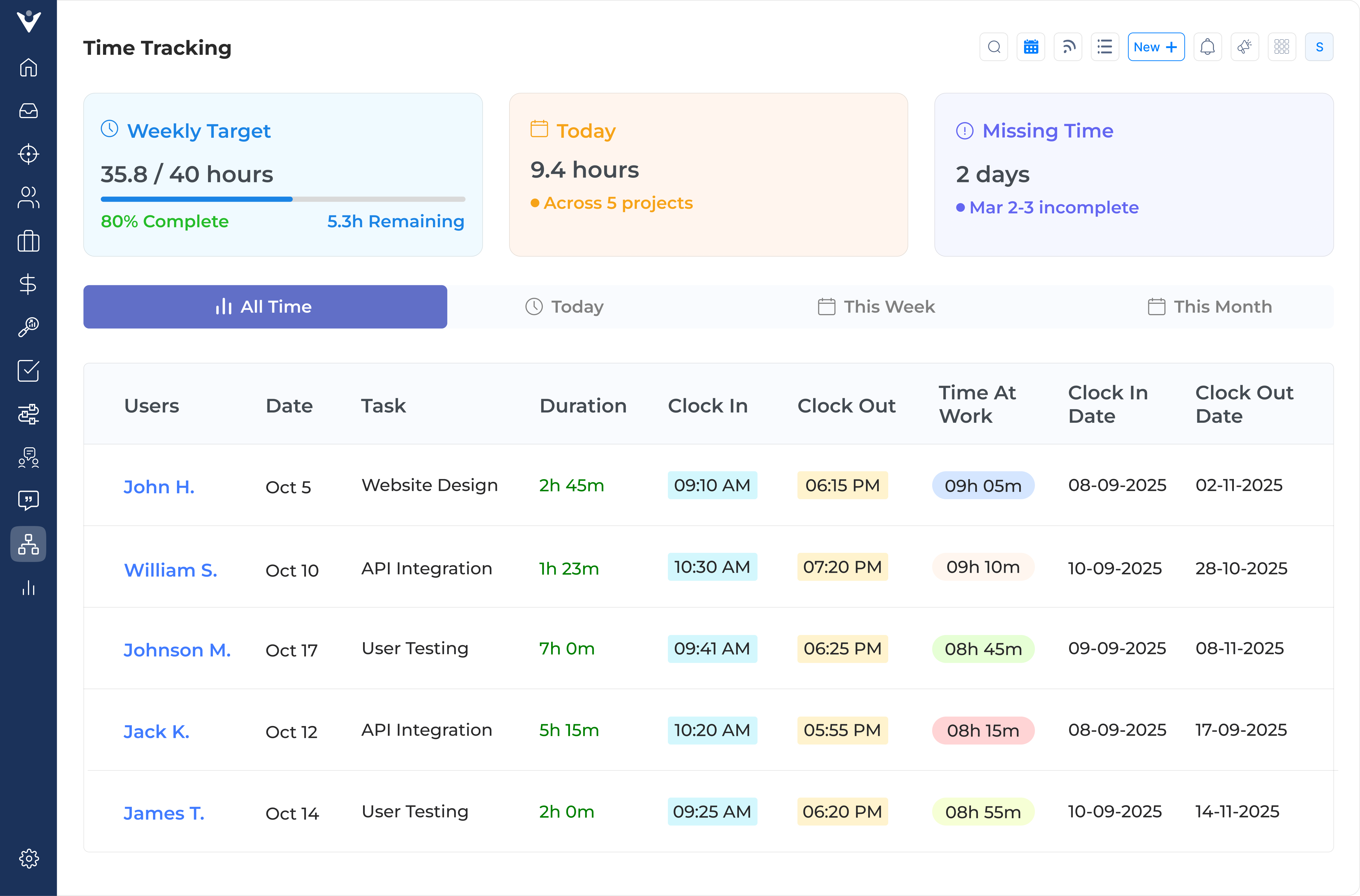
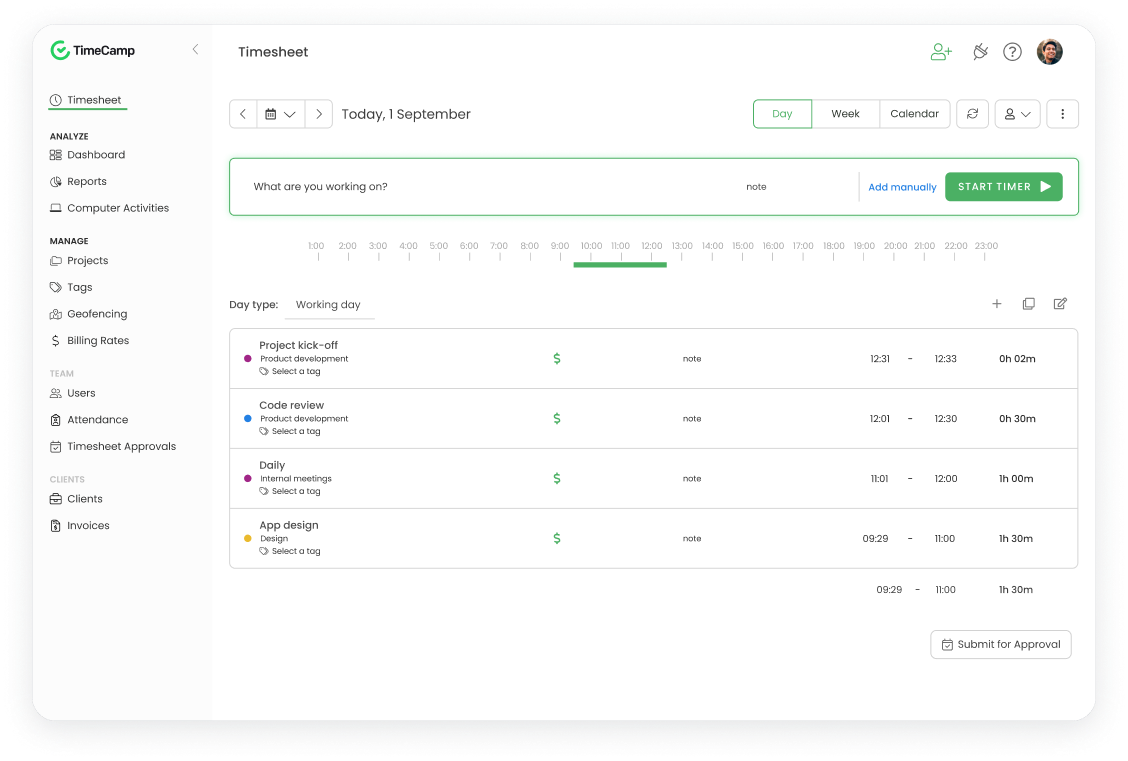
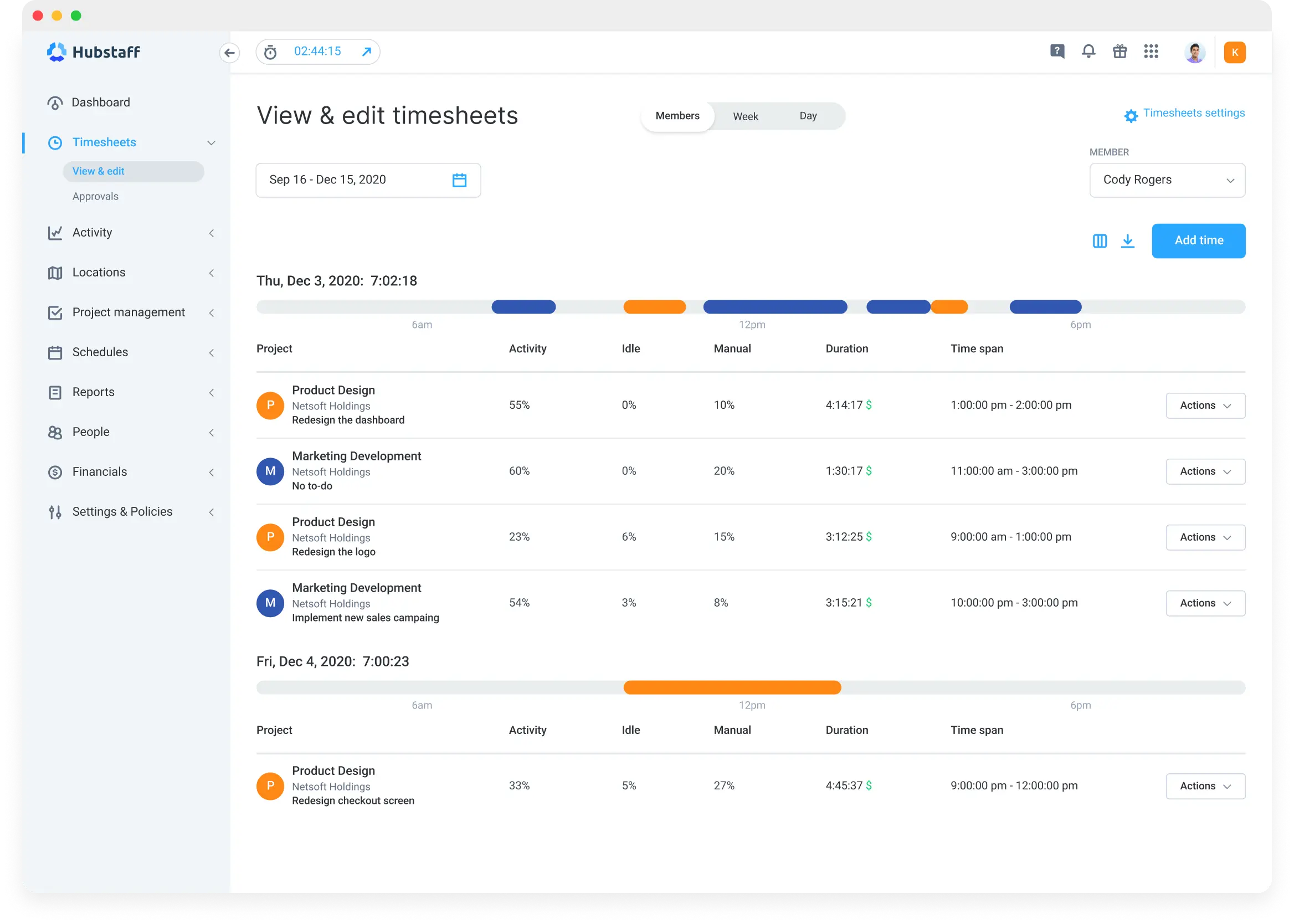
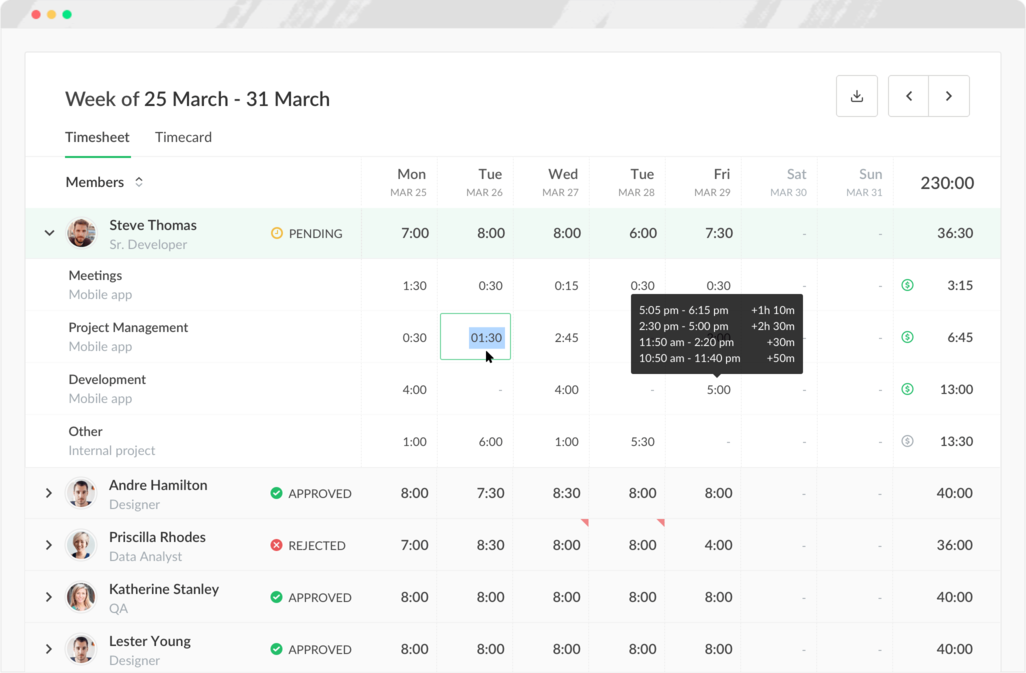
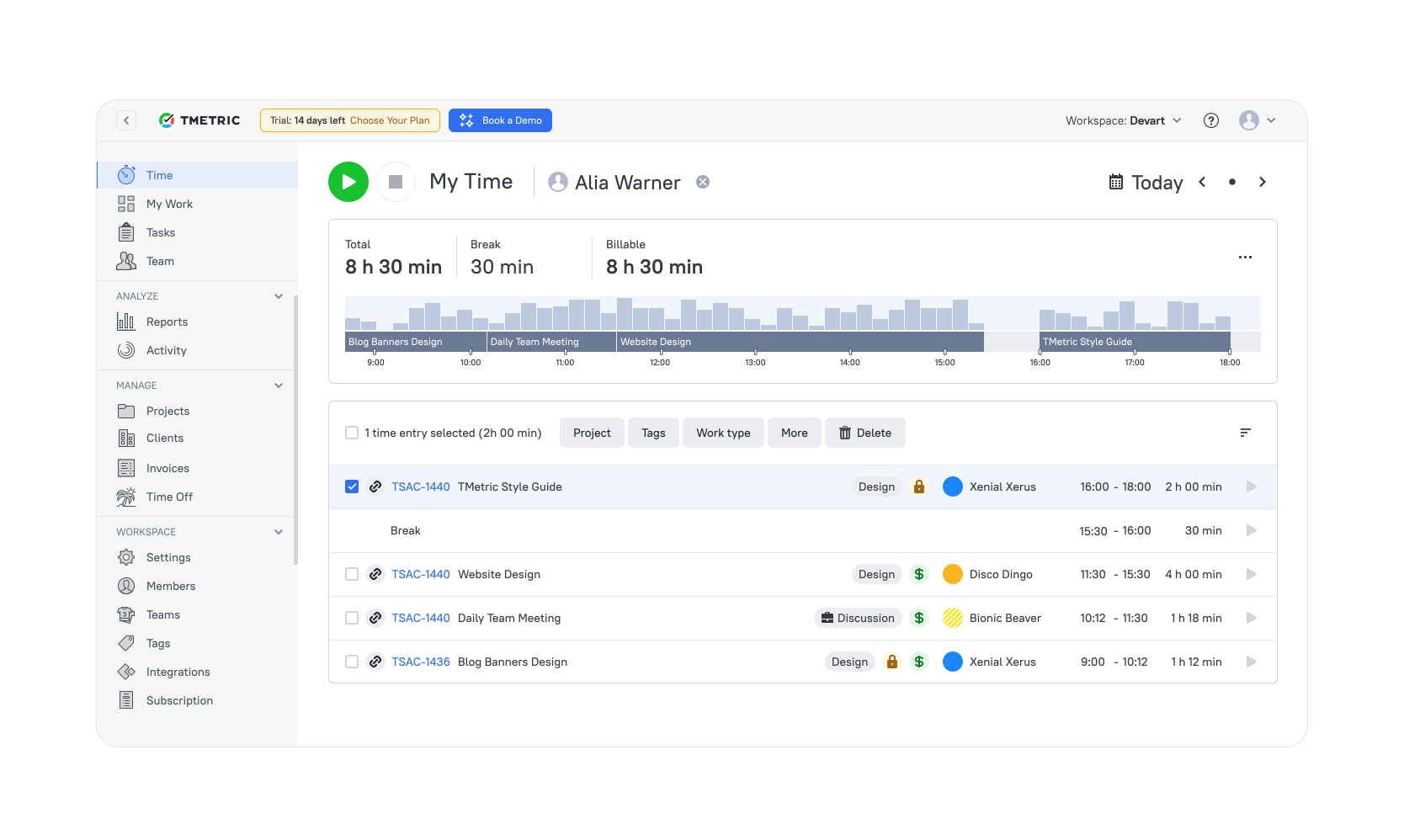
Time tracking software helps employees record the time they spend on different tasks and projects. This ensures accurate work hour logs and fair pay. Many companies now use time tracking tools for small businesses that allow time to be tracked manually or automatically.
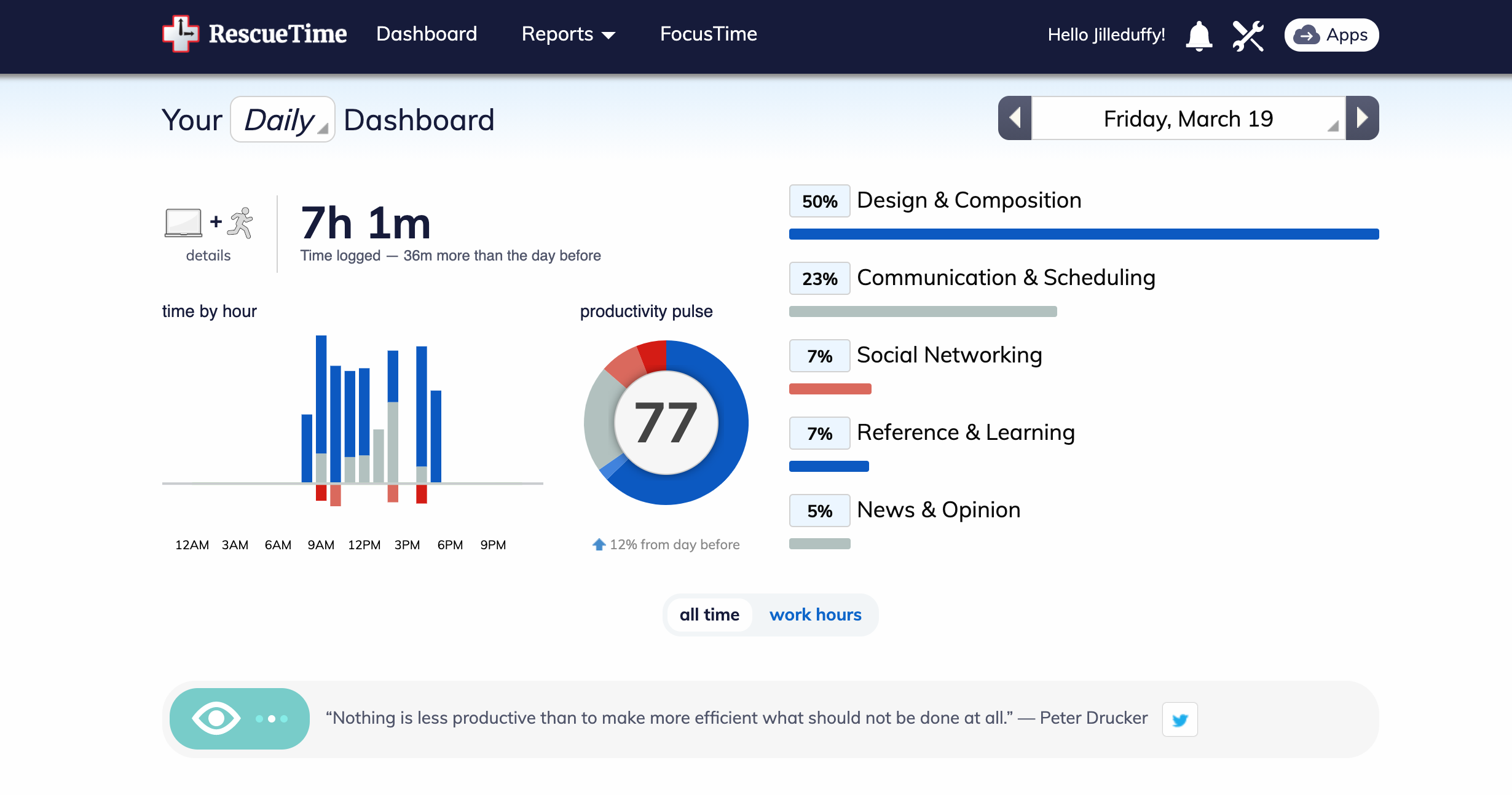
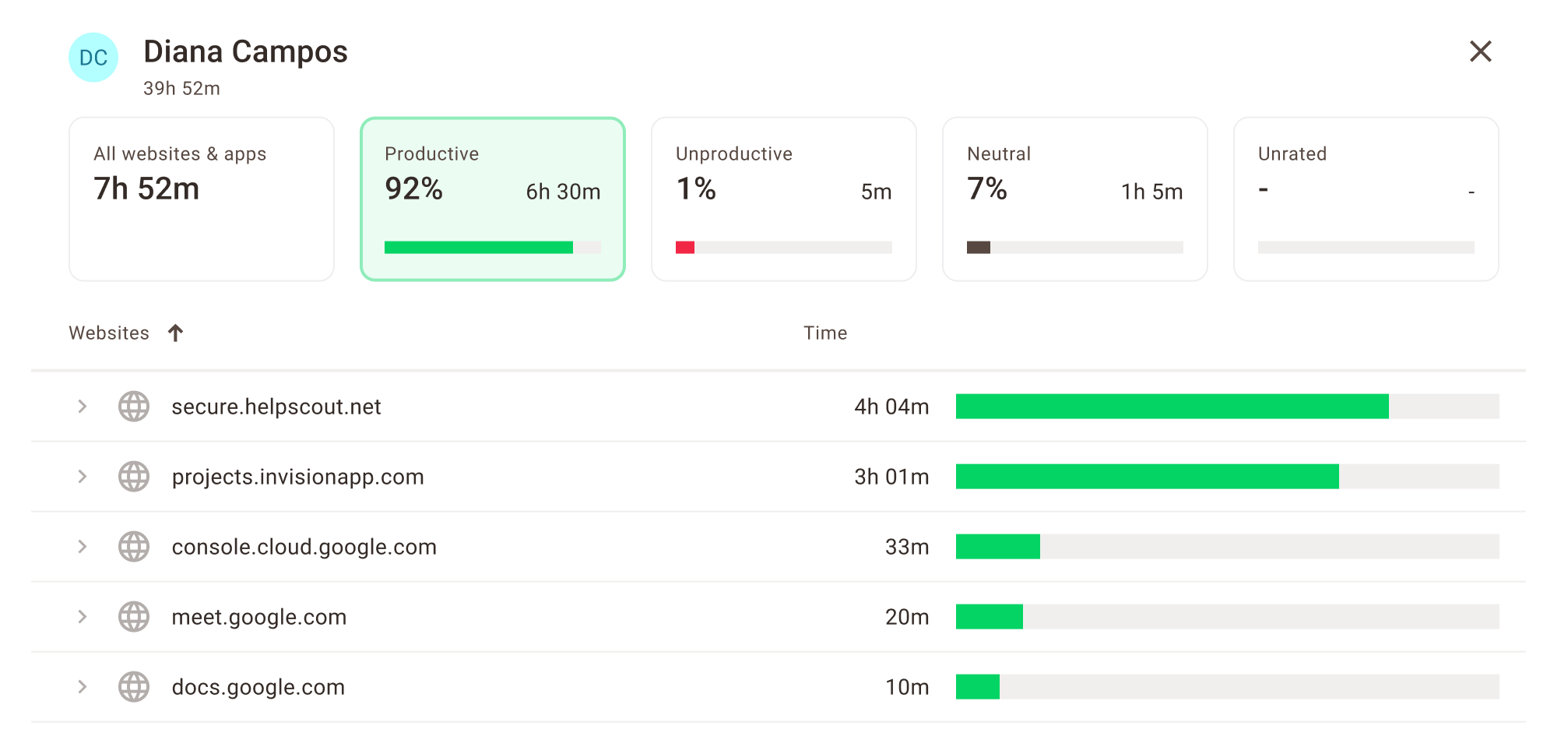
Automatic tracking often includes features like idle detection, which reminds users to log their time after being inactive. Employee time tracking tools are especially useful for companies that want precise insights into how their employees spend work hours, making project planning more efficient. Some tools also allow automatic time categorization based on the apps or websites used.
Project and Task Management
Good time tracking tools also offer project and task management features. Managers can assign tasks and track progress, helping teams stay organized as well as meet deadlines.
Advanced features may include subtasks, dependencies, and visual timelines like Gantt charts or Kanban boards. Some tools also support teamwork with comments and file sharing.
Billing and Invoicing
For companies that bill clients by time, time tracking software can make invoicing easier and more accurate. This is particularly true for professionals in accounting firms, where the best time and billing software for accountants helps maintain accuracy and streamline client billing.
Consulting time tracking and billing software often includes extras like customizable templates, varied billing rates, and currency conversion.
Reporting and Analytics
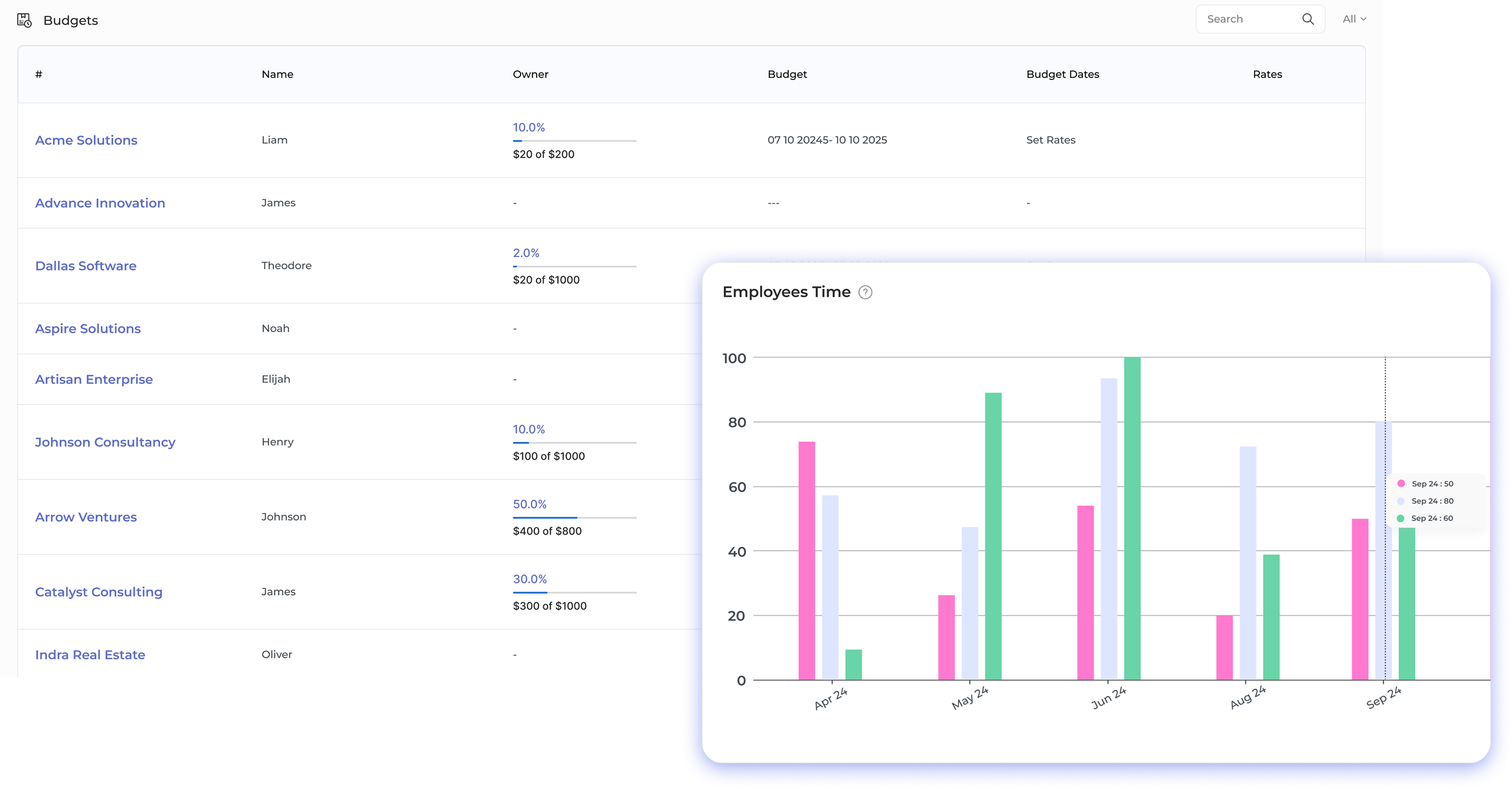
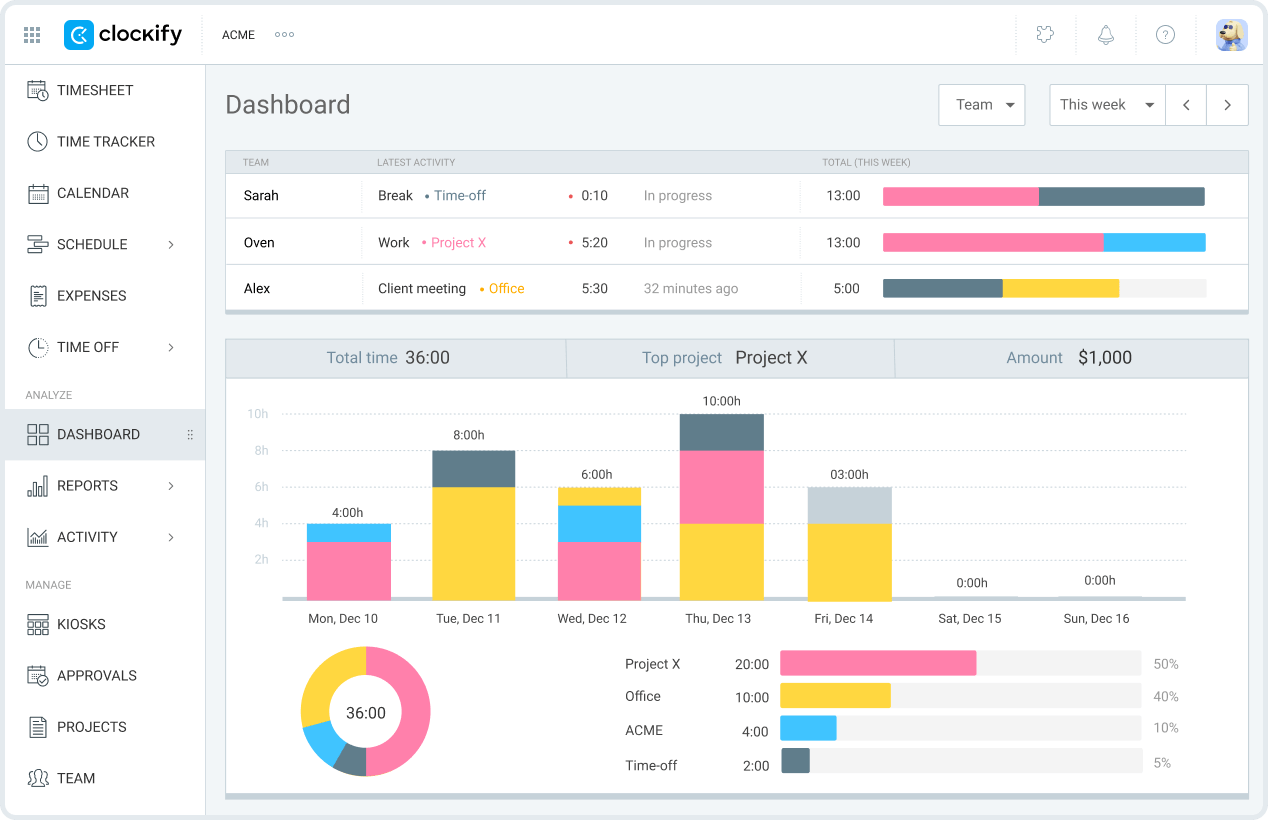
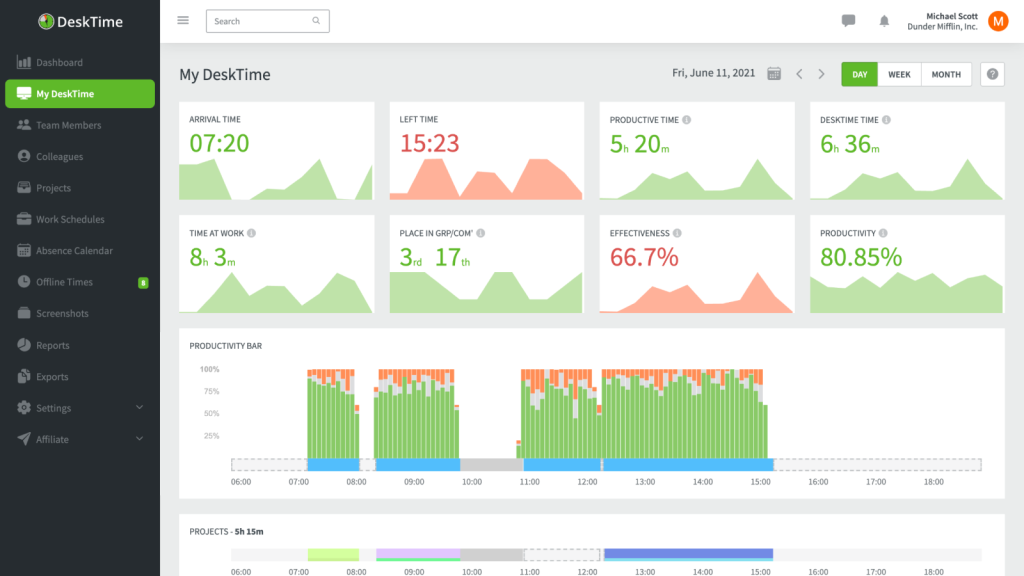
Many time tracking tools include reports and analytics to show how time is spent. These insights help managers improve productivity and manage resources better.
Users can often customize dashboards to focus on key metrics. Some tools even offer performance comparisons and future planning based on past data.
Integration with Other Tools
Time tracking software that connects with tools like project management, accounting, or payroll systems can save time and reduce errors. Integrations allow data to flow smoothly between platforms.
Popular integrations include Asana, Trello, QuickBooks and Salesforce. Some tools also offer APIs for custom connections.
Automated Reminders and Notifications
Automated reminders help users remember to log time, submit timesheets, or update tasks. Managers can also get alerts if a project is behind or if someone is nearing overtime.
Users can choose how and when they want to receive notifications, whether by email, SMS, or in the app.
Time Off and Absence Management
Some time tracking tools also let businesses track time off like vacations or sick leave. In a legal firm, implementing time tracking software for lawyers ensures attorneys’ hours are accurately logged and leave is properly recorded. This helps keep accurate records and improves team scheduling.
Advanced options include custom leave types, policy enforcement and tracking accruals based on work hours or length of service.
User Roles and Permissions
To keep data safe, time tracking software often includes user roles and permissions. Admins can control who sees or edits certain data.
For example, employees might only see their timesheets, while managers can view their whole team’s data. Permissions can also be customized by project or feature.