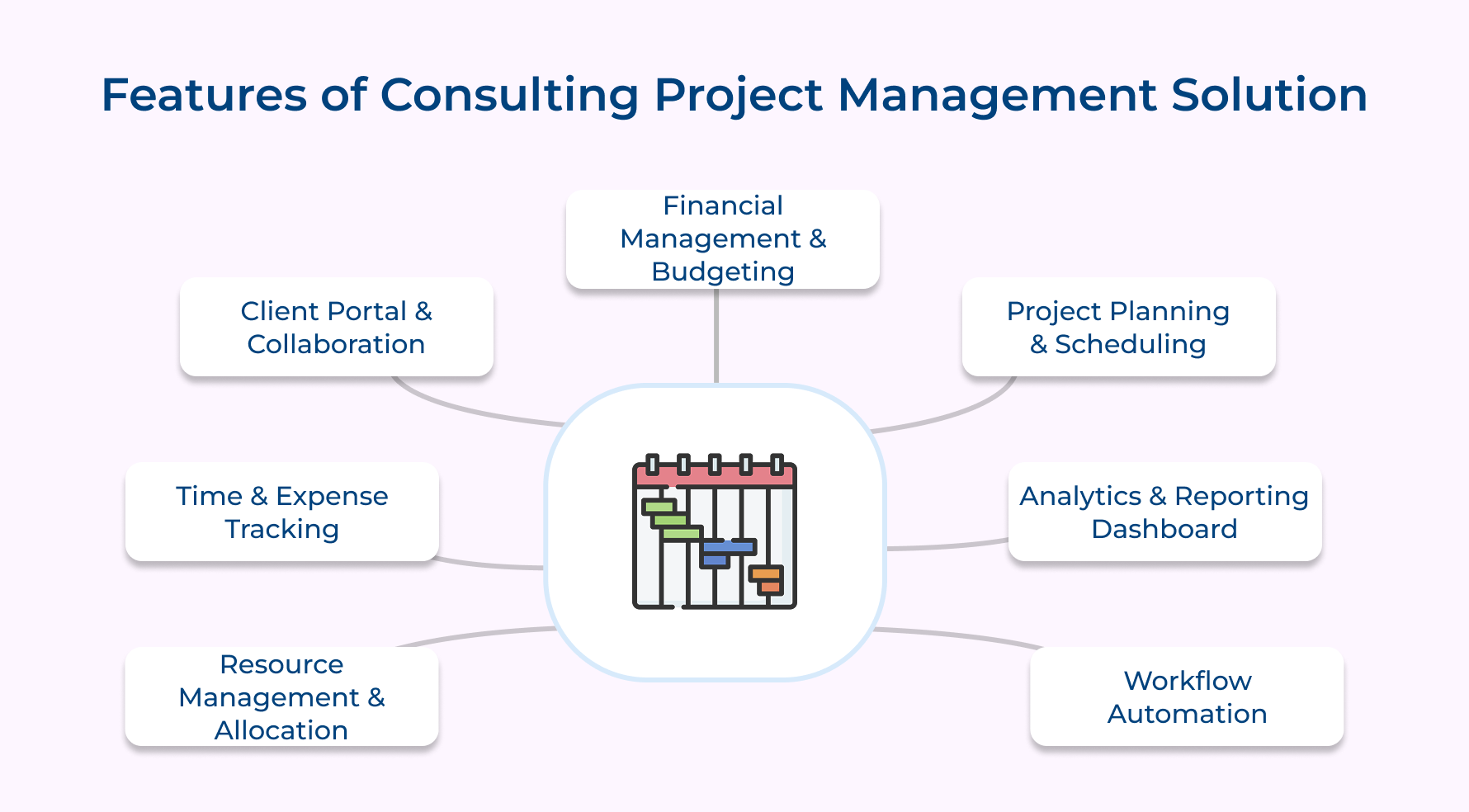
Resource Management & Allocation
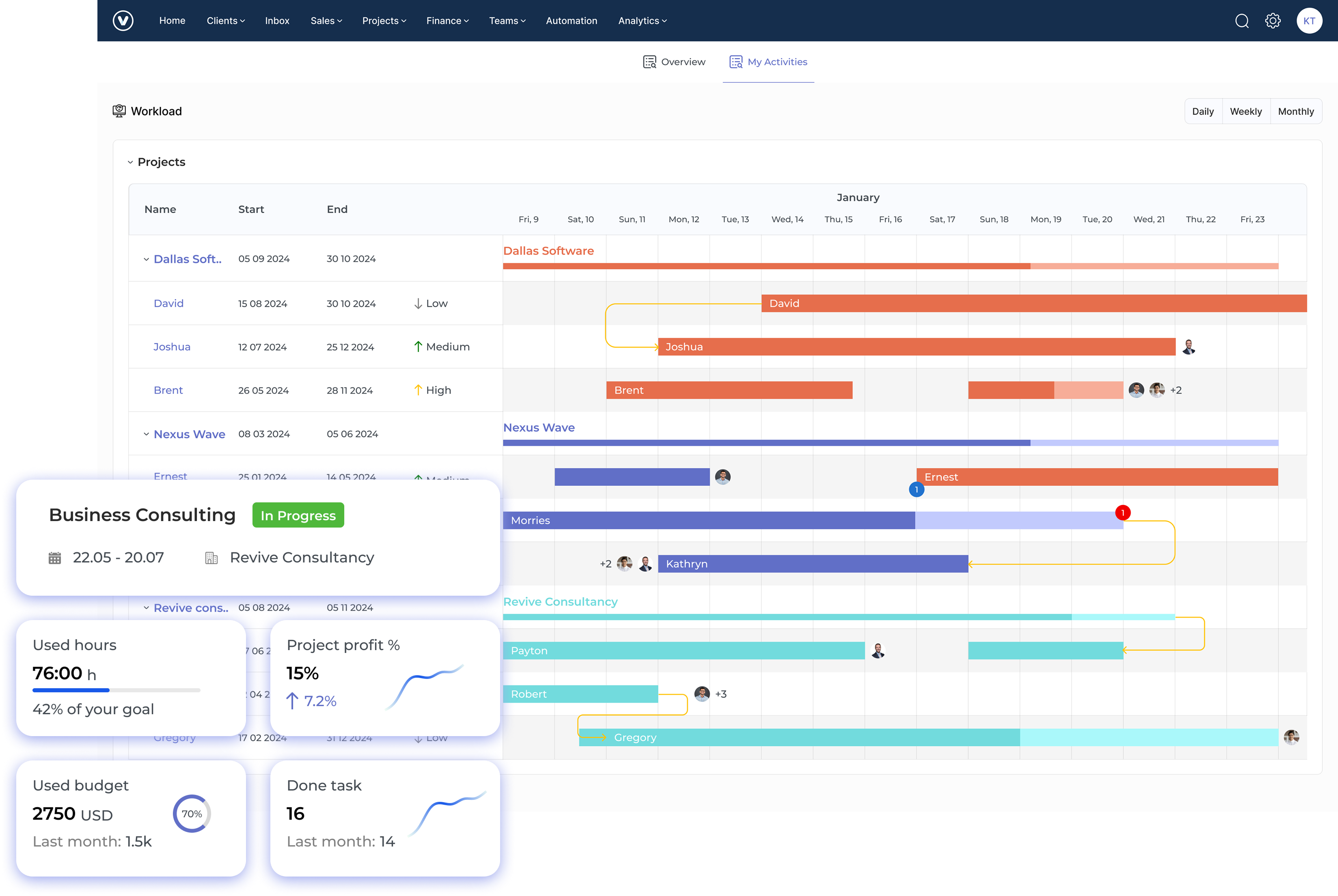
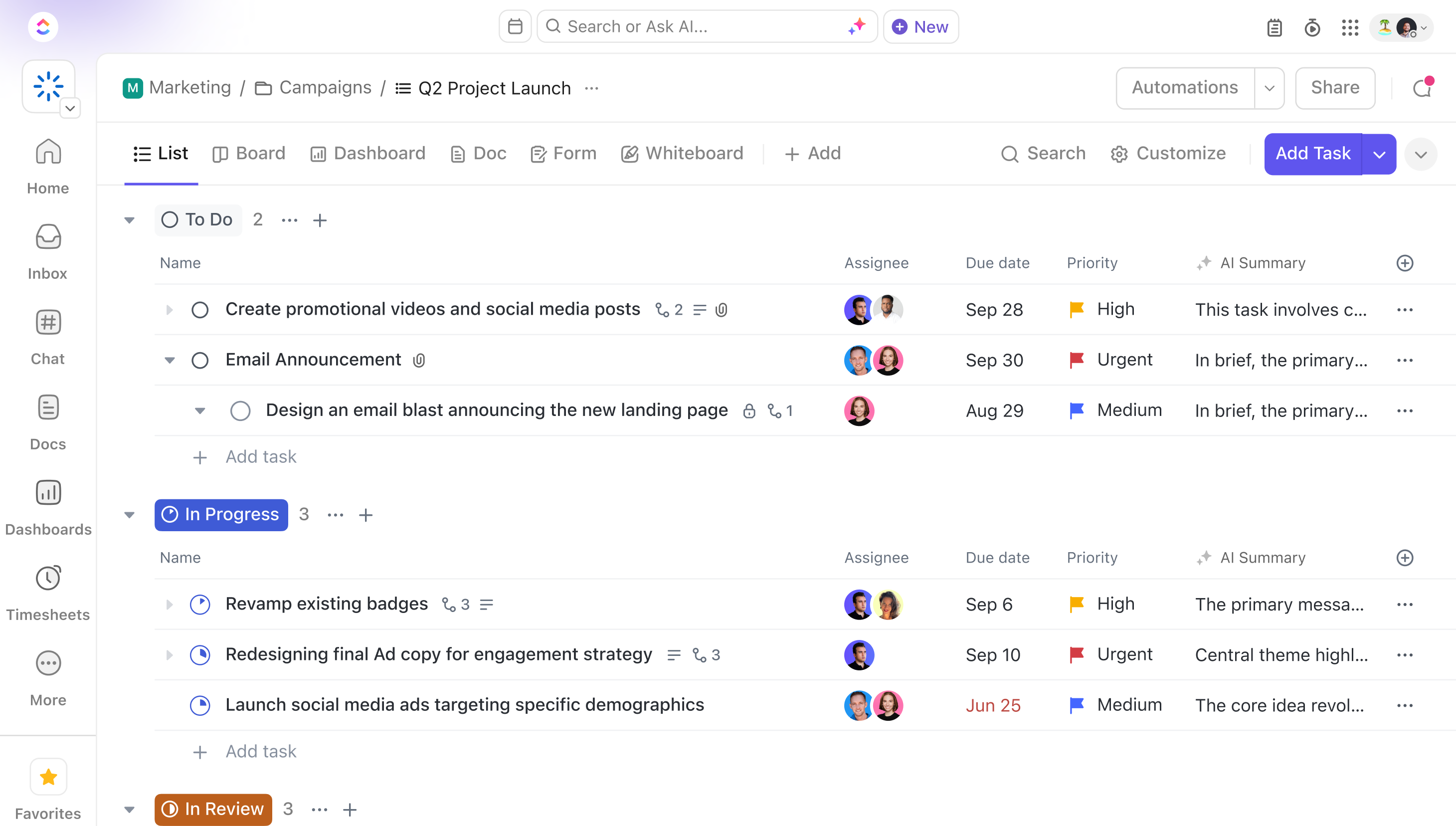
Project managers can assign consultants to the right projects based on their skills and availability. Using PSA tools, managers can streamline scheduling to prevent conflicts and keep workloads balanced.
The system shows who is working on what in real-time, so no one gets overworked and billable hours are maximized. It also helps predict future staffing needs, making hiring easier. Skills tracking ensures each consultant is matched with the right project to maintain quality service.
Time & Expense Tracking
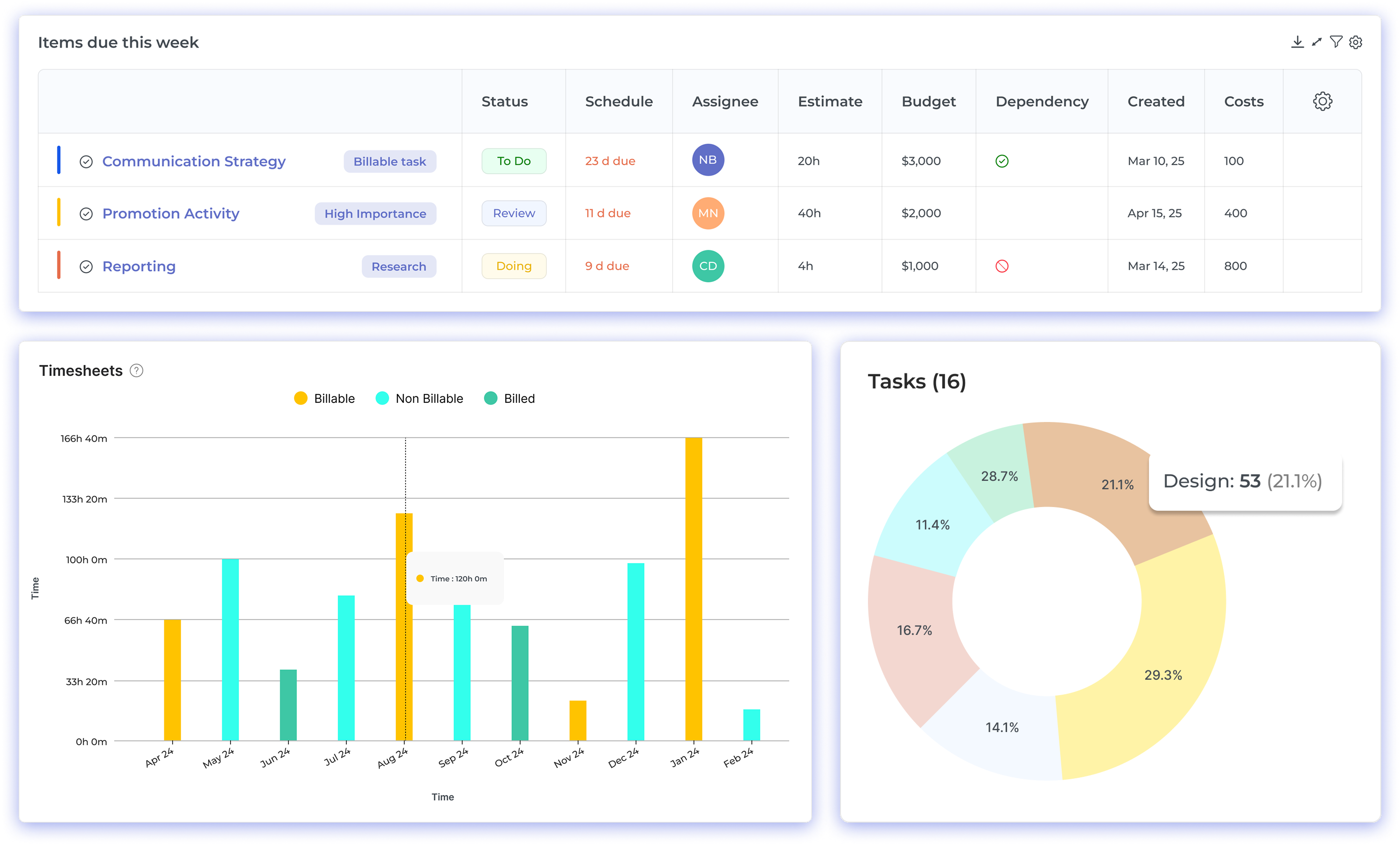
Track time, expenses and consultant activities in one place. Automated timesheets with multi-currency support make client billing easy and accurate. This platform ranks among the best time tracking tools for consultants, offering easy time and expense logging on mobile. Approval workflows help meet billing rules and company policies.
You can also track expenses by category and use rate cards for different clients. The system checks for errors to keep billing consistent and reliable.
Client Portal & Collaboration
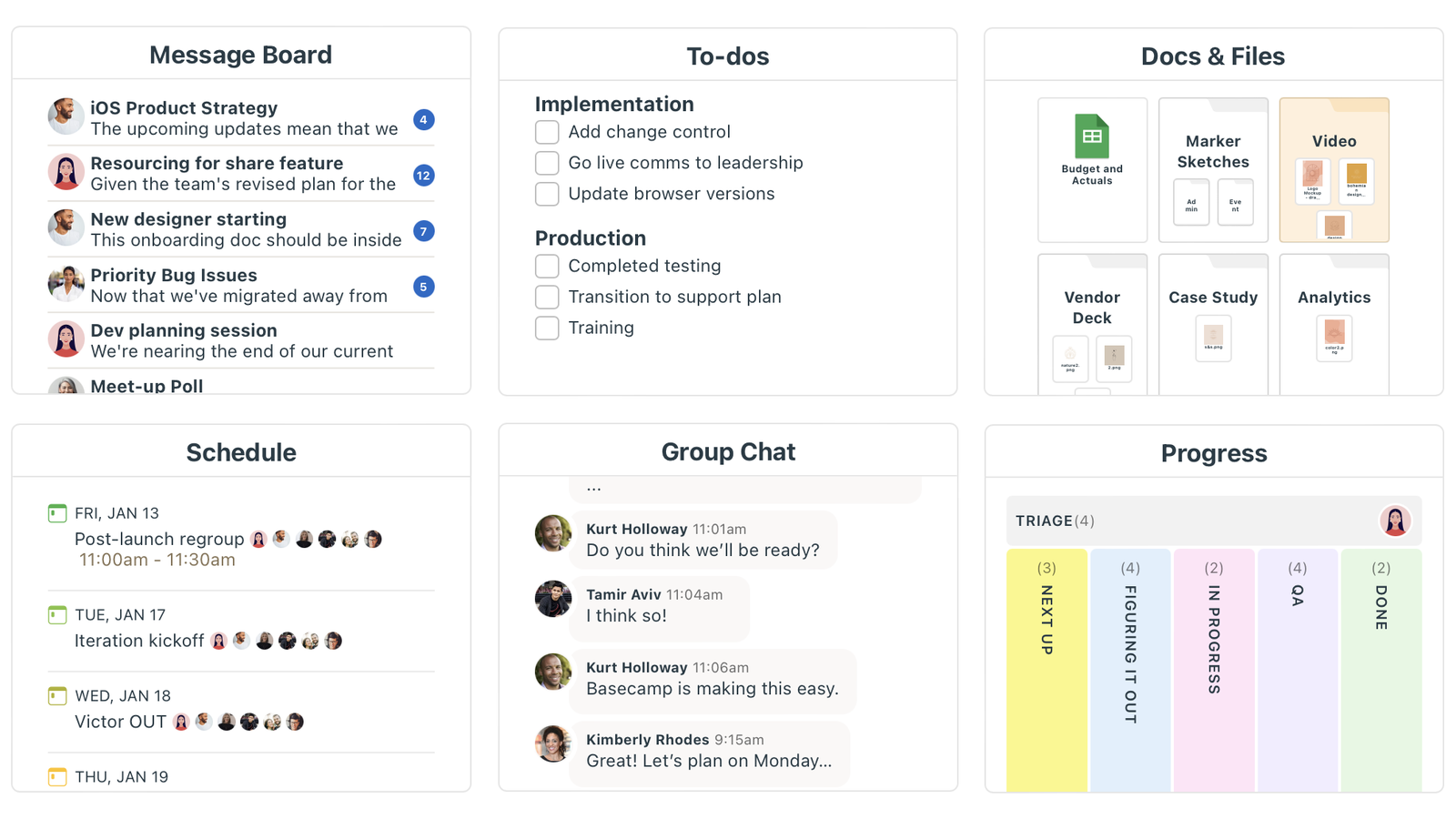
Clients get a secure space to view documents, give feedback and approve milestones. They can see real-time updates and stay involved throughout the project.
Branded portals let clients review work and track progress, building trust while reducing back-&-forth communication. A consulting CRM can further enhance this by keeping discussion threads and comments organized as a clear record of decisions. Access controls make sure only the right people see sensitive information.
Financial Management & Budgeting
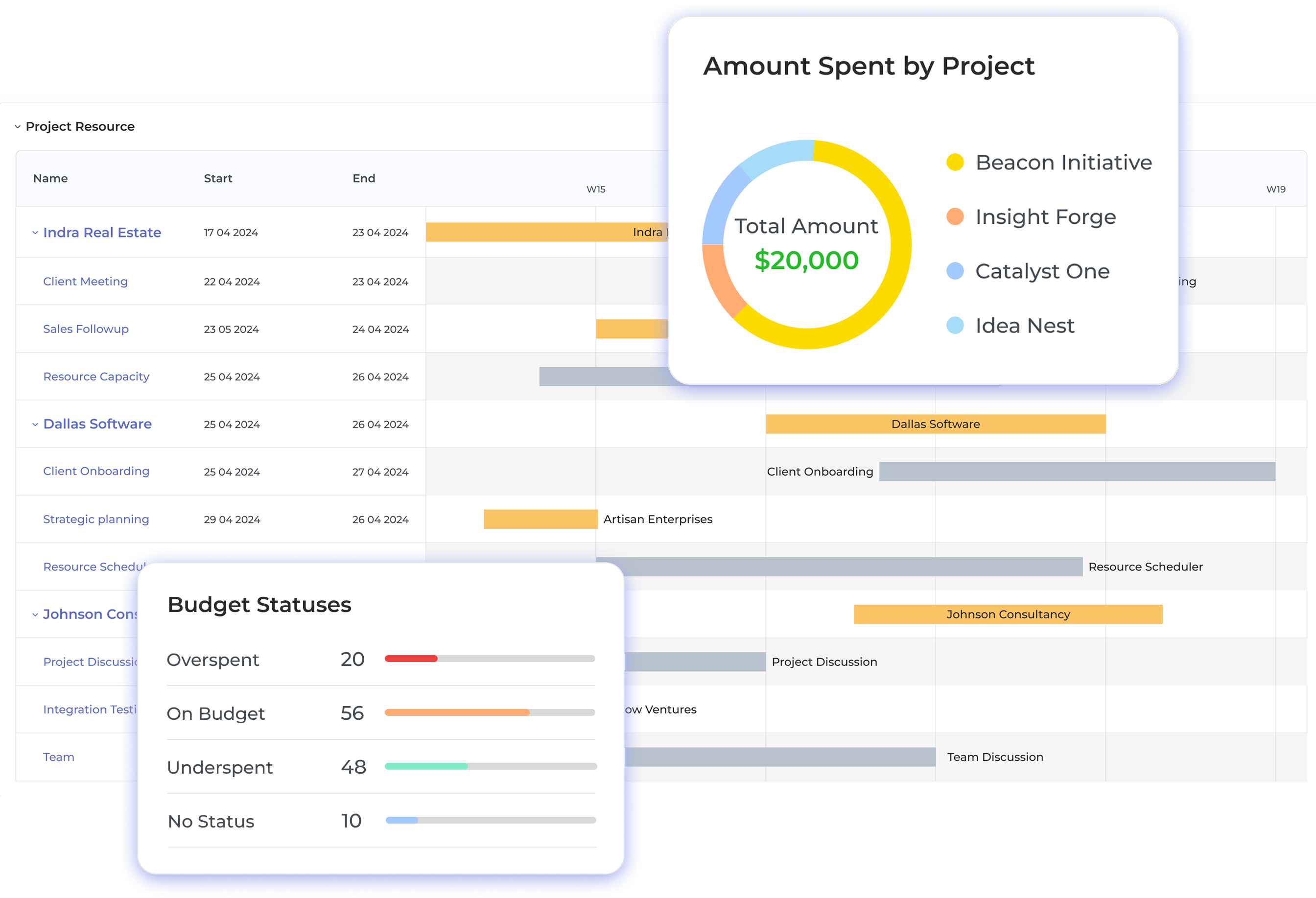
Keep track of budgets, costs and profits more effectively with financial project management solutions that offer powerful tools and system integrations. The software connects with accounting systems to automate invoices and reports. It calculates margins, forecasts revenue and helps managers make smart choices about spending as well as resources.
Budget tracking tools warn of overspending early. Earned value management compares project performance to financial goals. Multi-currency support handles international work with up-to-date exchange rates.
Project Planning & Scheduling
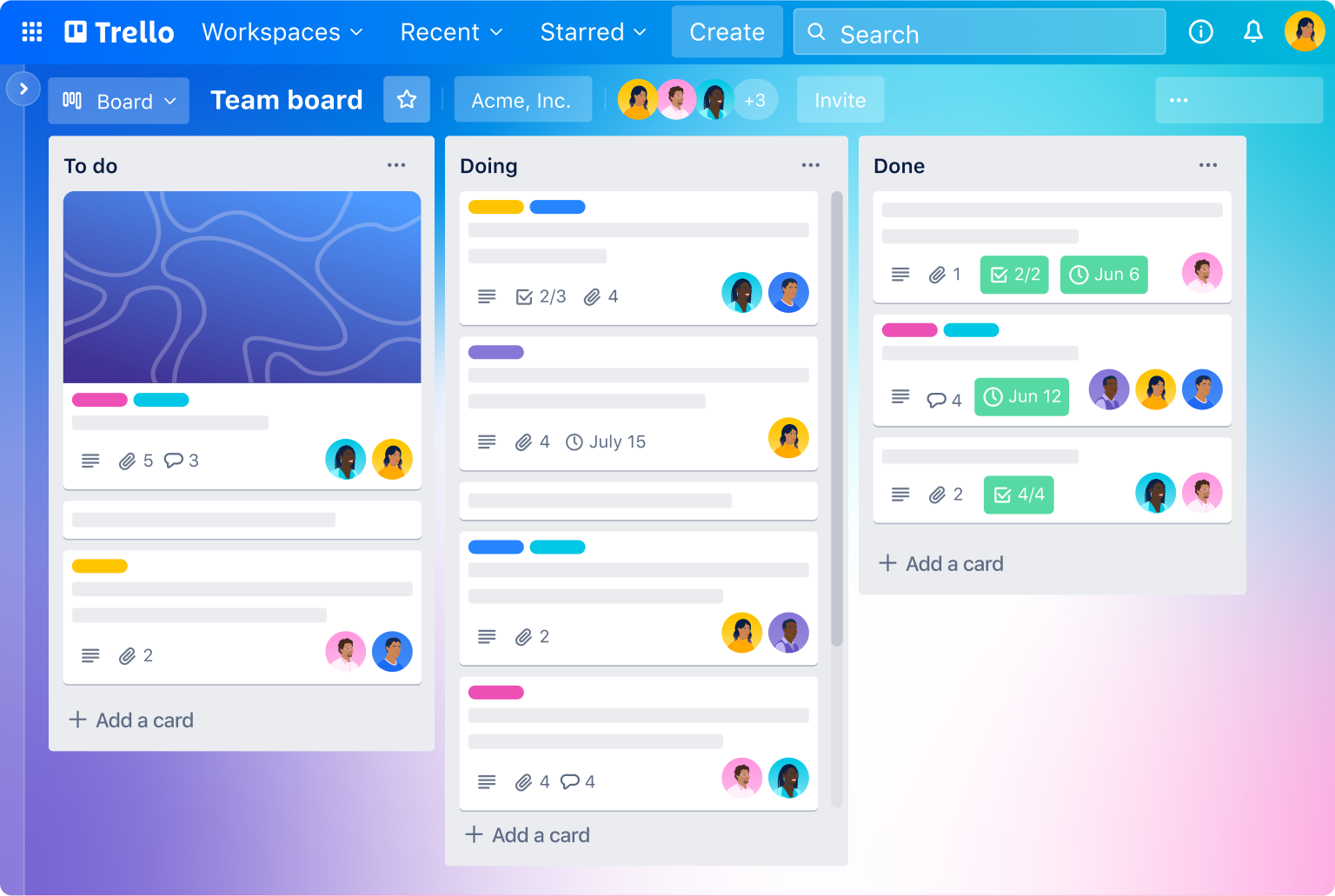
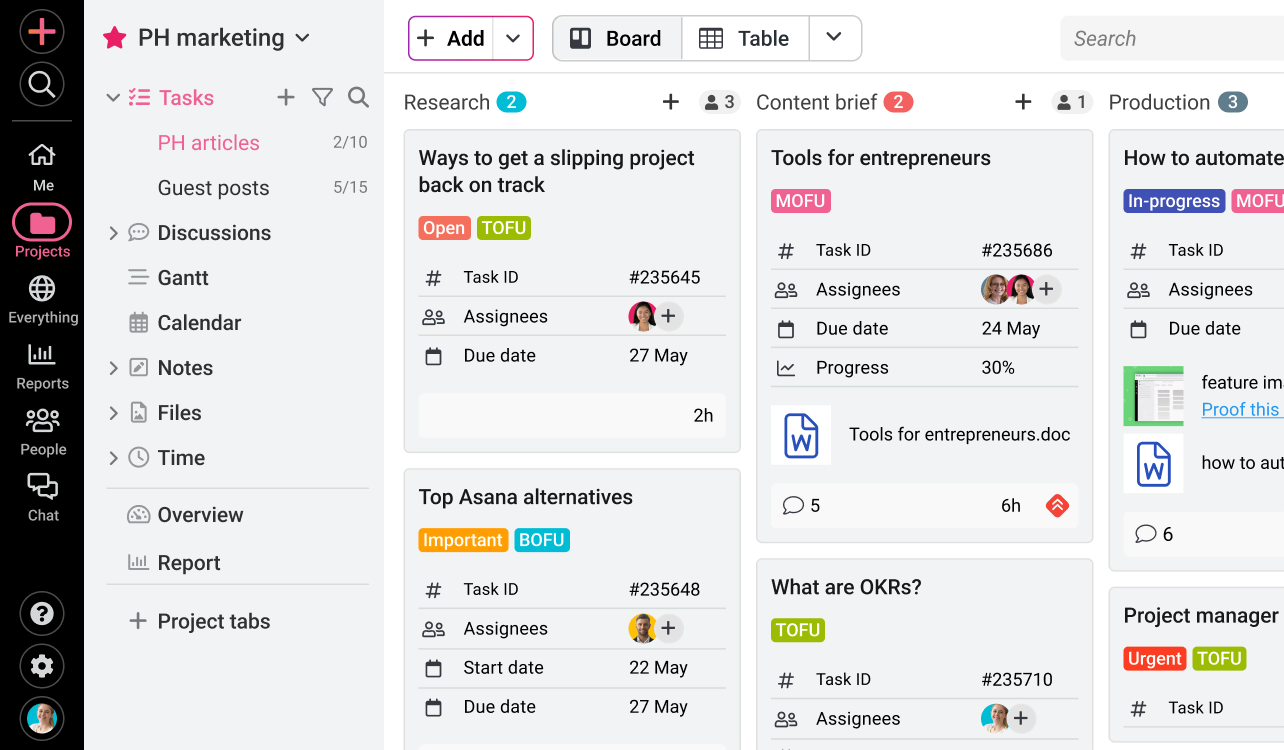
Engineering consultants often rely on project management tools for engineers to coordinate technical tasks and dependencies efficiently. Use Gantt charts and timelines to plan tasks, deadlines, project phases etc. Drag-and-drop tools make it easy to adjust schedules as things change.
An ERP for service industry also supports critical path analysis, helping the system find the best timing based on workload and deadlines. Templates and standard workflows save time as well as improve consistency. Scenario planning lets you test different plans before making final decisions.
Analytics & Reporting Dashboard
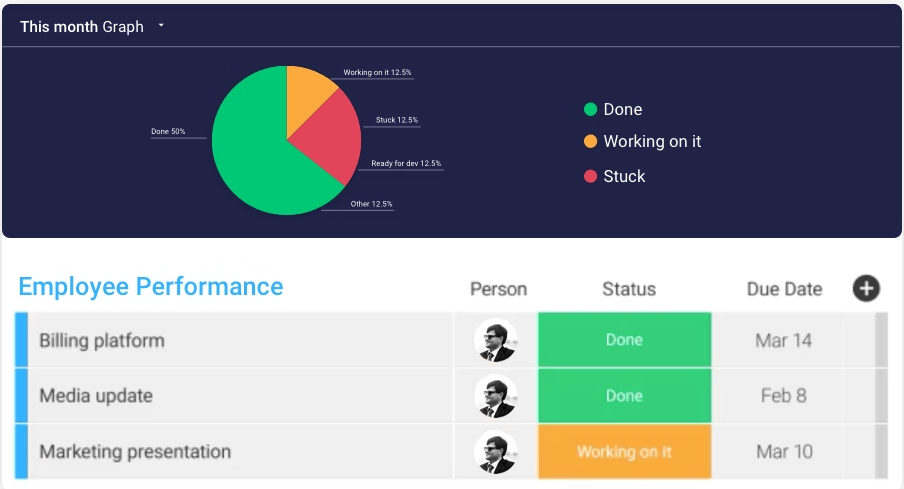
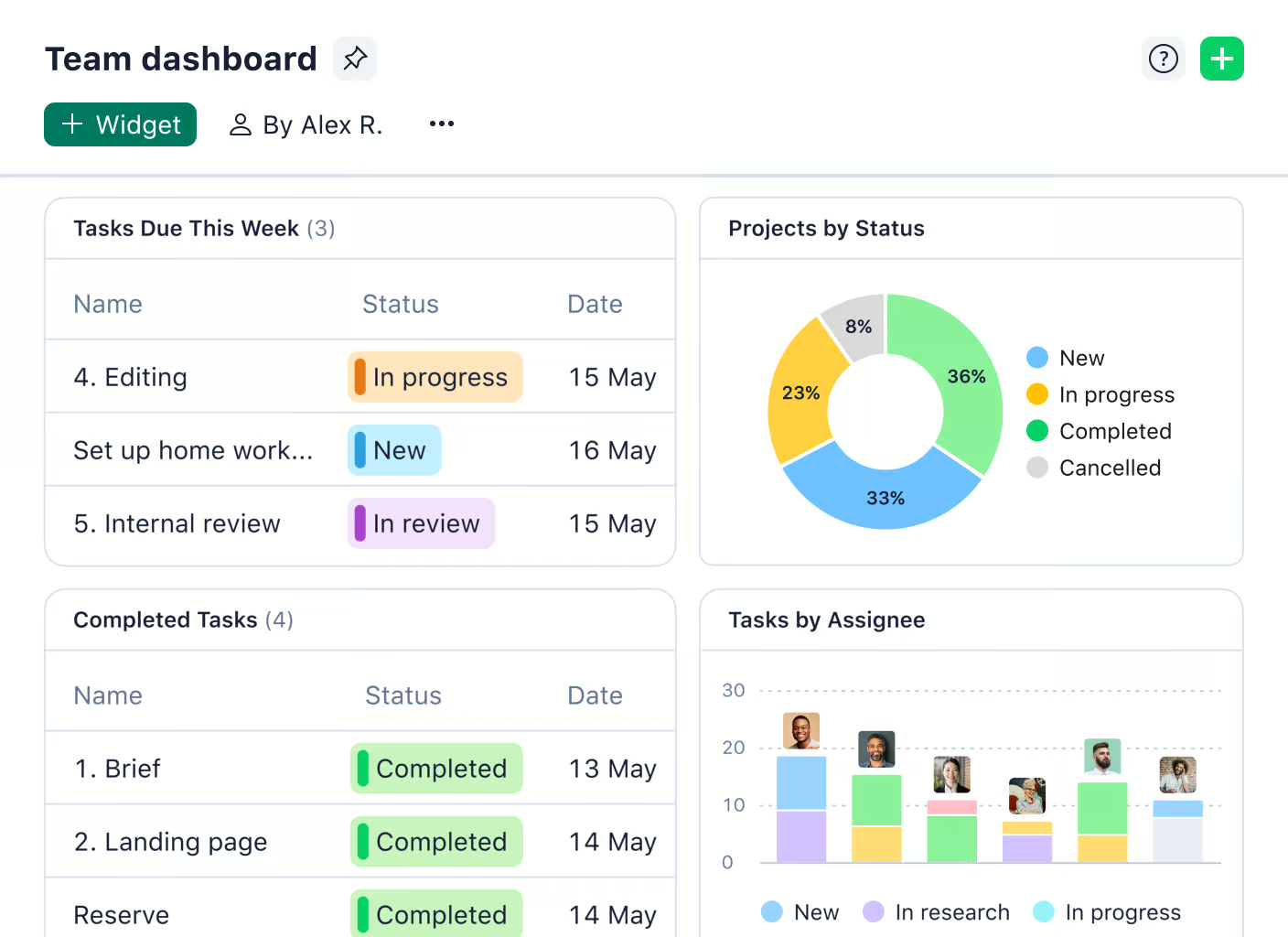
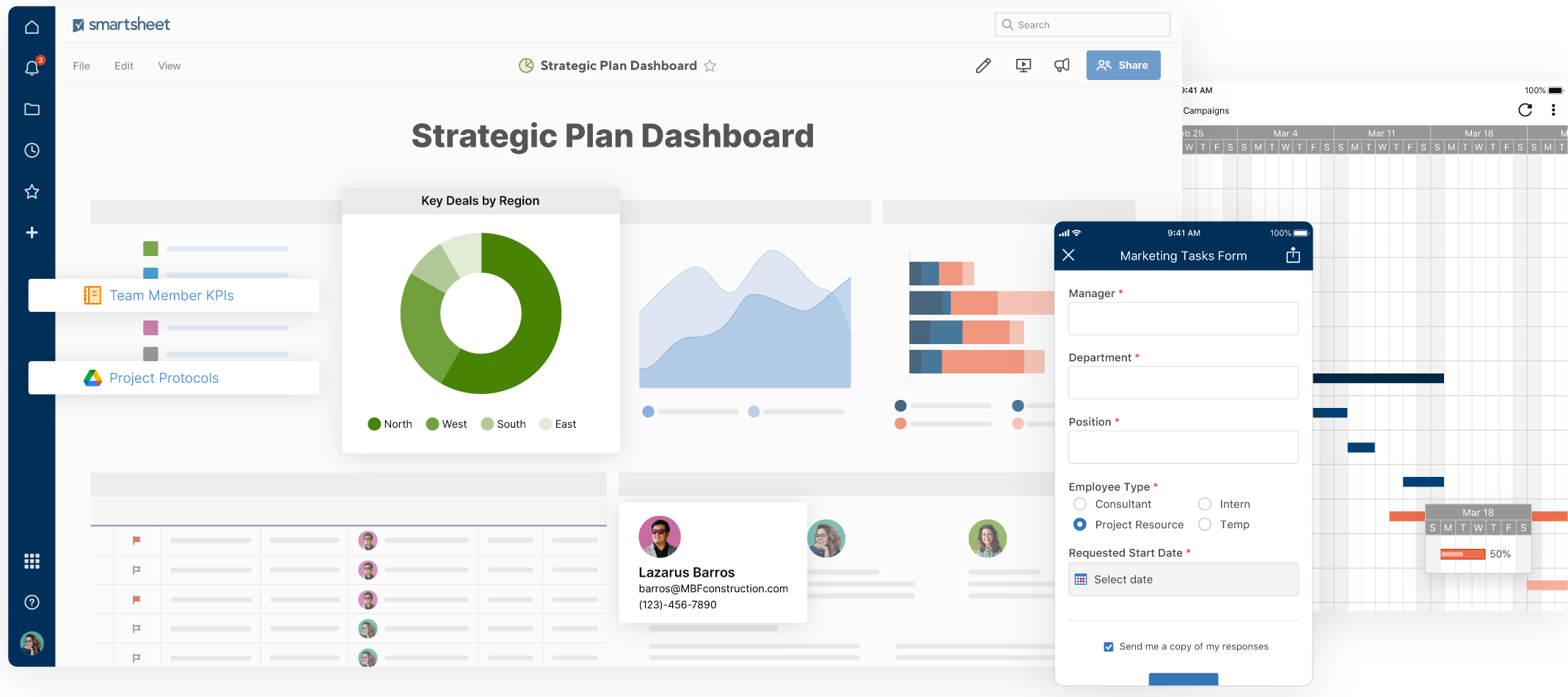
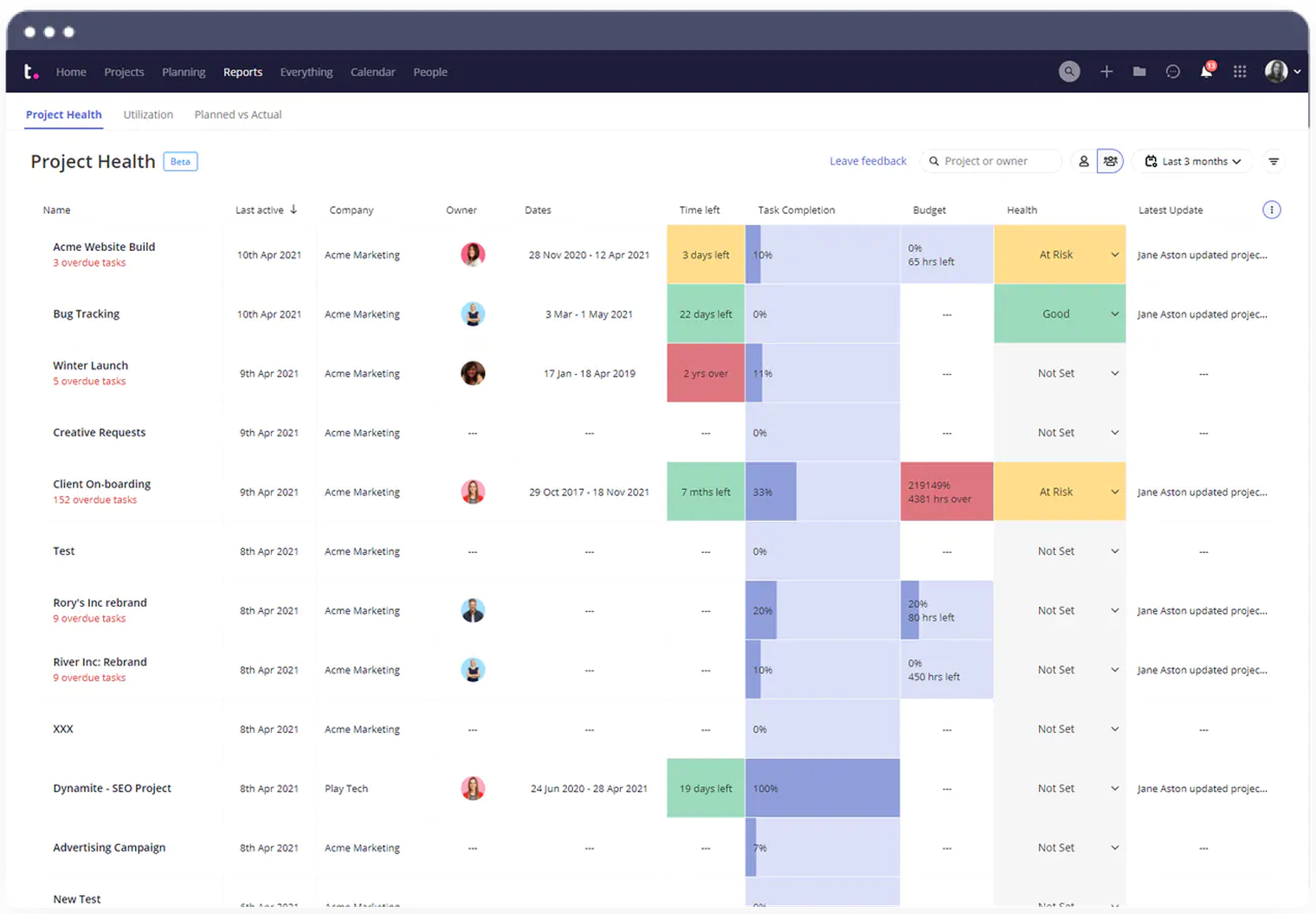
Dashboards show important project stats like progress, team workload and profitability. Real-time insights help track how projects are doing and how teams are performing. Managers can filter data, drill down into details and spot trends or problems early. If you are a consultant working independently, choosing the best individual project management software can streamline your personal project tracking and planning.
Predictive tools help plan ahead and improve decision-making. Reports can be customized for both internal use as well as client updates. Benchmarking compares performance across teams and projects to find what’s working best.
Workflow Automation
Automate task assignments, approvals and status updates to save time. Rules and triggers help move projects forward without manual steps. You can build workflows using a visual editor, even without tech skills.
Set conditions and routes for complex processes like multi-level approvals. The system connects with messaging tools to send updates and keep everyone informed.