How Project Management Automation Boosts Productivity
- What is Project Management Automation?
- Key Benefits of Automation in Project Management
- 8 Effective Ways to Automate Project Management
- Project Management Automation Examples in Each Phase
- What to Consider When Automating Project Management?
- Transforming Project Management with Seamless Automation
- FAQs about Automation in Project Management

Key Highlights:
- Automation in project management eliminates repetitive tasks and frees time for strategic work.
- Improve accuracy and decision-making using AI-powered analytics as well as predictive insights.
- Strengthen collaboration through automated communication, real-time dashboards and smart reporting.
Project managers spend countless hours each week on repetitive administrative tasks that drain their energy and steal time from strategic thinking. Manual status updates and endless email chains create bottlenecks that slow down entire teams as well as frustrate stakeholders.
You’re juggling spreadsheets and chasing team updates, while your competitors deliver projects faster. Every minute spent on manual coordination is a minute not spent solving client problems or developing innovative solutions that drive business growth.
Smart automation in project management transforms these time-consuming processes into seamless background operations that work while you focus on high-value activities. The eight automation strategies we’ll explore can reclaim hours of your week and create smoother project workflows that impress clients as well as energize your team.
What is Project Management Automation?
Project management automation powered by Artificial Intelligence and machine learning is changing how teams handle everyday work. It’s like having a smart digital assistant that understands your project requirements, tracks deadlines, sends reminders and updates reports without you lifting a finger.
Workflow automation helps professional service firms and agencies say goodbye to endless manual tracking as well as scheduling. These tools automatically manage routine tasks such as generating status updates or setting up meetings, freeing teams to focus on what really matters.
Key factors to Consider:
- Integration capabilities: Choose tools that work smoothly with your existing software ecosystem rather than creating data silos.
- Scalability potential: Select automation that grows with your business instead of becoming a bottleneck as you expand.
- Team adoption curve: Consider how quickly your staff can learn and embrace the new automated processes.
- Customization flexibility: Look for solutions that adapt to your unique workflows rather than forcing you into rigid templates.
- Cost-benefit balance: Evaluate if the time saved justifies the investment in both money and implementation effort.
Key Benefits of Automation in Project Management
Automation transforms how teams handle projects by removing manual bottlenecks and creating smoother workflows. Let’s explore the specific advantages that make this technology so valuable for modern project teams.
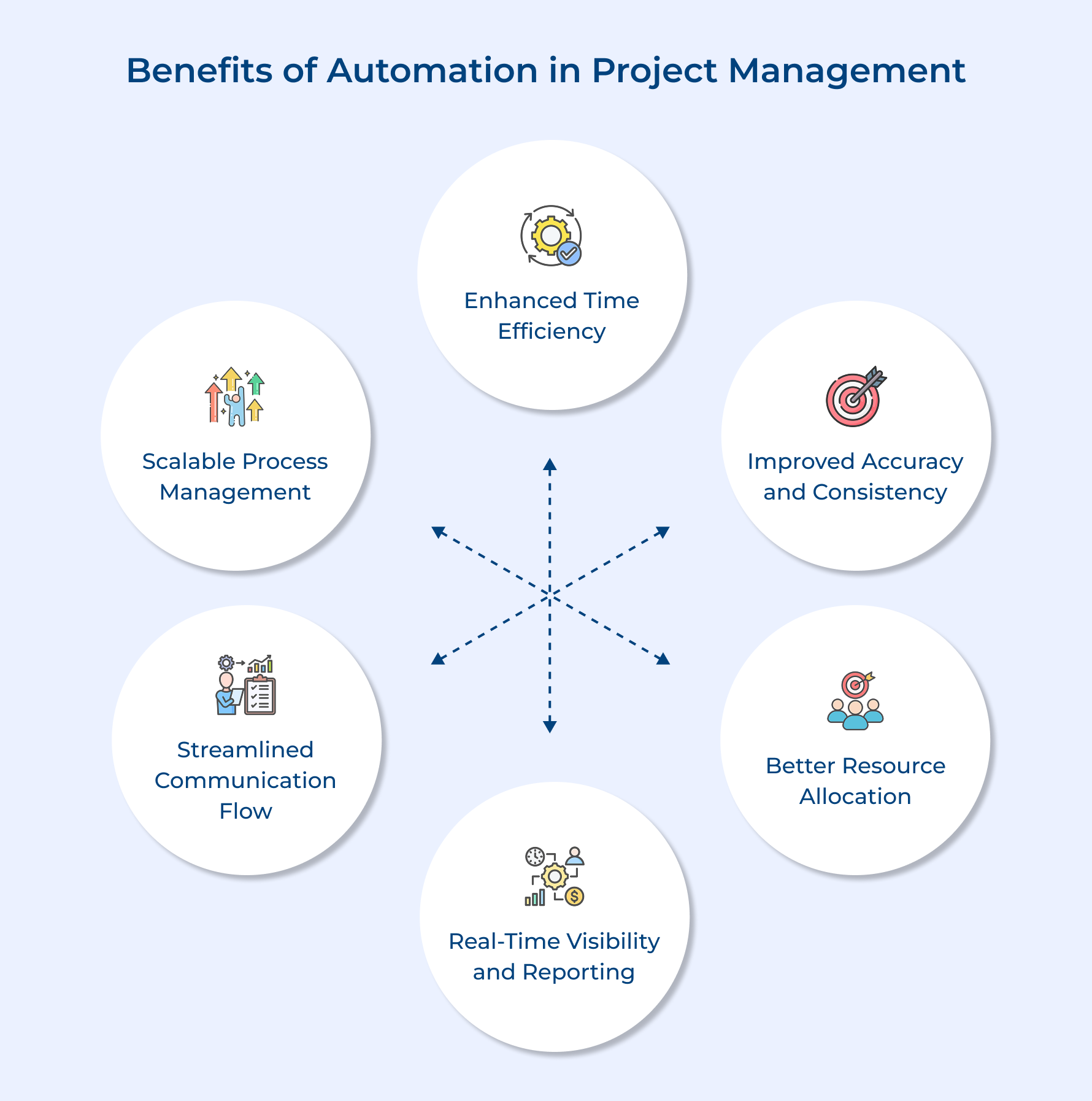
Enhanced Time Efficiency
Your team no longer wastes hours on repetitive updates or manual tracking with PM software and automated task scheduling. The system takes care of reminders, progress logs and follow-ups automatically. Thus, giving your team more time to focus on strategy, client communication as well as creative problem-solving.
Improved Accuracy and Consistency
Automation backed by analytics algorithms ensures every report, calculation and update is accurate as well as consistent. It removes the manual errors that often slip in when people are multitasking under pressure, keeping your data clean and reliable.
Better Resource Allocation
Using Predictive analytics, smart tools study workload patterns and recommend how to distribute tasks more effectively. This keeps workloads balanced, avoids burnout while ensuring projects stay on track.
Real-Time Visibility and Reporting
Your PM software delivers live dashboards that instantly show project health, progress and potential risks – no spreadsheets or manual updates required.
Streamlined Communication Flow
Automation sends targeted notifications only when action is needed rather than flooding inboxes with unnecessary updates. Team members receive relevant information at the right moment which keeps everyone aligned without creating communication overload.
Scalable Process Management
As your organization expands, automation helps maintain consistent standards and workflows across every team. Whether you’re handling five projects or fifty, automated task scheduling keeps operations smooth without adding administrative weight.
8 Effective Ways to Automate Project Management
Smart automation begins with understanding your current workflows and identifying where manual effort creates unnecessary friction.
Four steps to identify and automate project management processes
- Map current workflows: Document every manual step your team performs from project kickoff to final delivery.
- Identify repetitive tasks: Highlight activities that follow the same pattern across multiple projects or occur regularly.
- Evaluate automation potential: Assess which repetitive tasks consume significant time and require minimal human judgment.
- Test and implement solutions: Start with one high-impact area as well as gradually expand automation to other workflow components.
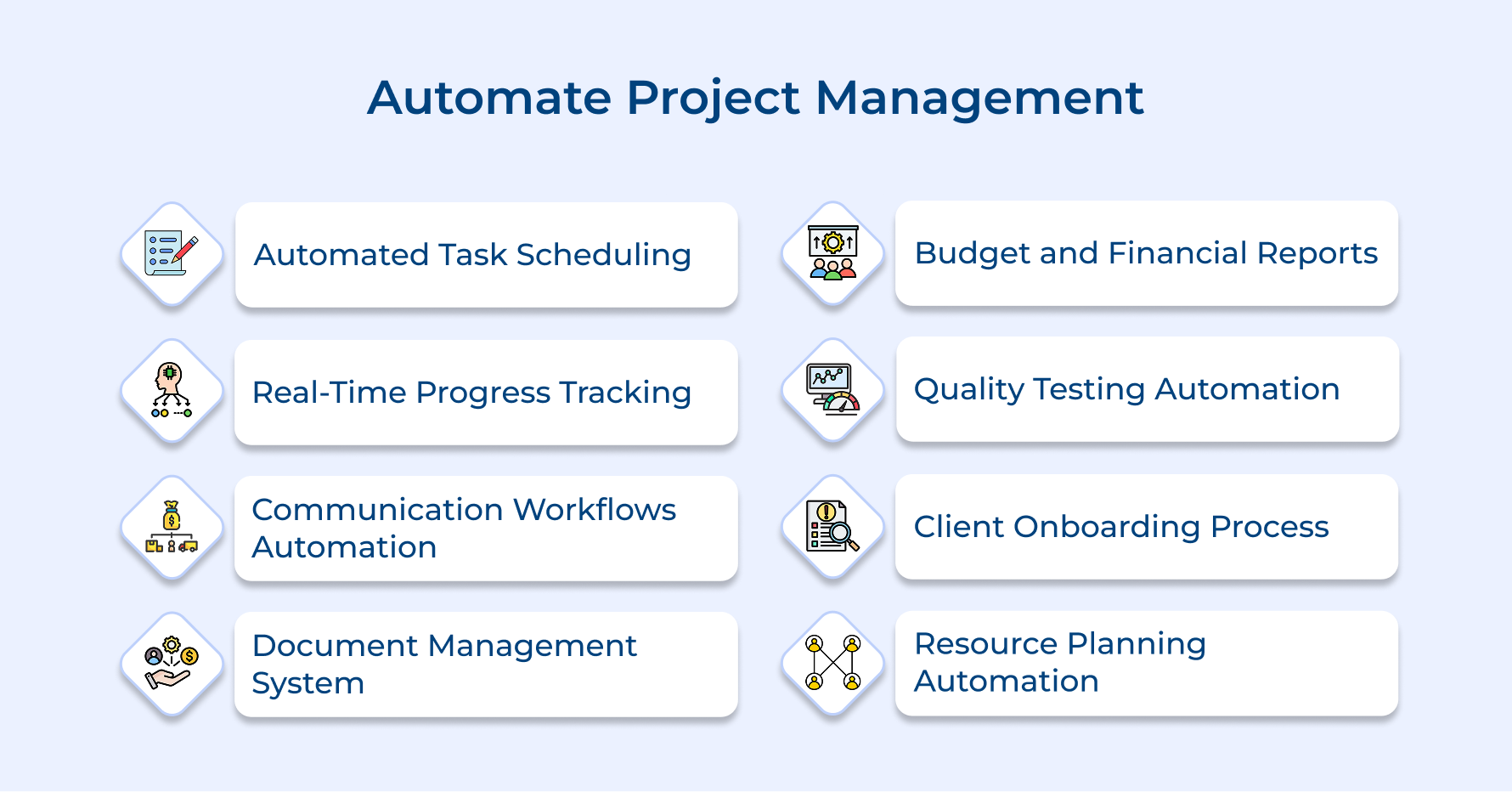
1. Automated Task Assignment and Scheduling
Task assignment automation takes the stress out of manually distributing work while juggling resource constraints like availability and skill sets. Without it, project managers waste hours every week reviewing schedules, balancing workloads and matching people to the right tasks.
Smart automation completely changes how teams handle resource allocation.
- Team capacity analysis: Automatically reviews each member’s workload before assigning new tasks to avoid burnout or overcommitment.
- Priority-based sequencing: Organizes tasks by urgency and dependencies so projects move in the right order.
- Skills matching algorithms: Instantly pairs people with work that fits their strengths and growth goals.
- Schedule optimization: Adjusts timelines and flags bottlenecks early, even when resource constraints shift mid-project.
For instance, a marketing agency managing multiple campaigns can instantly balance designer and copywriter workloads, keeping deadlines on track without chaos.
2. Real-Time Progress Tracking Systems
Real-time tracking automation provides instant visibility into project health without requiring team members to manually update status reports. It eliminates the common problem of outdated information that leads to poor decision-making and missed project milestones.
Automated progress systems connect directly with team workflows to capture accurate completion data and generate instant reports. Teams can focus on executing tasks rather than spending time documenting their progress for management review.
Pro tips:
- Connect tracking tools to actual work platforms: Integrate progress monitoring with the software your team already uses daily.
- Set up milestone-triggered notifications: Configure automatic alerts when critical project phases reach completion or encounter delays.
3. Automated Communication and Notification Workflows
Communication automation powered by AI-powered solutions streamlines how teams share updates from kickoff to delivery. Instead of spending hours writing repetitive status emails, automation ensures the right people get the right information at the right time.
It starts with asking key questions:
- Who needs updates and when?
- Which delays cause the most confusion?
- What routine communication wastes the most time?
Once identified, automation handles it seamlessly:
- Milestone notifications alert stakeholders when phases finish or face delays.
- Deadline reminders reach team members before tasks are due.
- Status reports compile automatically and share progress data.
- Meeting coordination aligns schedules without back-and-forth emails.
These maintain a personal touch while removing administrative noise. Hence, creating smoother collaboration, faster responses and better project visibility without overwhelming inboxes.
4. Document Management and Version Control
Document management automation organizes project files and maintains accurate version histories without manual intervention from team members. This prevents the common chaos of multiple file versions floating around email threads while ensuring everyone accesses the most current project documents.
Automated document systems handle complex file organization tasks through intelligent workflows.
- Smart file categorization: Automatically sorts documents into project folders based on file type and project phase without manual organization.
- Version control tracking: Maintains complete history of document changes with timestamps and contributor identification for accountability.
- Access permission management: Controls who can view or edit specific documents based on project roles and security requirements.
- Template deployment: Instantly creates standardized document sets for new projects using pre-approved formats as well as content structures.
The main challenge with document automation involves balancing security controls with team accessibility since overly restrictive systems frustrate users. The solution requires configuring flexible permission levels that protect sensitive information while allowing seamless collaboration on day-to-day project documents.
5. Budget Monitoring and Financial Reporting
Budget monitoring automation takes the guesswork out of managing project finances. Instead of manually updating spreadsheets, it gives you real-time visibility into how spending compares with your original estimates.
Modern financial systems handle everything seamlessly. They connect expense tracking with approval workflows, ensuring every cost stays within approved limits. Team members can quickly submit expenses through mobile apps, while managers receive automated reminders the moment budgets approach set thresholds.
It’s a smarter, faster way to stay in control of project spending without the constant back-and-forth or last-minute surprises.
- Align budget tracking with how your team actually organizes and thinks about project costs.
- Require manager approval for larger expenses while allowing automatic processing of routine project purchases.
6. Quality Assurance and Testing Procedures
Quality assurance automation ensures consistent project deliverables by systematically checking work against predetermined standards without relying on manual reviews. This prevents quality issues from reaching clients while reducing time spent on repetitive verification tasks.
Effective automation strategies transform how teams maintain quality standards throughout project development.
- Automated checklist verification: Systems automatically confirm required project elements meet specifications before allowing progression to the next phase. This eliminates incomplete deliverables reaching client review due to human oversight.
- Quality gate enforcement: Automated controls prevent work from advancing until specific criteria like code reviews or design approvals are satisfied. Teams cannot accidentally skip critical quality steps during tight deadlines.
- Error detection and correction: Intelligent systems identify common mistakes in project outputs and suggest improvements before final delivery. This catches issues early when fixes require minimal effort.
Consider a web development agency where automated testing runs every code update to catch bugs before affecting client websites. The system identifies broken links and compatibility issues while suggesting immediate fixes rather than discovering problems during client demonstrations.
7. Client Onboarding and Offboarding Processes
Client onboarding automation standardizes initial project setup while offboarding ensures proper closure documentation and relationship management. Systematic automation ensures these touchpoints stay consistent; otherwise, execution gaps emerge and client satisfaction drops throughout the project lifecycle.
Key questions guide effective client transition automation strategies.
- What information does every new client need during project initiation?
- Which handoff documents ensure smooth project closure?
- How can standardized processes maintain personal relationships while improving efficiency?
- What feedback mechanisms capture valuable insights for improvement?
These questions help identify automation opportunities that enhance client experience rather than creating impersonal interactions. Understanding expectations ensures automated processes support relationship building while eliminating administrative bottlenecks.
How does this work when bringing new clients into your project ecosystem? The system automatically generates customized welcome packets with timelines and sends questionnaires to gather requirements while scheduling discovery meetings based on availability.
8. Resource Planning and Capacity Management
Resource planning and capacity management automation belongs to project initiation as well as execution stages where accurate forecasting prevents team burnout or missed deadlines. Project managers struggle to balance workloads while maintaining visibility into capacity constraints without automated systems.
Automation transforms resource planning through intelligent forecasting.
- Skills inventory tracking: Maintains updated database of team capabilities for optimal project assignments.
- Workload distribution analysis: Calculates fair task allocation based on current commitments and capacity limits.
- Future availability forecasting: Predicts team availability for upcoming projects based on current timelines.
- Cross-project resource optimization: Identifies opportunities to share specialized skills across concurrent initiatives.
Capacity management automation provides comprehensive workload visibility.
- Real-time capacity dashboards: Display current utilization rates and upcoming availability windows.
- Bottleneck identification systems: Alert managers when specific roles become overcommitted across portfolios.
- Vacation integration: Automatically adjusts capacity planning based on scheduled absences.
- Burnout prevention monitoring: Tracks workload patterns to identify team members approaching unsustainable levels.
Resource automation creates sustainable project delivery by ensuring teams remain productive without sacrificing quality or wellbeing.
Project Management Automation Examples in Each Phase
Understanding how automation fits into each project phase helps you identify the most impactful opportunities for your team.
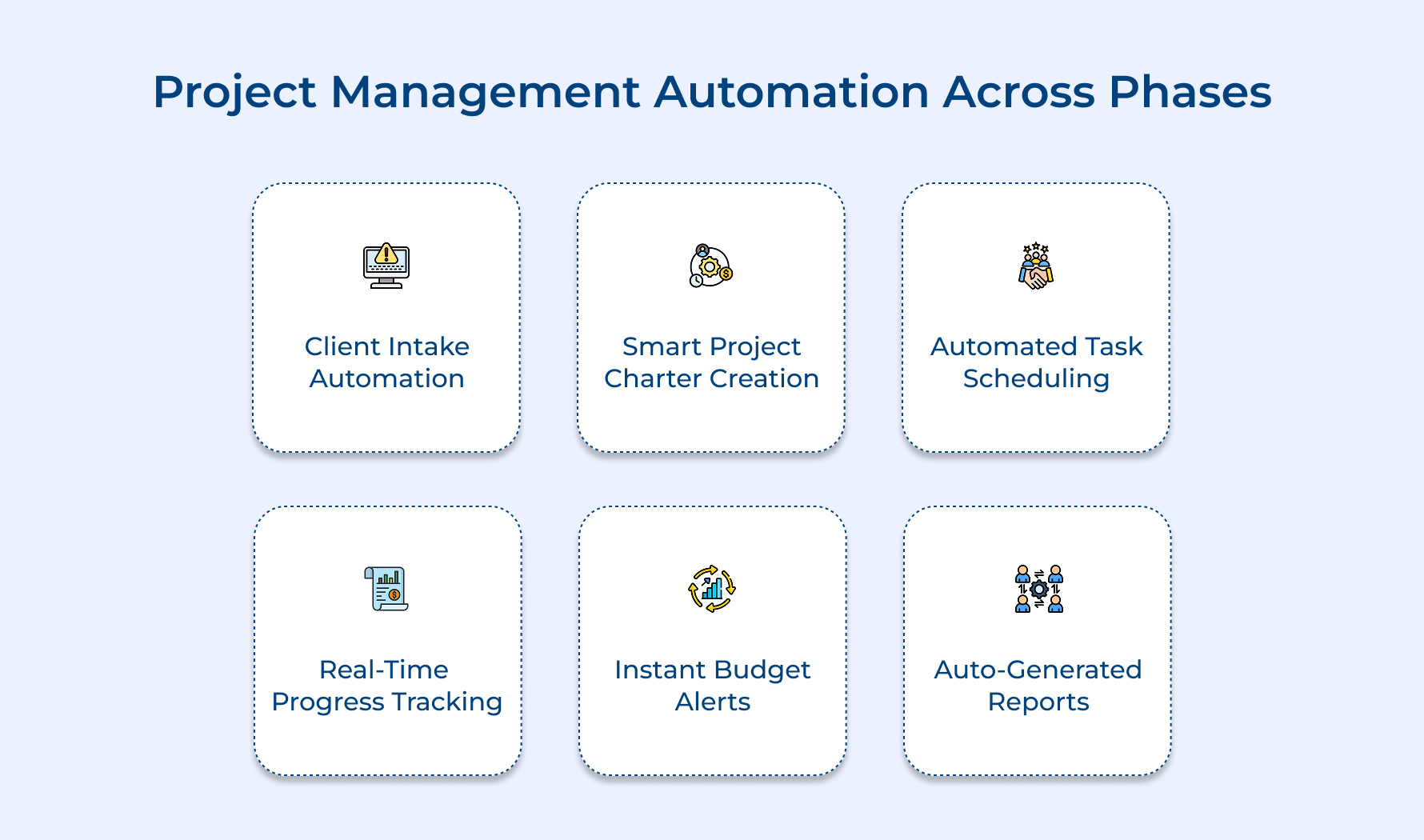
Phase 1: Project Initiation
During initiation automation handles client intake forms and project feasibility assessments through standardized workflows. Smart systems automatically generate project charters based on client requirements while calculating resource needs and timeline estimates. This eliminates the manual paperwork shuffle that typically delays project kickoffs.
Phase 2: Project Planning
Planning phase automation creates detailed project schedules and assigns tasks based on team availability as well as skill requirements. Advanced tools automatically identify task dependencies and critical path elements while generating resource allocation plans. The system can instantly adjust timelines when scope changes occur rather than requiring manual schedule reconstruction.
Phase 3: Project Execution
Execution automation monitors real-time progress and automatically updates stakeholders when milestones complete or encounter delays. Smart systems track budget spending against approved limits while sending alerts for potential overruns. Team collaboration tools automatically route approvals and maintain version control across all project deliverables without manual intervention.
Phase 4: Project Closing
Closing phase automation compiles final project reports and archives all documentation in standardized formats for future reference. Systems automatically generate client satisfaction surveys and schedule post-project review meetings based on team calendars. Invoice generation and final billing processes run automatically based on completed deliverables as well as approved expenses.
What to Consider When Automating Project Management?
Successfully automating project management requires careful planning and strategic thinking rather than simply implementing the latest tools. Consider these essential factors to ensure your automation efforts actually improve productivity.
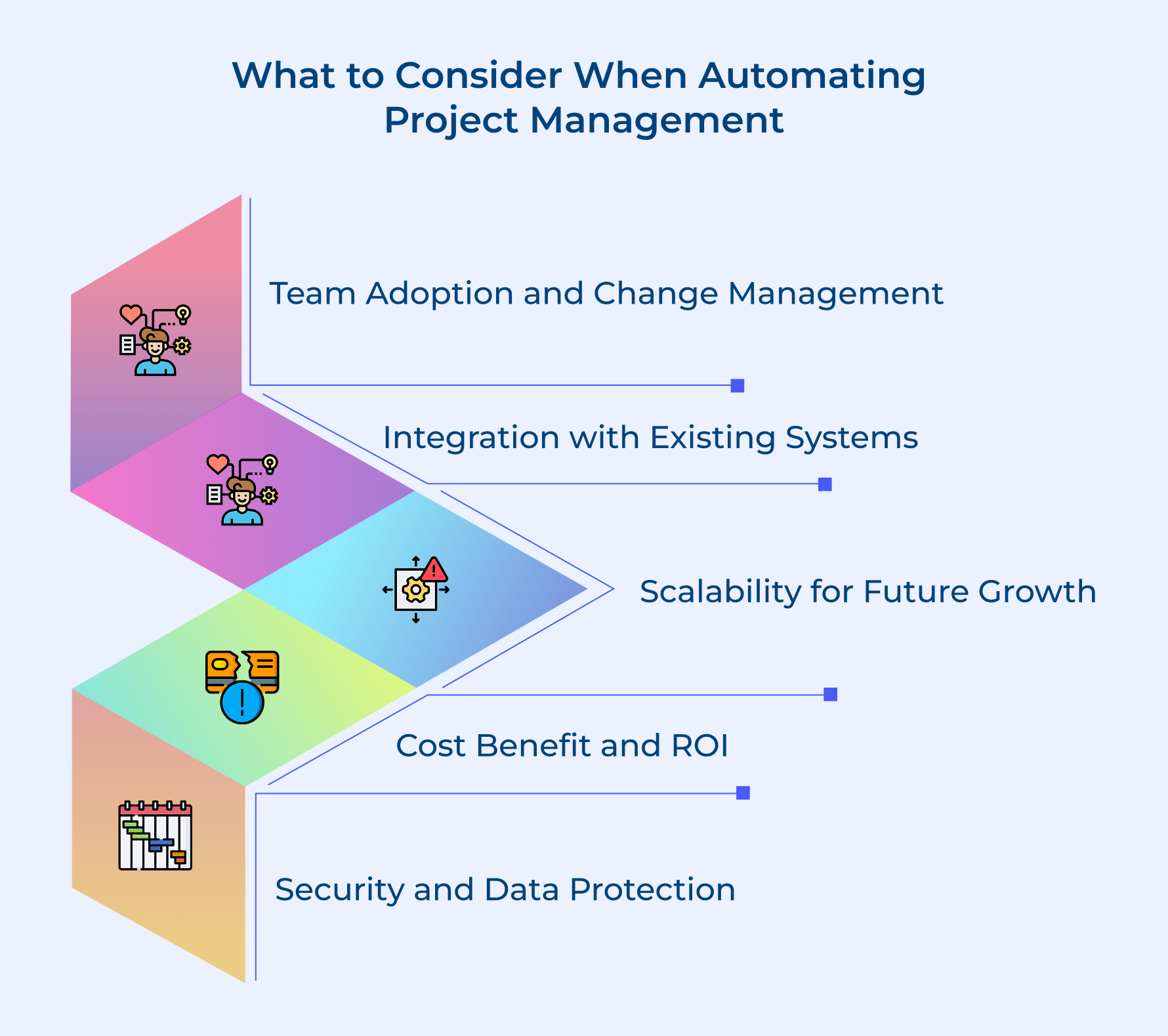
Team Adoption and Change Management
Your automation success depends entirely on how well your team embraces the new processes and tools you introduce. Think of this like teaching someone to drive – even the best vehicle won’t help if the person refuses to learn proper operation.
Integration with Existing Systems
New automation tools must work seamlessly with your current software ecosystem to avoid creating isolated data islands. When automation tools don’t integrate properly, they end up working in isolation like mismatched puzzle pieces that can’t fit together.
Scalability and Future Growth Needs
Choose automation solutions that can grow alongside your business rather than becoming bottlenecks as your project volume increases. This resembles buying a house that fits your current needs but can accommodate future expansion without requiring a complete move.
Cost-Benefit Analysis and ROI Measurement
Evaluate the financial investment and time spent implementing automation against the expected productivity boost as well as reduction in errors. It is similar to weighing the cost of a dishwasher against the time it saves on daily chores.
Security and Data Protection Requirements
Automated systems often handle sensitive client information and proprietary project data that requires robust security measures as well as compliance protocols. Consider this like installing home security that matches the value of what you’re protecting without complicating daily life.
Transforming Project Management with Seamless Automation
Automation in Project management fundamentally changes how teams deliver successful outcomes by eliminating repetitive manual tasks and creating intelligent workflows. When implemented thoughtfully automation becomes the invisible foundation that supports exceptional project execution and client satisfaction.
The transformation happens gradually as teams discover how automated systems free their mental energy for strategic thinking and creative problem-solving. This shift from administrative burden to value-focused work represents the true power of seamless automation in modern project management.
Limit time — not creativity
Everything you need for customer support, marketing & sales.

Shivank Kasera is part of the marketing team at Kooper, where he focuses on building content that helps agencies and service providers grow. With a keen interest in SaaS, operations, and scalability, he translates practical insights into actionable resources for business leaders.