What Is Project Collaboration? 8 Best Practices for Success
- What is Project Collaboration?
- Triple ‘P’ Formula of Project Collaboration
- Why is Project Management Collaboration Important for Teams?
- 8 Best Practices for Improving Project Collaboration
- 5 Tools & Software to Use for Project Collaboration
- How to Overcome Common Challenges in Project Collaboration
- Unleash the Power of Teamwork with Project Collaboration
- FAQs About Project Collaboration

Key Highlights:
- Learn how the Triple P formula improves project collaboration by aligning teams, processes and technology for smoother workflows.
- Understand what is demand management and how it balances supply, demand and resources to improve efficiency.
- Explore strategies that optimize forecasting, enhance customer satisfaction and streamline operations effectively.
Current project teams are under pressure to deliver top results faster and with fewer resources. Add in remote teams along with complex workflows, and it’s clear that traditional methods just don’t cut it anymore. That’s where project collaboration comes in.
It helps teams communicate better, share knowledge easily and work together smoothly – no matter where they are or which department they belong to. When done right, it leads to faster project delivery, smarter use of resources, and higher-quality outcomes.
For professional services firms, project collaboration means stronger client relationships and a real competitive edge through quicker, more innovative solutions.
What is Project Collaboration?
Project collaboration in project management is the systematic coordination of people and resources to accomplish shared objectives through intentional teamwork. It involves bringing together diverse skills to solve complex problems while creating a cohesive workflow that transcends departmental boundaries.
Project collaboration operates through structured communication channels where team members exchange ideas and track progress. Teams use specialized tools to centralize information and visualize workflows. Regular check-ins and clear role definitions help maintain momentum while ensuring everyone remains aligned with project goals.
Key objectives:
- Enhance resource utilization by matching the right skills to appropriate tasks.
- Accelerate decision-making through real-time information sharing and reduced approval bottlenecks.
- Improve quality outcomes by incorporating diverse perspectives and specialized expertise.
- Minimize project risks through transparent problem-solving and early identification of issues.
- Create innovation by creating environments where cross-functional ideas can flourish naturally.
Triple ‘P’ Formula of Project Collaboration
The Triple P formula is a practical framework that helps teams collaborate better. It guides agencies and professional services to achieve stronger, lasting results.
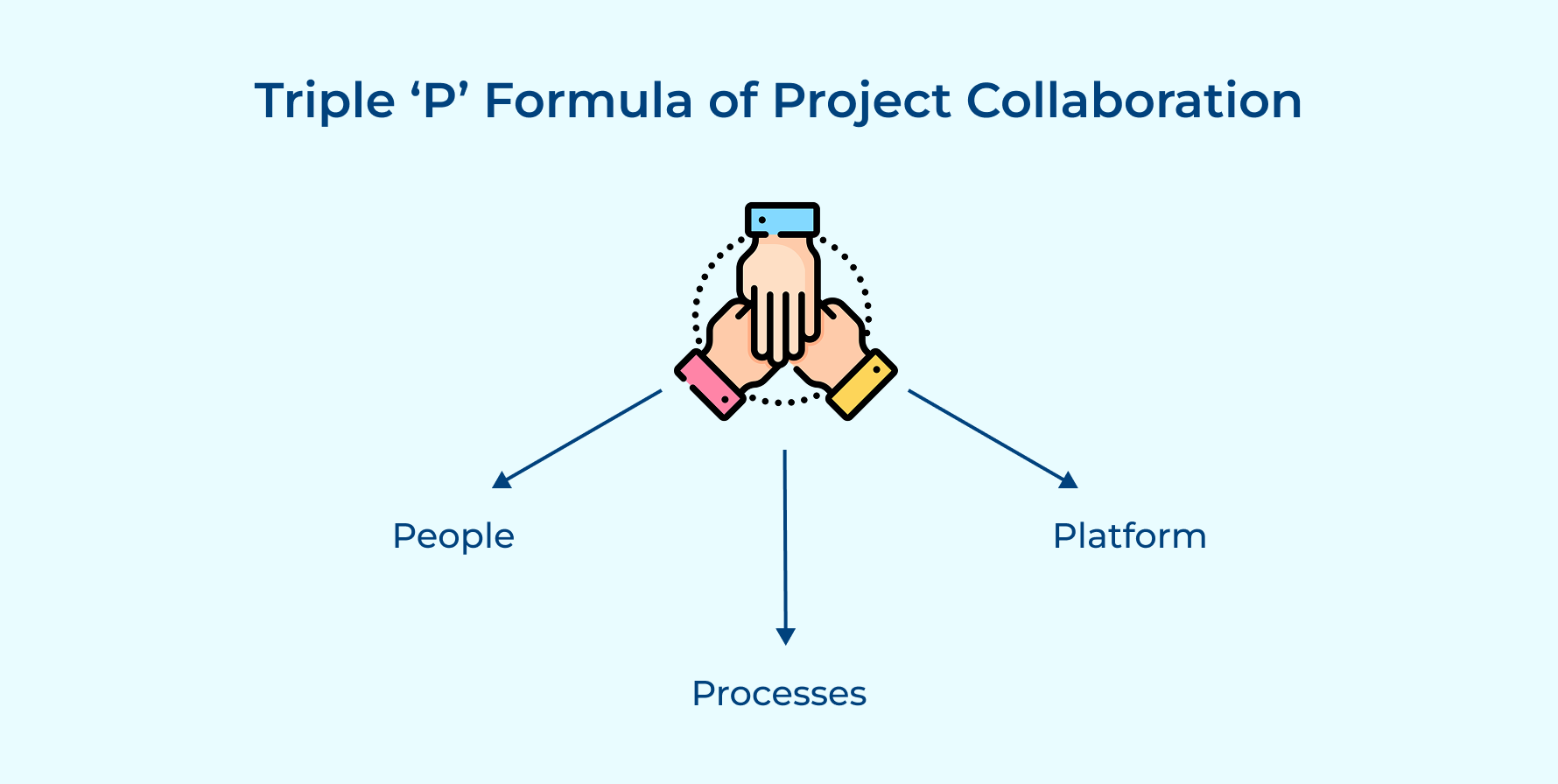
People
Collaboration starts with people. In professional services, every team member brings valuable skills, ideas, and experience. When these are connected through strong relationships and clear communication, innovation follows. Building trust, no matter where people are located or which department they’re in, is key to making it all work.
Processes
Good collaboration needs solid processes. Well-thought-out workflows help teams stay aligned and avoid confusion. Clear handoffs and smart decision-making paths keep things moving as well as prevent delays. The best processes strike a balance, they offer structure but still leave room for teams to stay flexible when things shift or clients need something new
Platform
Technology ties it all together. A good collaboration platform gives teams one place to share files, chat, and track progress. It should be easy to use, integrate with tools you already have, and make it simple to see where things stand. The right platform supports teamwork, it doesn’t get in the way.
Why is Project Management Collaboration Important for Teams?
We explore why collaboration is indispensable in project management and how it can be a game-changer for team success.
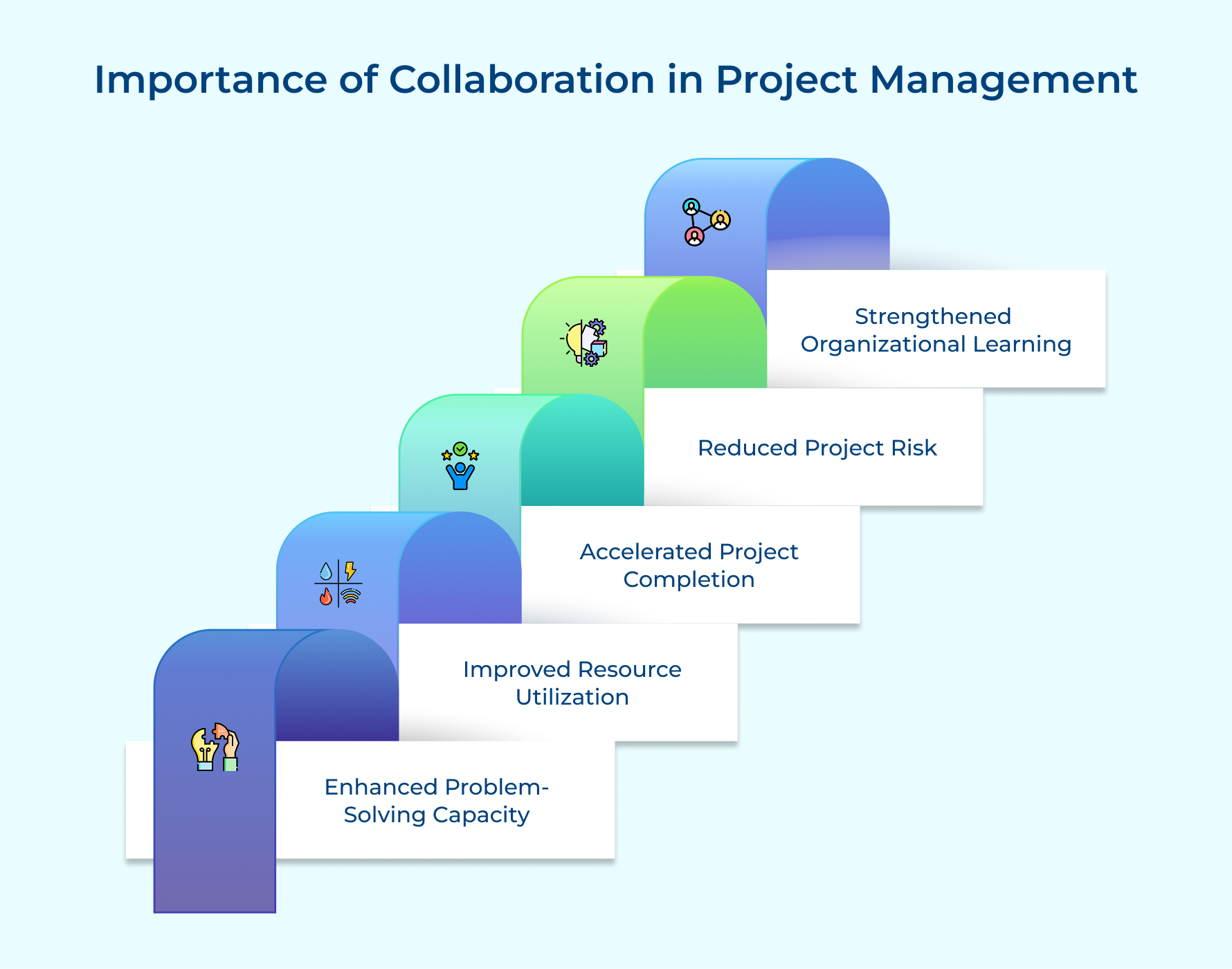
1. Enhanced Problem-Solving Capacity
When people with different skills and perspectives come together, they can solve problems in smarter, more creative ways. A collaborative team encourages open sharing of ideas, which helps uncover blind spots and leads to well-rounded solutions that one person might miss.
2. Improved Resource Utilization
Working together makes it easier to see who’s overloaded and who has room to help. Teams can shift tasks around, tap into underused skills, and make sure the right people are working on the right things. That means fewer slowdowns and more value from everyone involved.
3. Accelerated Project Completion
When collaboration is strong, work flows more smoothly. Teams set up clear handoffs and keep communication going, so there are fewer delays between steps. That keeps projects moving as well as helps the team respond quickly when plans change.
4. Reduced Project Risk
Collaborative teams spot issues earlier because they’re always talking and sharing updates. If something starts to go off track, they can act fast to fix it. That kind of awareness prevents small problems from turning into big ones.
5. Strengthened Organizational Learning
Collaboration also helps people learn from each other. Sharing different ways of working builds knowledge that lasts beyond one project and makes the whole organization more adaptable.
8 Best Practices for Improving Project Collaboration
Here, we will explore eight best practices that can help you streamline project collaboration and drive your project to success.
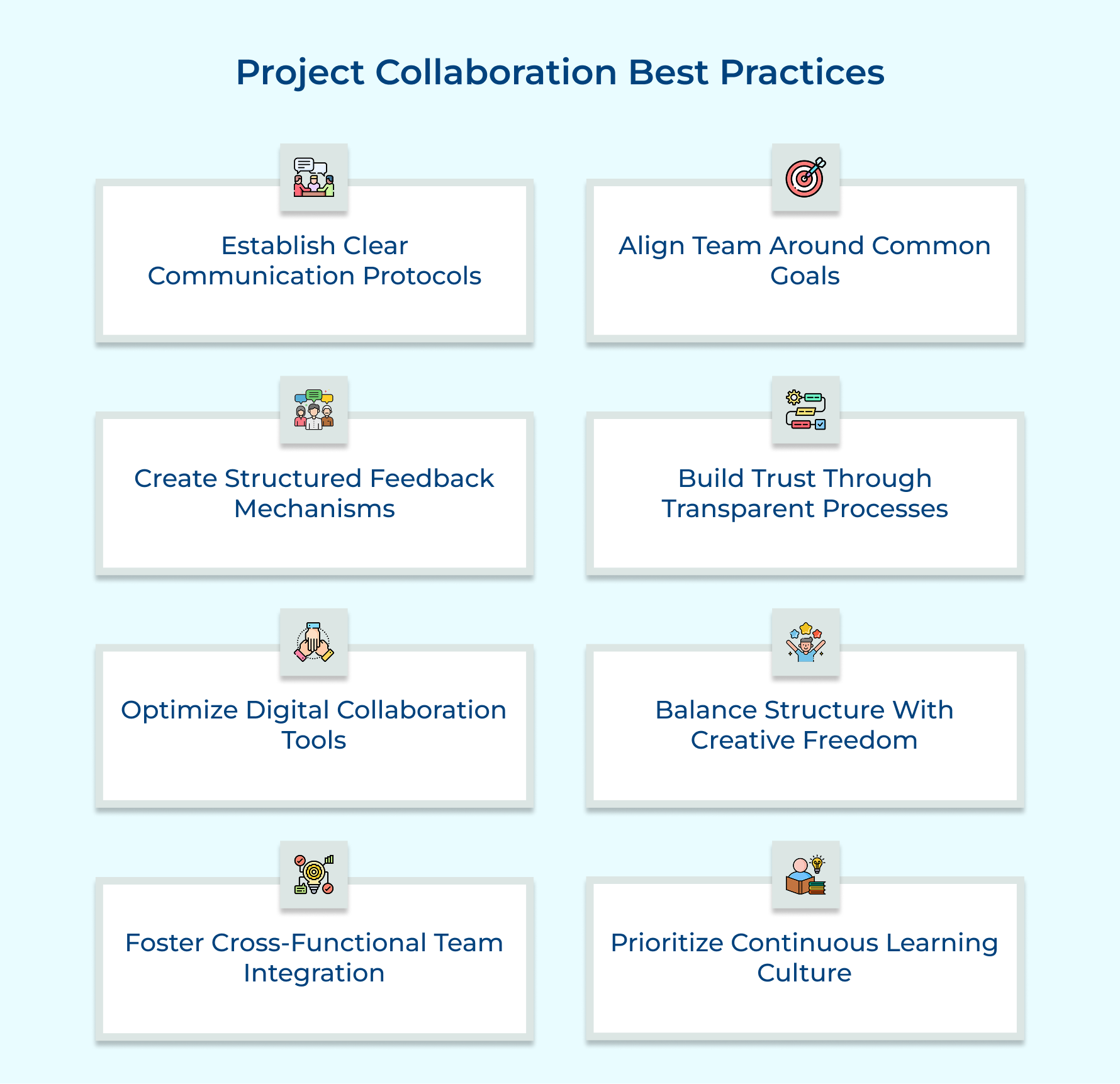
1. Establish Clear Communication Protocols
Clear communication protocols make teamwork smoother by setting simple rules for how and where to share information. They help everyone stay on the same page, avoid misunderstandings and cut down on clutter like endless emails or unnecessary meetings.
Here’s how they help:
- Everyone knows where to find what, specific channels for specific topics.
- Teams use the right tools for the job like chat for quick updates, email or meetings for deeper discussions.
- Important info gets captured and shared consistently, so nothing slips through the cracks.
- Remote teams stay in sync with regular, predictable updates.
One marketing agency did just that, using Slack for strategy and a project tool for client approvals, as well as cut missed messages by 40%. Simple, but powerful.
2. Align Team Around Common Goals
Goal alignment gives teams a clear direction, helping everyone make better decisions without needing constant check-ins. When people know the big picture and how their work fits into it, they work with more purpose as well as stay coordinated.
It starts with team goal-setting and bringing in different perspectives to shape clear objectives. Then, those goals should live where everyone can see them like in your collaborative tools or digital workspace. Regular check-ins help track progress and adjust as needed.
Pro tips:
- Use a visual roadmap in your project management collaboration tool to show how individual tasks connect to team goals.
- Create a one-page doc with project goals and success metrics, perfect for quick decisions as well as effective communication.
3. Create Structured Feedback Mechanisms
Structured feedback keeps projects on track by turning casual input into clear, helpful insights. It helps teams improve without the stress that often comes with giving or getting feedback.
Start by setting regular checkpoints across the project timeline, both formal reviews and quick informal check-ins. Use templates built into your project management software to guide feedback around key areas like progress, quality and alignment with client goals.
Ask yourself:
- How often should we gather feedback without burning people out?
- What parts of the project need regular check-ins?
- How do we track feedback so it leads to real changes?
- Do team members need support or training to give feedback well?
The right structure makes feedback simple, useful and part of everyday collaboration.
4. Build Trust Through Transparent Processes
Transparency builds trust. When team members know how decisions are made and have access to real project updates, they stay engaged as well as work better together.
- Make Decision-Making Clear
Share how and why decisions are made before the tough calls come up. When everyone understands the reasoning, they stay engaged even if the outcome isn’t what they hoped for.
- Keep Everyone in the Loop
Send regular project updates that cover both wins and challenges. Share them across all levels so no one’s left guessing. Honest updates help teams stay aligned and avoid silos.
- Talk About Problems Early
Encourage team members to speak up about issues without fear of blame. When people feel safe to raise concerns, problems get solved faster.
- Why It Matter
Transparency builds trust, reduces confusion, and keeps collaboration strong throughout the project.
5. Optimize Digital Collaboration Tools
Start by identifying real collaboration challenges in your workflow. This way, you pick digital tools that solve actual problems and not ones with unnecessary features.
- Build an Integrated System
Use a core platform as the project’s central hub, and add specialized tools for specific tasks. It creates a smooth flow of information across your team’s tech.
- Train and Onboard Well
Provide clear guides and training so everyone knows not just how to use the tools, but also the team’s specific ways of working within them.
- Review and Improve Regularly
Check how well your tools are working by gathering user feedback and tracking usage. Make small adjustments to keep collaboration running smoothly.
- Why It Matters
Digital tools only help when they fit your team’s workflow and are used consistently. Regular reviews keep your tech stack evolving with your team’s needs.
6. Balance Structure With Creative Freedom
Effective collaboration means striking a balance between too many rules that kill creativity and too little structure that leads to chaos. This balance keeps projects on track while giving project stakeholders the freedom to think outside the box.
Start by setting clear deadlines and deliverables but leave room for teams to tackle challenges in their own way. Leaders should know which rules are firm and where there’s space for experimentation. Being open to changing processes when they hold the team back is key.
Why Balance Matters
- It stops “process paralysis” where too many approvals slow things down and frustrate project stakeholders.
- It encourages creative problem-solving by giving teams safe spaces to try new ideas.
- It helps teams adapt quickly when things change, keeping everyone aligned without losing momentum.
7. Create Cross-Functional Team Integration
Cross-functional integration means bringing together experts from different departments to solve problems more creatively and avoid the “silo” mindset that can hurt projects. When teams include the right mix of skills, they come up with well-rounded solutions that look at challenges from all angles.
To make this work, leaders set up teams with diverse expertise and create regular chances for knowledge sharing like cross-training or problem-solving workshops. Using shared digital workspaces helps everyone access important info, while translation tools clear up any jargon confusion.
Some tips:
- Host “knowledge exchange” sessions where team members teach each other about their roles and how they connect with other functions.
- Pair up mentors from different departments to break down silos and build strong, lasting collaborations beyond just one project.
8. Prioritize Continuous Learning Culture
Building a continuous learning culture turns project experiences into valuable knowledge that helps the entire team improve over time. By capturing lessons from wins and challenges through regular reflections, teams get better at adapting to new situations as well as client needs.
This starts with structured project retrospectives and thorough project documentation stored in shared knowledge bases everyone can access. Leaders make time for learning and celebrate those who share helpful insights.
For example, an architecture firm used a digital “lessons learned” tool to save weeks on a healthcare project by quickly finding solutions to similar regulatory hurdles from past work.
Try hosting “learning lunches” where the entire team shares useful takeaways and mapping who’s gained expertise to help future projects run smoother.
5 Tools & Software to Use for Project Collaboration
Modern project collaboration tools serve as the digital nervous system connecting team members across locations and disciplines. These platforms transform how teams communicate and coordinate their efforts to achieve project objectives.
Kooper
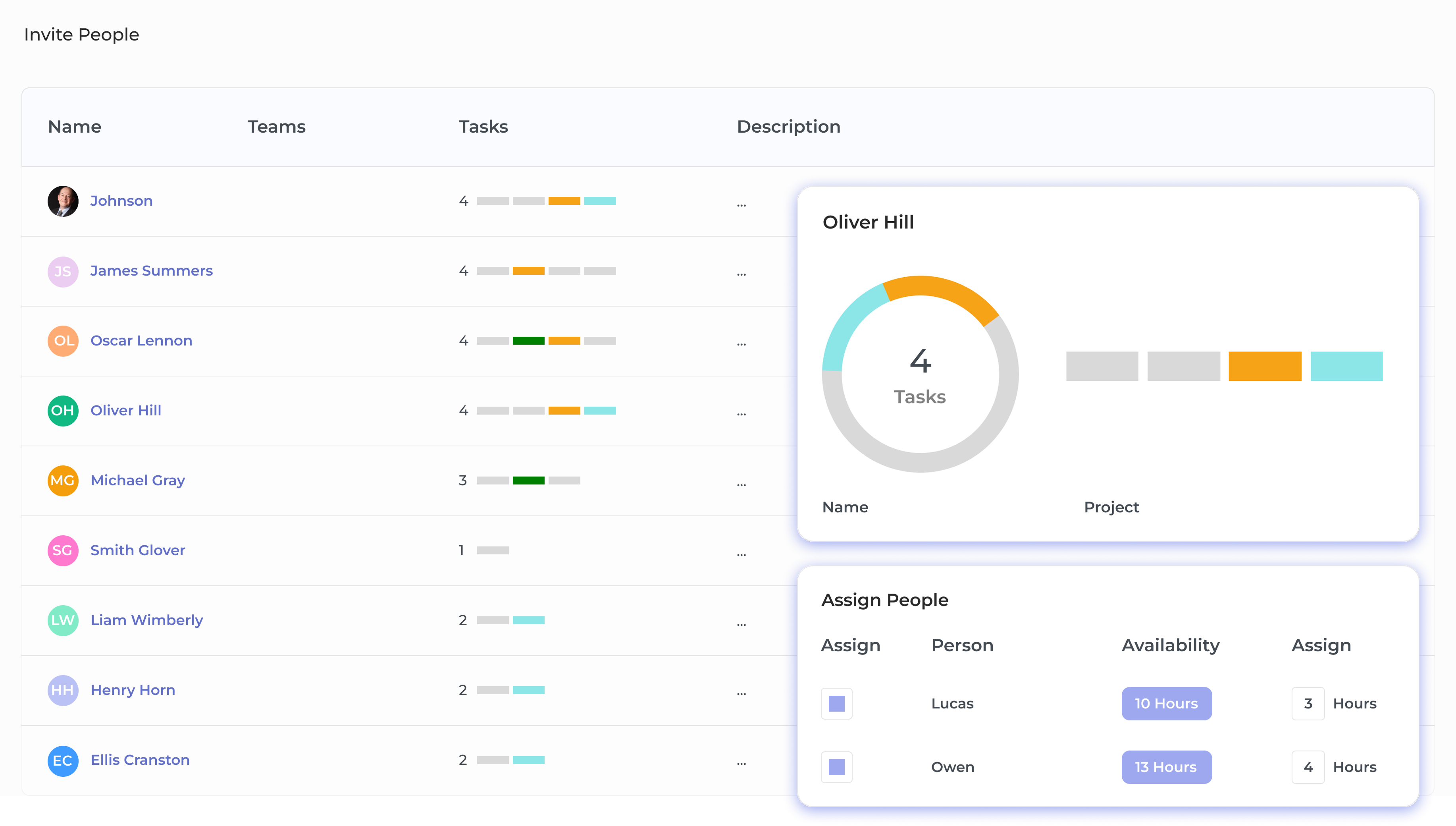
Kooper is a project management system designed for service-based businesses to track profitability alongside project progress. It combines resource planning, time tracking, and financial analytics in a clean, insight-focused interface. Kooper connects team conversations directly to tasks, keeping communication clear and project history easy to follow.
Key features:
- Customizable task boards that adapt to your team’s workflows
- Integrated time tracking linked to project budgets for real-time profitability insights
- Resource scheduling to manage team capacity and prevent bottlenecks
- Automated financial reporting with no manual data entry
- Client portals for transparent communication with external stakeholders while protecting internal discussions
Veemo Project
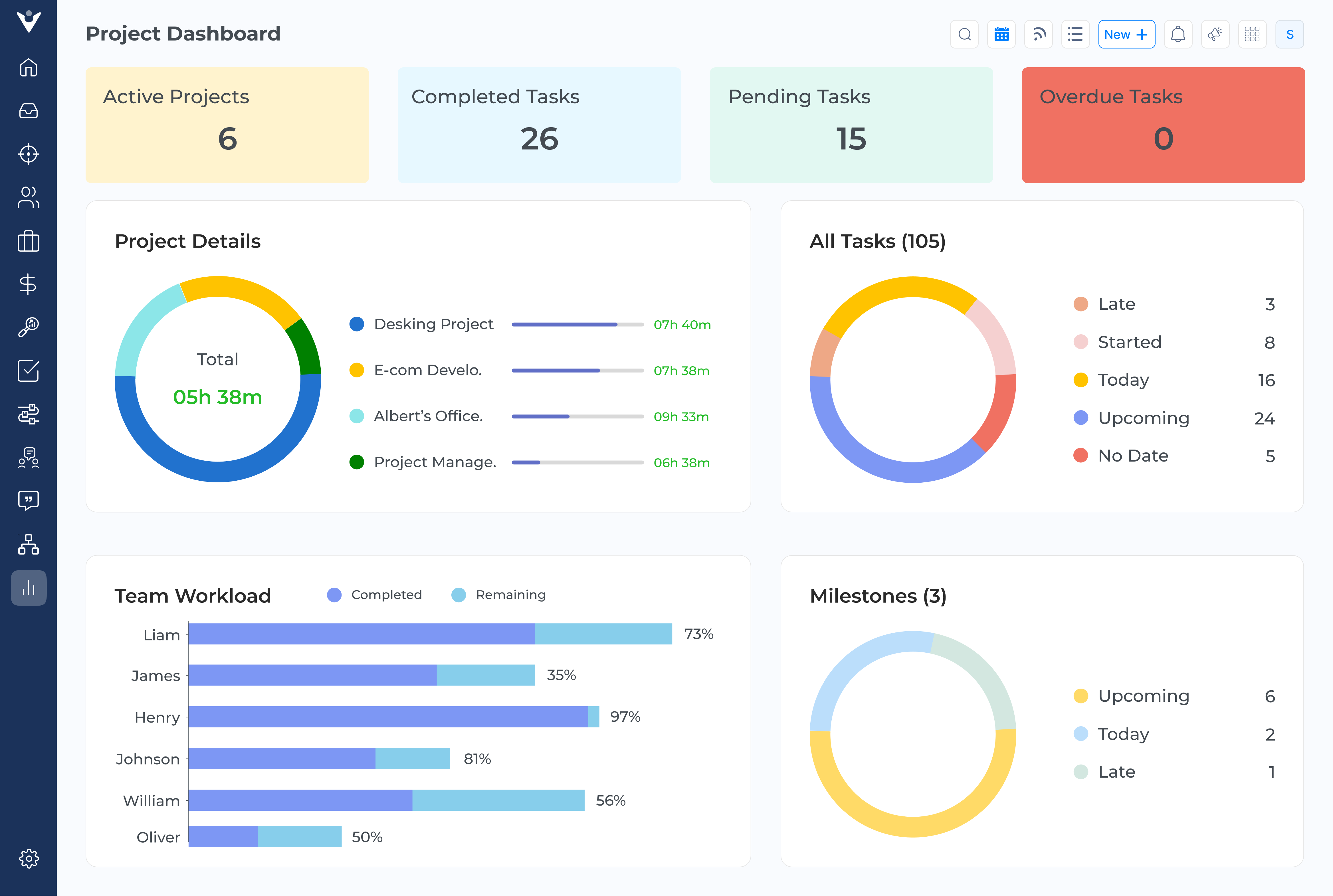
Veemo Project is a powerful project management platform built for client-focused businesses managing multiple complex projects. It combines robust task management with collaboration tools that keep teams aligned and provide clear visibility into resource use as well as profitability.
Key features:
- Detailed task management with dependencies, subtasks, and custom fields to ensure smooth handoffs
- Visual workload management to balance team capacity and prevent burnout
- Time tracking linked to tasks for accurate effort data and transparent client billing
- Collaborative document editing with version control for seamless teamwork
- Customizable dashboards offering role-specific views to keep stakeholders focused on what matters most
Asana
Asana is a visual project management tool that simplifies complex workflows. It assigns clear ownership of tasks and offers multiple views like lists as well as timelines. Its automation features reduce repetitive work, letting teams focus on high-impact tasks and improving overall productivity.
Miro
Miro is a digital whiteboard that supports real-time visual collaboration. Teams can brainstorm together, using templates for various frameworks. It’s ideal for strategic planning and visualizing complex ideas, enhancing teamwork as well as creativity across remote or in-person sessions.
Monday.com
Monday.com offers highly customizable workflows without needing technical skills. Its vibrant progress tracking and reporting tools help teams spot bottlenecks early. It adapts well to different project management styles, making it perfect for managing varied projects.
How to Overcome Common Challenges in Project Collaboration
Collaboration can get tricky when key information is hard to find and communication is scattered. Here are common challenges teams face and how to fix them:
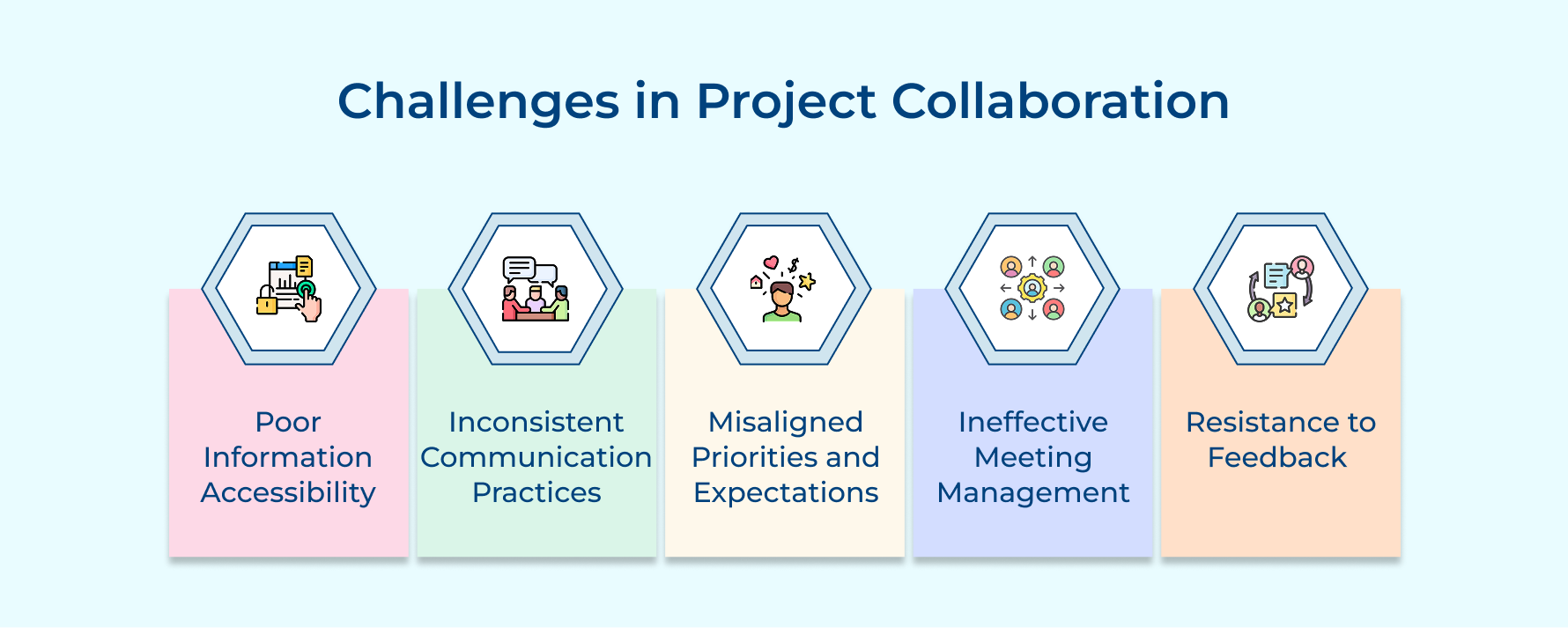
- Poor information accessibility: When important project data is trapped in silos or personal devices, team members waste time searching, leading to duplicated work and incomplete decisions.
- Inconsistent communication: Using different channels without clear guidelines causes important messages to get lost, leaving some people out of the loop.
- Misaligned priorities: When team members focus only on their department’s goals instead of the overall project, conflicts and inefficient resource use happen.
- Ineffective meetings: Meetings without clear agendas or outcomes waste time and frustrate participants.
- Resistance to feedback: Seeing feedback as criticism shuts down improvement and keeps teams stuck in outdated ways.
How to improve collaboration:
- Create a single source of truth with a centralized repository everyone can access.
- Develop clear communication guidelines specifying which channels to use and expected response times.
- Hold regular alignment sessions to keep everyone on the same page about goals as well as priorities.
- Implement meeting protocols with clear agendas, facilitators, and documented action items.
- Build psychological safety by encouraging open, constructive feedback while also valuing diverse perspectives.
- Schedule regular retrospectives to celebrate successes and identify areas for improvement.
Unleash the Power of Teamwork with Project Collaboration
Effective project collaboration isn’t just a nice-to-have, it’s the critical foundation that determines whether complex work succeeds or fails in an interconnected business environment. When teams collaborate effectively, they harness their collective intelligence to solve problems more creatively while creating the adaptability necessary to navigate shifting client needs and market conditions.
Professional services businesses that invest in collaborative capabilities transform their fundamental operations in ways that directly impact financial performance. By establishing clear communication protocols, aligning teams around shared objectives, these organizations reduce costly rework while accelerating project completion. The resulting improvements in resource utilization and team productivity create measurable gains in profitability while the enhanced quality of deliverables strengthens client relationships.
Limit time — not creativity
Everything you need for customer support, marketing & sales.

Shivank Kasera is part of the marketing team at Kooper, where he focuses on building content that helps agencies and service providers grow. With a keen interest in SaaS, operations, and scalability, he translates practical insights into actionable resources for business leaders.