How to Automate Client Onboarding for Your Business
- What is Automated Client Onboarding?
- What Is The Importance of Client Onboarding Automation?
- Key Components of Automated Client Onboarding
- How to Automate the Client Onboarding Process: 7 Step Process
- Key Challenges of Onboarding a Client Manually
- Best Practices & Tips to Automate Customer Onboarding
- Boost Your Client Experience With Effortless Onboarding Strategy
- FAQs about Automating the Client Onboarding Process
Key Highlights:
- Client onboarding automation replaces manuals with a structured workflow that runs consistently from start.
- Regular auditing your current process before automation prevents digitizing a broken onboarding system.
- Eliminates scattered information and gives every team a source of truth with a centralized onboarding hub.
Do you know what the fastest way to lose a new client is before delivery? It is nothing but a disorganized onboarding experience with scattered handoffs and repeated follow-ups.
68% of customers say a poor onboarding experience can negatively impact their long-term loyalty. Inconsistent onboarding without a reliable system is impossible to maintain and scale even with team efforts.
Explore the guide to build a repeatable onboarding system from audit to full execution. At the end of this, you will master how client onboarding automation eliminates guesswork and protects new client relationships from the start.
What is Automated Client Onboarding?
Client onboarding automation is the process of using technology to handle repetitive onboarding tasks without manual effort. It replaces back-and-forth emails with a structured digital workflow to guide customers from sign-up to adoption.
Automated client onboarding means you are building a system that works even when your team is offline. Every new customer goes through the same consistent experience without remembering each step.
Key factors:
- Workflow mapping: Define each step in your onboarding process clearly before using any automation tool.
- Tool integration: seamlessly connect CRM and communication tools so data flows without a manual transfer process.
- Trigger-based actions: Automation should automatically trigger the next step in the sequence based on conditions.
- Personalization logic: Automated tools need conditional rules to deliver different onboarding paths based on clients.
What Is The Importance of Client Onboarding Automation?
A good onboarding with automation helps in maintaining new client relationships and retention. Let’s explore the benefits in details
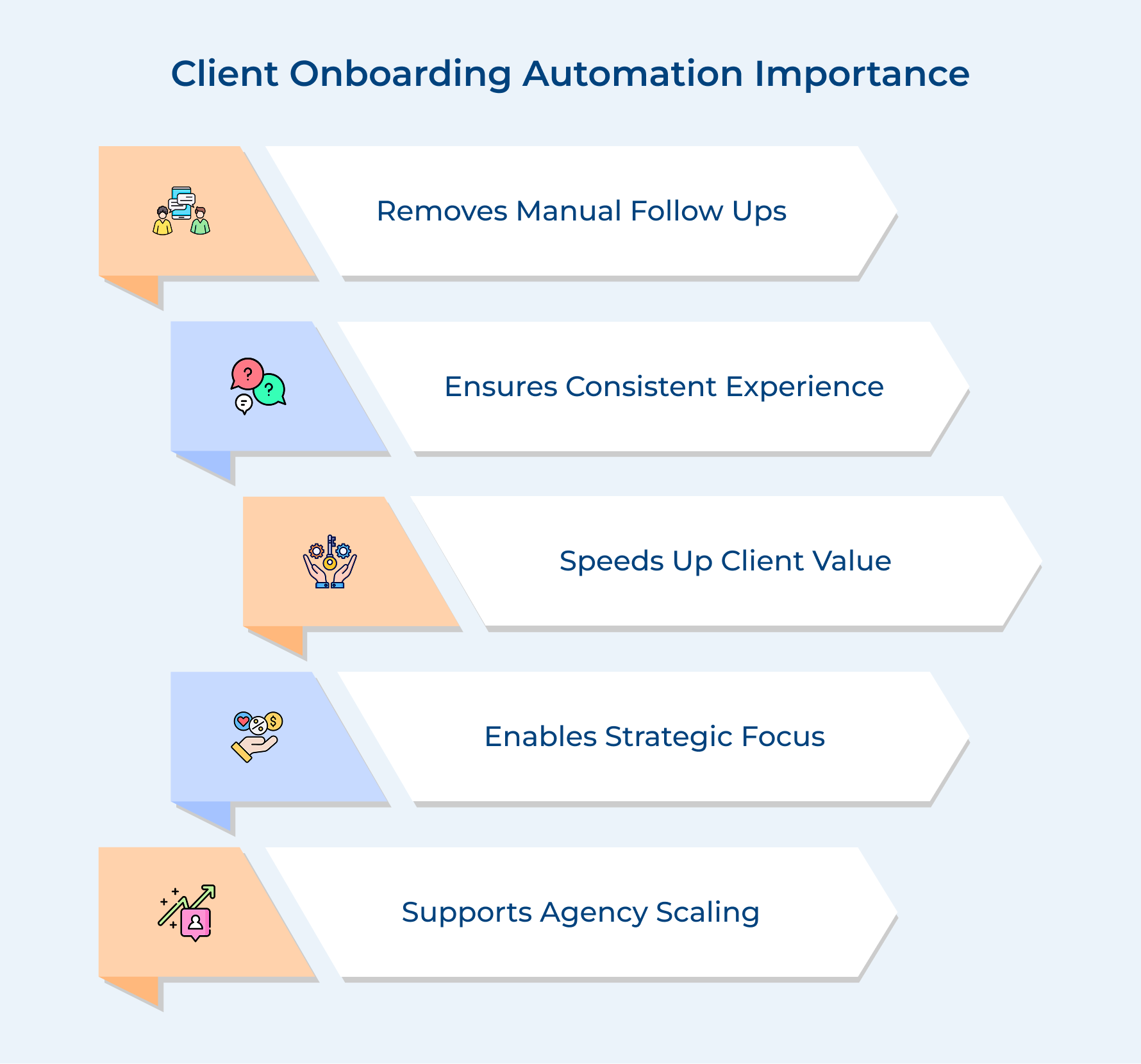
Eliminates Bottlenecks Caused by Manual Follow-Ups
Manual follow-ups create a delay in sign-up that damages your client’s first impression to your product or service. Automation can streamline the follow-up sequences, so your team can focus on high-value activities.
Delivers a Consistent Client Experience Every Time
Automation makes sure that every customer receives the same structured experience regardless of the circumstances. In agencies, inconsistency is the biggest reason in the early stages where relationships break down.
Reduces Time-to-Value for New Clients
Clients judge your capability within the first two weeks of engagement, so automate the onboarding process. It helps in achieving their first meaningful result quicker, which directly builds trust and confidence.
Frees Your Team to Focus on Strategy
The team spends hours sending welcome emails manually and has less bandwidth for actual client work. Automation handles the administrative activities, so the team can invest time where it is needed the most.
Scales Your Agency Without Adding Overhead
The operational load on your team increases when you take on more clients without onboarding automation. It helps in handling three times more clients without hiring more people.
Key Components of Automated Client Onboarding
Automated client onboarding is a combination of components working together to build a process that actually holds up at scale. Let’s explore these components in details:
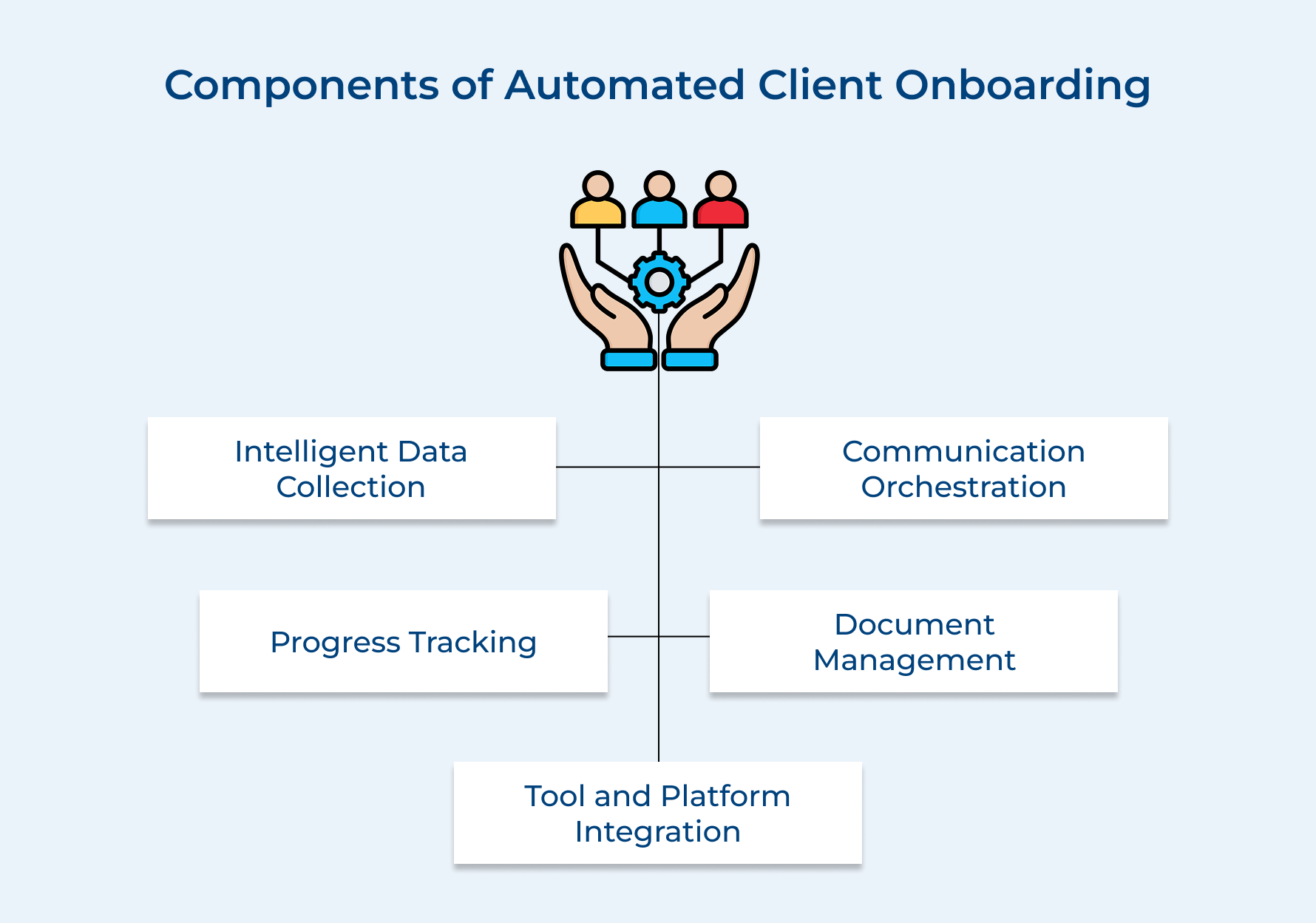
1. Intelligent Data Collection
A smart data collection system uses conditional logic for asking the most relevant questions based on the profile. It eliminates manual processes through emails and spreadsheets that slow down the onboarding process.
What intelligent data collection handles in your sign-up?
- Dynamic intake forms for adaptive questions based on the client’s industry
- Flags incomplete information before it enters your system with Auto-validation rules.
- Direct sync with CRM to push collected data into the project pipeline automatically.
2. Communication Orchestration
Losing clients in the first few weeks due to disorganized communication is common in most agencies. So how does communication orchestration help? It automatically triggers emails that are pre-built and needed in the onboarding journey.
3. Progress Tracking
What happens without clear visibility in onboard progress? Your team left guessing about what stage has been completed by client and what’s next. A proper progress tracking system works like a charm here, using automation to give real-time status updates on onboarding, leading to a better customer experience
A strong progress tracking component includes:
- Client-facing dashboards to track the exact progress of the onboarding.
- Internal alerts function to notify the right person when an important action is completed.
- Seamless escalation of tasks when a step is overlooked, with a deadline monitoring tool.
4. Document Management and E-Signatures
One of the most time-draining tasks during onboarding is chasing down signed contracts and missing documents. An automated document management system helps send contracts, collect e-signatures and store them in one centralized location.
5. Tool and Platform Integration
A single customer onboarding tool cannot handle everything, which is why integrating automation makes it actually work. Think of a situation when your CRM, project management tool and billing system talk to each other as a team. It helps in seamless data movement between them without a middleman.
What does a strong tool integration look like? Proper sync between CRM and project tool to create a new client project as soon as the signup is complete.
How to Automate the Client Onboarding Process: 7 Step Process
Explore this essential step process for effectively automating onboarding to create a more efficient workflow and lasting relationships with your clients.
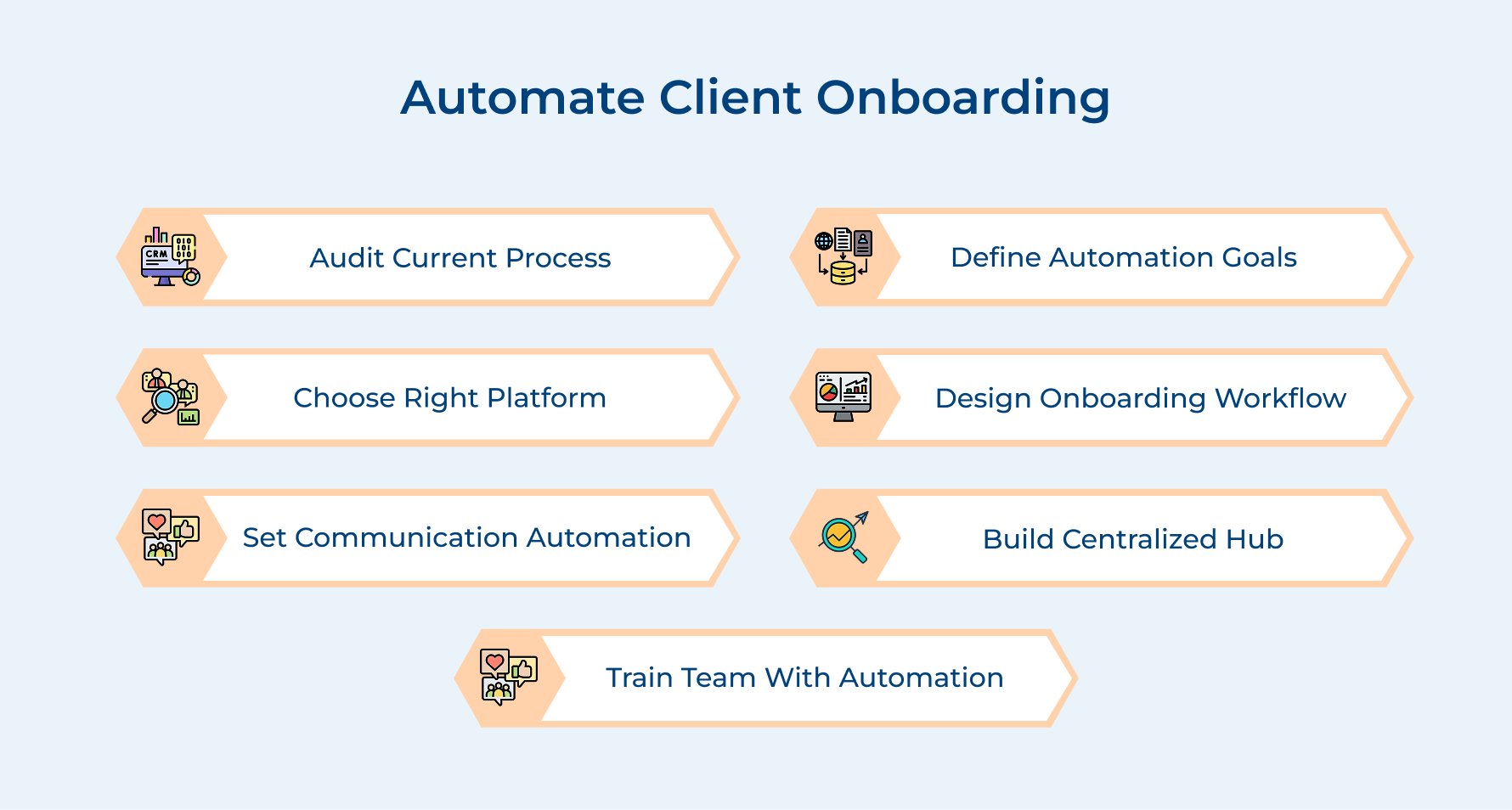
1. Audit Your Current Onboarding Process
Honestly speaking, most agencies attempt to automate client onboarding without examining their current process. This leads to digitizing a broken process and makes their problems move faster.
Auditing, although it is an unglamorous step, is also the most revealing one for those serious about fixing sign-up from the root. It will help you to determine which parts of your client onboarding are worth automating and which need to be redesigned.
Different gaps that can be identified through auditing in the manual process:
- Redundant data entry: Client information gets manually re-entered across multiple tools due to not proper integration.
- Unclear handoff points: transfer of responsibilities for the sales team to delivery team is not defined.
- Inconsistent communication: Different welcome emails from multiple team members without a consistent tone.
For example, a digital marketing agency uses a manual welcome message to onboard a new SEO client. Meanwhile, the project lead is asking for the same details, leading to a negative impression of your business.
How to implement?
- Time-stamp task: Record the actual time each manual step takes to complete.
- Review past client complaints: identify where confusion or delays occurred by using tracking of early-stage client emails.
2. Define Your Automation Objectives
Objectives must be aligned directly with the friction points that you have identified through auditing. So what happens when you do not set an objective? Automation looks impressive, but does not actually improve client experience.
Sequence your objectives based on impact in the process instead of just automating everything. Start with the bottlenecks that cost your client relationship in the early stage.
Follow this example of objectives to set in your own:
- Reduce onboarding completion time: The average time from signing to project kickoff should be reduced.
- Eliminate manual data re-entry: Make sure client information collected in forms sync directly into CRM.
- Standardize the welcome experience: New clients receive the same structured communication sequence regardless of the circumstances.
Pro tip: Focus on automating two or three objectives related to the highest-friction points in the client onboarding process and make those work before further steps.
3. Choose the Right Automation Platform
Chasing tools with the best feature lists instead of those that fit their actual operational reality is the biggest mistake. The right platform helps your team to use consistently and its automation capability should streamline the customer onboarding process.
Consider this key question before evaluating any platform:
- Can we integrate the platform with the CRM currently being used?
- Does it handle conditional logic to create onboarding paths for different clients?
- Will it have the support document collection and e-signatures features within the same workflow?
A pattern worth flagging tool that always prompts developers to adjust a workflow will become a bottleneck in onboarding faster than the manual process. Features to look for in an automation platform:
- Conditional workflow logic: Build different onboarding paths based on client or service tier
- Built-in communication triggers: Automated emails and notifications based on client actions without any manual intervention.
- Real-time progress visibility: Track where your client stands in the current onboarding process.
4. Design Your Automated Client Onboarding Workflow
This step is for building the real onboarding architecture, where the quality of your audit and objective work together. Design the workflow on paper before planning it on any platform. It helps in preventing any logical errors.
So, what does an ideal automated workflow for onboarding actually look like?
- A precise trigger to initiate the sequence
- logical progression of onboarding
- conditional branches for different client profiles
- Clearly defined endpoint for both client and team to recognize.
Follow the four core phases of an automated client onboarding workflow that any business can use:
Phase 1: Welcome and Intake
- Trigger welcome email sequence the moment when a contract is signed.
- Send an automated form with conditional questions based on the client’s type and service needed.
- Automatically sync data submitted from the intake form in CRM.
Phase 2: Internal Setup and Handoff
- Send internal kickoff onboarding checklist to delivery team with all relevant client information for onboarding
Phase 3: Client Activation
- A structured welcome guide relevant to the client’s specific needs.
- Calendar integration that syncs in real time with the account manager’s availability for scheduled kickoff.
- Send reminder sequences to client for any actions, such as form completion or document uploads
Phase 4: Onboarding Completion and Transition
- Trigger onboarding notification to both the client and team once all steps are completed.
- Automatically move the client to active status in CRM without any manual update
- Set early momentum and reinforce the client by sending the first progress update.
The costliest mistake most businesses make is building a single linear workflow for every client, regardless of their need. How to overcome it? Your workflow design must account for variability and personalization from the start of the onboarding process.
5. Set Up Communication Automation
Poor communication in onboarding is the reason why clients lose confidence within the first two weeks, leaving the process incomplete. Structured automated communication makes sure every client receives the right message at the right moment.
Effective ways to set up communication automation for onboarding:
- Trigger-based email sequences: Client action, such as form submission or stage completion, automatically triggers pre-written emails acknowledging the action and next step communicating.
- Internal team notifications: When a critical milestone is completed, automated alerts immediately notify the relevant team member without manually checking a dashboard.
So, what is the fastest way to lose a client’s trust? Generic automated messages during onboarding. Maintain a personal tone at scale based on the client’s service type.
6. Build a Centralized Client Onboarding Hub
The first question that comes to mind is: What silently breaks onboarding workflows? Scattered information across emails and disconnected tools. A centralized hub helps your team have one organized system where every client is managed efficiently.
This hub only works when every tool actively feeds data into it automatically. When contracts, project tasks and communication history work together, your team can deliver onboarding more confidently.
Best practices:
- Single source: customer data flow must be into one central hub, so your team always works with updated information
- Client-facing layer: Accessible client portal to track onboarding progress without contacting teams directly
7. Train Your Team to Work Alongside Automation
Automation helps in removing administrative tasks, but the team’s judgment is the key call for making clients’ onboarding experience feel premium. Agencies having proper training sessions for their team can consistently outperform..
So what’s the effect of not having proper training? Manual workarounds quietly replace automation and lose the consistency it was built to deliver.
Methods that are essential for training your team to work alongside automation for client onboarding:
- Role-specific workflow training sessions
- Every week, live simulation sessions with real scenarios
- Pooper documentation of standard operating procedures for each step
- Regular audit reviews to catch manual workarounds in the process early
The most important training gap is to build your team for situations when automation fails during the client onboarding process. Manual intervention should also be learnt to maintain the client experience or data integrity.
Considering these questions for the implementation of this step in your current workflow:
- Have you identified which team members need to understand the full workflow in comparison to a specific stage?
- What will be the escalation path when an automated step does not work?
- How will you scale your team when it is onboarded into the system as the business grows?
Key Challenges of Onboarding a Client Manually
The challenges are faced by teams consistently when they rely on a manual process for too long. Let under how to overcome these mistakes:
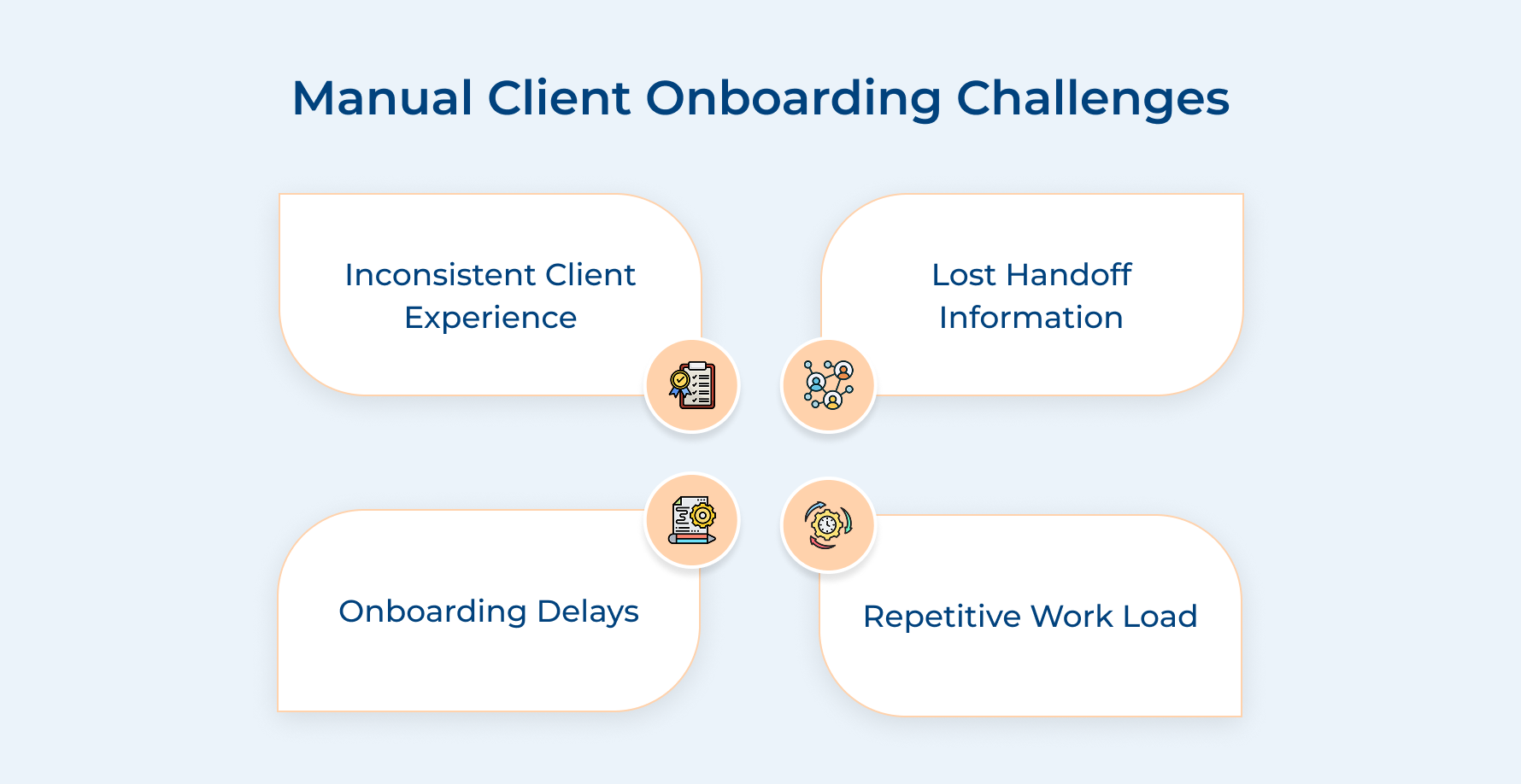
1. Inconsistent Client Experience Across Onboarding
When multiple team members handle the signup of clients each week, they get a slightly different onboarding experience. This inconsistency affects your business and credibility before the actual delivery of work starts.
2. Critical Information Gets Lost Between Handoffs
Handoff from sales to the delivery team is when you lose client context in email threads and verbal conversations. It forces your team to ask clients the same questions again, which signals disorganization.
3. Onboarding Bottlenecks Slow Down Time-to-Value
Manual follow-ups and document collection delay the start date further back than it was expected. So what does it mean? Each day of delay means an increase in client anxiety and reduces their confidence in your business.
4. Team Bandwidth Gets Consumed by Repetitive Work
Think of a situation when your best team spends hours sending welcome emails and intake forms instead of strategic work. It compounds every time you start a new customer engagement without automation in place.
How to directly address each challenge with the right solutions?
- Build a personalized onboarding workflow for each client with automation.
- captures and stores all client information automatically with a centralized onboarding hub.
- Set up trigger-based follow-ups to track pending actions of the client in the sign-up process without manual effort
- Automate repetitive tasks, so the team can focus only on high-value interactions
Best Practices & Tips to Automate Customer Onboarding
The best practices help separate onboarding systems that just look good from those that actually retain clients.
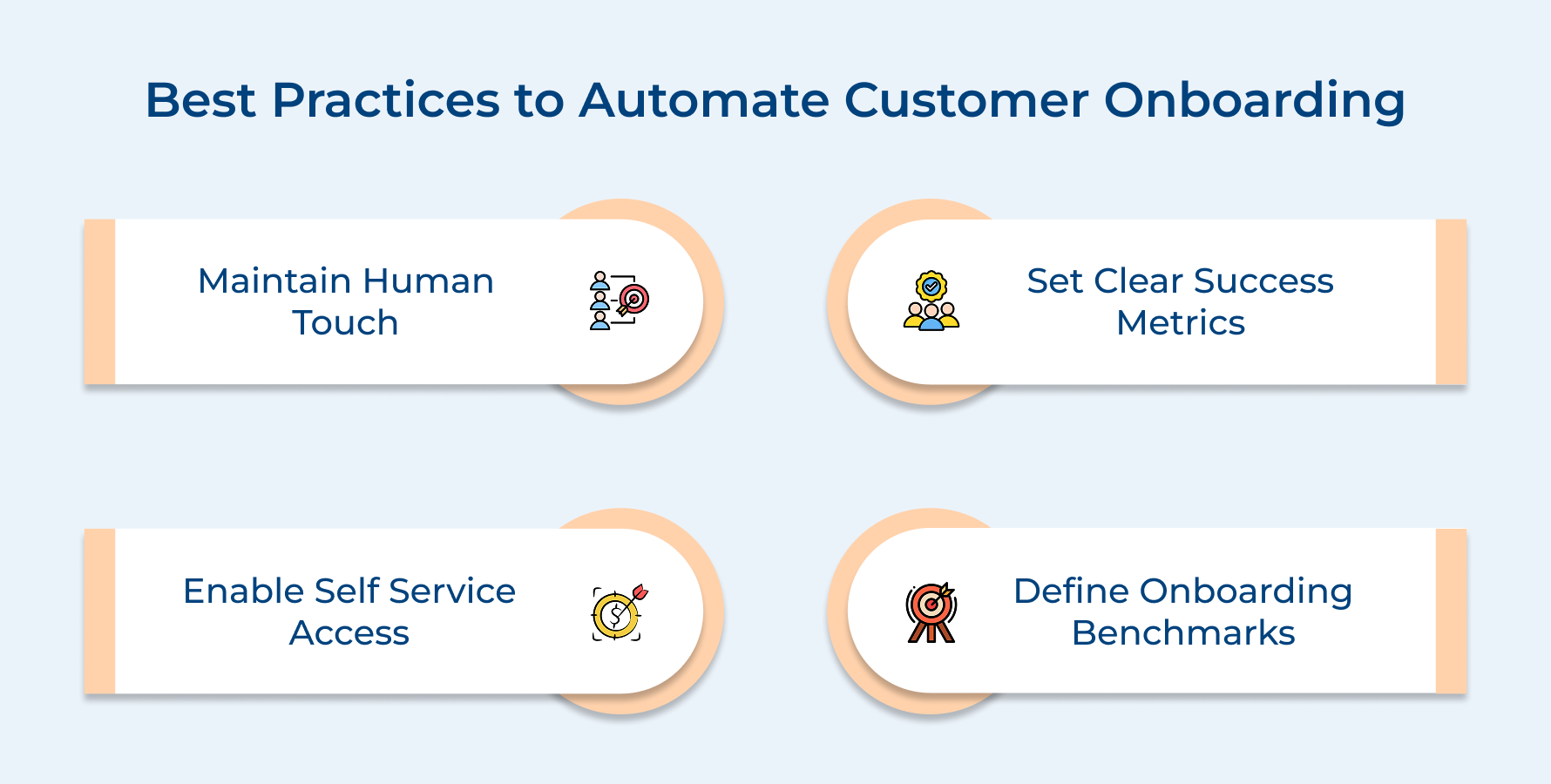
1. Maintain the Human Touch
The goal is not to remove the team from onboarding but to keep them in conversations that build the relationship. Your automation handles the repetitive layer within the client onboarding process to maintain a better experience and adaptation rate.
Maintaining human touch instead of automation in the following areas makes a difference in onboarding:
- Personal welcome call: A short kickoff call from the team helps the client to understand that a real person owns the success
- Proactive check-ins: Reach out to clients before they come up to showcase the attentiveness that builds long-term trust
Knowing exactly when you need a handoff from humans to automate, it defines a mature onboarding process for the client. The perfect balance helps clients to remember long after the signup is completed.
2. Establish Clear Success Metrics
Onboarding without tracking metrics is like you are optimizing blindly and not able to tell what is actually working. Track metrics such as time-to-completion and step drop-off rates to gain clarity as well as refine your process.
3. Create Self-Service Capabilities
Build a self-service portal for clients to access resources, upload files and track progress independently. It removes friction that could have silently delayed signup completion.
What does a strong self-service onboarding material include?
- Resource library: A centralized section knowledge base that included guides, FAQs and tutorials relevant to the client’s service type
- Document upload portal: A secure space where clients can submit required files without email attachments back and forth
4. Set Onboarding Completion Benchmarks for Every Client Type
Knowing onboarding is “complete” isn’t enough. You need to define where it is actually complete for each client type. These benchmarks give your team a clear escalation point when a client falls behind without a valid reason.
Boost Your Client Experience With Effortless Onboarding Strategy
The onboarding process is the first proof of loyalty every new client evaluates from the start. Doing it wrong in the initial stage and even great delivery at a later stage will not be able to fully recover that lost trust in your business.
- Automate repeated tasks so the team focuses where genuine human efforts actually matter most.
- Delivers a consistent premium experience without burning your team out over time with automation
Start building your customer onboarding automation to measure the difference in client retention just within the first quarter of implementation. Strong onboarding automation not only saves time but also sets the tone for every relationship that follows for better customer satisfaction.
Service firms and businesses that automate onboarding operate more efficiently, as well as win client trust faster
Limit time — not creativity
Everything you need for customer support, marketing & sales.

Neeti Singh is a passionate content writer at Kooper, where he transforms complex concepts into clear, engaging and actionable content. With a keen eye for detail and a love for technology, Tushar Joshi crafts blog posts, guides and articles that help readers navigate the fast-evolving world of software solutions.