How to Create a Resource Matrix for Project Success
- What is a Resource Matrix in Project Management?
- Key Benefits of the Resource Allocation Matrix
- Essential Components of the Resource Allocation Matrix
- How to Create a Resource Matrix in Project Management?
- Types of Resource Matrix in Project Management
- Tips and Best Practices for the Resource Matrix in a Project
- Navigate your Projects with Clarity and Precision Using Resource Matrix.
- FAQs about the resource matrix

Key Highlights:
- A well-built resource matrix brings clarity to team capacity, helping you balance workloads and prevent scheduling conflicts.
- Different matrix structures let you organize skills, time and availability in ways that suit your project’s complexity.
- Using a resource allocation matrix streamlines planning, supports data-driven decisions and improves overall project efficiency.
Your project team is stretched thin and you’re not sure who’s available to take on the next critical task. Deadlines are slipping because the same people keep getting overloaded while others have spare capacity you didn’t know existed.
A resource matrix solves this visibility problem by showing you exactly who’s working on what and when across all your projects. This single view helps you spot conflicts and balance workloads before small issues become major delays that derail your timeline.
In this guide you’ll learn what a resource matrix actually is and how to build one that keeps your projects on track. Let’s walk through practical steps as well as real strategies that transform chaotic resource management into a clear system anyone can follow.
What is a Resource Matrix in Project Management?
A resource matrix is a visual planning tool that maps out who does what and when across your project timeline. It helps project managers see resource allocation at a glance and spot potential bottlenecks before they become problems.
The matrix functions by creating a grid where you plot people against work requirements or time slots. You fill in cells to show assignments and availability levels. This gives you a bird’s eye view of workload distribution while helping you make quick decisions about reassigning resources when priorities shift or unexpected issues arise.
Primary objectives:
- Visibility: Provides a clear view of who is working on what at any given time
- Balance: Ensures workload is distributed evenly to prevent burnout and underutilization
- Conflict prevention: Identifies scheduling overlaps and resource shortages before they disrupt progress
- Optimization: Maximizes team productivity by matching skills to tasks appropriately
- Communication: Serves as a reference point that keeps all stakeholders aligned on resource commitments
Key Benefits of the Resource Allocation Matrix
Organizations with mature resource management practices waste 28 times less money due to poor project performance according to PMI’s report. Let’s explore more benefits:
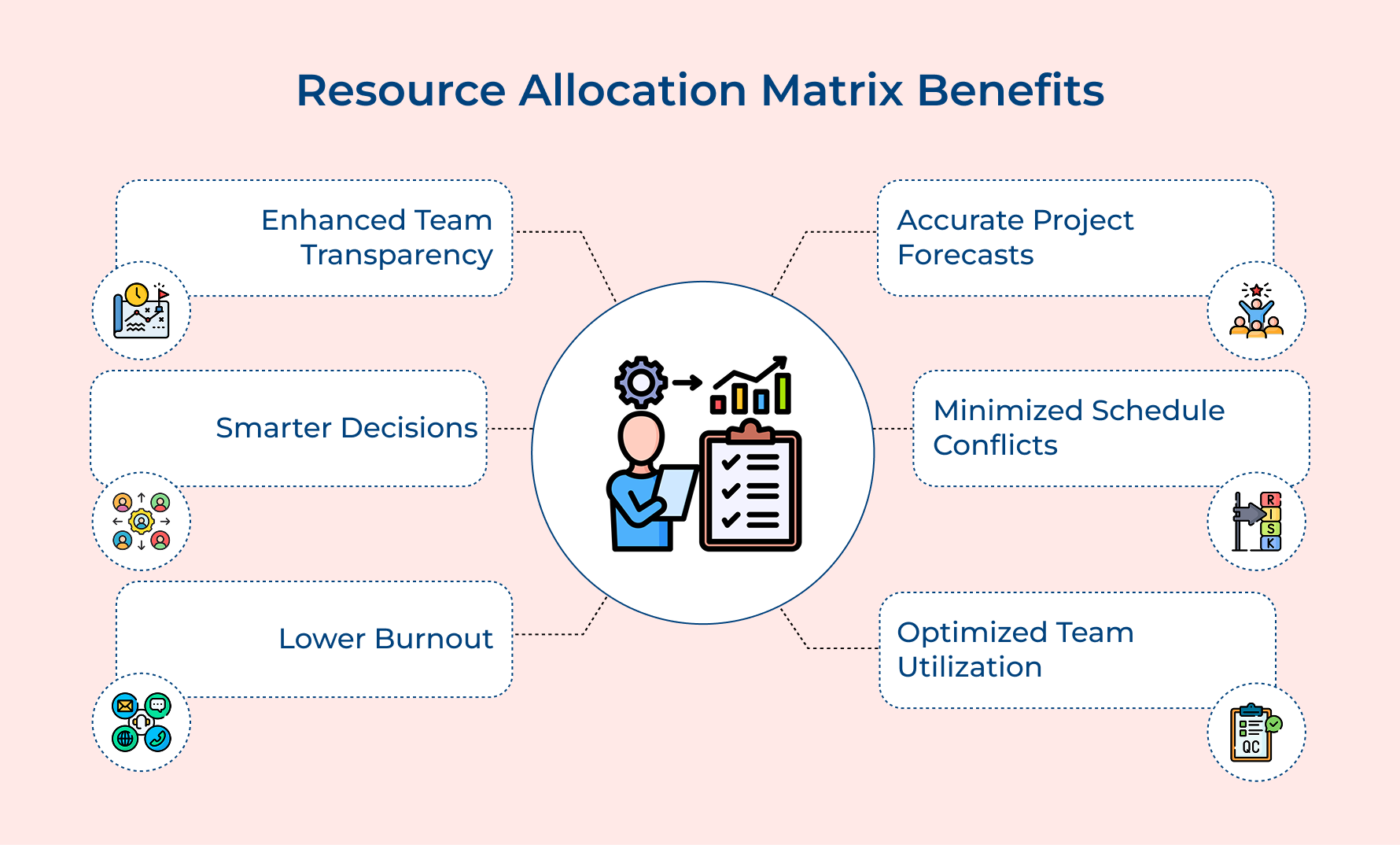
Better Transparency Across Teams
A resource matrix brings complete visibility into resource availability, showing who’s free and who’s overloaded. This shared view replaces scattered spreadsheets and ensures everyone works from the same data. Managers no longer have to chase updates about team workloads, leading to faster alignment and fewer communication gaps.
Smarter Decision Making
Visualizing all project resources in one place helps teams quickly evaluate priorities and trade-offs. The matrix helps answer crucial questions—whether to take on new work or how to adjust when unexpected changes occur—without endless meetings or uncertainty.
Reduced Burnout and Stress
Clear insight into resource capacity lets you spot early signs of overload. Managers can redistribute work proactively, maintaining balance across teams. This approach prevents burnout, promotes well-being and keeps productivity consistent.
Improved Project Forecasting
Using past data on how work was planned versus executed improves your project schedule accuracy. This allows for more realistic planning that reflects actual team capacity and performance trends.
Fewer Schedule Conflicts
When tasks are mapped to a structured Work Breakdown Structure, overlapping assignments and competing priorities are easy to detect. This clarity helps prevent double-bookings and ensures smoother coordination across all projects.
Higher Team Utilization
The matrix highlights where resources are over- or under-assigned, helping you balance workloads effectively. You’ll maximize efficiency by deploying the right people to the right tasks at the right time.
Essential Components of the Resource Allocation Matrix
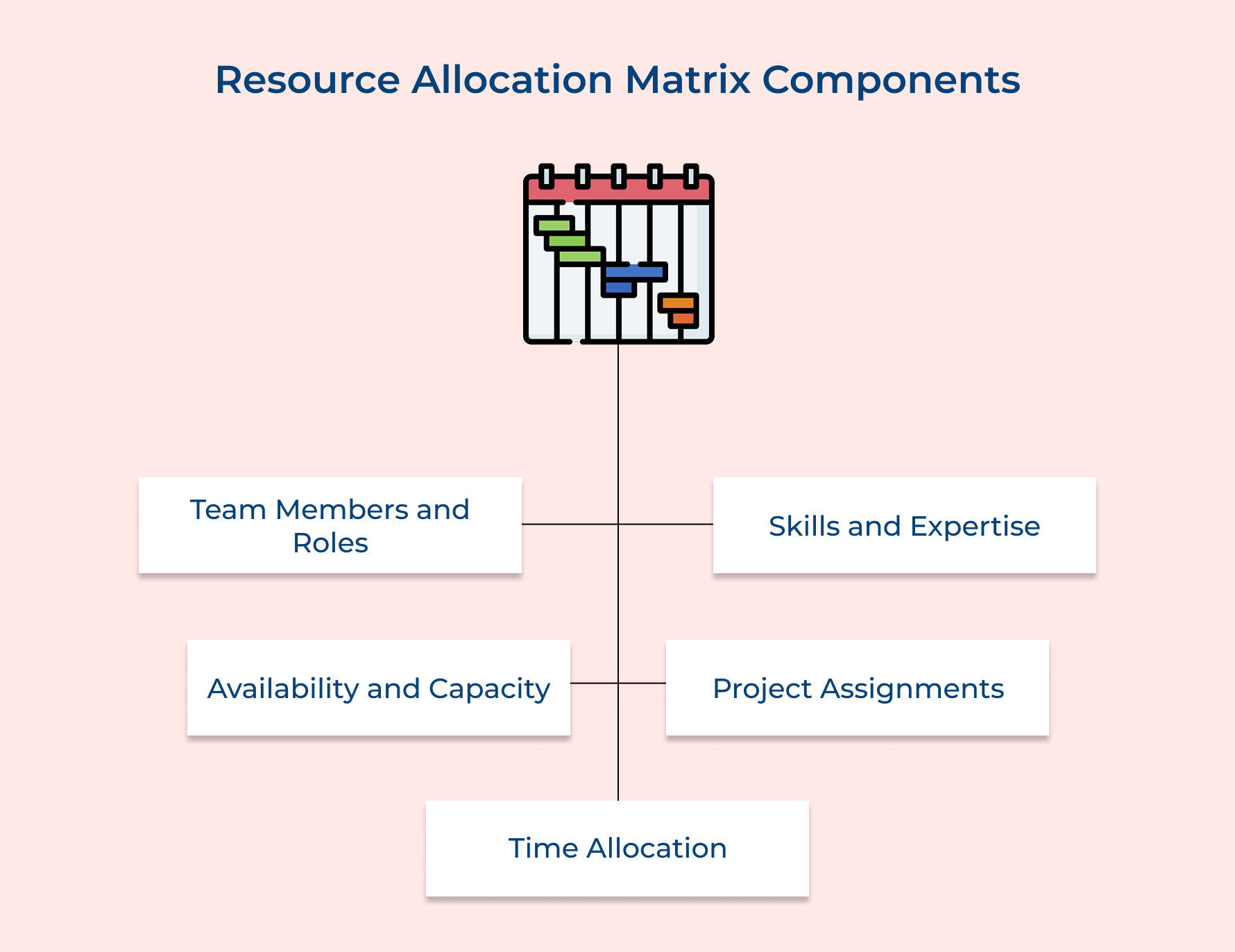
A resource allocation matrix is only as good as the information you put into it. Let’s break down the essential building blocks that make this tool work effectively for your projects.
Team Member Names and Roles
The foundation starts with listing every person who might contribute to your projects along with their official job titles. This creates accountability because each assignment ties directly to a real individual rather than a vague team placeholder.
Track these details to build a complete team picture:
- Primary department or functional area each person belongs to
- Reporting relationships and who approves their time allocations
- Employment type such as full-time or contractor or part-time status
Mapping out your team members lays the foundation for everything that comes next. Clear role definitions prevent the common mistake of assigning tasks to people who lack the authority or responsibility to complete them.
Skills and Expertise Levels
Beyond job titles you need to document what each person actually knows how to do and how well they do it. A junior developer and a senior architect might both write code but their capabilities differ dramatically in scope as well as complexity.
Document capabilities across multiple dimensions for smart assignments:
- Technical skills with proficiency ratings like beginner or intermediate or expert
- Soft skills including leadership abilities or client communication strengths
- Certifications and specialized training that qualify them for specific work
The component helps you match the right person to the right task instead of just filling slots on a calendar. Rating proficiency levels prevents you from accidentally overloading beginners with advanced work or wasting expert time on basic tasks.
Availability and Capacity
Knowing who’s on your team means nothing if you don’t know when they can actually work for you. It tracks vacation schedules and training commitments as well as other projects that consume their time.
Monitor time factors that affect real working capacity:
- Planned absences like holidays or medical leave or conference attendance
- Recurring commitments such as standing meetings or support rotations
- Peak productivity windows when certain team members do their best work
Capacity goes deeper than simple availability by showing how many productive hours someone realistically has after meetings and administrative tasks. Many managers make the mistake of assuming forty hours of availability equals forty hours of project work.
Current Project Assignments
You get a clear, real-time view of who’s working on what across all ongoing projects. It’s an essential part of project resource planning, helping you prevent double-booking or unintentionally pulling people off important tasks.
The matrix acts as a central command center for your resource pool, making it easy to see where workloads clash or overlap. You’ll instantly notice when someone’s handling too much or when another teammate has the bandwidth to take on new work.
Time Allocation Percentages
The final piece quantifies how much of each person’s capacity goes to different projects or tasks during specific time periods. These percentages turn vague commitments into concrete numbers that add up to realistic totals.
Track allocation patterns to optimize team productivity:
- Percentage breakdowns by project showing exactly how time divides up
- Billable versus non-billable hour distributions for client-facing teams
- Planned allocation compared to actual hours worked for future estimating accuracy
Breaking down allocations this way exposes the hidden costs of context switching when someone splits time across too many initiatives. You’ll quickly spot when the math doesn’t work because percentages exceed one hundred or when key projects lack sufficient resource coverage.
How to Create a Resource Matrix in Project Management?
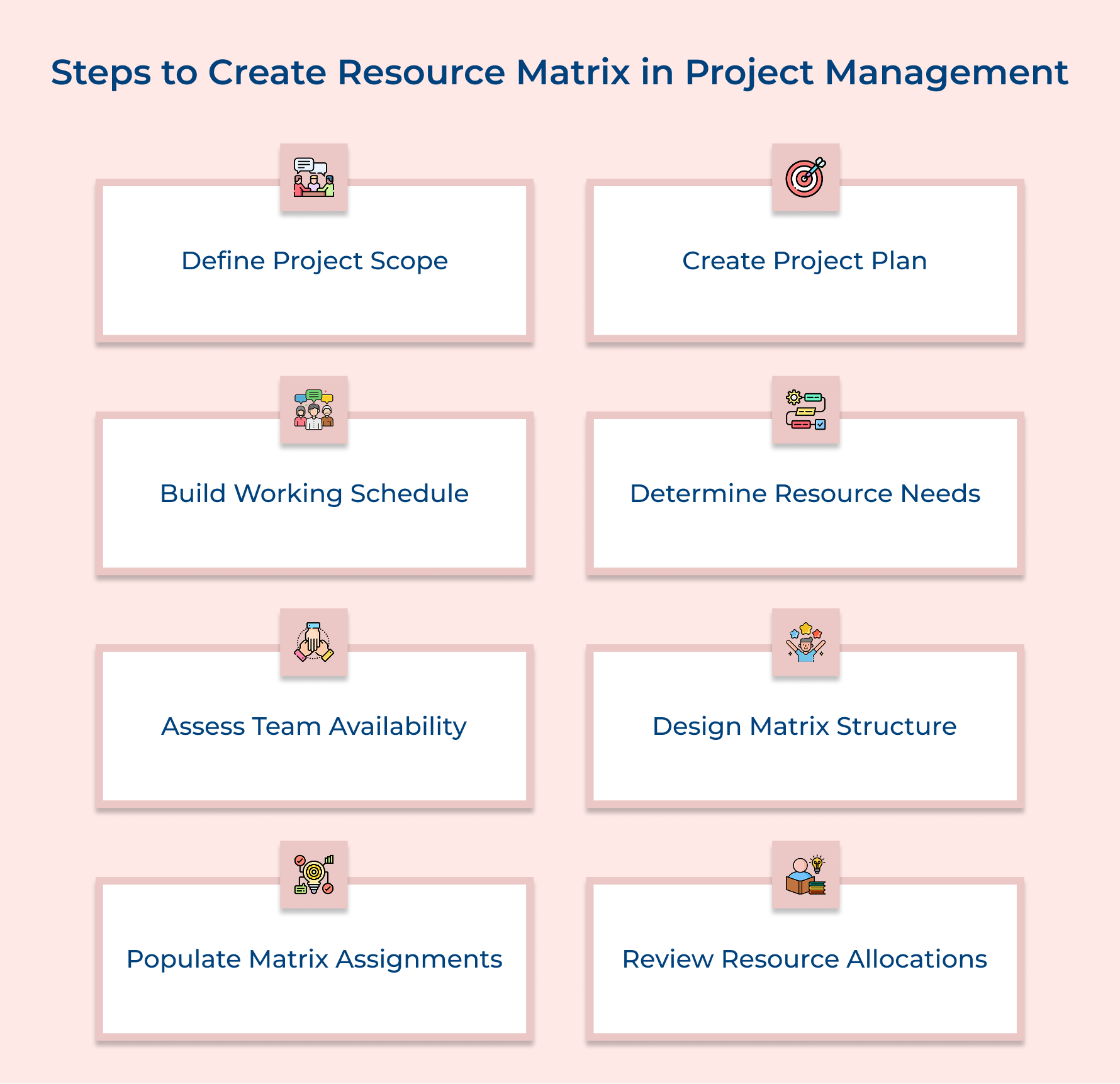
In this guide, let’s explore eight practical steps to develop a resource matrix that optimally manages resources and expertly navigates the intricacies of project demands.
1. Define Your Project Scope Clearly
Defining your project scope sets the stage for everything that follows – it clarifies what you’ll deliver and guides all your planning decisions. Without it, estimating how many people you need or what skills are essential becomes guesswork.
A clear scope also keeps everyone on the same page and prevents scope creep before assigning tasks. Using resource management tools at this stage helps you set realistic expectations, align stakeholders on deliverables and avoid the chaos of changing requirements that drain time as well as resources.
Pro tips:
- Document what’s explicitly out of scope to prevent assumptions that derail your resource planning later.
- Get written approval from key stakeholders on the scope before moving to resource allocation decisions.
2. Create a Comprehensive Project Plan
A project plan transforms your defined scope into actionable tasks with clear sequences and timing. This step is essential because you can’t allocate resources effectively until you know what work needs doing and how different pieces connect together.
Here are the critical elements your plan needs:
- Task dependencies: Map which activities must finish before others can start to avoid assigning resources to blocked work.
- Timeline constraints: Identify hard deadlines from clients or seasonal factors that affect when resources must be available.
- Risk factors: Document potential issues that might require additional resources or cause delays in your original estimates.
- Quality standards: Define the level of work required because expert-level deliverables need different resources than draft versions.
Your plan becomes the blueprint that guides every resource decision you make throughout the project lifecycle. Teams that skip detailed planning often discover missing tasks halfway through and scramble to find available people with the right skills.
3. Build a Realistic Working Schedule
This step turns your project plan into a real calendar with actual dates and working hours. Simply listing tasks isn’t enough – you need to know when each resource is required and how long they’ll stay involved.
There are three proven ways to build realistic schedules:
- Backward scheduling: Start from your final deadline and work backward to confirm if your timeline works with available resources.
- Forward scheduling: Begin from your start date and move ahead based on task durations to optimize time as well as efficiency.
- Critical path mapping: Identify the longest chain of dependent tasks and focus your top talent there since any delay impacts the whole project.
Applying resource smoothing ensures workloads stay balanced without overloading key people. For example, in a website redesign that must launch before Black Friday, backward scheduling might reveal that design work needs to start in August, helping you allocate designers early and avoid last-minute chaos.
4. Determine Your Resource Requirements
Identifying the right skills and effort for each task helps you understand what it really takes to deliver your project successfully. It also shows if your team has the capacity and capabilities needed to get the work done effectively.
Ask yourself these essential questions to uncover true requirements:
- What specific technical skills or certifications does each task require?
- How many hours or days will each activity realistically take to complete?
- Do any tasks need multiple people working simultaneously or just one focused contributor?
- Are there specialized tools or software licenses that certain team members must have access to?
These questions force you to think beyond generic resource needs and get specific about qualifications as well as time commitments. When you answer honestly you often discover that your initial estimates were too optimistic or that you’re missing critical skills entirely.
Balance these factors while determining requirements:
- Consider skill proficiency levels because beginners need more time than experts for the same work
- Account for learning curves when introducing new technologies or methodologies to your team
- Factor in review and approval cycles that add hidden time beyond pure execution effort
How do you actually calculate these requirements? Break each task into subtasks and estimate the hours needed based on past similar work. Then add a buffer of 15-20% because unexpected complications always arise. Multiply task hours by required skill level to see if you need senior resources or if junior team members can handle it with supervision.
5. Assess Team Member Availability
Gathering accurate details about when each team member can actually contribute helps you plan more realistically. Assuming everyone is always available often leads to missed deadlines when people are on leave or busy with other priorities.
You use availability data to schedule tasks during periods when the right people can actually work on them. This prevents the common mistake of assigning critical deliverables to someone who’s taking two weeks off or already committed full-time to another urgent initiative.
Pro tips:
- Update availability information monthly because people’s schedules change with new projects and personal commitments throughout the year.
- Create a shared calendar where team members can mark their planned absences so you’re not constantly chasing updates.
6. Design Your Resource Matrix Structure
Creating a clear framework gives you one organized view of all your resource information. A well-structured setup keeps everything easy to read and update, while a messy matrix quickly turns into a confusing spreadsheet that no one wants to maintain.
Consider your audience when designing the matrix because executives need high-level summaries while team leads require detailed daily allocations. The right structure balances comprehensiveness with usability so people can quickly find the information they need.
Three effective approaches help you build matrices that people actually use:
- Skills-based structure: List competencies as rows and team members as columns. Add proficiency ratings to see who fits each task and spot skill gaps early.
- Time-based structure: Use rows for team members and columns for time periods. Mark allocations to track workload and identify over- or underutilization.
- Hybrid structure: Combine both by adding allocation, skill level and availability in each cell. It offers full visibility but needs careful maintenance.
Your matrix should update easily because resource situations change constantly as projects evolve and priorities shift. Pick a format that team members can modify without breaking formulas or requiring advanced technical skills to maintain.
7. Populate the Matrix with Assignments
Filling your matrix with real assignments connects the right people to the right tasks, turning plans into action. Once you’ve outlined your project, match each task to team members whose skills best fit the work. Prior experience with similar tasks helps reduce risk and speeds up delivery.
Use resource leveling to keep workloads balanced – avoid overloading top performers while others remain underutilized. Check each person’s total committed hours to make sure no one exceeds their available capacity during the project timeline.
Consider these factors when distributing work across your team:
- Mix challenging assignments with routine tasks so people develop new skills without becoming overwhelmed
- Pair less experienced team members with experts on complex work to build capability
- Rotate undesirable tasks fairly rather than always dumping them on the same people
Should you track time as percentages or specific hours? Use percentages when people split time across multiple projects because it clearly shows competing demands. Many teams use both methods by showing percentage allocation at the monthly level but drilling down to hourly blocks for the current week.
8. Review and Optimize Your Allocations
Analyze the completed matrix. It helps you catch issues and fine-tune allocations before the project starts. Initial plans often miss real-world constraints, so this review helps uncover conflicts or inefficiencies early.
Use optimization to smooth workload peaks where people are overloaded and fill gaps where capacity goes unused. It’s also a good time to spot scheduling overlaps or missing skills that could delay key tasks once work begins.
Pro tips:
- Run this review with team members themselves because they’ll spot unrealistic assignments faster than managers working alone.
- Schedule monthly optimization sessions throughout the project because resource needs shift as work progresses and priorities change.
Types of Resource Matrix in Project Management
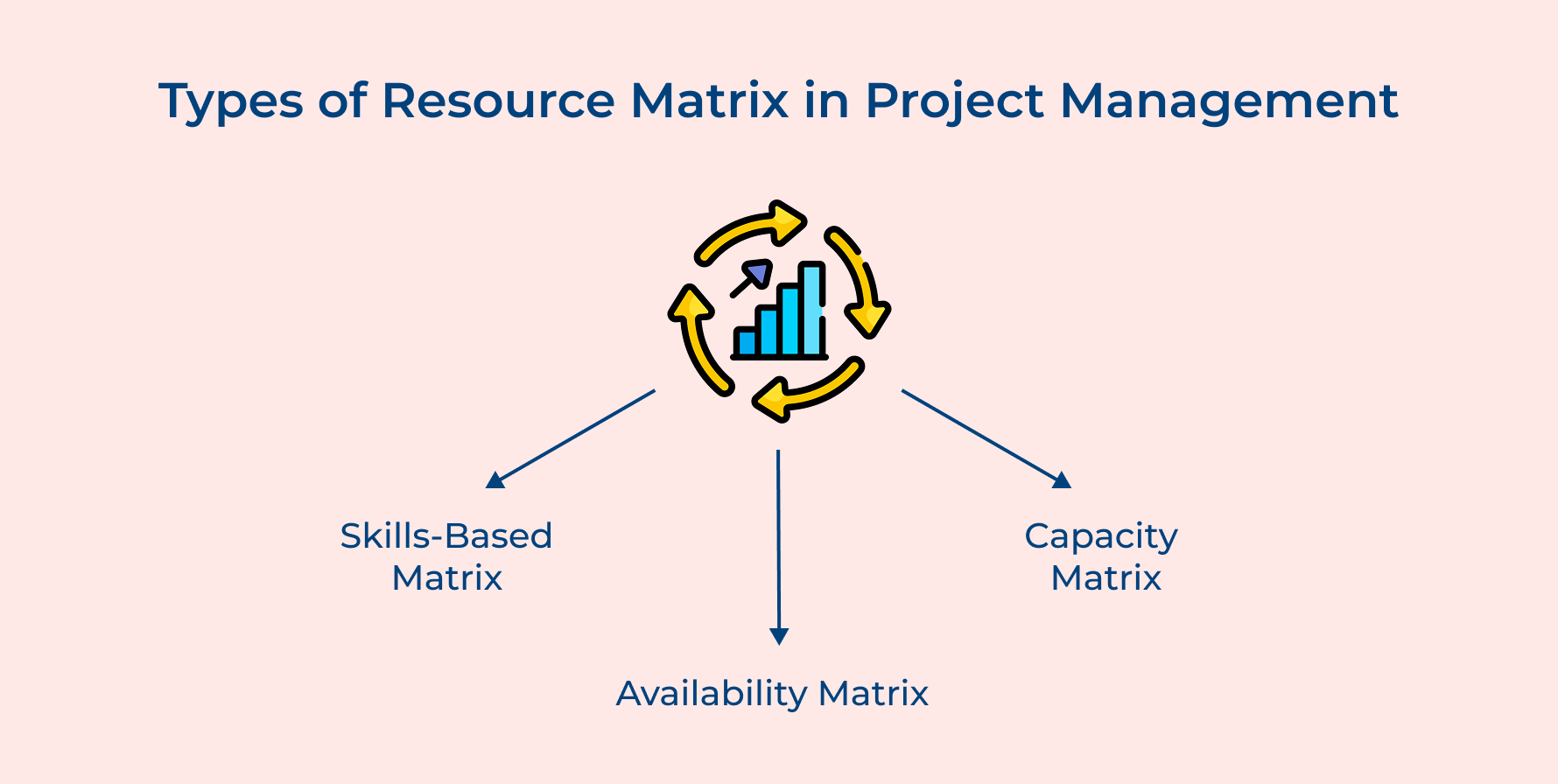
Different projects need different ways to view your team’s capabilities and time. The right matrix type depends on what questions you’re trying to answer about your resources.
Skills-Based Matrix
This matrix organizes your team by what they know rather than who they report to or when they’re available. You create rows for different competencies and map which team members possess each skill at various proficiency levels.
Availability Matrix
The availability matrix focuses purely on the calendar question of when people can work for you. You plot team members against time periods and mark out when they’re unavailable due to vacations or other commitments.
Capacity Matrix
A capacity matrix shows how much actual work each person can realistically take on during specific timeframes. You calculate productive hours after accounting for meetings as well as existing commitments to reveal true bandwidth.
Tips and Best Practices for the Resource Matrix in a Project
Getting your resource matrix set up is just the beginning. The real value comes from how you maintain and use it throughout your project lifecycle.
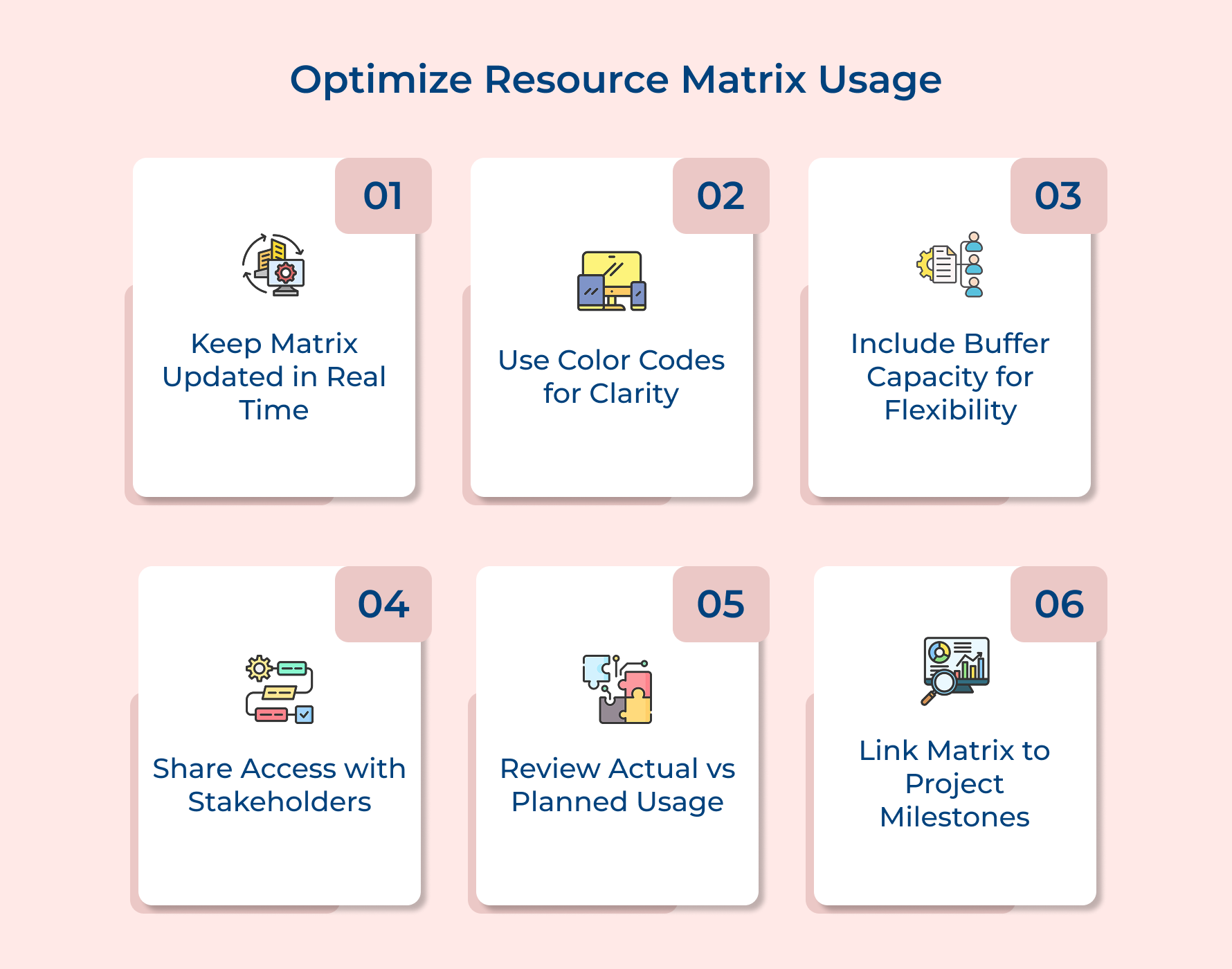
- Keep your matrix updated in real time: Your resource matrix loses value the moment it becomes outdated so treat it as a living document. Update allocations immediately when scope changes or people shift between tasks rather than waiting for weekly reviews.
- Color code for quick visual scanning: Use consistent color schemes to highlight different allocation levels so anyone can grasp the situation at a glance. Red might indicate overallocation while green shows available capacity and yellow marks potential conflicts.
- Include buffer capacity for emergencies: Never allocate people to 100% capacity because unexpected issues always emerge and you need flexibility to respond. Build in 15-20% buffer time so team members can handle urgent fixes without derailing other work.
- Share matrix access with stakeholders: Make your resource matrix visible to project sponsors and team leads who need to understand allocation decisions. Transparency prevents conflicts when multiple managers compete for the same resources.
- Review actual vs planned regularly: Compare how resources were actually used against your original allocations to identify patterns and improve future estimates. These reviews reveal which tasks take longer than planned or which team members work faster.
- Link matrix to project milestones: Connect resource allocations directly to specific deliverables and deadlines so everyone understands why certain people are assigned when they are. This linkage helps team members see how their contributions fit the bigger picture.
A resource matrix transforms chaotic project management into a clear visual system where you can see who’s doing what and when. This tool helps you catch problems early and make smart decisions about workload distribution before deadlines slip or team members burn out.
Start building your matrix today by following the steps we covered and applying the best practices that keep it accurate as well as useful. Consistent updates and regular reviews turn your resource matrix into a single source of truth that guides your team to successful project delivery every time.
Limit time — not creativity
Everything you need for customer support, marketing & sales.

Shivank Kasera is part of the marketing team at Kooper, where he focuses on building content that helps agencies and service providers grow. With a keen interest in SaaS, operations, and scalability, he translates practical insights into actionable resources for business leaders.