Automate Resource Allocation for Better Project Delivery
- What is Automation in Resource Allocation?
- Benefits of Automated Resource Allocation for Service Firms
- How to Implement Resource Allocation Automation?
- How Does AI Optimize Resource Allocation?
- Best Automation Tools for Resource Allocation
- Examples of Resource Allocation Automation Across Industries
- Future Trends in Resource Allocation Automation
- Transform the Way You Manage Resources with Advanced Automation
- FAQs about Resource Allocation Automation

Key Highlights:
- Resource allocation automation uses real-time data and AI to reduce manual scheduling as well as capacity conflicts.
- Teams using automation reduce over-allocation incidents and improve billable utilization rates across all projects.
- Align your resource to deliver a measurable result by auditing current processes and configuring allocation logic.
Ever wondered the real reason why most project teams keep missing deadlines despite having capable people and plans? It’s resource conflicts, invisible capacity gaps and allocation decisions that are made too late to fix before affecting delivery.
Organizations lose around $97 million of every $1 billion invested. It is largely due to poor resource visibility and manual planning processes. Use resource allocation automation to assign people, budgets and tools to the right tasks without manual decision-making. It eliminates the guesswork that drains delivery performance.
Understand how to automate resource allocation across practical implementation steps and which AI tools enhance the process. Also, get a clear roadmap to transform resource allocation into a proactive and scalable delivery process.
What is Automation in Resource Allocation?
Automation in resource allocation involves using technology to assign people, budgets and tools to the right tasks without depending on manual decision-making. It uses real-time data to make smart and faster allocation across projects.
Resource allocation automation works by combining project demands with capacity through intelligence. Project managers can work efficiently during the planning cycle by removing the guesswork.
So what makes firms shift to automated resource allocation? Teams spend less time on administrative work and more on actual execution. It continuously monitors workloads and flags imbalances before bottlenecks.
Key objectives:
- Optimized utilization: make sure resources are assigned based on actual availability and skill fit.
- Real-time visibility: Real-time view for project leaders on resource allocation needed.
- Demand forecasting: Predicts resource needs with respect to project pipelines and historical patterns.
- Conflict reduction: Identify any over-allocation and resolve clashes before they affect delivery.
Benefits of Automated Resource Allocation for Service Firms
Manual resource allocation loses time and money, so follow these benefits to show exactly where automation hits hard.
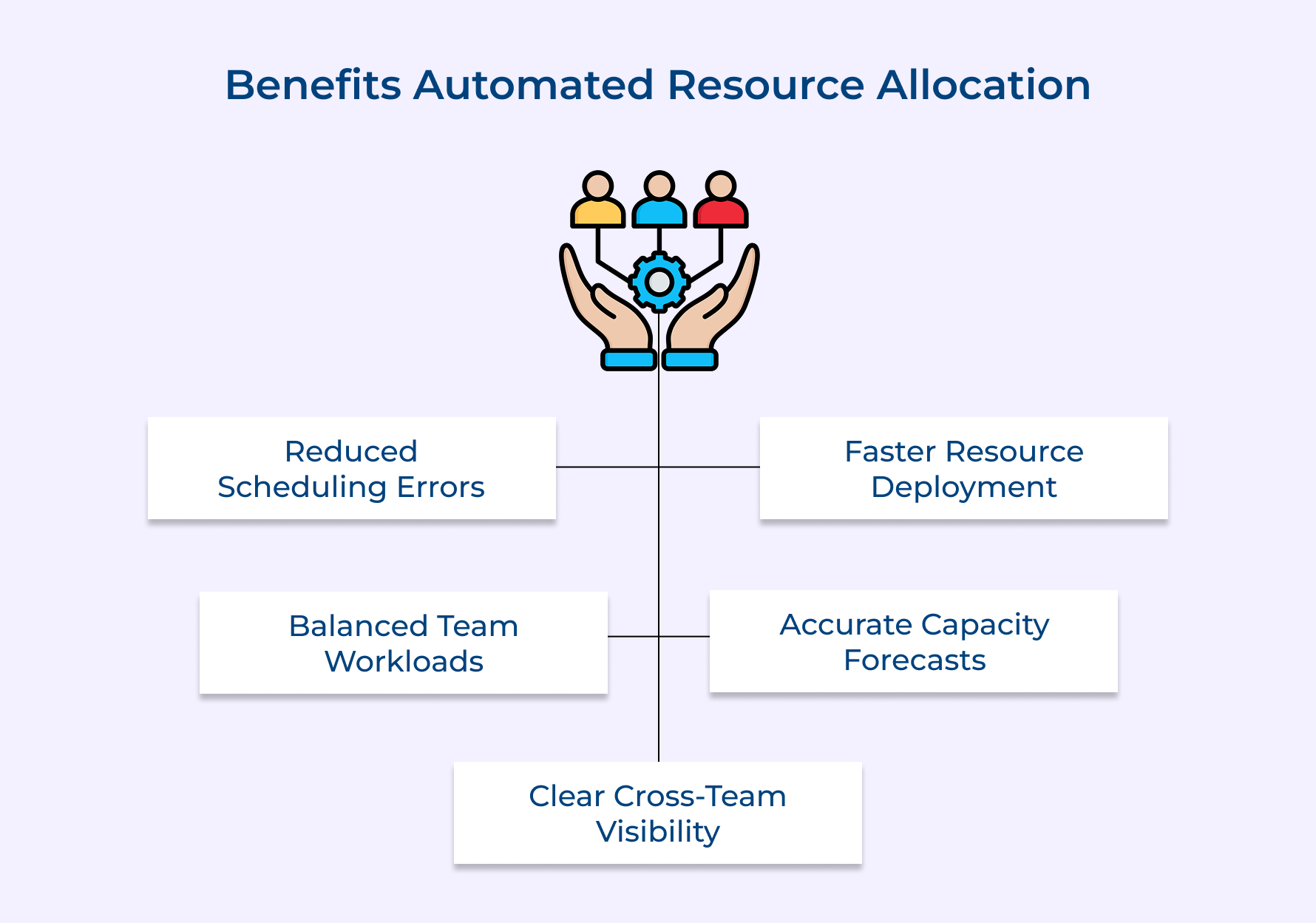
1. Elimination of Manual Scheduling Errors
Manual scheduling always comes with hidden risks that are only noticeable after a deadline is missed. Automation cross-checks availability, skills and project timelines in real time to eliminate costly mistakes.
2. Faster Resource Deployment
Consider a situation when a project need arises but is still waiting for approvals and manual checks burns valuable delivery time. Automated systems make the right resource planning for the right task within the blink of an eye.
3. Real-Time Workload Balancing
Team members overallocation underperform, while others are still underutilized. Manual tracking rarely catches this error in the early phase. Continuously use AI along with automation to monitor workload distribution and rebalance assignments before burnout.
4. Improved Forecast Accuracy
Future resource prediction based on spreadsheets is like guesswork. Analyses of historical project data and current pipeline demands to create forecasts that actually hold up during execution.
5. Better Cross-Team Visibility
Resource conflicts occur due to a lack of a clear view of all allocations across projects. Use automation to create a centralized visibility layer to make decisions without getting involved in each other’s plans.
How to Implement Resource Allocation Automation?
Explore the seven steps to successfully implement AI and automation to make sure efficient resource planning for the organization to deliver projects.
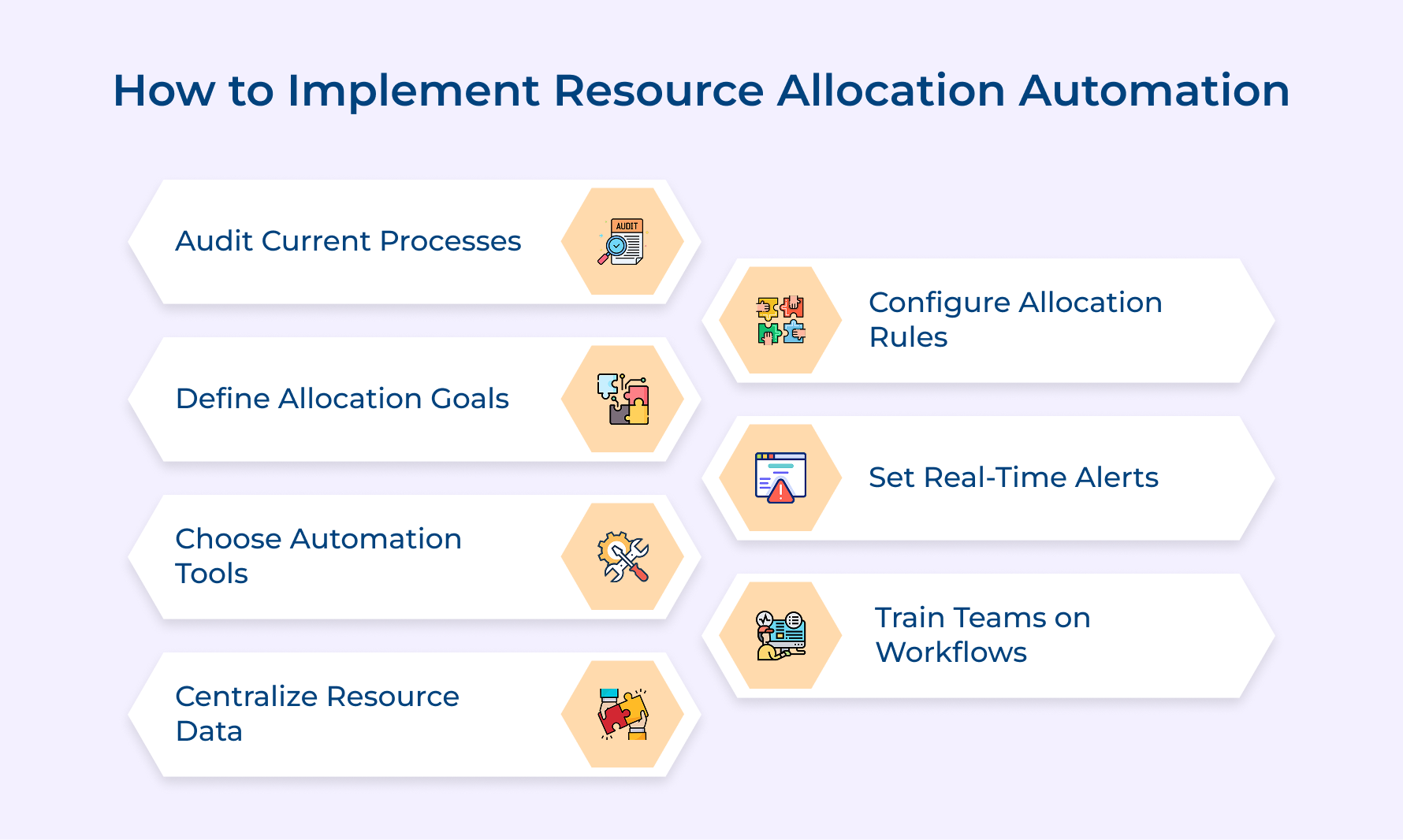
1. Audit Your Current Resource Management Process
Most automation fails due to one root cause. Nobody has done a proper audit of their existing process before implementing the current tool. Skip this and your resource allocation will be automated with inefficiencies in the existing system.
Consider these questions to audit your current process effectively:
- Are your current resource assignments based on real availability data?
- How much extra time do you spend weekly resolving scheduling conflicts across projects?
- Does a single source exist for tracking skills and availability across teams?
Answer to this question to expose allocation blind spots that are consistently missed. Beyond questions, follow the practical process for utilizing the perfect role of automation in auditing resource management: Review utilization reports alongside project analysis, which reveals patterns.
Pro tips:
- Identify recurring underperformance patterns with pull utilization data from the last 6 to 12 months
- Map every manual step between a resource request and allocation
2. Define Clear Resource Allocation Goals
Automation without defined goals leads to optimizing for the wrong outcomes from the first day of the project. What does a goal give to automation? set right boundaries and give a concrete baseline for real progress.
The right goals help to deliver performance that the business already tracks. For example, broad goals like “improve efficiency” do not work to automate logic during actual execution.
Some of the common examples of resource allocation goals worth defining for automation:
- Team utilization rate between 75% and 85% across all active projects
- Reduce resource conflict from multiple days to under 24 hours
- Demand forecast improves by 30% within two delivery cycles
- Make sure there are zero instances of team members allocated beyond 100%
Defined goals make cross-functional alignment faster. Every allocation decision made is based on an agreed business outcome. A good goal shifts from a scheduling convenience to a strategic execution tool.
3. Choose the Right Automation Tool
A wrong tool choice, not just slow implementation. It creates manual workarounds that compound existing process problems. So do selection based on actual project complexity and workflow patterns.
Factors to consider for choosing an automation tool:
- Scalability: Sustain performance as team size and concurrent projects grow over time.
- Real-time data processing: live visualization into allocation decisions to manage availability changes.
- Customizable allocation rules: Role-based resource management logic configurable for matching of actual automation logic.
Also, look for a tool that integrates with existing resource allocation systems. Make a decision based on project operations to prevent costly mismatches. Follow the practical use cases of the right automation tool:
- Capacity planning: Future project demand is mapped with respect to current availability, weeks before resource gaps become critical.
- Skill-based matching: Assignments are based on verified competency profiles instead of simple availability windows.
- Multi-project prioritization: Resources are allocated across projects based on business priorities.
- Conflict detection: AI and automation check double-booking in real time before resource allocation.
4. Centralize All Resource Data First
Think about when you have fragmented resource data across spreadsheets and disconnected tools for your multiple projects. It produces unreliable allocation outputs when automation is applied. The key is to centralize all data that every downstream automation decision depends on.
How to centralize resource data before automation goes live:
- Build a unified resource repository: store skills, certifications, availability and project history in one unified platform as the master allocation record.
- Standardize data entry formats: create a consistent format across teams to prevent merge conflicts that silently corrupt automatic resource allocation records during migration.
- Integrate HR and project management systems: Connect HRMS with project tools to make sure leave and capacity changes automatically reflect in resource data without intervention.
Let’s consider an example of a mid-sized IT services firm that centralized resource data across multiple project teams. It reduces allocation defects by 40% within the first quarter of launch.
Every step comes with its challenges. Automation starts making decisions based on static data without this step. Managers begin overriding the system manually, which rebuilds inefficiencies that were deployed to eliminate.
5. Configure Allocation Rules and Logic
Poorly configured logic is the hidden reason most automated resource automation tools underperform. A perfect rule involves allocation prioritizing across teams and not like an org chart.
Configured is the decision-making backbone that drives assignment with consistency across all active projects. What happens when the logic layer is missing? Automation defaults to availability-based scheduling, ignoring skill fit, priority and capacity thresholds.
Pro Tips:
- Build the logic considering the most frequently recurring conflict scenarios that the team already experiences
- Maintain proper version control for every logic change so automatic resource allocation logic can be rolled back when conditions shift.
6. Set Up Real-Time Alerts for Resource Conflicts
Resource conflicts are built through overlapping commitments that scale silently across projects. Real-time alerts, combined with automation, that catch those allocation patterns before they translate into missed deadlines and resource burnout.
Over-allocation looks more critical during project delivery than on day one. It scales quietly until a member is carrying 120% load across multiple tasks. Automated alerts configured at the right threshold give enough time for allocation of resources before damage escalates.
Follow these practical examples of over-allocation resources alerts working:
- A developer notified us that at 110% capacity across two sprints, before the project formally kicks off
- A shared QA resource receives a conflict alert when two heads book them for the same delivery week
So what actually happens when resource utilization crosses the threshold? The automation immediately triggers a notification that initiates a reallocation review.
Pro tip: Set thresholds between 85% and 90% to make sure alerts fire early to rectify it without generating noise.
7. Train Teams on Automation Workflows and Outputs
Once done with the setup it’s time to train the leader on how to use automation for efficient resource allocation. Training converts tool adoption into genuine decision-making improvement across project teams.
Effective ways to train teams on automation workflows and outputs:
- Role-based training sessions: Project managers and resource leads interact with the system based on their roles in the organization to reflect distinct responsibilities as well as decision points.
- Hands-on workflow walkthroughs: Real-life scenarios inside the tool build operational confidence that no documentation can replicate.
- Output interpretation workshops: train teams on analyzing utilization reports and conflict alerts to make sure automation insights drive faster decisions.
Teams that clearly understand the system’s recommendation on specific resource allocation are more likely to trust it during peak phases. So what is this trust? Does it determine automation as a long-term operational asset or an expensive tool that will dissolve within months?
A common mistake that most service-based firms make is providing training only before the launch date. Since automatic resource allocation rules evolve and new projects are onboard, training must continuously update to keep team decision-making aligned.
How Does AI Optimize Resource Allocation?
AI does not just automate resource planning but also actively learns from patterns and makes allocation decisions that are difficult to do manually. Here is exactly how AI works best.
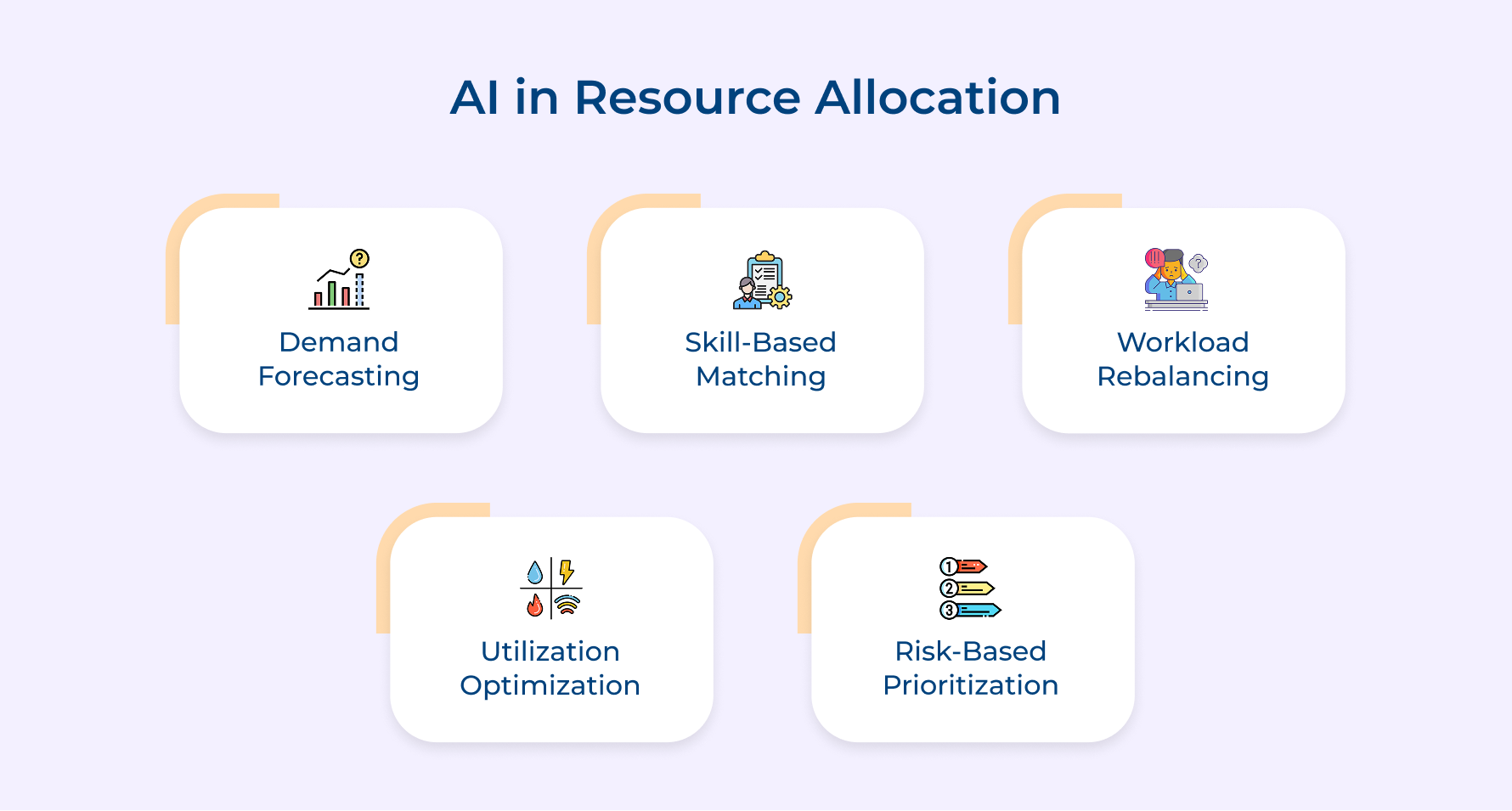
1. Predictive Demand Forecasting
AI uses historical project data to predict exactly the phases of resource shortages that will occur. It provides weeks of advance visibility instead of reacting to gaps after disrupting delivery schedules.
2. Skill-Based Intelligent Matching
AI goes beyond availability to match resources with the right tasks based on skill profiles, performance data and project complexity requirements. It consistently reduces ramp-up time and focuses on improving output quality across project teams.
3. Dynamic Workload Rebalancing
Automatically recalculates workload across the entire team when project scopes shift or timelines compress. Manual rebalancing is practically impossible when multiple projects are running and have tight deliverables.
4. Continuous Utilization Optimization
AI monitors resource allocation patterns and identifies ones that would go unnoticed in reporting cycles. What is the outcome? Directly improves overall team productivity and project margins.
5. Risk-Based Resource Prioritization
AI boosts project risk levels to prioritize allocation toward assignments that involve the highest risk. It makes sure that important project phases are never under-resourced while lower-priority tasks wait for the right time to be done.
Best Automation Tools for Resource Allocation
Follow these technology types to consistently deliver the highest operational impact across project-driven organizations.
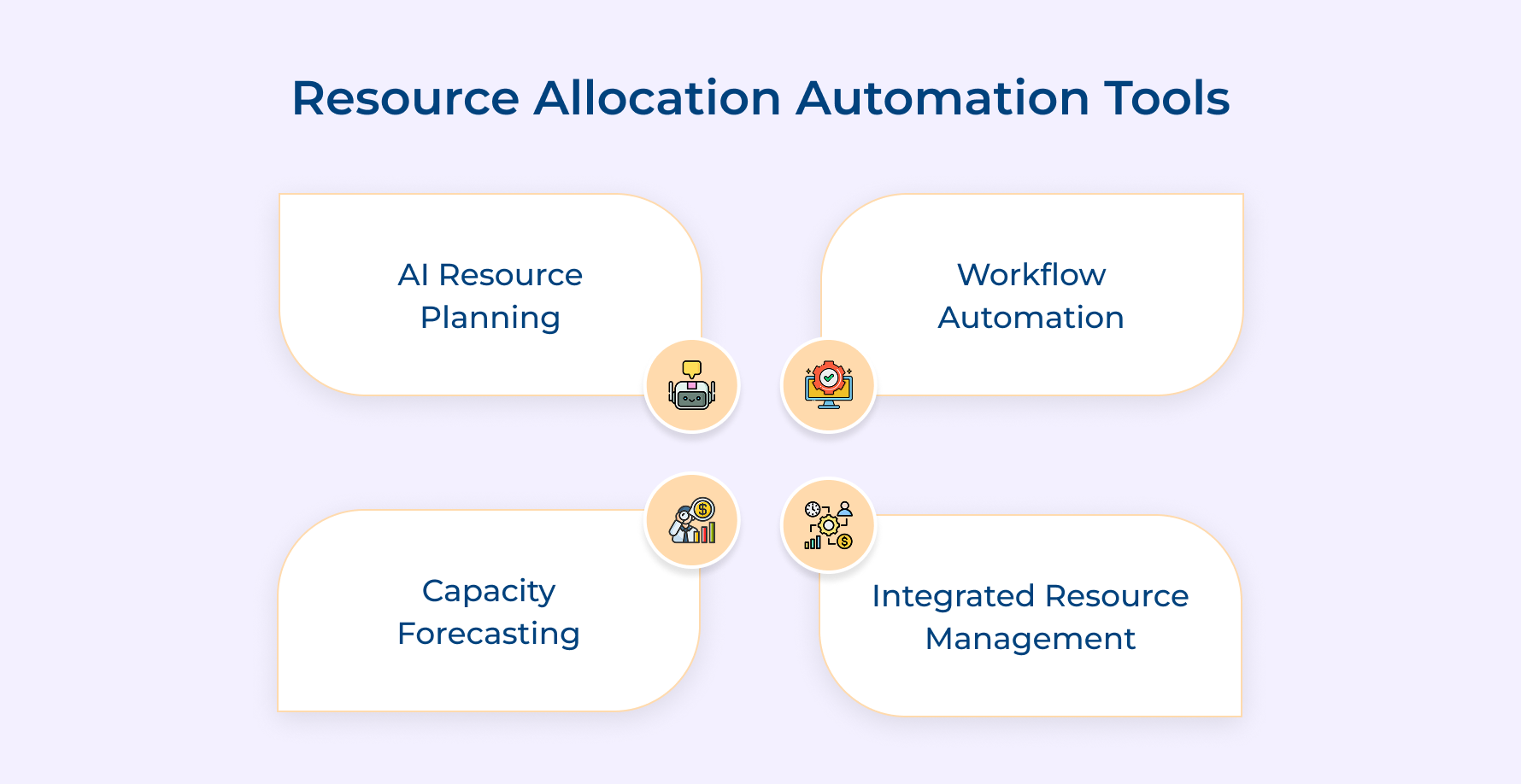
1. AI-Powered Resource Planning Platforms
Uses machine learning to analyse project demand, team capacity and skill availability at one go. It converts resource planning from a periodic manual exercise to an automated, intelligent process.
2. Workflow Automation Engines
Workflow automation eliminates the manual handoff process, resource requests and assignments that consume project bandwidth weekly. It includes consistent allocation processes by triggering the right actions based on predefined rules.
3. Capacity Planning and Forecasting Technology
Capacity planning tools build forward-looking visibility by combining current projects directly with historical utilization patterns. What happens when resource leaders don’t use this? Staffing decisions are made on assumptions instead of actual capacity intelligence.
4. Integrated Project and Resource Management Systems
Disconnected project and tracking systems are the main cause of allocation conflicts across multiple environments. An integrated system makes sure every allocation shift and scope change is reflected immediately in resource availability data with automation across the entire portfolio.
Examples of Resource Allocation Automation Across Industries
The examples below show how automation delivers the most measurable operational impact across the project lifecycle.
1. Professional Services Firms
Billable utilization is the primary revenue driver which erodes due to manual allocation. The right automation system matches consultants to engagements based on skill, availability and client Resource requirements.
Misallocation of engagements is a margin loss that compounds across every billable hour. Automated allocation prevents that resource mismatch by making data-driven decisions faster than any manual process.
2. Creative and Marketing Agencies
Agencies running on tight deadlines where a single misallocated designer can stall an entire campaign. Automation provides real-time visibility into available resources and at what capacity.
Creative burnout is directly linked to invisible over-allocation. Manual tracking consistently fails to catch early, so automate workload alerts to surface those imbalances before they affect delivery quality.
3. IT and Software Development Companies
Developer allocation across IT project concurrent sprints is where timelines frequently breaks down. They use the right automation to assign right skill to the right sprint phases without creating bottlenecks.
A misallocated backend developer release sprint does not just slow one project but also creates a cascade. Priority-based allocation with AI prevents that cascade by resolving resource allocation conflicts before sprint planning is confirmed.
4. Construction and Engineering Projects
Construction businesses face resource conflicts between site teams that translate into costly project delays. Data-driven analytics helps in assigning equipment, labor and specialist availability against project phases to prevent conflicts.
Skilled trade shortages also make accurate allocation a non-negotiable process. Every misassignment has a direct cost implication. Automatic certifications tracking and availability to make sure accurate resource allocation reaches the right site on time.
Future Trends in Resource Allocation Automation
The trends will define how project-driven organizations manage resources in the future for better profitability.
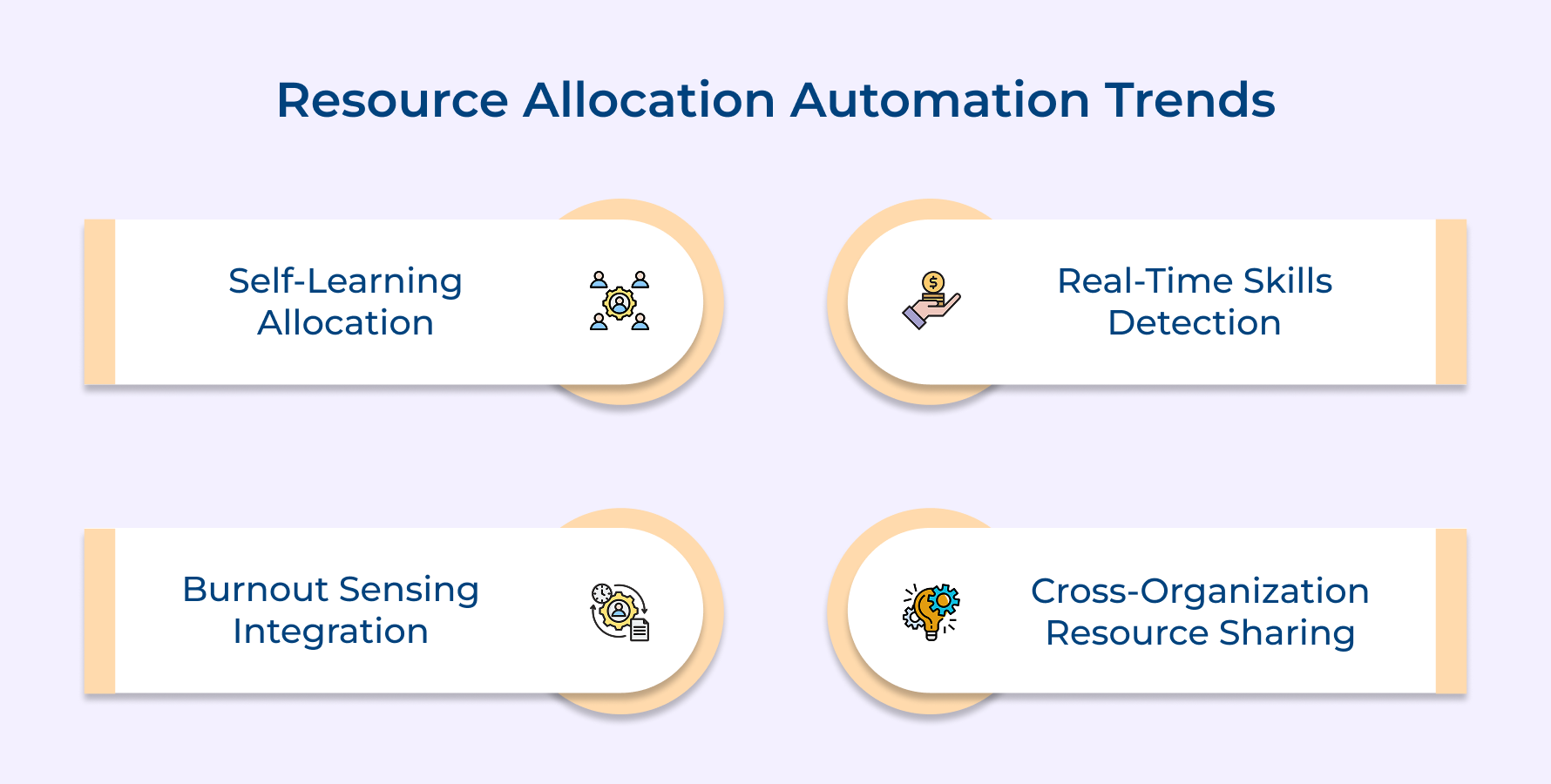
Self-Learning Allocation Algorithms
Future automation systems will be trained from every project outcome and optimize resource allocation logic without manual updates. It makes resource decisions progressively more accurate as organizational project data accumulates.
Real-Time Skills Gap Detection
The right tool will automatically identify skill gaps and trigger targeted upskilling recommendations before they affect project delivery. It shifts workforce planning from an annual HR process into an ongoing project-level intelligence function.
Emotion and Burnout Sensing Integration
The advanced process will incorporate team sentiment and workload stress into utilization decisions to support performance. Allocating based on Capacity available without human capacity limits is a problem future systems will fix.
Autonomous Cross-Organization Resource Sharing
Future platforms will enable automated resource sharing across partner organizations and freelance networks when internal capacity reaches its limits. This will give project leaders access to a dynamically expanding talent list without traditional procurement processes.
Transform the Way You Manage Resources with Advanced Automation
Manual resource allocation matches the complexity and speed that modern projects demand. Resource allocation automation breaks this ceiling by converting every assignment into a data-driven and real-time process instead of a periodic planning event.
- Real-time AI-powered analytics enhance forecast accuracy to reduce over-allocation and improve billable utilization rate.
- Tools that include capacity planning and multi-project prioritization deliver the strongest outcome for project-driven teams.
Start your free trial of a resource planning platform and measure the improvement within your project delivery cycle. Organizations that adopt automating resource allocation are building a compounding operational advantage.
Limit time — not creativity
Everything you need for customer support, marketing & sales.

Neeti Singh is a passionate content writer at Kooper, where he transforms complex concepts into clear, engaging and actionable content. With a keen eye for detail and a love for technology, Tushar Joshi crafts blog posts, guides and articles that help readers navigate the fast-evolving world of software solutions.