How to Improve Client Communication with PSA Software
- What is Professional Services Automation Software?
- What are the benefits of Enhancing Client Communication with PSA?
- How to Enhance Client Communication with PSA Software? 8 Strategies
- PSA Features That Help in Improving Client Communication Strategy
- Tips for Enhancing Customer Communication
- Keep Clients Informed, Engaged, and Satisfied With Kooper PSA Software
- FAQs about Enhancing Client Communication with PSA Software

Key Highlights:
- PSA client communication works by centralizing updates and automating milestone alerts, giving real-time project visibility in one place.
- Poor client communication is the leading reason service businesses consistently lose clients and miss renewal opportunities.
- Follow the proven strategies, such as workflow automation, billing and personalized interactions, to help improve client communication with PSA software.
Do you know what causes most service businesses to lose clients in spite of working hard to win? It is the absence of structured and consistent communication across the entire project cycle.
88% of customers say the experience a business provides depends on its product or service quality. PSA client communication is the structured use of professional services automation software to automate every client touchpoint from milestone updates to real-time project visibility.
Explore the actionable strategies to improve client communication with PSA software. It involves automating routine updates to integrating client-facing tools and tracking communication performance. Also, have a clear framework for turning inconsistent client communication into scalable experience.
What is Professional Services Automation Software?
Professional services automation (PSA) software helps service-based firms to manage projects, resources, billing, and improve client communication under one centralized space. It eliminates the back and forth of multiple disconnected tools.
Role of PSA Software in Client Experience?
The best PSA software shapes how clients perceive a service firm by managing the flow of deliverables for better communication and client experience. A timely, organized communication helps clients feel informed and confident in the partnership.
Poor experience comes from bad work in a very rare case. It usually comes from unclear visibility into work. PSA software gives clients and teams a transparent view of project progress.
How does it work best?
- Centralized communication hub: centralize all client conversations, updates and documents in one place to eliminate scattered email threads
- Automated project updates: Clients receive real-time data progress notifications without the team’s effort of manually drafting every message
- Real-time project visibility: Help clients track milestones and deliverables across the client-facing dashboards
- Faster response management: Client requests are routed and prioritized within the unified platform
What are the benefits of Enhancing Client Communication with PSA?
Good PSA software is one of the fastest ways that can increase client communication and experience. It addresses this gap by making communication structured and consistent.
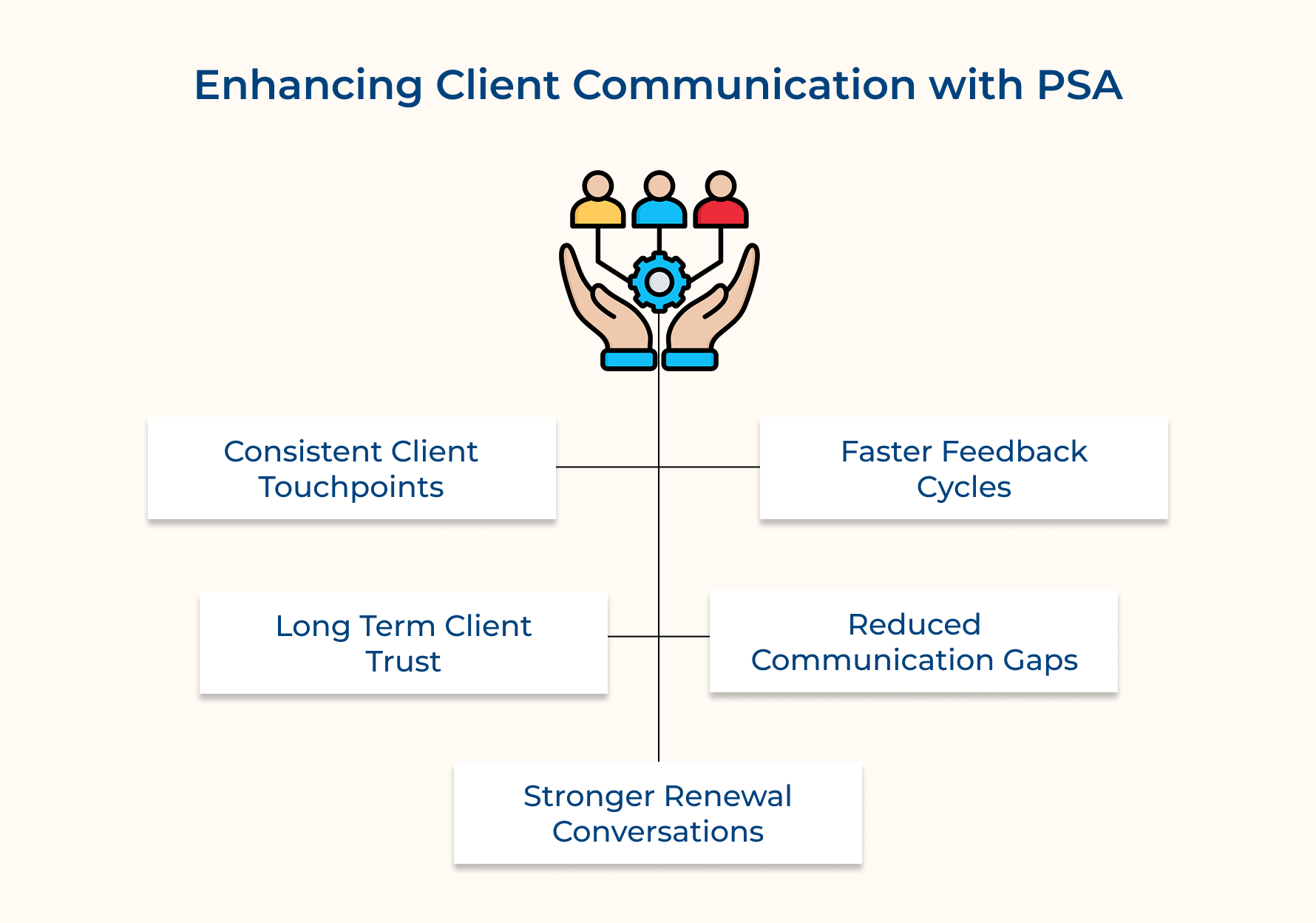
1. Reduces Client Churn Through Consistent Touchpoints
Most clients leave because they feel ignored or uninformed throughout the project lifecycle. PSA automates a rhythm of updates that improve clients’ communication at every project stage.
2. Shortens the Feedback Loop Between Teams and Clients
PSA platform unifies all feedback for teams to act on client input faster without focusing on approvals across emails or calls. What happens when feedback is delayed? It creates project bottlenecks that also extend deadlines and ultimately frustrate clients.
3. Builds Measurable Trust Over Long-Term Engagements
Trust is built based on repeated proof of reliability and not just final delivery. When clients consistently receive accurate updates, their confidence in the partnership grows with every interaction.
4. Reduces Revenue Leakage From Miscommunication
Billing disputes and scope misalignments always trace back to unclear interactions during project delivery. PSA software improves this by keeping a documented trail of agreements, change requests, communication and approvals that protects both the business as well as the client.
5. Strengthens Upsell and Renewal Conversations
A client who has received a smooth experience and transparent communication with a good PSA software throughout a project is easier to upsell. It gives managers the right context to approach conversations with confidence and relevance.
How to Enhance Client Communication with PSA Software? 8 Strategies
Explore the eight actionable strategies for enhancing client communication with the PSA to make sure client relationships are as strong as possible.
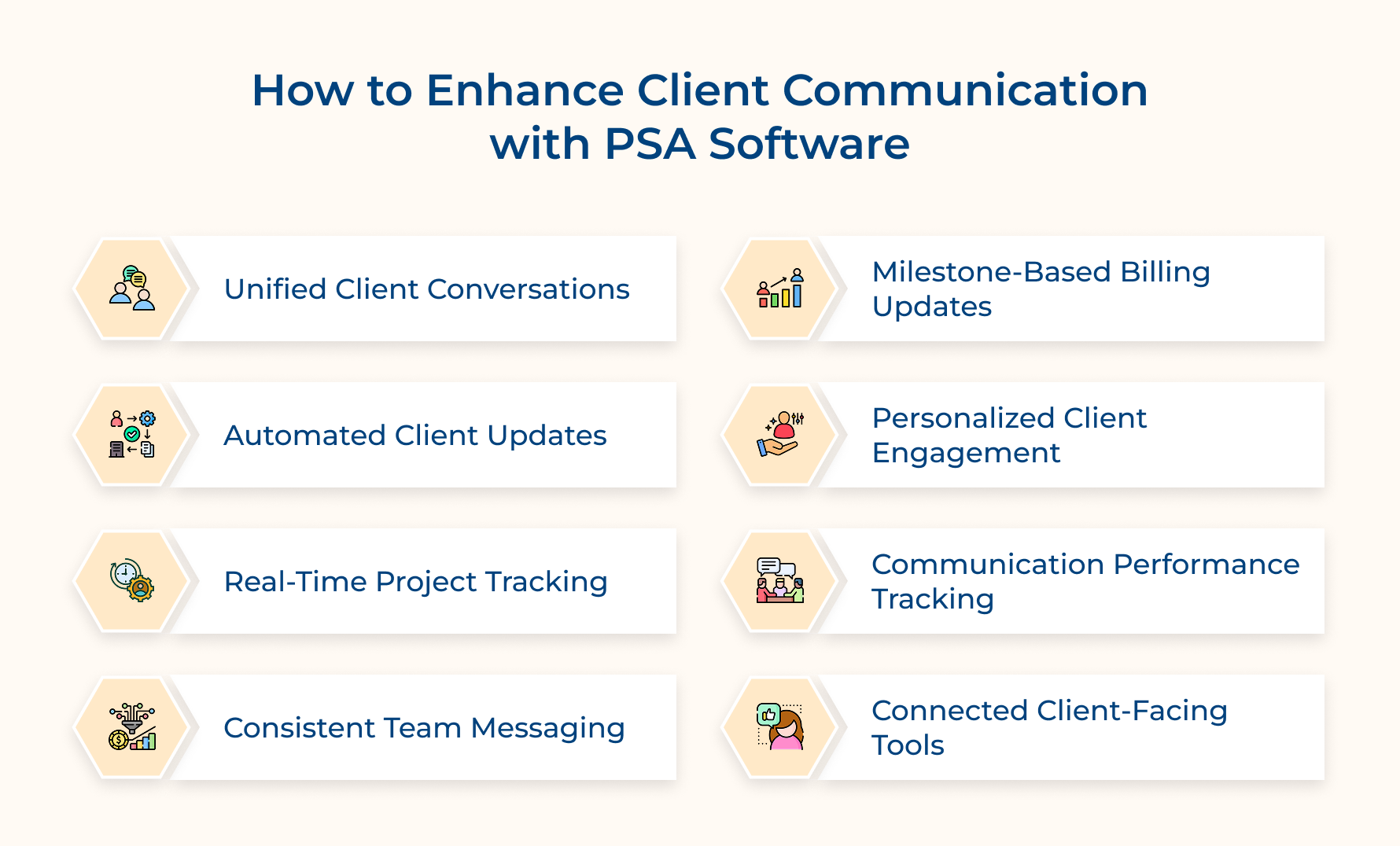
1. Centralize All Client Communication Channels
Fragmented communication is one of the leading causes of client dissatisfaction. Unifying all channels within PSA software gives teams a structured, retrievable record to increase client communication.
Consider asking these questions before centralizing to audit your communication setup:
- No of platforms the team currently uses for client interaction?
- Do you document client decisions and conversations in a structured way?
- Which team members have direct access and across which specific channels?
- How often do clients repeat themselves due to loss of context between touchpoints?
Answer these questions to expose the exact friction points that centralized PSA is designed to eliminate.
Pro tips: Run this audit every week to uncover three to four redundant channels that are quietly damaging client relationships.
Key channels that PSA software brings under one roof to increase client communication:
- Email integration: All client emails are accessible within the PSA
- Support tickets: Client requests from initial submission to resolution are managed without switching tools
- Project comments: All Contextual conversations are tied directly to specific tasks and deliverables
- Client portal messaging: A dedicated space for clients to communicate without the use of external tools
So, what do you think centralizing communication really changes client experience? Think of a situation when a client reaches out with a scope change in the project. Your team responds with full context instead of repetitive questions, leading to trust that builds, which is faster than any deliverable can achieve.
2. Automate Routine Client Update Workflows
Manual updates take a significant number of hours weekly, leading to the risk of inconsistent and delayed communication. PSA software automates these workflows to keep clients informed, leading to an improvement in overall experience.
So how does automation bring impact across these client update scenarios:
- Milestone completion alerts: The moment a project phase is marked as complete inside the PSA, clients receive automatic structured updates.
- Overdue task notifications: Automated alerts reach the client immediately with revised timelines when deadlines shift, instead of waiting for scheduled calls
- Weekly progress summaries: PSA compiles and sends weekly reports by pulling live project data into client-facing summaries
Consider an example of a mid-sized IT services firm managing 30 active projects, which spends nearly 40% of its time drafting update emails. After enabling PSA automation, update consistency improves reclaimed time, which gets redirected toward client delivery work for better communication as well as experience.
3. Give Clients Real-Time Project Visibility
Clients without real-time project visibility fill information gaps and unnecessary check-in calls that drain team capacity. A good PSA dashboard eliminates it by giving clients a live view of project progress without manual effort.
How does real implementation of client visibility actually need? Configure role-based access to the dashboard for clients to see relevant milestone data without exposing internal operations.
Real-time visibility through PSA software can boost the client experience in these direct ways:
- Track deliverable progress without sending follow-up emails to project team
- Project delays are immediately identified instead of appearing as surprises
- Milestone approvals happen faster as clients already have context before conversation starts
- Teams spend less time to prepare status reports for recurring client meetings
One of the common challenges in PSA is deciding the visibility extent without overwhelming clients with the internal workflow. So, how can you overcome this PSA software issue to increase client experience? Build a filtered client view that displays milestone status and completed deliverables to keep the experience relevant.
4. Standardize Communication Templates Across Teams
Client interaction quality depends on which team member drafts a message on a given day. A good solution enables businesses to build pre-defined templates to make sure every client touchpoint carries a consistent tone and structure.
So, how does a consistent tone across all touchpoints start? Audit the most frequent client communication types, then build a reviewed template for each directly within the PSA platform.
Most PSA platforms offer template libraries where teams can populate client name, milestone and revised delivery into structured messages. Under deadline pressure, it removes the communication delay and discomfort of drafting sensitive client notifications.
Pro tips:
- Set a team policy for all client-facing communication to be sent through the PSA without exception
- Refine messaging based on recurring client feedback and evolving project workflow by running a quarterly template review.
5. Align Billing Communication With Project Milestones
Client billing disputes are also a communication failure before they become a project financial data problem. PSA eliminates this by tying the invoice directly to documented and client project milestones.
Below are the effective ways PSA software can align billing with project milestones to boost the customer experience:
- Milestone-triggered invoicing: Automatically generates invoices as soon as a milestone is marked complete and approved by client
- Automated billing summaries: Clients receive structured payment details referencing specific deliverables instead of vague line items that invite disputes
- Change order documentation: Every scope change is properly recorded within PSA and it is reflected in billing records before sending invoice to client
Ever wondered what happens when clients receive invoices based on pre-approved milestones? It challenges billing amounts as work evidence is already documented. It directly shortens payment cycles and billing miscommunication also extends respectively.
Pro tips: Effective implementation involves setting milestone approval within PSA before the invoice trigger activates.
6. Use PSA Data to Personalize Client Interactions
Generic client communication means that every engagement is treated identically, while PSA gives teams real-time context to make it feel relevant. Personalization based on real data strengthens client relationships more effectively than surface-level management.
Consider this checklist for implementing personalized client communication:
- Review the complete project history before the scheduled communication or review call
- Identify pain points from past engagements and address them proactively.
- Track client communication frequently based on historical interaction patterns
So, how does personalization begin inside a practical PSA? Start by reviewing each client’s profile before initiating outreach. Covering past delays and communication preferences so that each conversation starts with proper context.
Follow these practical methods for using PSA data:
- Engagement history reviews: Extract complete project timelines and communication to inform the tone of upcoming interactions
- Preference-based update scheduling: Use logged response patterns to send updates at a frequency each client has engaged the most
7. Track and Measure Client Communication Performance
PSA communication tracking gives teams data to identify gaps before clients feel them. Some of the measurable signals reflecting real client communication health are:
- Response times
- Update frequency
- Ticket resolution rates.
Monitor Response Times Across All Client Accounts
Slow response times are the most preventable reason for which clients lose confidence over time. PSA software keeps records of every client communication timestamp for managers to spot response delays before affecting overall experience.
Identify Communication Gaps Before Clients Do
A communication gap shows up quietly in declining engagement in unexpected cancellations. Reporting detects accounts with irregular update patterns before the client raises a formal concern.
Use Communication Metrics to Improve Team Accountability
Client communication stops being treated as an informal responsibility when response times are clearly visible. Members naturally maintain higher communication when their performance against benchmarks is consistently visible.
8. Integrate PSA With Existing Client-Facing Tools
A PSA platform operating in isolation from the existing tools creates data silos that directly weaken client communication and experience. A proper integration makes sure every client interaction feeds into one connected communication record.
So, what should be more prioritized when integrating PSA tools? Identify tools holding the most active client communication data and make sure PSA captures that data in real time instead of manual imports to improve overall operations.
Client-facing tools that need to be integrated with PSA:
- CRM platforms: Syncing CRM with PSA for account managers to have a full client history visible during conversations
- Helpdesk software: Integrate a support ticket solution with PSA to streamline client issues directly to active project timelines
- Email platforms: Email tools with PSA to automatically log all client correspondence based on relevant projects without manual entry
- Collaboration tools: Make sure internal client discussions remain traceable and tied to communication history
PSA Features That Help in Improving Client Communication Strategy
Explore the best features a platform offers to directly determine how effectively a service business can communicate with its clients and improve overall experience:
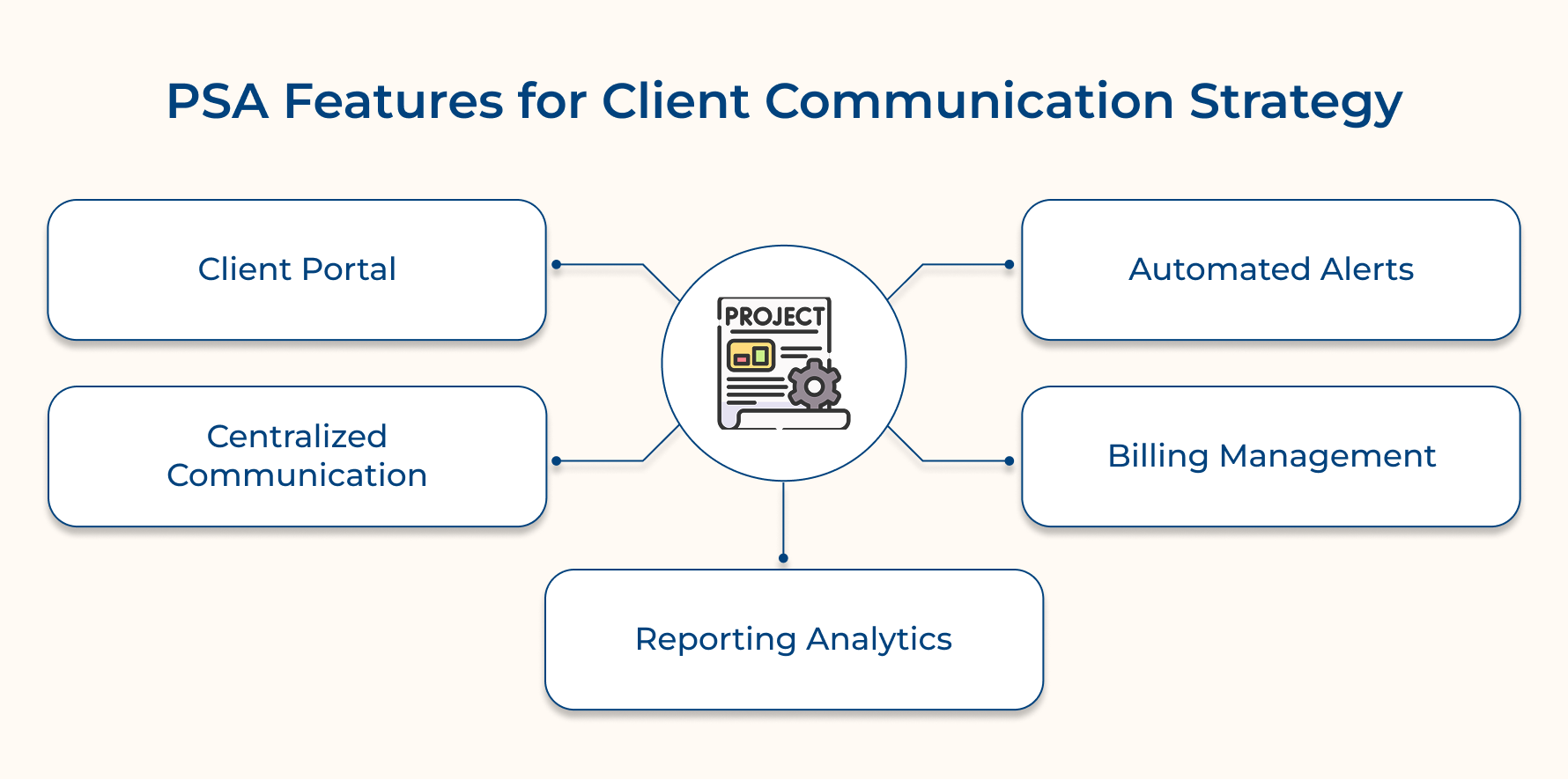
1. Client Portal
A client portal gives direct access to project status, documents and communication history without a single email to the team. It helps service businesses to consistently report fewer inbound status calls and faster milestone approval turnaround times.
2. Automated Notifications and Alerts
Manually drafting each update is where communication breaks down. The automated notifications feature with the alert system in PSA helps in enhancing client communication while eliminating dependency. It also ensures clients receive a structured update by real project events without depending on team availability.
3. Centralized Client Communication
Client conversation, decision and approval needs to be documented so that it survives changes followed by a proper project handoff. Centralized communication features inside PSA give any team member instant context without digging into personal inboxes to improve client experience.
4. Billing and Invoicing
Clients who track logged times and invoices connected to completed deliverables in real time rarely raise billing disputes. PSA provides transparency tools to replace vague invoices with structured payment records that clients can review and approve.
5. Reporting & Analytics
PSA reporting and analytics help in identifying response time data to update gaps in account-level communication that managers can act on before clients raise concerns.
Tips for Enhancing Customer Communication
Strong client communication is the result of deliberate habits built into every stage of the engagement to communicate with more consistency and impact.
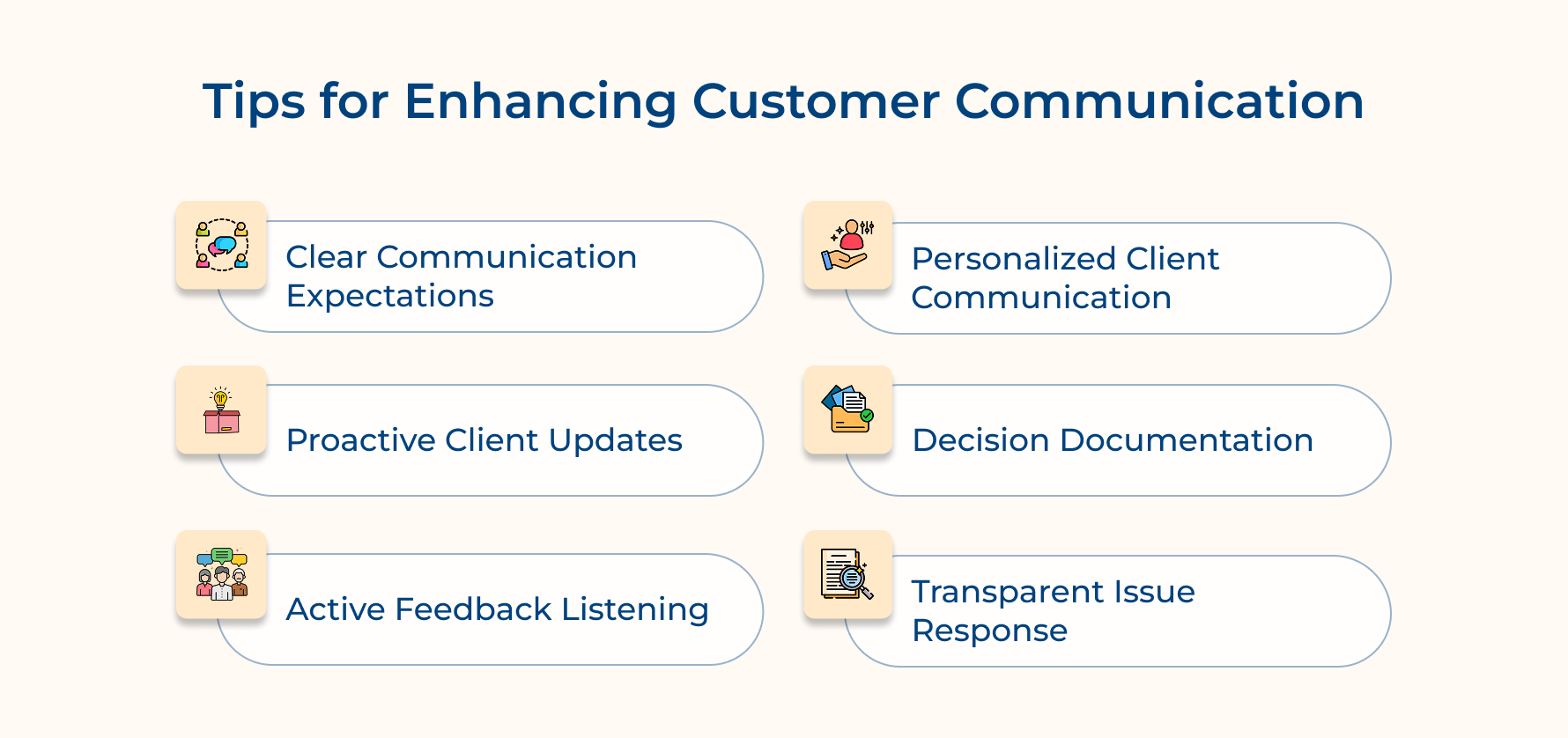
1. Set Clear Communication Expectations From Day One
During onboarding, defining response times, update frequency and preferred channels helps in eliminating ambiguity that damages client relationships. Clients who do not get clear expectations from the start feel ignored during delivery.
2. Provide Proactive and Consistent Updates
Teams that are waiting for clients to ask for an update fail to give a well-run service engagement. It is recommended to send proactive updates through PSA before clients feel the need to build a reliable reputation that directly improves retention and experience.
3. Actively Listen and Invite Feedback
Client feedback collected at regular intervals helps in identifying communication gaps. Use a structured feedback loop to signal that their experience is treated as a measurable part of the engagement.
4. Personalize Communication Based on Client Preferences
Every client has multiple tolerances for update frequency and preferred communication channels. Based on the preference, adapting communication demonstrates that personalized account management approaches consistently increase experience.
5. Document Every Key Decision and Agreement
Verbal agreements and informal approvals are a cause of client disputes. Make a record of every decision within a structured system to make sure both parties operate from a documented understanding across the project.
6. Respond to Issues With Speed and Transparency
The speed and honesty of the response matter more to clients when problems arise. Businesses that communicate issues with a clear resolution plan can retain client trust more efficiently.
Keep Clients Informed, Engaged, and Satisfied With Kooper PSA Software
Improve client communication with PSA to build the right operational structure for every client to receive consistent and timely responses. Service firms that implement this system consistently retain more clients and generate stronger referrals to reduce churn due to poor visibility.
- Automate milestone updates so clients stay informed at every project stage without consuming team capacity.
- Centralize all client communication to improve collaboration and maintain a documented record across every engagement.
- Identify communication gaps before clients identify them by tracking response times, update frequency and portal engagement.
Book a demo of Kooper PSA to see how structured client communication transforms retention and loyalty across every active project. Service firms that retain clients the longest are the ones that use PSA to keep every client informed and confident at every single stage.
Limit time — not creativity
Everything you need for customer support, marketing & sales.

Neeti Singh is a passionate content writer at Kooper, where he transforms complex concepts into clear, engaging and actionable content. With a keen eye for detail and a love for technology, Tushar Joshi crafts blog posts, guides and articles that help readers navigate the fast-evolving world of software solutions.