How to Create a Resource Histogram to Optimize Team Workload
- What is a Resource Histogram in Project Management?
- Key Benefits of Resource Histogram
- How to Create a Resource Histogram in 8 Actionable Steps
- 5 Resource Histogram Best Practices for Project Management
- Resource Histogram Examples Across Different Projects
- Common Challenges in Resource Histogram
- How to Interpret Resource Histograms for Project Management?
- Balance Project Workloads Effortlessly with Resource Histogram
- FAQs about Resource Histogram

Key Highlights:
- Resource histograms reveal workload peaks and prevent overallocation before deadlines slip.
- Visualize team capacity clearly using a resource histogram in project management.
- Spot resource bottlenecks early and balance workloads with smarter planning.
Your team constantly swings between crushing overtime and awkward idle periods where talented people sit waiting for work. You approve new projects without knowing if anyone has capacity and discover conflicts only when deadlines slip.
This chaos costs money through wasted capacity and rushed work requiring expensive fixes later. Your best employees burn out from unpredictable overload while clients lose trust when projects miss deadlines because nobody spotted the resource bottleneck.
Resource histograms show exactly when your team faces too much work or too little. This guide walks you through building your first histogram to using techniques that prevent allocation disasters before they happen.
What is a Resource Histogram in Project Management?
A resource histogram is a vertical bar chart that shows how many resources you need at different points in your project timeline. Each bar represents a specific time period, its height shows the number of people or amount of equipment required during that window. Think of it as a visual snapshot that helps you see where your team might be stretched too thin or sitting idle.
Why Use a Resource Histogram?
Resource histograms prevent you from overloading your team by making workload imbalances visible at a glance. According to the Project Management Institute’s 2024 Pulse of the Profession report, organizations that use visual resource management tools complete 23% more projects successfully than those relying on spreadsheets alone.
When to Use a Resource Histogram?
- During project planning: Use it to forecast resource needs and identify potential bottlenecks before work begins.
- When managing multiple projects: Compare resource demands across different initiatives to prevent double-booking your best people.
- After schedule changes: Regenerate the histogram whenever tasks shift to see how delays or accelerations affect your team’s workload.
- During resource negotiations: Show executives concrete data about why you need more staff or why certain deadlines aren’t realistic.
Key Benefits of Resource Histogram
Resource histograms transform abstract resource data into clear visual insights that drive better project decisions. Let’s explore how these simple charts deliver powerful advantages for project managers.
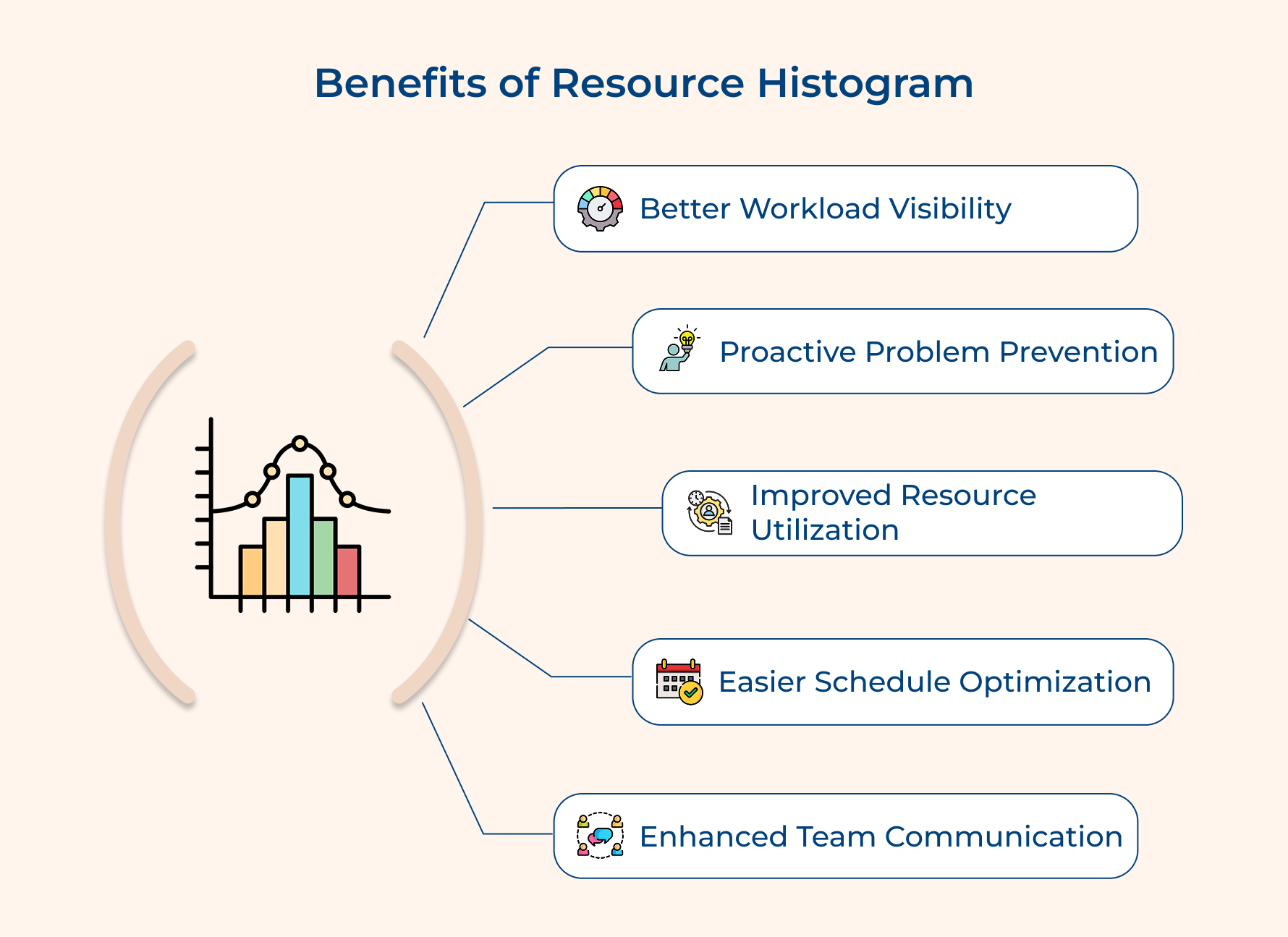
Better Workload Visibility
You get a clear visual representation of who’s overloaded and who has room to take on more – no more digging through spreadsheets or guessing what’s happening across the team. It’s easy to spot patterns that impact your project schedule and correct them before they become real issues.
Proactive Problem Prevention
Early signals of resource shortages stand out immediately, giving you time to rebalance tasks or shift priorities. Instead of reacting to chaos, you get ahead of it and keep work moving steadily throughout the project lifecycle.
Improved Resource Utilization
A quick Histogram Analysis shows where people have downtime, making it easier to reassign work or shift responsibilities. This helps you make smarter use of your team’s time and keeps everyone focused on valuable tasks.
Easier Schedule Optimization
You can quickly see when non-critical tasks can be moved to slower weeks, which smooths out the highs and lows. That way, your software development or delivery teams aren’t drowning one week and idle the next.
Enhanced Team Communication
Everyone gets visibility into their upcoming workload, making planning so much easier. When the whole team knows what’s coming, they can prepare for busy phases and stay aligned from start to finish.
How to Create a Resource Histogram in 8 Actionable Steps
These eight steps will guide you in crafting a resource histogram that ensures seamless project delivery.
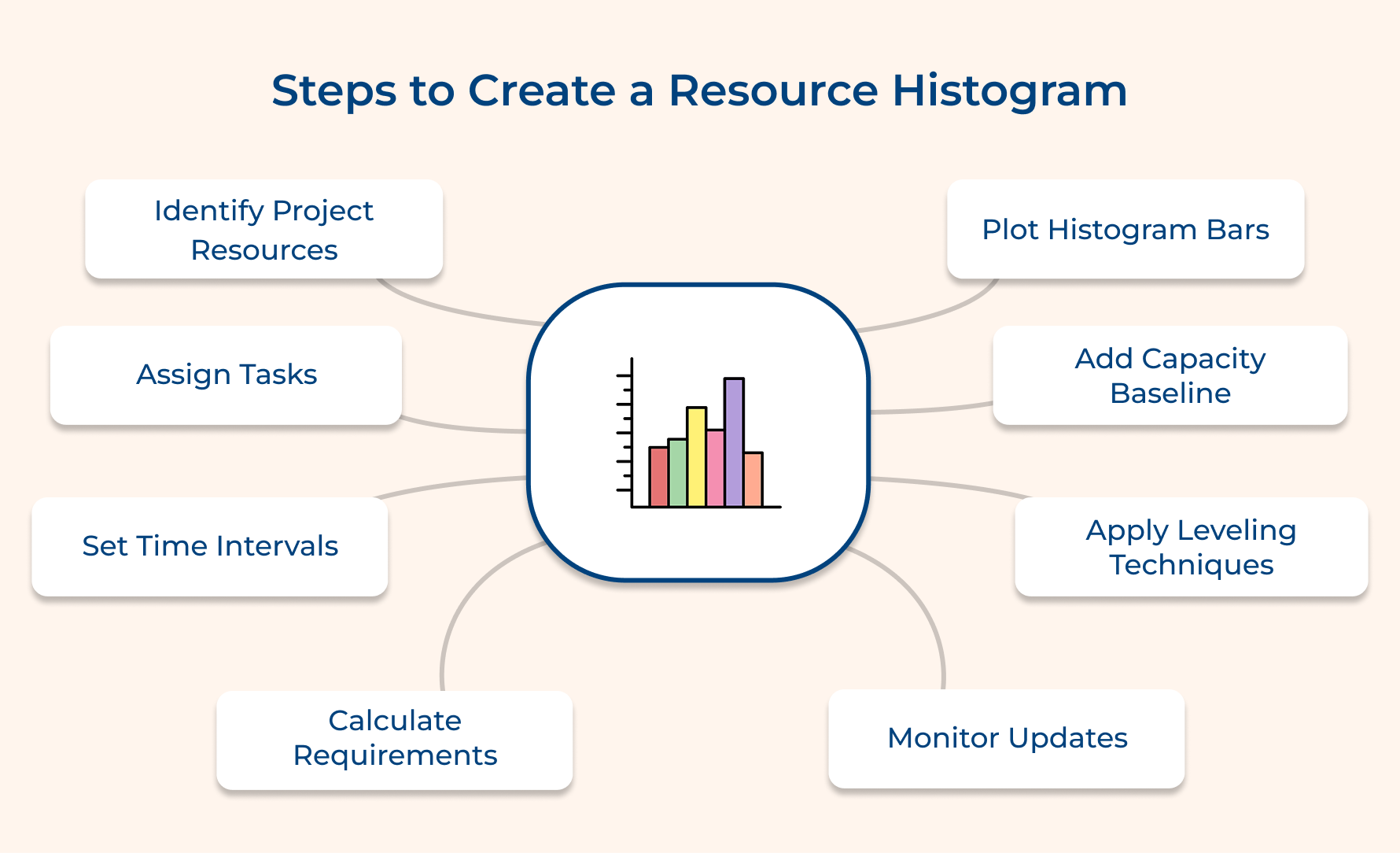
1. Identify All Project Resources
This initial step involves cataloging every person and asset your project needs to succeed. Without a complete resource inventory you’ll create an inaccurate histogram that misses critical allocation problems and leaves you blindsided when hidden needs suddenly appear.
Five essential questions to guide your resource identification:
- Who on our team has the specialized skills required for each project phase?
- What equipment or software licenses do we need and when are they available?
- Which tasks require external consultants or contractors we don’t have in-house?
- What physical space or facilities does this project demand at different stages?
These questions force you to think beyond just warm bodies on your team. They reveal dependencies on specialized tools and help you spot potential conflicts when multiple projects need the same expert simultaneously.
Beyond answering these questions you need to document resource availability and costs for each identified asset. This includes noting vacation schedules and existing commitments that reduce how much time people can actually contribute to your project.
2. Break Down and Assign Tasks
Breaking down your project into manageable tasks creates the foundation for calculating resource needs at each point in time. You can’t build an accurate histogram without knowing what work happens when and who needs to do it.
Three proven approaches help you break down and assign tasks effectively:
- Top-down decomposition: Start with major deliverables and progressively split them into smaller work packages until tasks become actionable. This approach works best when you understand the big picture but need to figure out the detailed execution steps.
- Skill-based assignment: Map each task to the specific competencies it requires and then match those requirements to team members. It ensures you’re not assigning advanced programming work to junior developers or asking designers to handle backend infrastructure tasks.
Imagine you’re managing a website redesign project where the new homepage requires copywriting before design work begins. You’d assign your content writer first for weeks one and two and then bring in your designer for weeks three through five once the copy is approved.
3. Choose Your Time Intervals
Managing your team’s workload effectively starts with understanding how their time is allocated—and a resource histogram is a perfect tool for that. But the value of the histogram depends on the time intervals you choose.
The right interval lets you spot bottlenecks, avoid overwork and even keep your project budget on track. Pick intervals that match your project duration and your histogram becomes a powerful decision-making tool.
- Daily intervals
Ideal for short projects lasting a few weeks. Track hour-by-hour needs, but avoid using this for long timelines or large teams—it can get overwhelming.
- Weekly intervals
A balanced choice for projects running one to six months. Smooths out daily fluctuations while highlighting meaningful patterns and aligns naturally with team sprints.
- Monthly intervals
Best for long-term projects over a year. Provides strategic oversight and reduces clutter, though it may hide short-term bottlenecks.
- Match intervals to project duration
Use at least ten to fifteen intervals to capture enough data points to manage workload, timelines and project budget effectively.
4. Calculate Resource Requirements Per Period
This step turns your task assignments into a clear picture of resource demand for each time interval you’ve chosen. You’re basically figuring out how many people—or pieces of equipment—you need at the same time to keep everything on track and ensure smooth progress.
Calculate this by looking at all the tasks happening during a given period and add up the resources they require.
For example, if three developers are coding different features in week five, your histogram will show a demand of three developers for that week. This approach not only helps with planning but also supports quality assurance, making sure the right number of people are available to maintain high standards without overloading anyone.
Pro tips:
- Use percentage allocations when team members split time across multiple tasks rather than assuming everyone works full-time on single assignments.
- Build in buffer capacity of about 15-20% above calculated needs to handle unexpected issues without completely overloading your resources.
5. Plot the Histogram Bars
Histogram bars turn your resource data into visual bars, making patterns easy to spot and resource issues impossible to ignore.
Three ways to create clear histogram bars:
- Spreadsheet charts: Excel or Google Sheets let you plot resources quickly. Good for simple projects and easy color adjustments.
- Project management software: Tools like Microsoft Project auto-generate histograms from your work breakdown structure and update in real-time as schedules change.
- Resource management platforms: Apps like Resource Guru handle multiple projects, showing how resources move between tasks and initiatives.
Make sure your bars use consistent scaling—each unit should represent the same resource amount across all periods. This prevents misreading the chart and ensures you catch genuine overallocation problems.
6. Add Resource Capacity Baseline
The capacity baseline is a horizontal line showing maximum resources available during each period on your histogram. This transforms the histogram from showing demand into a tool that reveals problems by letting you compare needs against availability.
Four essential factors shape your capacity baseline:
- Total headcount: Calculate actual people available after accounting for planned time off and existing commitments.
- Equipment constraints: Factor in physical machines or licenses you own rather than assuming unlimited tool access.
- Budget thresholds: Convert financial limits into resource units to see when costs exceed approved spending.
How do you draw this baseline? Look at each resource type and mark a horizontal line at the maximum sustainable level. When demand bars push above this line you’ve identified an overallocation needing fixes.
7. Implement Resource Leveling Techniques
Resource leveling redistributes work across your timeline to smooth histogram peaks and valleys. This transforms your initial plan from theoretical into something your team can actually execute without burning out.
A chart alone would only highlight the problems and offer no clear path to solve them. The histogram would highlight weeks needing twelve developers when you only have eight.
Five actions make resource leveling work:
- Identify critical path tasks: Determine which activities have zero timing flexibility because delays would push out your deadline.
- Shift non-critical work: Move tasks with scheduling slack to periods where your histogram shows unused capacity.
- Adjust task durations: Extend some activities to reduce simultaneous resources they consume at any moment.
- Redraw and verify: Update your histogram after adjustments to confirm changes flattened peaks without creating new problems.
Imagine your histogram shows eight developers needed in week three but only five available. Two features scheduled then aren’t critical and have five days slack. You shift those to week four where only three developers are assigned and both weeks become balanced.
8. Monitor and Update Throughout Project
Your histogram becomes a living document evolving with project progress. Updating is essential because projects never go as planned and yesterday’s histogram becomes misleading when reality diverges.
You use the updated histogram during status meetings to compare actual consumption against predictions and spot emerging problems. When someone takes sick leave or tasks run over you see how changes affect future availability.
Pro tips:
- Set calendar reminders to review and update every Friday so changes accumulate for only five days before you catch them.
- Color-code bars to distinguish planned resources in blue from actual resources in orange so stakeholders see where reality deviated.
5 Resource Histogram Best Practices for Project Management
These six practices separate managers who merely create histograms from those who genuinely leverage them for better outcomes.
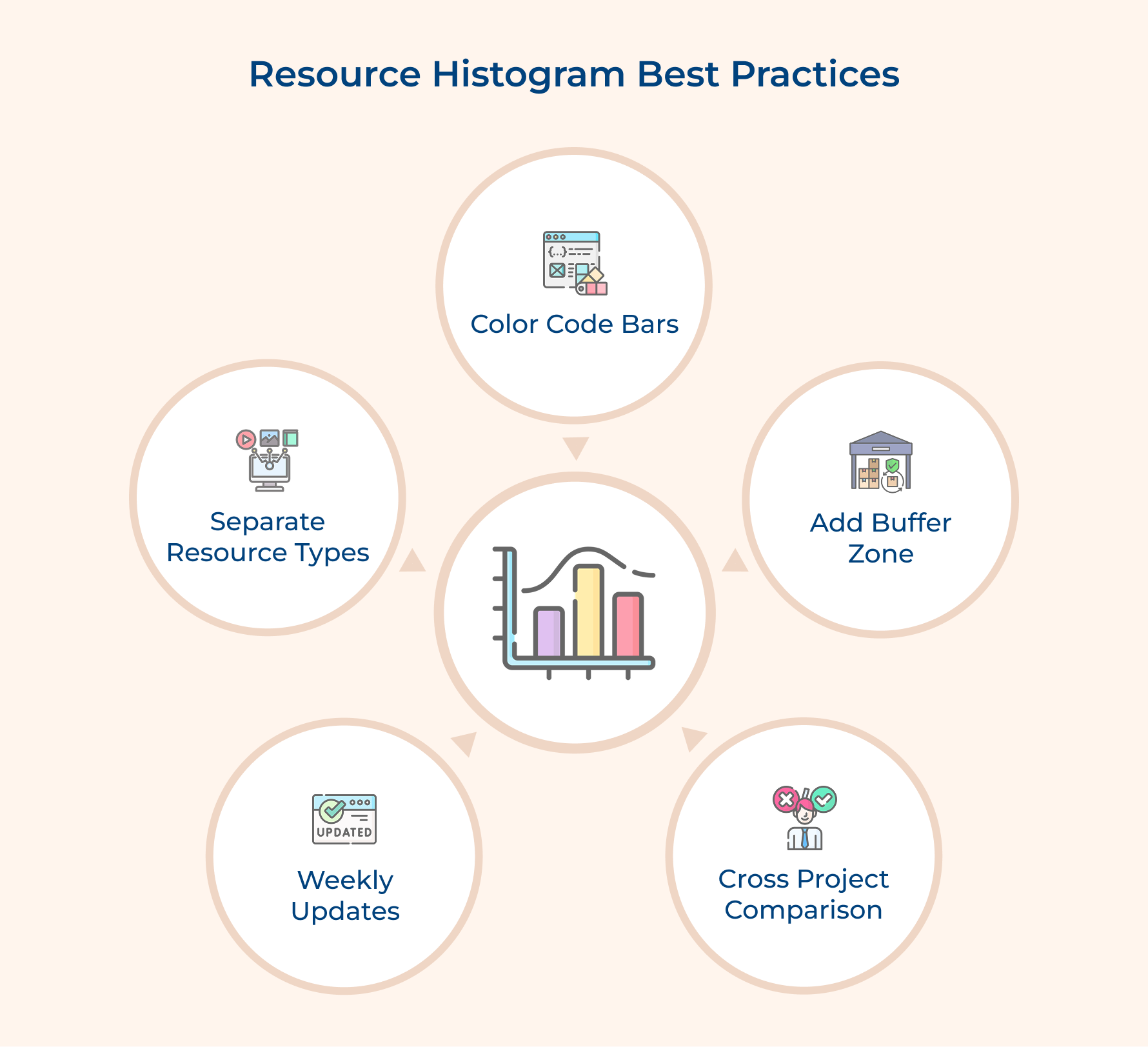
1. Update Your Histogram Weekly Without Exception
Resource demands shift constantly as tasks complete early or run late and team members become unavailable. Weekly updates keep your histogram aligned with reality instead of becoming a historical artifact that misleads decision-making.
These routine habits prevent your histogram from drifting:
- Review completed tasks each Friday and adjust remaining forecasts based on actual progress
- Flag new resource requests that emerged and add them to upcoming periods
- Document assumption changes like scope adjustments that alter future calculations
A stale histogram from three weeks ago might show smooth sailing while your actual project heads into an overallocation disaster you could have prevented.
2. Separate Different Resource Types into Individual Charts
It’s important to separate different resource types into their own histograms because combining unrelated skills—like software developers and graphic designers—creates a misleading picture.
Since these roles can’t replace one another, a single chart hides real availability issues and makes it difficult to understand where the actual constraints are. By giving each skill set its own histogram, you get a clearer view of capacity, spot shortages faster andplan allocations more confidently across the project.
3. Color-Code Your Bars to Show Resource Sources
Different resource sources carry different costs and flexibility levels that affect how you manage them. Color coding makes these distinctions visible as well as helps you prioritize which overallocations need immediate attention.
Your internal team might tolerate occasional overtime to handle small peaks but contractors working hourly create budget overruns. The color coding reminds you which resource shifts trigger different approval processes and budget implications.
4. Include a Buffer Zone Below Your Capacity Line
Set your capacity baseline at absolute maximum leaving zero room for sick days or emergencies. Smart managers mark their capacity line at roughly 85% of theoretical maximum to create a realistic safety margin.
Your buffer zone protects against three common disruptions:
- Rework cycles when deliverables fail quality checks and need additional effort
- Administrative overhead like meetings that consume time beyond pure task execution
A developer allocated at 100% capacity can’t actually code for eight hours daily because they attend standups and answer emails. The buffer acknowledges this reality as well as prevents schedules that only work in a perfect world.
5. Compare Histograms Across Multiple Projects
Your resources rarely work on just one project but instead juggle competing demands from several initiatives simultaneously. Overlaying histograms from different projects reveals hidden conflicts where the same expert is double-booked during critical periods.
This practice becomes essential in matrix organizations where functional managers control resources that project managers can only request. You might think your security expert has availability in March while three other managers made the same assumption about that person.
Resource Histogram Examples Across Different Projects
Resource histograms adapt to different industries and project types while serving the same fundamental purpose. Here’s how three distinct professional contexts leverage this tool.
Marketing Agency for Client Project
A marketing agency running a product launch campaign uses resource histograms to track copywriters and designers across overlapping client deadlines. The histogram reveals that three graphic designers are needed simultaneously during week four while only two work at the agency.
This visibility allows the manager to negotiate deadline extensions with one client or bring in a freelance designer before the crunch arrives. Without the histogram the conflict would surface only when designers miss deadlines and clients become unhappy.
Professional Services Firm
A professional services firm implementing enterprise software creates histograms showing when solution architects get assigned to various customer installations. The chart exposes periods where their most experienced architect is triple-booked across three projects in the same week.
The firm redistributes junior consultants to less complex implementations and reserves senior talent for the most challenging work. This proactive rebalancing prevents costly scenarios where customer projects stall while waiting for the one expert everyone needs.
Consultancy Project
A management consultancy conducting a six-month organizational restructuring builds histograms tracking when different specialty consultants join and leave the project team. The histogram shows their change management expert is only needed for weeks eight through twelve.
This pattern helps the consultancy optimize billable utilization by scheduling their change management consultant on another client project during the gaps. The histogram also justifies staffing costs by demonstrating exactly when each specialist contributes value rather than keeping expensive consultants on retainer.
Common Challenges in Resource Histogram
Understanding these challenges helps you anticipate problems and develop strategies to work around the limitations inherent in this tool.
1. Data Accuracy Depends on Estimation Quality
Your histogram is only as reliable as the task duration estimates and resource assignments feeding into it. If your team consistently underestimates how long activities take or fails to account for all the people needed then your histogram will show a false picture of manageable workloads.
2. Dynamic Resource Availability Creates Constant Changes
Team members get sick or reassigned to urgent priorities and contractors finish early or extend their engagements unexpectedly. These fluctuations mean your carefully crafted histogram becomes outdated within days as well as requires continuous maintenance that many managers struggle to sustain consistently.
3. Skill Specificity Gets Lost in Aggregation
A histogram showing you need five developers doesn’t capture that three must be Python experts while two need React experience. This granularity problem leads to false confidence where the chart suggests adequate resources exist but the wrong skill mix makes actual execution impossible.
4. Multi-Project Dependencies Remain Invisible
Your histogram shows resource needs for one project in isolation but most organizations run multiple initiatives competing for the same talent pool. Without cross-project visibility you’ll discover conflicts only when someone scheduled on your project fails to show up because another manager claimed them first.
Here are five strategies that address the most common obstacles project managers encounter.
- Build estimation buffers of 15-20% into all resource calculations to absorb the natural variance in task durations and unexpected disruptions.
- Create separate histograms for each specialized skill category rather than grouping all similar roles into generic buckets like developers or designers.
- Implement weekly histogram reviews as a non-negotiable calendar appointment to catch changes before they compound into major problems.
- Use portfolio management software that consolidates resource demands across all active projects to reveal competing claims on shared resources.
How to Interpret Resource Histograms for Project Management?
Reading a resource histogram correctly separates managers who spot problems early from those who miss warning signs until it’s too late. These five interpretation techniques transform charts into actionable intelligence.
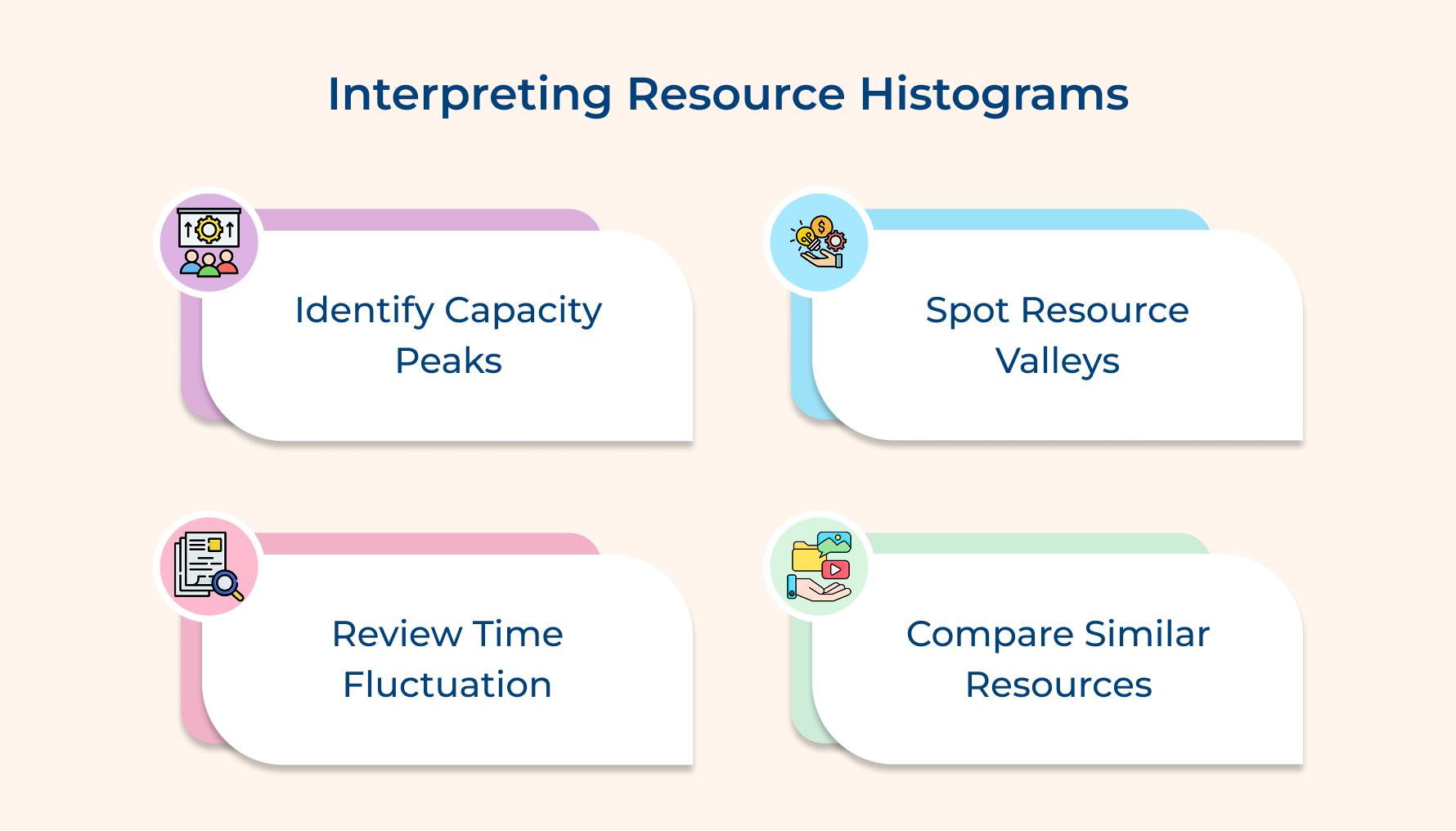
- Spot Peaks that Cross your Capacity Line
When bars rise above your capacity baseline, you’re seeing periods where demand is higher than your team can support. These spikes signal overallocation and tell you it’s time to adjust schedules before bottlenecks hit.
- Watch for Valleys Showing Underuse
Bars that drop far below capacity indicate idle time you’re still paying for. These dips are great opportunities to pull future tasks forward or temporarily move people to other projects.
- Study How the Bars Rise and Fall
Big jumps between high and low demand suggest uneven planning as well as feast-or-famine cycles. Steadier, gradual shifts show stronger scheduling that keeps productivity consistent without overwhelming your team.
- Compare Similar Resource Types Side by Side
Placing related histograms next to each other reveals whether cross-training can solve bottlenecks. If frontend developers show dips while backend developers spike, upskilling can help balance workloads more effectively.
Balance Project Workloads Effortlessly with Resource Histogram
Resource histograms transform chaos into clarity by showing you exactly where your team faces too much work or sits underutilized. This simple visual tool prevents burnout and missed deadlines by making allocation problems visible before they derail your project timeline.
Start building your histogram today by identifying resources as well as plotting demand against capacity across your timeline. The investment takes just hours but saves weeks of firefighting when overallocated team members struggle to keep multiple projects moving forward simultaneously.
Limit time — not creativity
Everything you need for customer support, marketing & sales.

Neeti Singh is a passionate content writer at Kooper, where he transforms complex concepts into clear, engaging and actionable content. With a keen eye for detail and a love for technology, Tushar Joshi crafts blog posts, guides and articles that help readers navigate the fast-evolving world of software solutions.