7 Best Project Status Report Templates for Managers
- What is a Project Status Report?
- Key Benefits of Project Status Reporting
- 7 Best Types of Project Status Report Templates
- Essential Contents of a Project Status Report Template
- Project Status Report Template Best Practices
- What Makes a Good Project Status Report Template?
- Project Management Made Easier with Structured Status Reporting Templates
- FAQs about Project Status Report Template

Key Highlights:
- Simplify stakeholder updates using ready-to-use project status report templates tailored for executive, weekly and monthly reporting needs.
- Improve visibility with structured templates that highlight milestones, budget variance, risks and overall project health at a glance.
- Save time and maintain consistency by using customizable project status report samples suited for any industry or project type.
You spend hours each week gathering project updates only to realize stakeholders still ask the same questions about timeline and budget. Your reports feel scattered and inconsistent because you’re rebuilding them from scratch every single time.
Status report templates solve this frustration by giving you a proven structure that captures exactly what stakeholders need to know. The right template turns chaotic updates into clear communication that keeps everyone aligned and confident about project direction.
This guide to project status report template walks you through seven template types. It shows you what to include and shares best practices that make reporting actually useful. You’ll learn how to choose the right template for your situation as well as create reports people actually want to read.
What is a Project Status Report?
A project status report is a regular document that summarizes how a project is progressing against its original plan. It captures key information like completed milestones and current challenges and upcoming deliverables. Project managers use these reports to keep stakeholders informed as well as to identify problems before they become serious issues.
Status reports build trust by showing clients exactly where their investment is going. When clients receive consistent updates they feel included in the journey rather than left in the dark. This transparency helps manage expectations and reduces anxiety about project outcomes.
Key objectives:
- Progress tracking: Monitor what tasks have been completed and what remains to be done.
- Risk identification: Spot potential problems early so the team can address them proactively.
- Resource visibility: Show how time and budget are being used across the project.
- Stakeholder alignment: Keep everyone on the same page about priorities and direction.
- Decision support: Provide the information leaders need to make informed choices about next steps.
Key Benefits of Project Status Reporting
Regular status reporting creates a foundation for successful project delivery. These benefits extend beyond simple updates to shape how teams work and how clients experience the entire project journey.
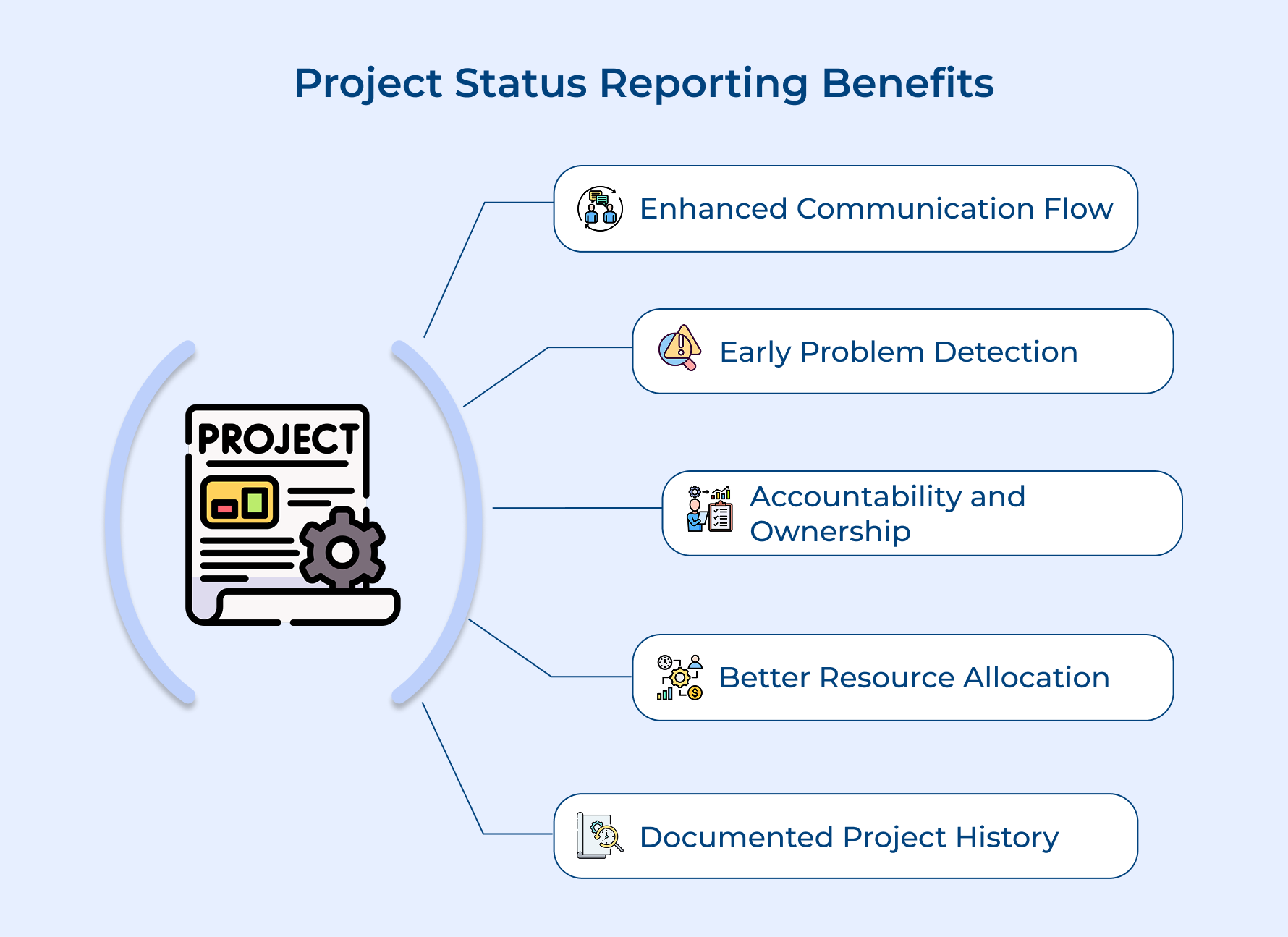
Enhanced Communication Flow
Status reports create a shared language between technical teams and stakeholders. Everyone receives the same information at the same time which eliminates confusion while reducing the need for constant clarification meetings.
Early Problem Detection
These reports act as an early warning system for potential issues. When teams document progress regularly they can spot patterns or delays that might otherwise go unnoticed until they become critical problems.
Accountability and Ownership
Team members take greater responsibility when progress is documented and visible. This visibility encourages people to follow through on commitments because everyone can see who is handling which tasks as well as deadlines.
Better Resource Allocation
Status reports reveal where resources are being used effectively and where adjustments are needed. Project managers can shift budget or personnel to address bottlenecks before they impact the overall timeline or quality.
Documented Project History
Regular reporting creates a timeline of decisions and changes throughout the project. The record becomes valuable for future projects when teams want to understand what worked well and what challenges emerged during similar efforts.
7 Best Types of Project Status Report Templates
Let’s explore seven different types of project status report templates that cater to various project needs and will help you keep your project on course.
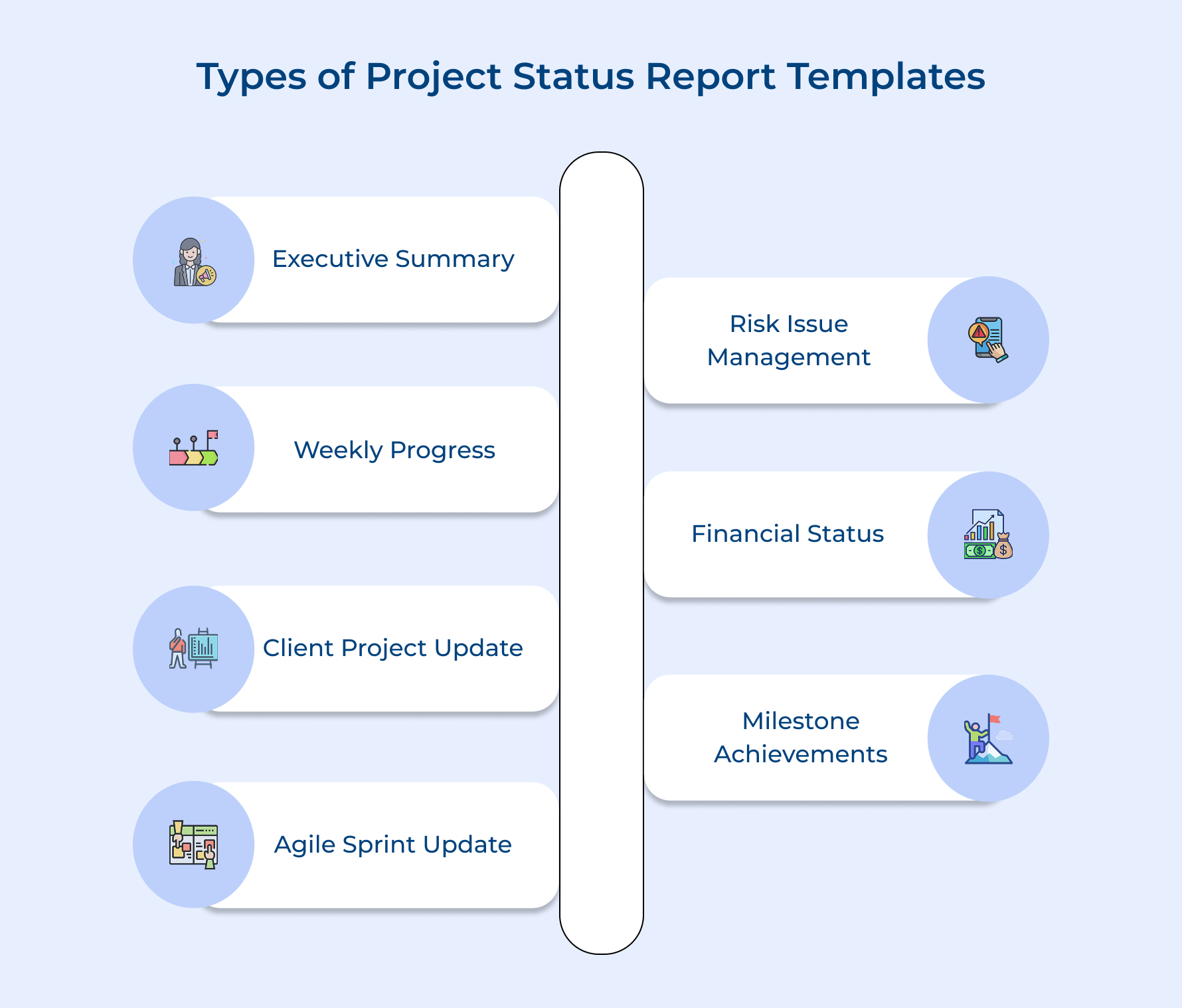
1. Executive Summary Status Report
This template distills complex project information into a format designed for senior leaders who need quick insights without technical details. It matters most because executives make funding as well as strategic decisions based on these high-level snapshots of project health.
This template typically includes the following essential elements:
- Project health indicator: A simple red-yellow-green status showing overall project condition at a glance.
- Milestone completion status: Progress against major deliverables and key dates that leadership approved at project inception.
- Budget variance: Current spending compared to approved budget with explanations for any significant differences.
- Timeline adjustments: Any changes to the original schedule with reasons and impact on final delivery date.
- Decision points: Specific items where executive input or approval is needed to move the project forward.
Consider a software implementation project running behind schedule. The executive summary would show yellow status and request approval to add two developers for six weeks to meet the original deadline.
2. Weekly Team Progress Report
The weekly progress report template keeps project teams aligned on a regular cadence by documenting what happened and what comes next. Teams need this frequent check-in to maintain momentum and address small issues before they grow into larger problems.
A comprehensive weekly team report contains these core components:
- Completed task list: All activities finished during the week with who accomplished them and when they closed.
- Upcoming work breakdown: Specific tasks planned for the next week with assigned owners and expected completion dates.
- Blocker identification: Any obstacles preventing team members from completing their work or slowing progress significantly.
- Resource requests: Support needed from other teams or additional tools required to maintain the planned pace.
- Team capacity notes: Availability changes like vacations or competing priorities that might affect the weekly output.
Agencies use this template during Monday morning meetings where each team member reviews their section. Implementation works best when teams fill it out Friday afternoon while the week is fresh in their minds.
3. Client-Facing Project Update Report
Client-facing project report translates internal language into clear updates that clients can understand and act upon. Clients need regular communication that shows progress without overwhelming them with technical jargon or internal process details that don’t affect their business outcomes.
You can use this report to maintain client confidence during long projects where tangible results aren’t immediately visible. The report demonstrates activity and forward movement even during phases like testing or backend development that clients can’t see directly. It also creates a paper trail of progress that protects both parties if questions arise later about what was delivered when.
Pro tips:
- Keep the visual elements simple and consistent so clients can quickly compare reports across weeks.
- Always frame technical challenges in terms of business impact rather than describing the technical problem itself.
4. Agile Sprint Status Report
This template tracks progress within short development cycles where teams work in focused bursts called sprints. Current agencies need this because clients expect faster delivery and more flexibility than traditional project methods allow.
Here are three effective ways to implement sprint reporting:
- Daily standup integration: Collect updates during brief morning team meetings where everyone shares yesterday’s work and today’s plans. Information flows directly into the sprint report without requiring separate documentation time.
- Automated tracking tools: Use project management software that pulls data from your task board and generates reports automatically. The system captures velocity and burndown metrics without manual calculation which saves time and reduces errors.
- Sprint review ceremonies: Present the report during end-of-sprint meetings with stakeholders present to review what shipped. It creates accountability and allows immediate feedback before the next sprint begins.
The biggest challenge is maintaining consistency when team members forget to update their task status throughout the sprint. Overcome this by making updates part of the daily routine rather than an end-of-week chore that people rush through.
5. Risk and Issue Management Report
Risk and issue management report focuses specifically on problems that could derail the project as well as challenges already affecting progress. Teams need this because identifying threats early creates time to respond before small concerns become project-ending disasters.
A risk and issue management report documents potential threats with their likelihood as well as planned responses if they occur. You use it during project governance meetings to ensure leadership understands what could go wrong and what the team is doing to prevent or prepare for these scenarios.
Open issues and resolution timelines are included because unresolved problems compound over time while creating bottlenecks that slow everything down. Tracking them ensures nothing falls through the cracks while teams juggle multiple priorities.
Teams typically organize open issues using these tracking elements:
- Issue severity rating that indicates which problems need immediate attention versus lower priority concerns.
- Assigned owner responsible for driving the issue to resolution with authority to pull in additional resources.
- Target resolution date that creates urgency and allows dependent tasks to plan around the expected fix.
6. Financial Project Status Report
This template tracks all money flowing through the project from initial budget to final costs for client-based agencies billing by the hour or milestone. Agencies need this because profitability depends on catching budget overruns early before they consume the entire project margin.
Consider these four key questions before creating financial reports:
- Are we tracking internal costs separately from client-billable expenses?
- Do we have a process for capturing time spent on scope changes?
- Are we comparing our burn rate against the original timeline?
- Do stakeholders understand the difference between committed costs and actual spend?
You use this report in monthly financial reviews where project managers justify variances and request budget adjustments if needed. The report creates transparency around where money goes and helps leadership decide whether to continue funding or cut losses on troubled projects.
Update financial reports at consistent intervals rather than waiting for month-end to avoid surprises. Include forecast-to-completion numbers in every report so stakeholders can see the full financial picture beyond current spending.
7. Milestone Achievement Report
Milestone reporting helps agencies maintain momentum and clarity across long projects by visualizing progress as well as upcoming deadlines.
A Gantt chart is an excellent tool for this—clearly displaying completed phases, ongoing tasks and upcoming milestones to keep everyone aligned. Agencies can strengthen milestone reporting in three ways:
- Visual timelines: Use a shared Gantt chart to map past achievements and future targets, ensuring visibility for clients as well as teams.
- Celebration rituals: Recognize milestone completions with quick retrospectives or acknowledgments to boost morale and reinforce progress.
- Dependency mapping: Highlight how current tasks impact future milestones to promote accountability and coordination.
For instance, a digital marketing agency might track milestones from strategy approval to creative execution, linking each phase to payment releases. This structured approach ensures clients see consistent progress while teams stay focused on upcoming transitions—turning milestone reports into both motivation and management tools.
Essential Contents of a Project Status Report Template
Every effective status report follows a structure that tells a complete story about where the project stands. These core elements work together to give stakeholders the full picture they need.
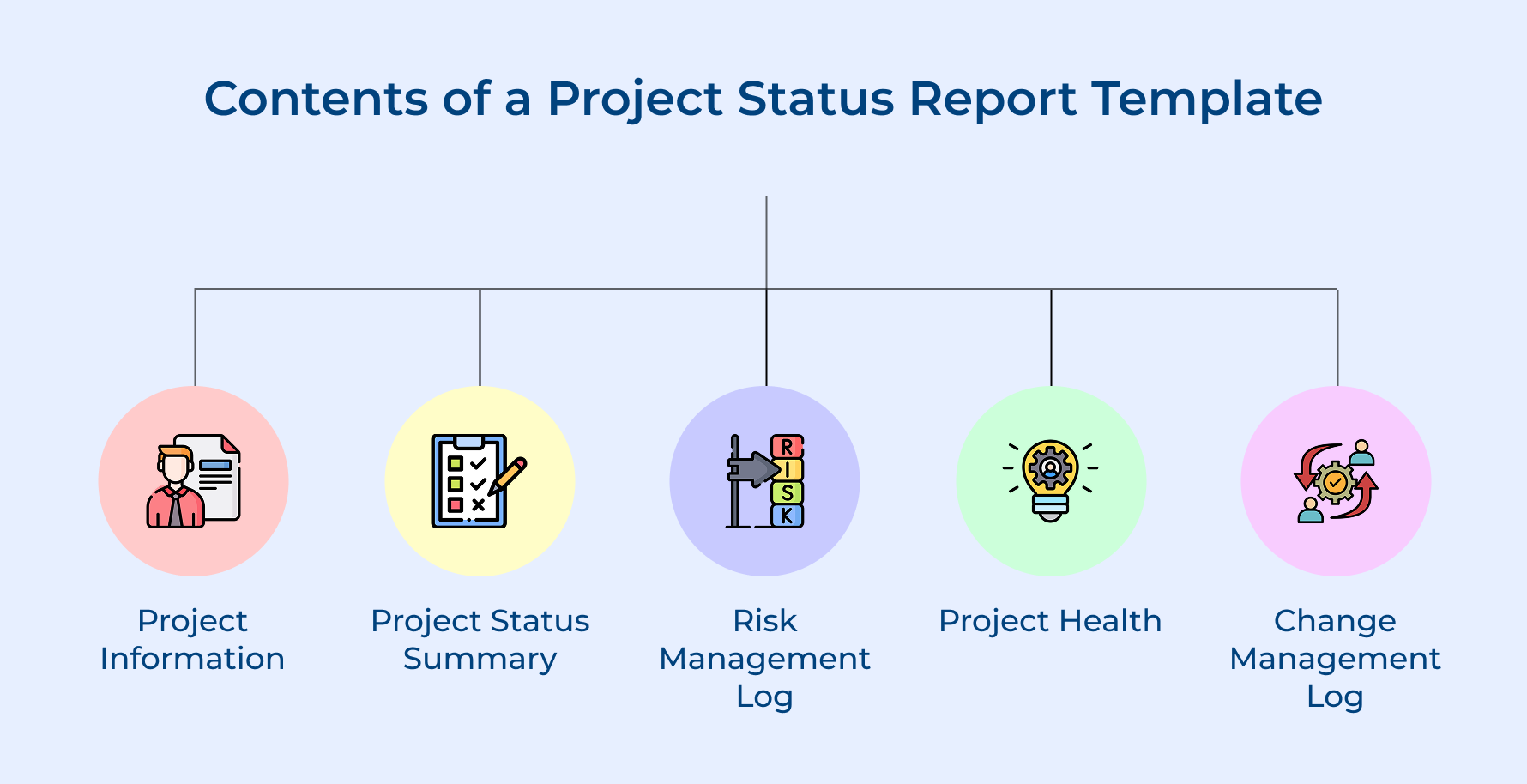
Project Information
Project information sits at the top of every report and establishes the basic context before diving into updates. It includes the project name and reporting period covered as well as names of key stakeholders who need to review the document.
Think of project information as the foundation that anchors everything else:
- Project manager contact details so readers know who to reach with questions
- Original start and planned completion dates to provide timeline context throughout the report
- Project phase indicator showing if you’re in planning or execution or closing activities
Not having this basic information might confuse readers from different projects or misunderstand which time period the updates cover. The identification section also helps when searching through archived reports months later.
Project Status Summary
The status summary gives a quick overview of overall project health using simple visual indicators that anyone can understand immediately. Most teams use red-yellow-green ratings for schedule and budget and scope.
This summary section typically highlights these critical elements:
- Percentage complete measurement showing how much total work has been finished
- Major accomplishments from the current period that demonstrate forward momentum
- Immediate next steps planned for the upcoming period
The overview helps busy executives decide if they need to read further or can trust the team to handle things. Yellow or red status signals they should read the details and possibly help remove obstacles.
Risk Management Log
The risk log documents potential problems that haven’t happened yet but could impact the project if they materialize. The section assigns probability ratings to each risk and describes what the team plans to do.
Understanding risk management requires tracking several key components:
- Risk trigger conditions that would indicate a potential threat is becoming an actual problem
- Impact assessment explaining how severely each risk would affect timeline or budget
- Mitigation owner assigned to monitor the risk and execute the response plan
Smart project managers update this section even when everything seems fine because risks can emerge quickly. A vendor going out of business or a key team member planning to leave are risks worth documenting before they become crises.
Project Health
Project health synthesizes multiple data points into an assessment of how well the project is performing against its original goals. It goes deeper than the simple status summary by examining trends over time.
Here are the dimensions typically measured in health assessments:
- Resource utilization rates showing if the team members are overloaded or have capacity for additional work
- Stakeholder engagement levels indicating how actively clients participate in decisions and reviews
- Quality indicators tracking defect rates that signal problems with deliverable standards
The health assessment examines factors like team morale alongside traditional metrics. A project might be on schedule and under budget but still unhealthy if the team is burning out or the client feels ignored.
Change Management Log
The change log tracks every modification to the original project plan including scope additions and timeline extensions as well as budget adjustments. Each entry documents who requested the change and what impact it had on other project elements.
Understanding change tracking answers several important questions for stakeholders:
- Change approval status showing which modifications have been accepted versus still under review
- Cumulative impact analysis revealing how multiple small changes have shifted overall project parameters
- Change category labels identifying if the changes came from client requests or technical discoveries
Changes are inevitable in any project but uncontrolled changes destroy budgets and timelines quickly. This log creates accountability by documenting the decision-making process around each modification. When a client questions why the project costs more than originally estimated you can point to specific approved changes.
Project Status Report Template Best Practices
Creating effective status reports requires more than just filling in fields on a template. Following these best practices ensures your reports deliver real value and keep stakeholders engaged throughout the project lifecycle.
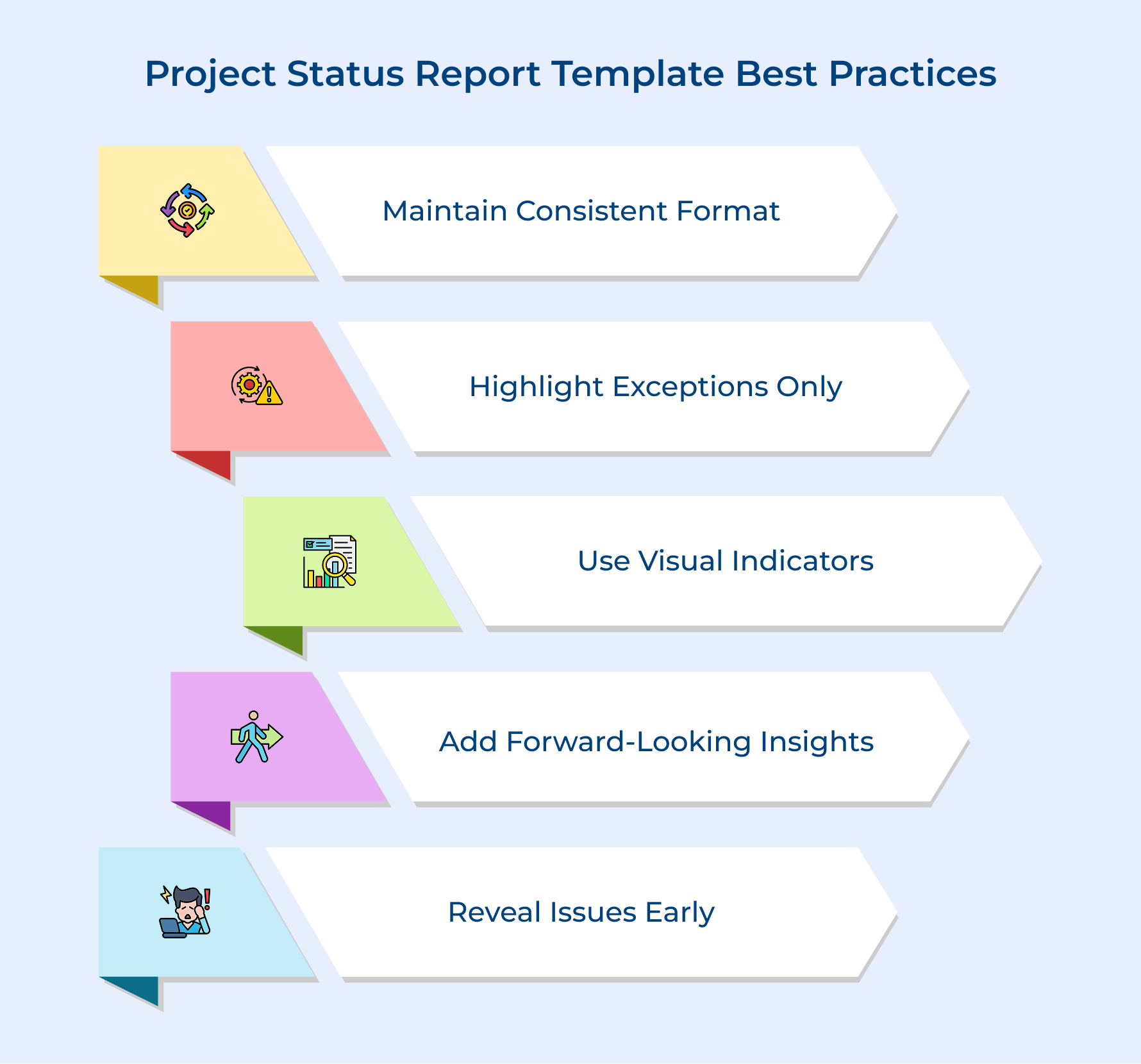
Maintain Consistent Timing and Format
Send reports on the same day each week or month so stakeholders know exactly when to expect updates. Using the same template structure allows readers to quickly find the information they care about without relearning the layout.
Focus on Exceptions Rather Than Everything
Highlight what changed since the last report instead of repeating stable information that hasn’t moved. Readers want to know about new risks or completed milestones rather than reading that everything mentioned last week is still proceeding as planned.
Use Visual Indicators for Quick Scanning
Include charts or progress bars or color coding that communicate status at a glance before readers dive into detailed text. Busy stakeholders often skim reports first to decide where they need to focus their attention.
Include Forward-Looking Information
Always describe what happens next and when it should occur so stakeholders understand the project trajectory beyond current status. People want to know where you’re headed tomorrow and if you’ll arrive on schedule or need adjustments.
Be Honest About Problems Early
Report issues when they first emerge rather than waiting until they become crises that require emergency intervention. Early warnings give stakeholders time to help solve problems instead of just reacting to failures that could have been prevented.
What Makes a Good Project Status Report Template?
A good template strikes the right balance between providing enough structure to ensure consistency and allowing flexibility to capture what matters most for each unique project.
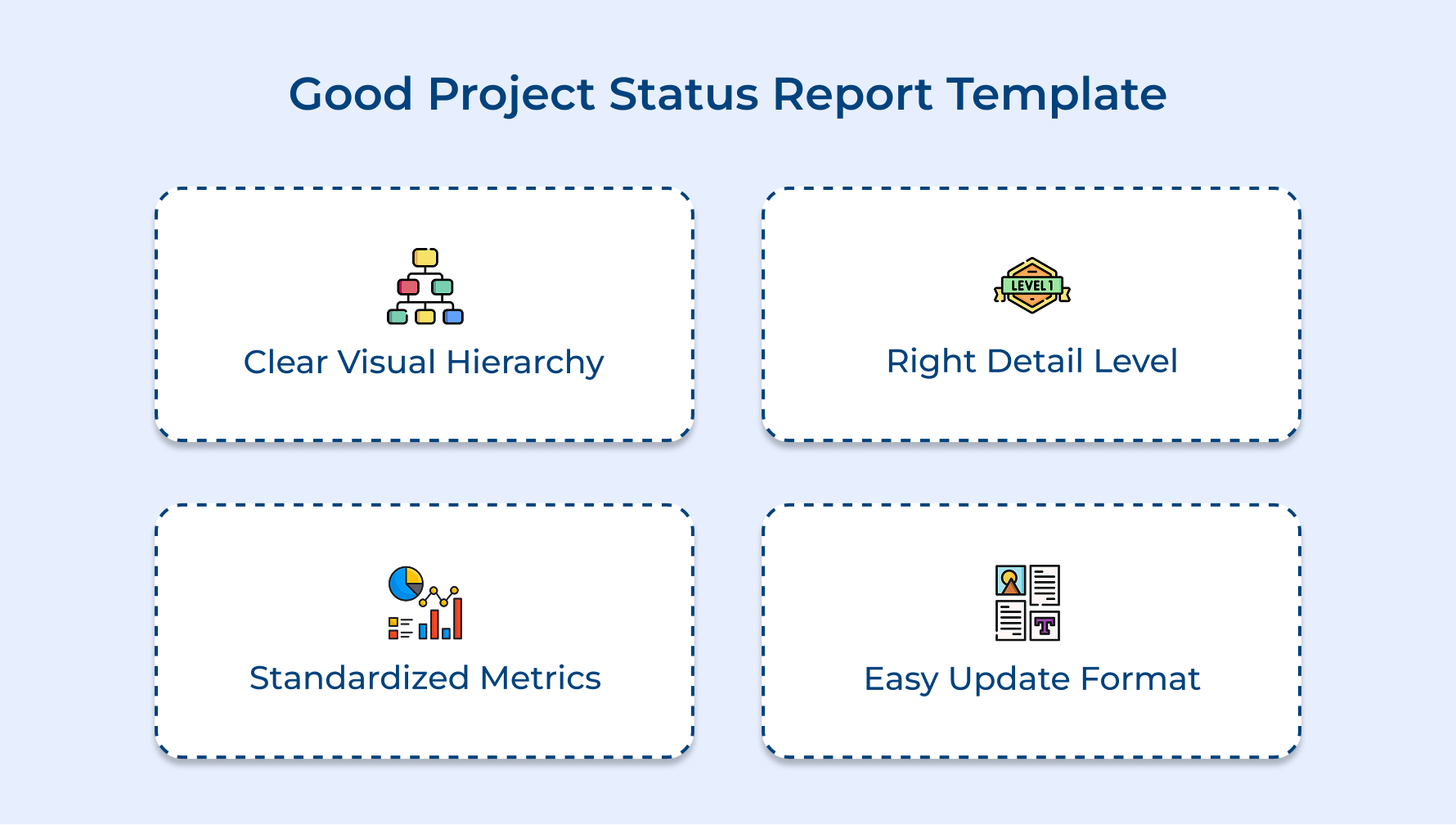
Clear Visual Hierarchy That Guides the Eye
An effective template organizes information in a logical flow that mirrors how people naturally process project updates. The most critical information appears at the top where readers look first while supporting details follow in descending order of importance.
Appropriate Level of Detail for the Audience
The template should match the depth of information that stakeholders need without overwhelming them with unnecessary granularity. Executive templates focus on high-level trends while team-level templates can include task-specific updates that would clutter a leadership report.
Standardized Metrics That Enable Comparison
Good templates define consistent ways to measure progress so you can track trends across multiple reporting periods. When you use the same percentage complete calculation each time stakeholders can immediately spot if the performance is improving or declining.
Easy-to-Update Format That Reduces Friction
A practical template makes it simple for project managers to fill in information without starting from scratch each time. Pre-filled sections with clear prompts save time and reduce the mental effort required to create each report.
Project Management Made Easier with Structured Status Reporting Templates
Project status report templates transform project management from chaotic updates into organized communication that keeps everyone aligned. They eliminate the guesswork about what information to share and create consistency that builds stakeholder trust over time.
When you implement the right template for your project type you spend less time creating reports and more time actually managing the work. Templates become your communication backbone that supports better decisions as well as healthier project outcomes.
Limit time — not creativity
Everything you need for customer support, marketing & sales.

Shivank Kasera is part of the marketing team at Kooper, where he focuses on building content that helps agencies and service providers grow. With a keen interest in SaaS, operations, and scalability, he translates practical insights into actionable resources for business leaders.