The Ultimate Guide to Project Time Tracking (2026)
- What is Time Tracking in Project Management?
- Benefits of Project Management Time Tracking
- 5 Reasons to Use Time Tracking for Project Management
- 7 Steps to Implement Project Time Tracking Successfully
- 5 Essential Best Practices for Time Tracking in Project Management
- Challenges in Project Time Tracking
- Keep Client Projects on Track with Accurate Time Tracking
- FAQs about Project Time Tracking

Key Highlights:
- Project time tracking brings full visibility to your workflows, transforming guesswork into accurate data for smarter project decisions.
- Integrating time tracking in project management improves resource allocation, client billing accuracy and on-time project delivery.
- Implementing automated time tracking systems boosts team accountability. It highlights process bottlenecks and streamlines multi-project management.
Project managers aren’t short on effort, they’re short on visibility. You know your team’s working hard, but where’s the clarity? Without real data, you’re left making big calls based on gut instinct in a world that demands precision.
Each delay chips away at client trust. Each overspend trims your margins. And still, the real problem (where time’s actually going) remains hidden.
That’s where project time tracking changes the game. It’s not about micromanaging, it’s about finally seeing the full picture. And with that, you can move faster, plan smarter while delivering better.
What is Time Tracking in Project Management?
Time tracking in project management is the systematic process of recording how much time team members spend on specific tasks and activities. The practice involves monitoring when work starts and stops while categorizing activities to understand productivity patterns as well as resource allocation across different project phases.
Time tracking transforms project management from guesswork into data-driven decision making. It reveals bottlenecks before they become critical problems and helps managers allocate resources more effectively.
Key objectives:
- Accurate project estimation: Historical time data helps create realistic timelines for future projects based on actual performance rather than assumptions.
- Resource optimization: Understanding where time goes allows managers to redistribute workloads and identify team members who might be overwhelmed or underutilized.
- Budget control: Tracking billable hours ensures projects stay within financial constraints while providing transparent cost breakdowns for clients.
- Performance measurement: Time data reveals which tasks take longer than expected and helps identify areas where team members might need additional training or support.
- Process improvement: Analyzing time patterns uncovers inefficient workflows and helps teams streamline their approaches to similar tasks in future projects.
Benefits of Project Management Time Tracking
Time tracking acts like a magnifying glass for your project operations. It reveals hidden patterns and provides the data foundation that transforms how teams work together. Let’s explore the benefits:
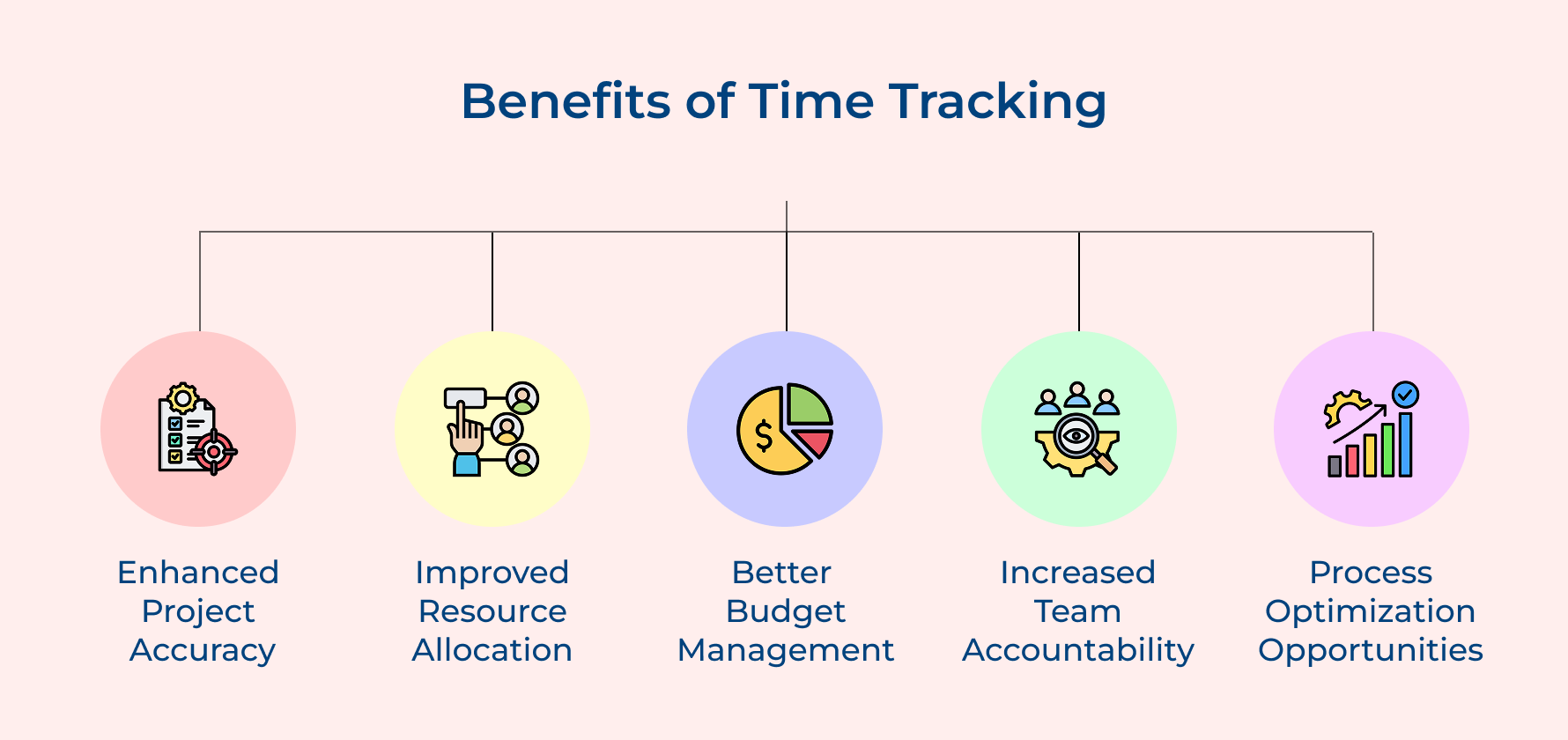
Enhanced Project Accuracy
Tracking hours spent helps you compare real task durations against what you originally planned. Over time, this creates a reliable baseline for building accurate project plans. Clients appreciate timelines they can trust and your team avoids unrealistic workloads. With consistent data from employee timesheets, planning becomes grounded.
Improved Resource Allocation
Time tracking acts like a GPS for workload visibility. You can clearly see who’s overloaded and who has room to help. Using productivity tools and collaboration tools together, you can shift tasks before someone burns out. It’s smarter team management, based on facts.
Better Budget Management
Budget talks get fuzzy without clear data. But when you track hours spent on each task, it’s easier to see where money is going. You’ll spot overruns early and make informed adjustments, rather than dealing with cost surprises after they hit.
Increased Team Accountability
When employees track time openly, accountability follows naturally. Employee monitoring doesn’t have to feel invasive, it’s about helping everyone understand where their hours go. That awareness boosts ownership and encourages focused work without micromanagement.
Process Optimization Opportunities
Detailed time data shines a light on inefficiencies hidden in day-to-day work. You’ll spot patterns, repetitive tasks, or slow steps in your workflow. Combined with the right productivity tools, this insight helps you automate and improve how your team works project to project.
5 Reasons to Use Time Tracking for Project Management
Let’s explore how these digital tools revolutionize the way teams manage their time and deliver results.
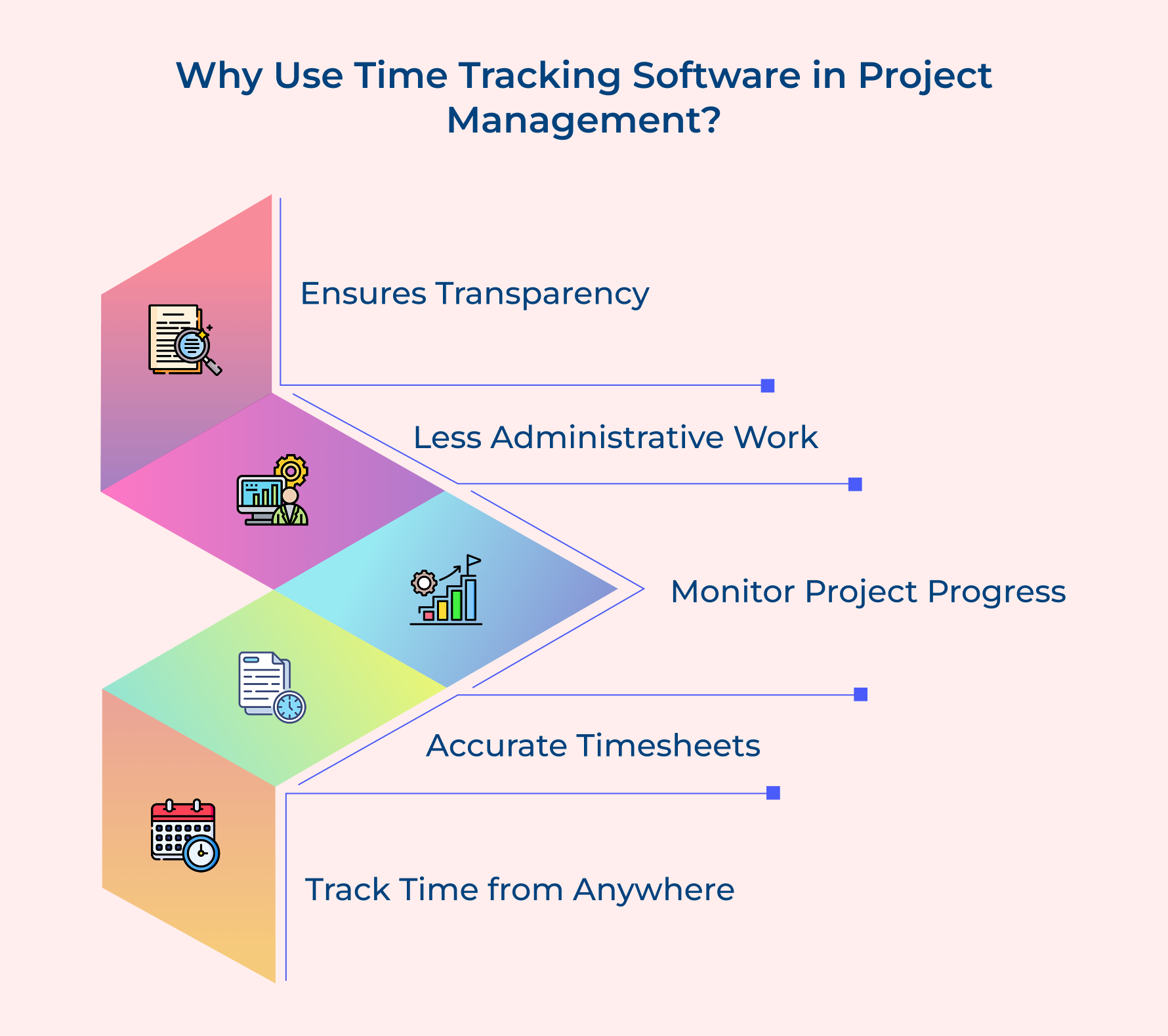
Ensures Transparency
Time tracking software opens up a shared view of who’s working on what and how every hour contributes to project goals. Real-time timers and open logs make it easy to visualize project progress at both the individual as well as team level. Managers can see actual productivity, while team members understand how their work fits into the bigger picture.
Here’s how transparency strengthens your workflow:
- Real-time dashboards show who’s doing what, right now
- Reports uncover trends in performance and task distribution
- Open timesheets reduce confusion around contributions and progress
When every hour is tracked clearly, trust builds naturally because no one’s guessing where time went.
Less Administrative Work
Chasing timesheets shouldn’t be part of your job description. Automated tracking software does the heavy lifting – capturing data as work happens, generating timesheets and formatting reports so you don’t have to.
Think about this:
- How many hours go into collecting, checking and organizing timesheets each week?
- What’s the impact when people forget to log hours or leave things incomplete?
- How often do delays in reporting affect your billing cycles or decision-making?
Real-time timers handle this automatically, freeing you up to focus on strategy instead of sorting spreadsheets.
Monitor Project Progress
You shouldn’t need a meeting to find out if things are off track. With time tracking tools, you get a real-time view of progress (where you are, what’s done and what’s behind) without waiting for updates.
Here’s how real-time monitoring helps:
- Live dashboards show how far along each task is
- Alerts trigger when tasks go over time estimates
- You can visualize project progress using tools like Gantt charts and milestone trackers
Better yet, these tools sync with your project management and capacity management systems so you get a complete, up-to-date view without extra effort.
Accurate Timesheets
Forget the guesswork. Real-time timers capture start and stop times automatically, logging exactly what happened as well as when. That means no more fuzzy memory or missing hours.
Automated timesheets offer:
- Precise activity tracking categorized by task
- Clean data for client billing and performance reviews
- A trusted source for refining future project estimates
Accurate records help you make better decisions. They also prevent disputes and ensure you get paid for every billable hour.
Track Time from Anywhere
Work happens everywhere now – in offices, at home, in transit. Modern time tracking tools keep up by offering real-time timers and mobile apps that work across devices as well as locations.
Remote and hybrid teams can:
- Log hours instantly from phones or laptops
- Use cloud-based platforms that sync automatically
- Track time without toggling between multiple systems
No matter where your team is, you can maintain accuracy, streamline workflows and keep capacity management in check.
7 Steps to Implement Project Time Tracking Successfully
Let’s guide you through seven practical steps that explain how project management and time tracking go hand-in-hand. This will help you implement a robust project time tracking system.
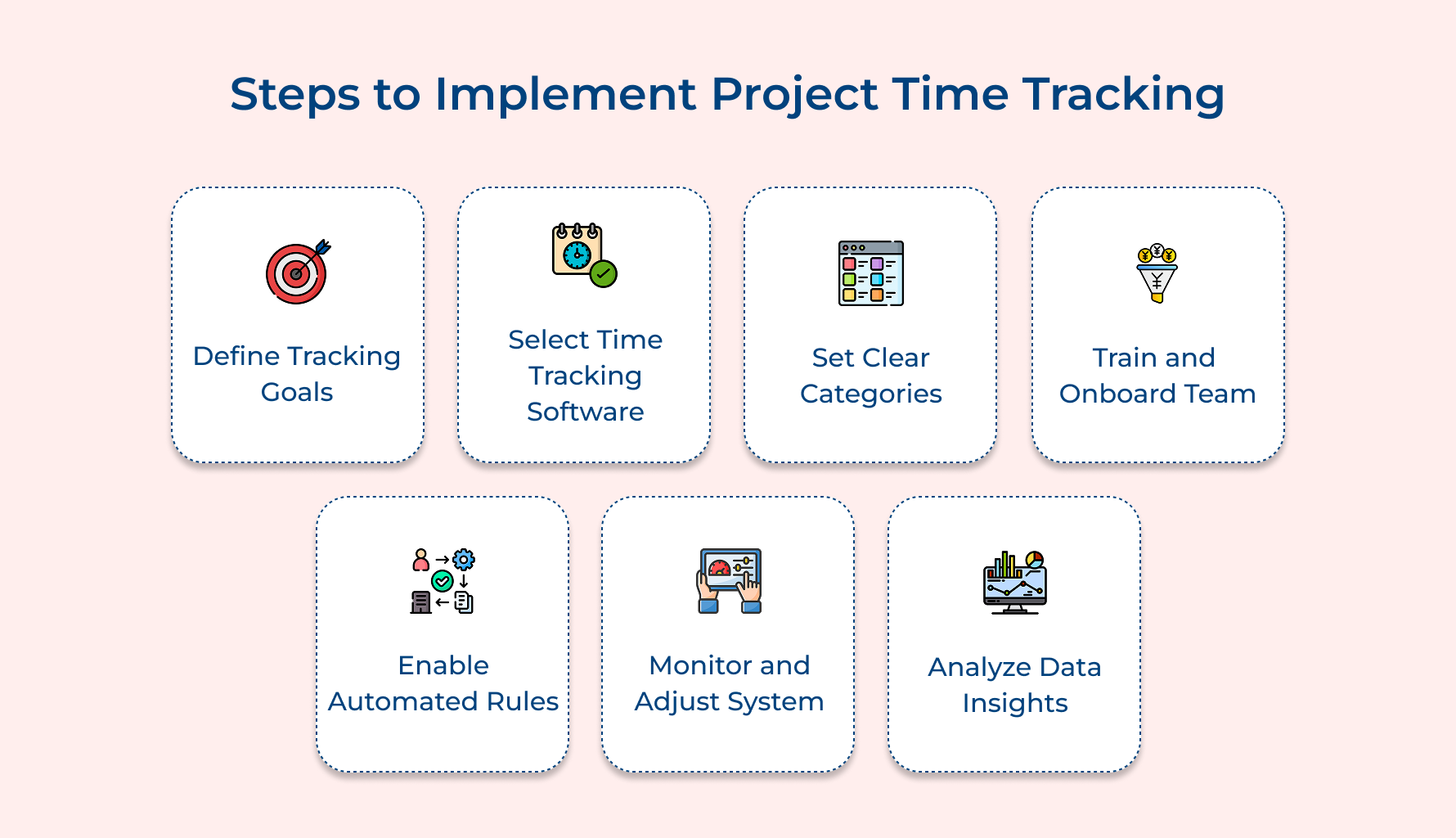
1. Define Your Time Tracking Goals
Before diving into tools and systems, take a step back. What do you really want time tracking to help you achieve? Without a clear goal, you’ll end up with a pile of data that no one knows how to use.
Ask yourself:
- What metrics do you need for client profitability?
- Are you looking to spot team productivity patterns?
- How do you measure if projects stay close to original plans?
- What transparency do your clients expect?
- Which internal decisions could be better if backed by time data?
Time tracking shouldn’t feel like busywork, it should power smart decisions. Once you define your goals, reverse-engineer the process.
What do you wish you knew when approving project plans or balancing workloads? Use those answers to guide what data you need. Purposeful tracking leads to meaningful insights and that’s when things start to shift for your agency.
2. Choose the Right Time Tracking Software
Choosing time tracking software is all about finding a system that fits how your team already works. The wrong tool will collect dust, no matter how powerful it claims to be.
Focus on these essentials:
- Integration: Can it connect with your project management, Gantt chart tools and accounting systems?
- Ease of use: Does the interface feel intuitive, or will people need constant reminders?
- Reporting: Can you customize reports for internal and client needs?
- Mobile access: Will remote team members be able to track time from anywhere?
- Scalability: Will it grow with you?
The best tool fades into the background, it just works. Look for something that automates routine admin, integrates with your real-time timers and supports your unique workflow. The easier it is to use, the more your team will actually use it and that’s when results start rolling in.
3. Establish Clear Time Tracking Categories
If everyone logs time differently, your reports become useless. One person’s “admin” might be another’s “client task.” Clear categories keep your data clean and comparable.
Here’s how to create structure:
- Use standardized project codes to avoid confusion in billing.
- Clarify task types so people don’t guess whether writing an email is internal or billable.
- Distinguish billable vs. non-billable time with clear boundaries.
Ask yourself:
- What work directly contributes to client deliverables?
- Where do we draw the line on internal efforts like training or pitch development?
- How should we handle time spent on projects that never close?
The goal is to take the guesswork out of logging hours. When your whole team uses the same categories in the same way, your time data becomes reliable. Suddenly, your resource planning, billing and productivity insights get a whole lot better.
4. Design Team Training and Onboarding
Even the best time tracking system will fail if your team doesn’t know how (or why) to use it. Training isn’t just a setup step, it’s an ongoing process that makes or breaks your implementation.
Here’s what makes training stick:
- Start with your champions – early adopters who can influence others.
- Create short videos for reference, so people don’t have to remember everything from one session.
- Tie benefits back to their work. Show how tracking time helps avoid last-minute chaos and unrealistic deadlines.
Make sure you explain the why behind the system. It’s all about making better project plans, reducing stress and improving how work gets done. When your team sees how time data helps them, not just leadership, you’ll move from compliance to genuine buy-in.
5. Set Up Automated Time Tracking Rules
People forget to track time. That’s just reality. But automation can fill in the gaps and remove the friction that keeps people from being consistent.
Here are four rules worth setting up right away:
- Auto-start with meetings: If it’s on the calendar, it gets tracked.
- Trigger by tools: Open a design app or client folder? Start the clock.
- Idle detection: Pause tracking when there’s no activity.
- Friendly reminders: Alert users when they haven’t tracked in a while.
Don’t try to automate everything at once. Focus on the spots where tracking gets missed most like meetings, admin work, or deep-focus tasks. Set up rules that quietly keep the system going in the background. When automation handles the routine, your team can focus on what really matters.
6. Monitor and Adjust Your System
Time tracking systems don’t run themselves, not if you want reliable data. Without regular check-ins, categories drift, habits slip and the numbers stop reflecting reality.
Try these simple maintenance habits:
- Weekly audits: Scan for odd entries like too-perfect 8-hour days.
- Monthly feedback sessions: Give the team space to flag issues or confusing categories.
- Compare estimates vs. actuals: Are your project plans consistently off? That’s a clue something’s broken.
For example, one agency discovered their developers were logging all revision time under “dev work.” By separating it out, they saw how much back-and-forth was really impacting delivery. That insight changed how they scoped every future project. Regular monitoring doesn’t just catch errors, it unlocks insights you’d miss otherwise.
7. Analyze Data for Business Insights
Time tracking is only valuable if you do something with the data. Raw numbers won’t change your business. But the patterns they reveal? That’s where strategy lives.
Use your data to answer big questions:
- Which projects actually make money?
- Are certain clients draining resources with low returns?
- Which team members are consistently over capacity?
Here’s how to go from data to decisions:
- Focus on trends, not one-off anomalies.
- Share insights with your team to drive smarter planning.
- Revisit your project plans based on real time logs.
Time data should inform your next pitch, pricing model, or hiring decision. Don’t let it sit in spreadsheets. Put it to work and let it guide how you grow. That’s how time tracking stops being a chore and becomes a competitive advantage.
5 Essential Best Practices for Time Tracking in Project Management
Project management with time tracking helps teams stay organized while also being accountable. Here are some best practices that help you enhance your overall productivity.
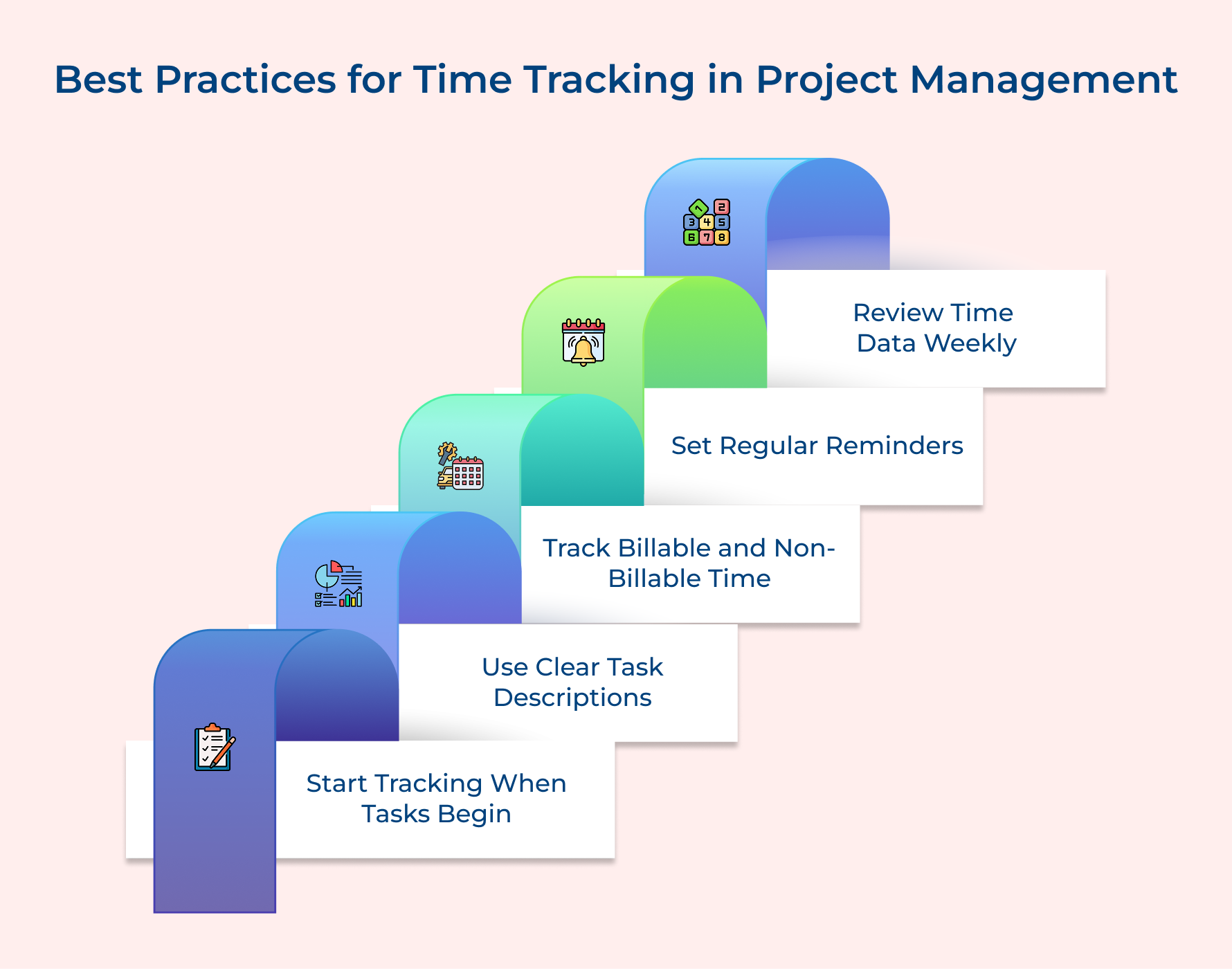
Start Time Tracking Immediately When Tasks Begin
Begin tracking the moment you start any project task rather than reconstructing hours later. This immediate approach eliminates guesswork that happens when team members try to remember how long activities took throughout their day.
Use Specific Task Descriptions Instead of Generic Labels
Write detailed descriptions like “client revision meeting for homepage design” instead of vague entries like “meeting.” Specific descriptions help identify time consumption patterns and make it easier to justify billable hours to clients.
Track Non-Billable Time to Understand True Project Costs
Record internal meetings and administrative tasks to reveal hidden costs affecting project profitability. A complete picture helps price future projects accurately by understanding full time investment beyond client-facing work.
Set Regular Reminders to Prevent Forgotten Time Entries
Establish daily prompts at consistent times to help team members develop automatic tracking habits. Regular reminders catch missed entries before they become significant gaps that compromise project data accuracy.
Review Time Data Weekly for Accuracy and Patterns
Weekly reviews let you spot inconsistencies while details remain fresh rather than discovering problems months later. Regular analysis identifies productivity trends and workflow bottlenecks before they impact deadlines.
Challenges in Project Time Tracking
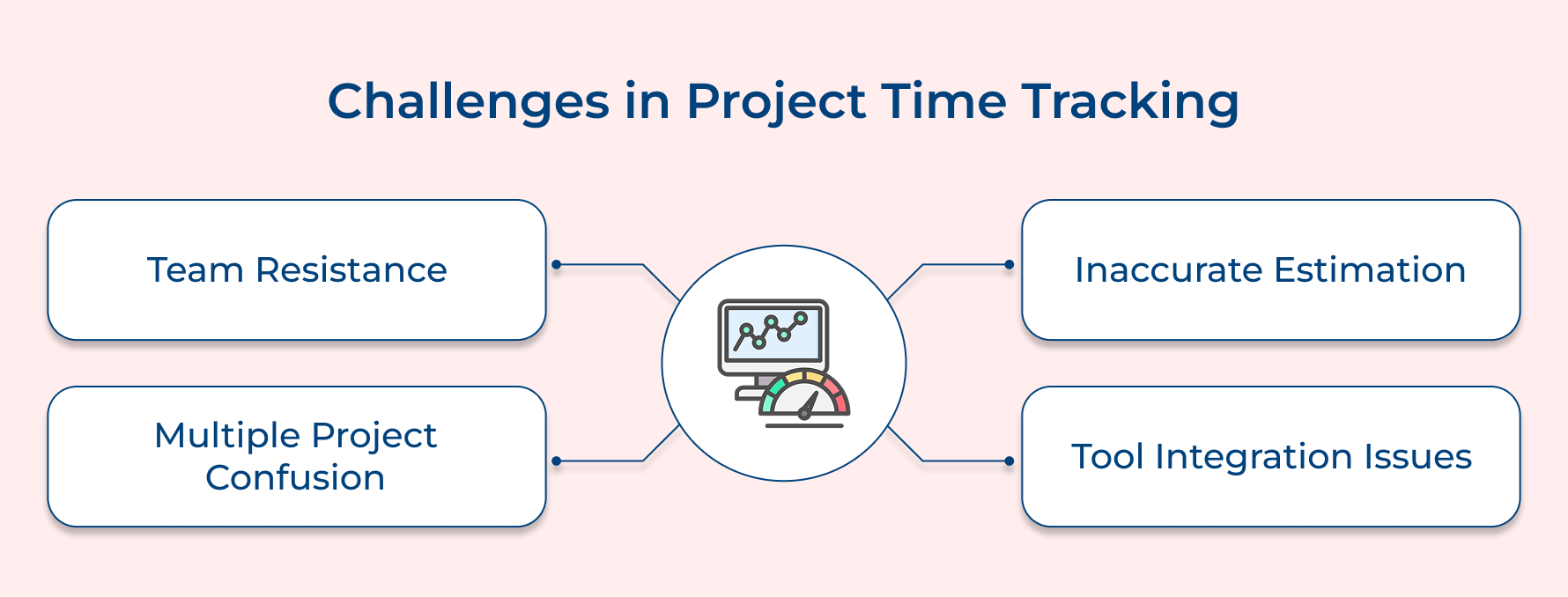
Time tracking in project management often feels like trying to catch water with your hands. Despite good intentions teams frequently struggle with implementation issues that undermine effectiveness. Here are some challenges and how to overcome them:
Team Resistance and Adoption Issues
Getting team members to consistently track time feels like an uphill battle when they view it as micromanagement rather than helpful data collection. Many employees resist processes that add administrative burden without demonstrating how tracking improves their work experience.
Inaccurate Time Estimation and Recording
Team members struggle to estimate task duration accurately or forget to track time until day’s end when details become fuzzy. This leads to approximated entries rather than precise records which undermines data reliability for client billing and project planning.
Complexity in Managing Multiple Projects Simultaneously
Juggling time tracking across several active projects creates confusion about which tasks belong to specific clients and shared activity allocation. When working on multiple projects daily team members often misclassify time or forget switching tracking categories.
Technology Integration and Tool Selection Difficulties
Choosing time tracking software that integrates smoothly with existing project management tools proves more challenging than expected for agencies. Poor integration leads to duplicate data entry and workflow friction that abandons consistent tracking habits.
Each of these challenges has proven solutions that successful agencies use to build sustainable time tracking systems.
- Start with pilot programs using enthusiastic team members who demonstrate benefits and become internal advocates for broader organizational adoption.
- Choose user-friendly software with mobile apps and one-click timers that minimize effort required for tracking throughout busy workdays.
- Implement automated reminders and idle-time detection features that catch forgotten entries before they become significant data accuracy gaps.
- Create standardized project codes and task categories that eliminate confusion about classifying different work types across multiple client engagements.
- Provide regular training sessions explaining how accurate time data directly improves project estimates and reduces last-minute deadline pressure.
Keep Client Projects on Track with Accurate Time Tracking
Precision time tracking serves as the foundation for successful project management because it transforms guesswork into data-driven decisions that protect both timelines and budgets. Without accurate time data agencies operate blindly making promises they cannot keep and pricing services below their true cost.
Professional services businesses that implement systematic time tracking see immediate improvements in profitability through better resource allocation and client transparency that builds trust. This operational efficiency creates competitive advantages while enhanced client engagement emerges from delivering projects on schedule with clear communication about progress and investment.
Limit time — not creativity
Everything you need for customer support, marketing & sales.

Pooja Deshpande is a content contributor at Kooper, focused on creating insightful resources that help agencies and service providers scale efficiently. Passionate about SaaS trends, content strategy, and operational excellence, she delivers practical, easy-to-implement guidance for modern business leaders.