How to Leverage AI in Project Management Effectively
- What is AI in Project Management?
- 6 Major Benefits of AI in Project Management
- How to Leverage AI in Project Management in 8 Quick Steps
- Types of AI Tools for Project Management
- Best Practices for AI in Project Management
- Experience the Future of Seamless Project Delivery with AI
- FAQs about AI in Project Management

Key Highlights:
- Automate repetitive tasks to free up your team for strategic work and creative problem-solving.
- Use AI to predict project risks and optimize resource allocation for on-time, on-budget delivery.
- Follow best practices to implement AI tools effectively, enhancing team collaboration and project results.
Managing multiple projects often leaves project managers buried in repetitive admin tasks, struggling to anticipate risks and balance resources. Traditional approaches rarely provide the real-time visibility needed to make swift, informed decisions.
Teams that don’t use automation often face delays. They also run into budget problems and end up with unhappy clients. AI in project management offers a smarter way forward which results in faster delivery, fewer errors and the ability to scale without chaos.
This guide explores actionable ways to integrate AI into your workflow and transform how your projects are planned, executed as well as delivered.
What is AI in Project Management?
AI in project management refers to intelligent systems that automate routine tasks and provide data-driven insights to help teams deliver projects more effectively. These tools analyze patterns in project data to predict risks and suggest optimal resource allocation.
AI transforms how agencies operate by automating time-consuming administrative work like status reporting and resource scheduling. This shift allows consultants to focus more on strategic thinking and client relationship building rather than manual project tracking.
Primary objectives:
- Automate repetitive tasks: AI handles routine activities like updating project timelines and generating status reports so teams can focus on creative problem-solving.
- Predict project risks: Smart algorithms analyze historical data patterns to identify potential delays or budget overruns before they impact the project timeline.
- Optimize resource allocation: AI systems match team members’ skills and availability with project requirements to ensure the right people work on the right tasks.
- Enhance decision-making: Data-driven insights help project managers make informed choices about scope changes and priority adjustments based on real project metrics.
- Improve client communication: Automated reporting and real-time dashboards keep stakeholders informed without requiring manual updates from project teams.
6 Major Benefits of AI in Project Management
AI in project management is projected to grow from $3.08 billion in 2024 to $3.58 billion in 2025, with a CAGR of 16.3%. Let’s explore how it helps the organization in the long run.
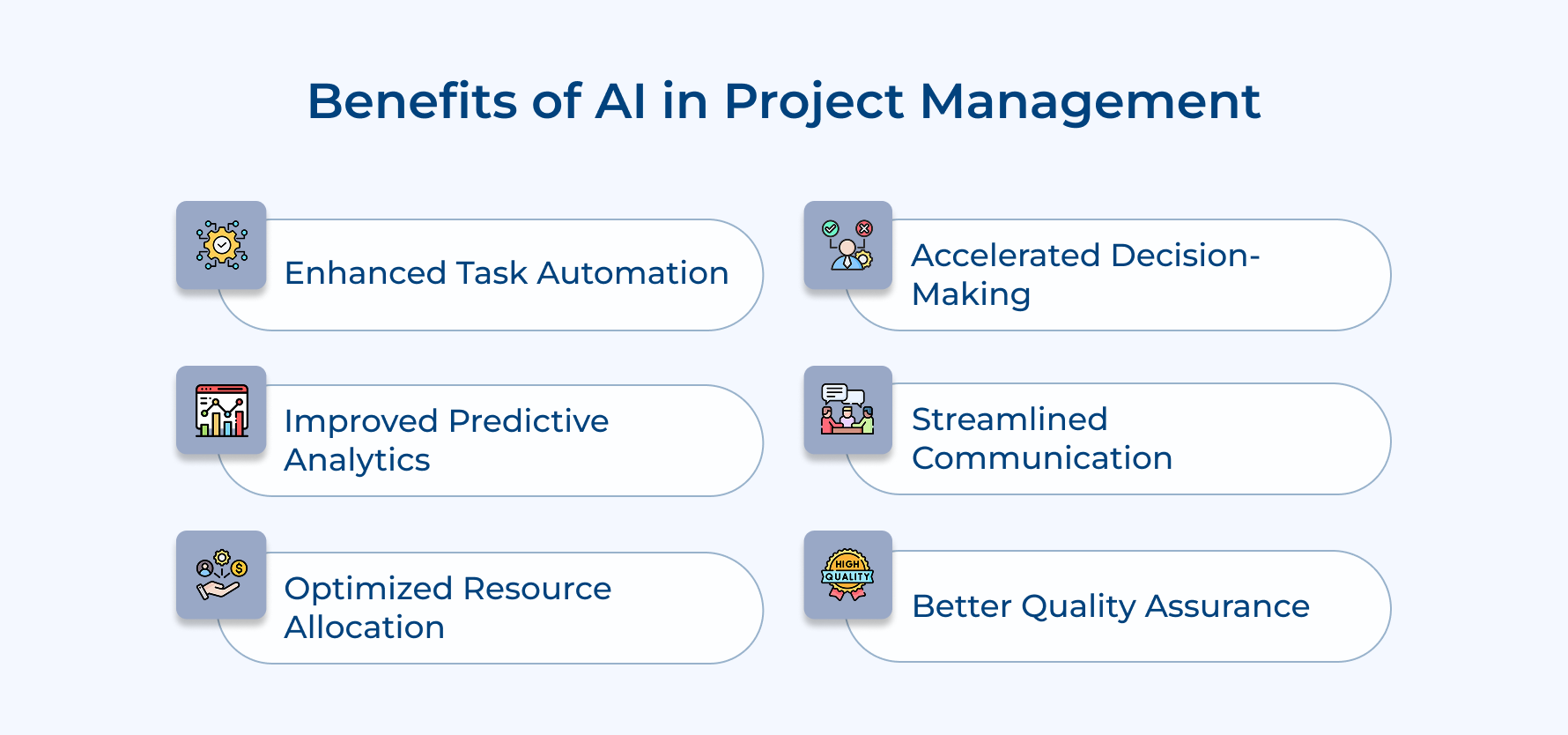
Enhanced Task Automation
AI eliminates manual scheduling and administrative work by automatically updating timelines while generating reports. This shift allows project teams to focus energy on strategic thinking rather than routine paperwork management.
Improved Predictive Analytics
Machine learning algorithms analyze historical project data to forecast potential risks and timeline delays before they occur. Teams can proactively address issues instead of reacting to problems after they impact project success.
Optimized Resource Allocation
AI systems match team member skills with project requirements and track availability across multiple assignments. This intelligent matching ensures projects have the right expertise while preventing team burnout through balanced workload distribution.
Accelerated Decision-Making
Real-time data analysis provides project managers with instant insights about scope changes and priority adjustments. Teams make informed choices faster without waiting for manual data compilation and traditional reporting cycles.
Streamlined Communication
Automated status updates and intelligent dashboards keep stakeholders informed without requiring constant manual intervention from project managers. Communication becomes more consistent and transparent across all project phases as well as team levels.
Better Quality Assurance
AI tools continuously monitor project deliverables against quality standards and flag potential issues before they become costly problems. The ongoing quality check ensures projects meet client expectations while reducing expensive revision cycles.
How to Leverage AI in Project Management in 8 Quick Steps
Implementing AI in project management is about smarter planning, faster decisions and better results. Here are 8 steps to get started.
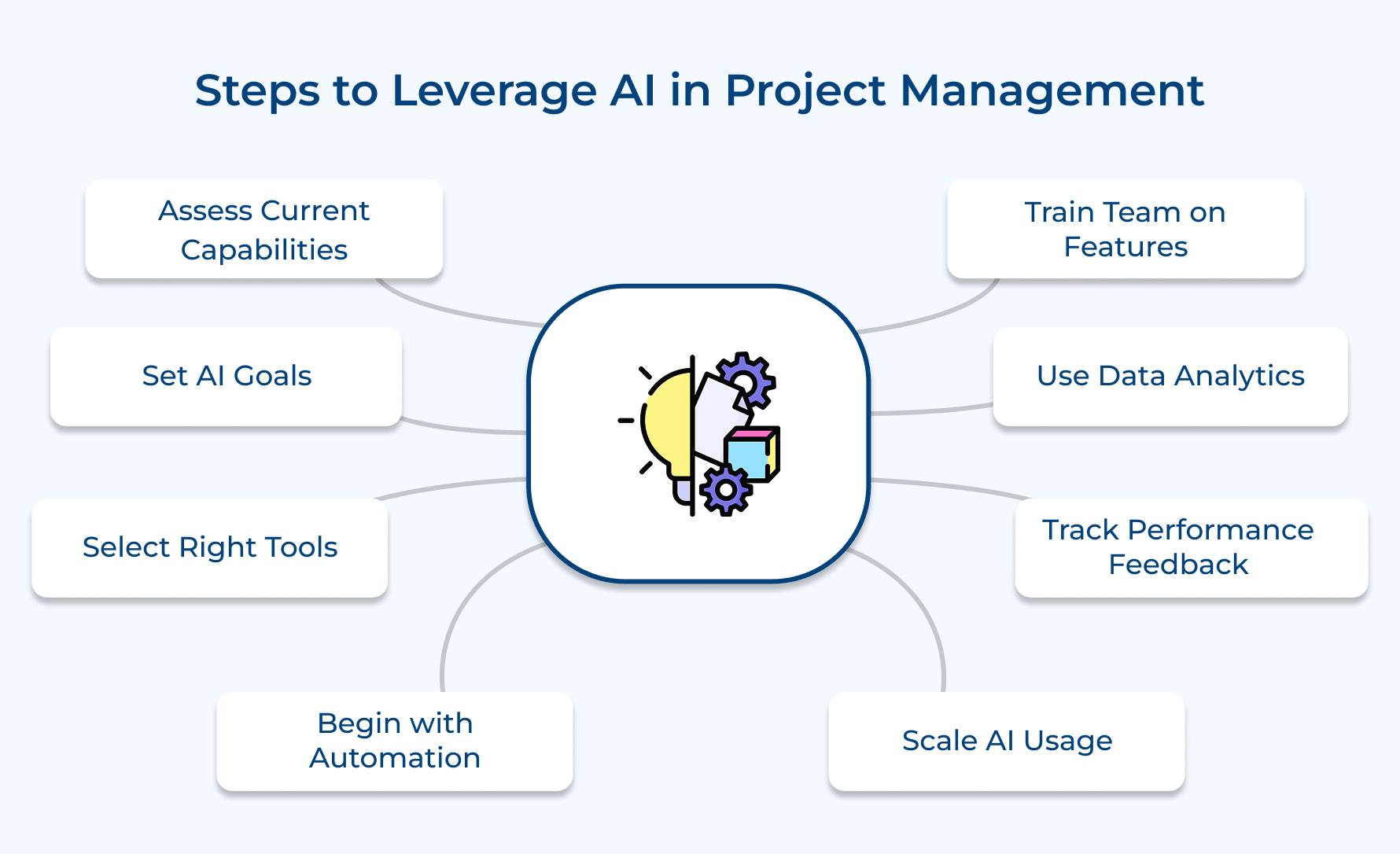
1. Assess Current Project Management Capabilities
Before jumping into AI in project management, it’s important to know where you stand. Consider this as your “health check” before introducing new technology. The goal is to figure out where AI will make the biggest difference and avoid wasting money on features you don’t need.
Here’s how to do it:
- Process mapping: Document your workflows from start to finish. Look for repetitive, manual tasks AI could automate.
- Performance metrics review: Check past data for missed deadlines, budget overruns and other recurring issues.
- Technology audit: List the tools you already use and see if they can integrate with AI solutions.
- Skill gap check: Ask your team how comfortable they are with tech and what training they might need.
Example: A marketing agency discovered its managers spent 40% of their week on manual client status reports. That insight alone showed AI-powered reporting could free up hours for higher-value work.
2. Define Clear AI Implementation Goals
AI works best when you know exactly what you want it to achieve. Without clear goals, you risk investing in tools that don’t actually solve your problems. Instead, focus on setting measurable, realistic objectives.
Ask yourself:
- What problem are we solving first? (e.g., speeding up reporting or improving resource allocation)
- How will we measure success? (e.g., cut project reporting time by 50% in 6 months)
- What’s the timeline for rollout? (allow enough time for training without disrupting ongoing projects)
These questions keep you focused and prevent “shiny object syndrome”. Hence, chasing tech trends instead of addressing real needs.
Tip: Don’t try to revolutionize your entire project management process in one go. Smart teams start small (like improving one metric) then expand AI usage after proving its value.
3. Choose Right AI Tools Platform
Picking the right AI platform is one of the most important steps. Choose wrong and you’ll face integration nightmares as well as low adoption from your team. Choose right and you’ll have a tool that feels like a natural extension of your workflows.
Key things to look for:
- Integration: Works with your existing CRM, communication tools and file storage.
- Scalability: Can grow as your team and projects get bigger.
- Data security: Meets compliance requirements and protects sensitive information.
- Vendor support: Offers training, onboarding help and responsive customer service.
Pro tip: Don’t just trust sales pitches. Run a 30-day pilot with 2–3 shortlisted platforms and let your team test them in real-world scenarios. This will show which tool actually works for your needs.
4. Start with Simple Automation Tasks
When adopting AI in project management, begin with small wins. Automating simple, repetitive tasks builds trust in AI and shows quick results without overwhelming your team.
Easy tasks to start with:
- Client status reports: AI can pull data and create polished weekly updates automatically.
- Resource scheduling: Smart algorithms match team members to projects based on skills and availability.
- Invoice creation: Generate accurate billing automatically using tracked hours and milestones.
- Meeting summaries: Convert call transcripts into organized action items.
Why start here? Because these tasks directly save time and improve efficiency without major process overhauls.
Example: AI-powered time tracking is a great first step, it learns work patterns and reduces manual entry by up to 80%. This not only improves billing accuracy but also feeds better data into resource planning.
5. Train Team on AI Features
Even the most advanced AI tool is useless if your team doesn’t know how to use it. Training ensures adoption and helps everyone see AI as a partner, not a threat.
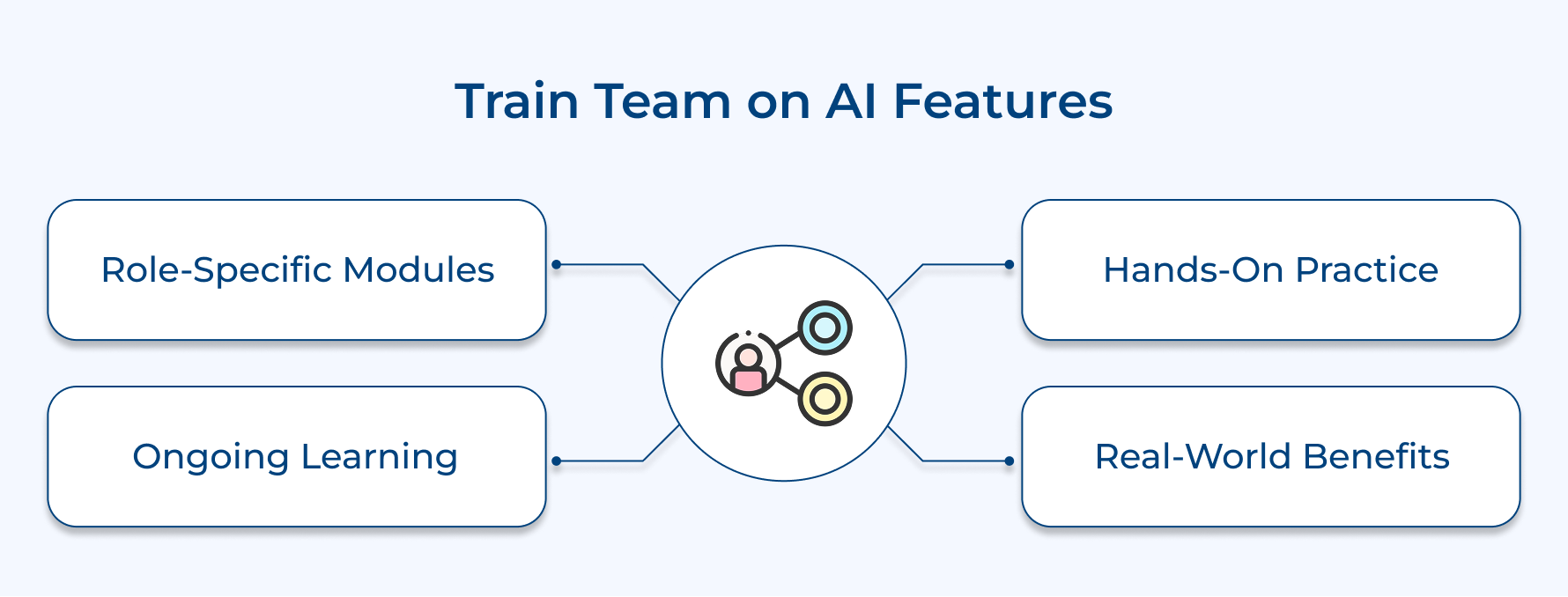
How to make training effective:
- Role-specific modules: Tailor training to what each role needs. A project manager’s AI toolkit will differ from a designer’s.
- Hands-on practice: Let people test AI features in a safe environment before going live.
- Ongoing learning: Host monthly “AI tips” sessions where team members share new tricks they’ve discovered.
When people understand how AI makes their job easier like cutting reporting time or automating tedious updates, they’re far more likely to embrace it.
6. Integrate Data Analytics and Insights
AI thrives on data, but only if that data is connected and relevant. Linking your existing project information with AI gives you powerful, personalized insights instead of generic recommendations.
Steps to get started:
- Collect historical project data: Time logs, budgets, completion rates and client feedback.
- Centralize it: Pull data from different tools into one AI-friendly platform.
- Set up dashboards that provide
- Budget overrun predictions
- Timeline delay alerts
- Resource conflict warnings
Once these dashboards are live, you can shift from reacting to problems to preventing them.
Pro tip: Enable real-time monitoring so project managers can spot risks early, no more waiting for a weekly status meeting to find out something’s off track.
7. Monitor Performance and Gather Feedback
Rolling out AI isn’t “set it and forget it.” You need to measure its impact and adjust as you go. This means tracking performance metrics while also listening to your team.
Key metrics to monitor:
- Project completion rate improvements
- Reduction in delivery times
- Better resource utilization
- Client satisfaction changes
Alongside numbers, gather qualitative feedback:
- Has AI made daily work easier?
- Which features are most useful?
- Where is more training needed?
This feedback loop ensures you keep improving and get the best ROI from your AI investment. It also reassures your team that their experience matters in shaping the tool’s use.
8. Scale and Optimize AI Usage
Once you’ve proven AI works for one part of your process, expand its role strategically. Don’t try to do everything at once, instead scale in phases.
Ways to grow:
- Phase-based expansion: Start with project planning, then move to execution, reporting and post-project analysis.
- Workflow customization: Tailor AI algorithms to your specific project types and client needs.
Example: A marketing agency began using AI for client reporting. It then expanded to automated social media scheduling and eventually built custom AI models that predicted campaign performance based on historical data.
The takeaway? Scaling is about refining and adapting, making sure AI evolves alongside your business instead of staying static.
Types of AI Tools for Project Management
Modern AI tools revolutionize project management by automating routine tasks and providing intelligent insights for strategic decision-making.
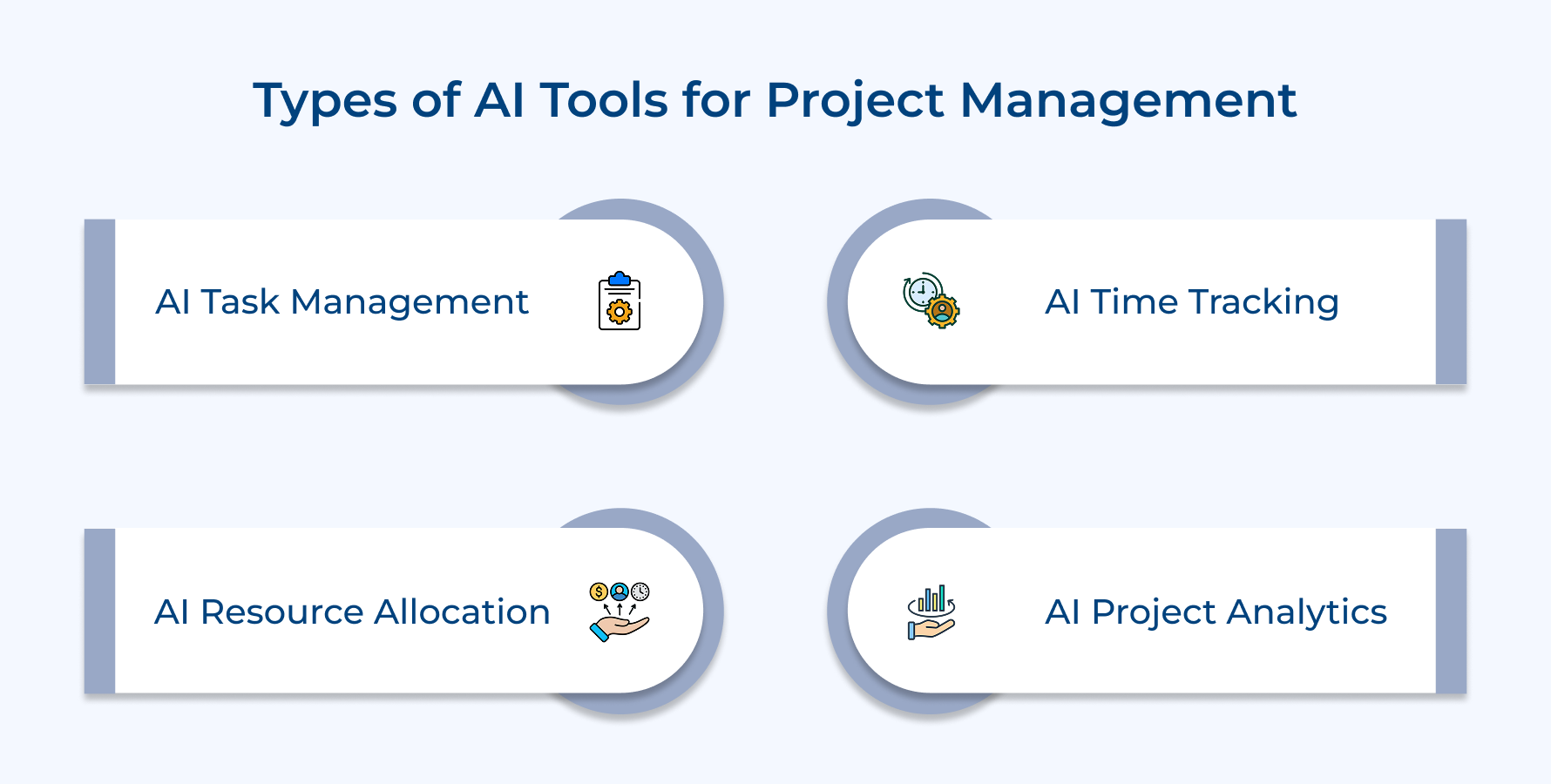
AI-Powered Task Management Tools
AI task management systems automatically organize project activities by analyzing dependencies and priority levels to create optimal work sequences. These platforms learn from team behavior patterns and suggest task assignments based on individual strengths.
Key capabilities that make these tools transformative include:
- Automatic task prioritization based on project deadlines
- Smart dependency mapping that prevents workflow bottlenecks
- Intelligent workload distribution across team members
Advanced AI task managers continuously adapt to changing project requirements by automatically reshuffling priorities when urgent tasks emerge while considering team availability.
AI in Time Tracking and Scheduling
Intelligent time tracking takes the hassle out of logging hours by automatically detecting when you switch between different projects or clients. Using machine learning, it sorts your work into the right categories and creates accurate timesheets. It does all without disrupting your flow.
Smart scheduling features that enhance productivity include:
- Automatic calendar blocking for focused work periods
- Meeting optimization based on team availability patterns
- Buffer time suggestions for complex tasks
AI scheduling tools predict project phase durations by analyzing historical completion data and current team capacity for realistic deadline setting.
AI in Resource Allocation
Resource allocation AI makes assigning work a whole lot smarter. It matches each person’s skills and availability with the right project needs in real time. It even factors in employee preferences as well as career growth goals, not just capacity planning.
It helps prevent burnout by spotting when someone’s workload is getting too heavy and suggesting ways to rebalance tasks. Thus, keeping projects on track as well as teams happy.
AI for Project Analytics and Reporting
Analytics AI turns raw project data into clear, actionable insights. It automatically generates reports and analyzes performance trends, so you don’t have to spend hours compiling numbers. With customized dashboards for different stakeholders, everyone sees the key metrics that matter most.
Advanced reporting features that save significant time include:
- Automated client status updates with visual progress indicators
- Performance comparison analysis across multiple projects
- Predictive completion forecasting based on current velocity
Intelligent reporting tools learn which metrics matter most to specific audiences and automatically adjust dashboard layouts while identifying unusual performance patterns.
Best Practices for AI in Project Management
AI can transform how you manage projects, but success depends on how you apply it. Here are the top best practices to make it work.
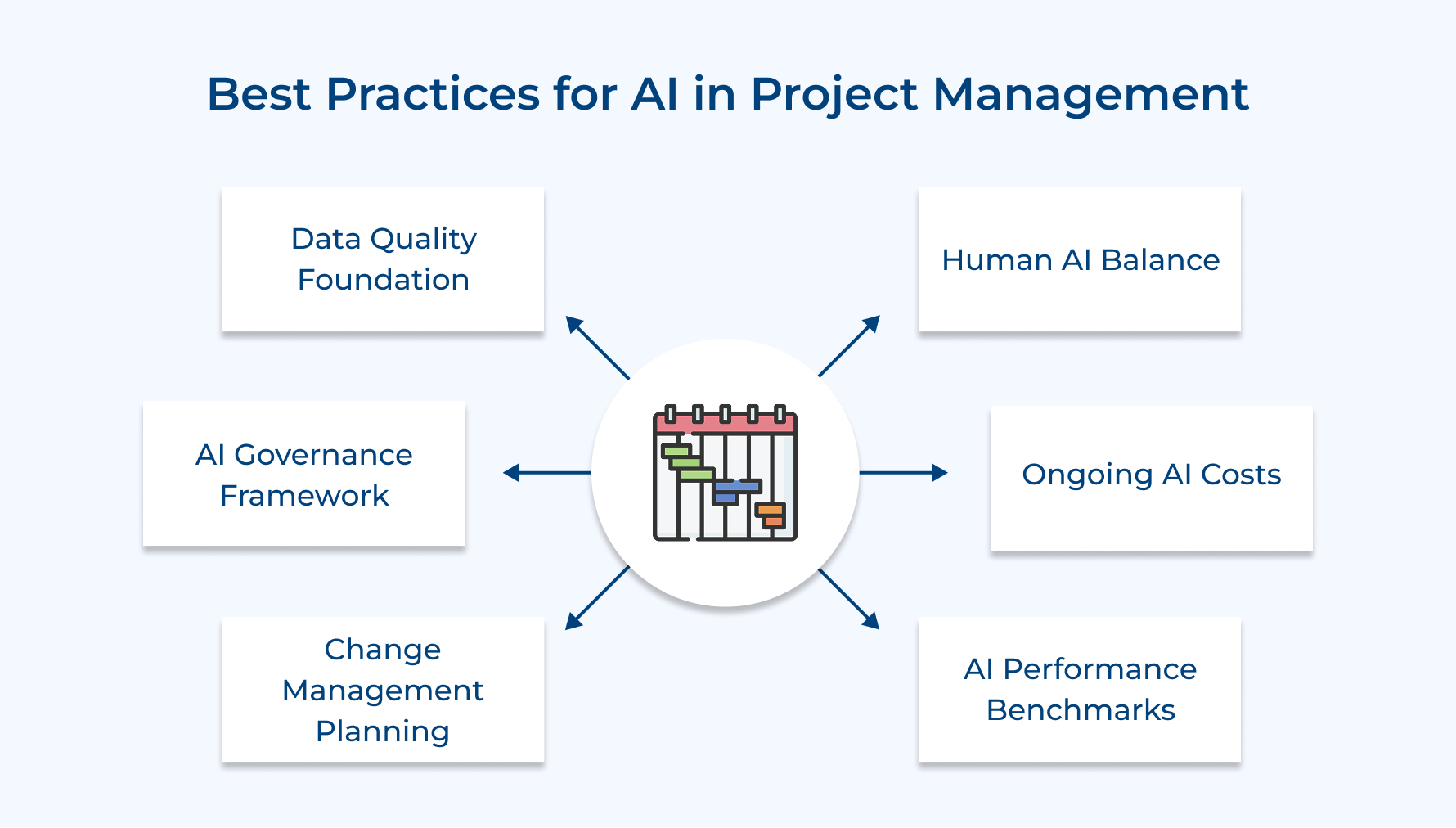
- Start with data quality foundation: AI is only as good as the data you feed it. Clean, accurate project data ensures algorithms deliver trustworthy insights. Standardize how you collect and store data before rolling out AI tools, so you avoid misleading results that could damage credibility.
- Establish AI governance framework: Set clear rules for how AI makes recommendations and when human oversight is required. Define approval steps for AI-driven suggestions that could impact project scope, budgets, or timelines.
- Plan for change management resistance: Some team members may worry AI will replace them. Address these concerns openly, emphasize AI as a tool for enhancement and involve skeptics in pilot programs. Early wins help turn doubt into advocacy.
- Maintain human-AI balance: Let AI handle data crunching, but keep humans in charge of strategy, creativity and client relationships. This ensures critical thinking stays at the core of decision-making.
- Budget for ongoing AI costs: AI isn’t a one-time cost. Plan for ongoing training, software updates and licensing to keep systems running smoothly long term.
- Create AI performance benchmarks: Track performance before and after AI adoption. Measure improvements in efficiency, delivery speed and client satisfaction to prove value as well as spot areas for fine-tuning.
Experience the Future of Seamless Project Delivery with AI
AI in project management becomes essential as project complexity increases and client expectations demand faster delivery with higher accuracy. Organizations that delay AI adoption risk falling behind competitors who leverage intelligent automation for superior project outcomes.
Agencies and professional services firms can boost profitability by cutting administrative work while improving efficiency with predictive analytics as well as automation. AI insights help build stronger client relationships through proactive updates and data-backed recommendations that show clear value.
Limit time — not creativity
Everything you need for customer support, marketing & sales.

Pooja Deshpande is a content contributor at Kooper, focused on creating insightful resources that help agencies and service providers scale efficiently. Passionate about SaaS trends, content strategy, and operational excellence, she delivers practical, easy-to-implement guidance for modern business leaders.