How AI Resource Management Improves Planning & Allocation
- What is AI in Resource Management?
- Key Benefits of AI in Resource Management
- 6 Steps to Integrate AI in Resource Management
- Use Cases of AI in Resource Management
- Tips and Best Practices of AI in Resource Planning and Management
- Challenges to Using AI in Resource Management
- Examples of AI in Resource Management Across Different Industries
- Revolutionize Your Resource Management With AI Intelligence
- FAQs about AI Resource Management
Key Highlights:
- AI resource management replaces spreadsheet guesswork with real-time, data-driven resource allocation decisions.
- Predictive insights help project managers prevent burnout, missed deadlines and inefficient resource utilization.
- AI in resource management analyzes skills, capacity and availability to assign the right people faster.
Project managers shouldn’t have to spend hours juggling spreadsheets just to figure out who’s doing what and when. Manual resource allocation often leads to missed deadlines, overworked teams and clients wondering what went wrong. Worse, decisions end up being driven by gut instinct because tracking skills, availability and workloads at scale is nearly impossible.
That’s where AI resource management changes the game. AI quickly analyzes project data, skills and capacity to recommend the right people for the right work—without the guesswork. This guide breaks down how AI turns messy resource planning into a smoother, data-driven process that keeps projects on track and teams happier.
What is AI in Resource Management?
AI in resource management uses machine learning algorithms and data analytics to optimize how organizations allocate their assets. It analyzes patterns in resource usage, predicts future demands and automatically adjusts distribution to maximize efficiency. This technology helps businesses make smarter decisions about deploying people, equipment, money and time across different projects as well as operations.
AI systems continuously collect data from various sources like project timelines, employee schedules and budget reports. The algorithms identify patterns and inefficiencies that humans might miss. They then generate recommendations or execute automatic adjustments to improve resource allocation in real time.
Key principles:
- Predictive analysis: AI forecasts future resource needs based on historical data and current trends.
- Real-time optimization: The system adjusts allocations instantly as conditions change or new information arrives.
- Data-driven decisions: AI removes guesswork by basing recommendations on actual performance metrics and patterns.
- Automated workflows: Routine allocation tasks happen without manual intervention, freeing managers for strategic work.
Key Benefits of AI in Resource Management
Organizations that adopt AI for resource management gain significant advantages over traditional manual methods. Here’s how AI transforms the way companies handle their most valuable assets.
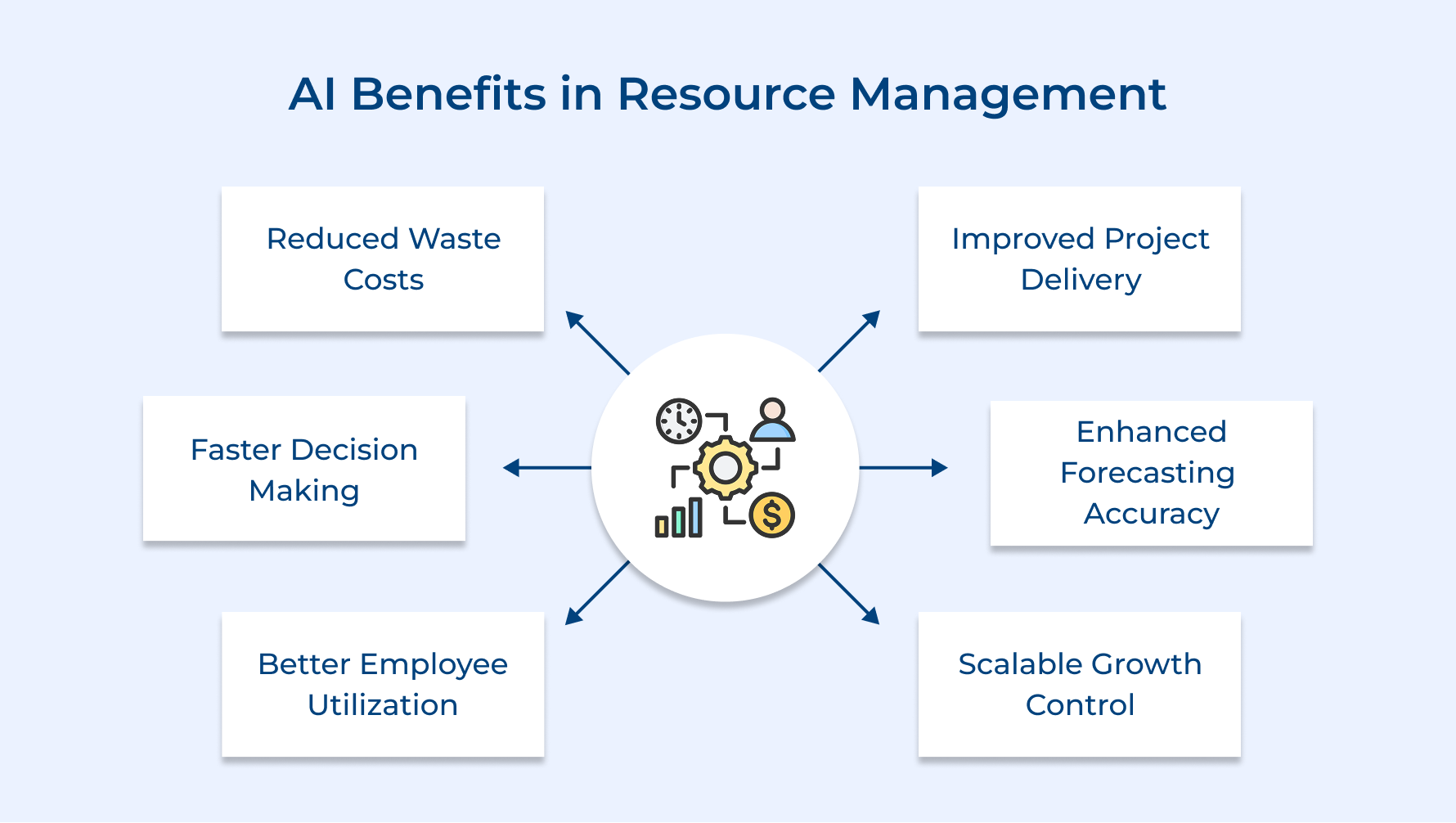
1. Reduced Waste and Costs
AI makes it easier to spot underused resources and duplicated effort across your project portfolio. By aligning work with real demand, it reduces waste, protects billable hours and ensures spending supports actual business priorities.
2. Faster Decision Making
Instead of waiting days for reports, managers get instant insights. AI-powered enterprise software analyzes complex data in seconds, helping leaders respond quickly to risks, opportunities and shifting priorities.
3. Better Employee Utilization
AI assigns work based on real skills, availability and capacity. Teams stay productive without burnout or people sitting idle by balancing workloads across the task list.
4. Improved Project Delivery
Using predictive insights, AI flags bottlenecks early and recommends adjustments. Resources show up exactly when needed, helping teams deliver projects on time more consistently.
5. Enhanced Forecasting Accuracy
AI uncovers patterns humans often miss with built-in demand forecasting. This leads to smarter planning for growth, seasonal spikes and changing market conditions.
6. Scalability Without Chaos
As organizations grow, AI handles complexity smoothly. More projects and teams don’t mean more chaos – just smarter, more efficient resource management.
6 Steps to Integrate AI in Resource Management
Now, let’s uncover six essential steps any organization can take to smoothly integrate AI into their resource management processes. Hence, ensuring a robust foundation for future success.
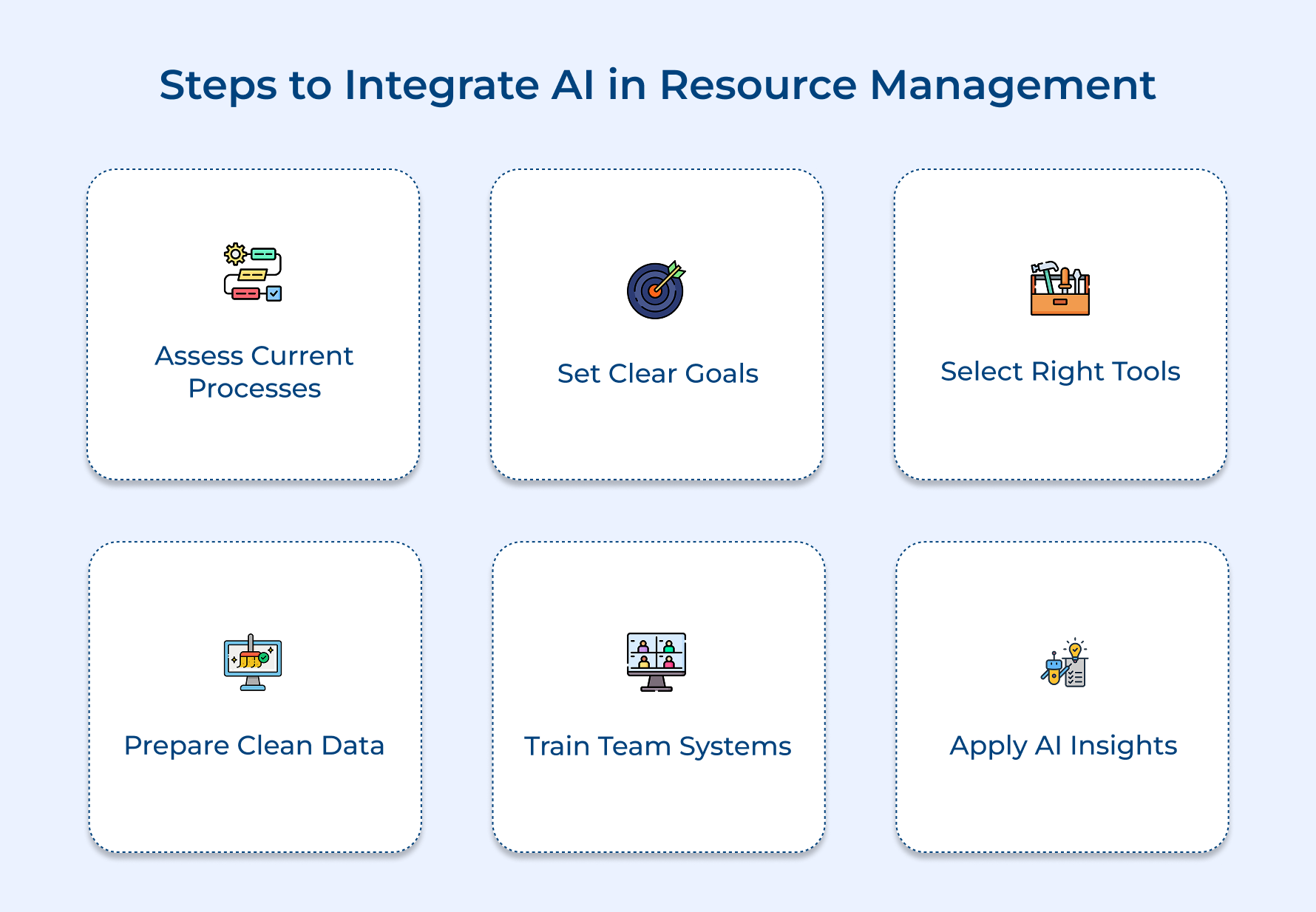
1. Assess Current Resource Management Processes
Start by taking a clear look at how people, budgets and time are currently assigned across client projects. A realistic view of process helps AI solve real problems instead of adding unnecessary layers.
Use these questions to assess the current state:
- Where do projects regularly exceed budgets or miss deadlines?
- How do managers decide who gets assigned to each project?
- What data is tracked around resource usage and availability?
- How much time does reallocation take after priorities shift?
Answers reveal how agile the organization really is and establish a solid baseline for improvement. AI should significantly shorten response times once integrated properly.
For implementation, capture findings in a simple spreadsheet or short report. Interviews with project managers as well as team members often uncover what’s broken, what still works and where AI can deliver the biggest impact.
2. Define Clear Objectives and Goals
Clear objectives clearly define what success should look like for AI in your resource management process. Clear targets make it easier to track results and justify the investment to stakeholders.
Here’s how realistic, outcome-driven goals usually look for agencies adopting AI:
- Reduce project delivery time by 15% within six months: Shorter timelines directly improve client satisfaction and profitability.
- Lower resource idle time from 20% to 10%: Better utilization keeps teams productive without pushing them toward burnout.
- Improve project margin accuracy to within 5% of estimates: Stronger forecasting prevents unpleasant budget surprises on client work.
- Cut time spent on resource allocation by 50%: Less spreadsheet work means more time for strategic decision-making.
Specific numbers create accountability and help evaluate if an AI tool actually delivers value. Broad goals like “improve efficiency” rarely guide implementation or convince leadership.
Practical ways to define the right objectives include:
- Review past project data to set achievable improvement benchmarks
- Gather stakeholder input on current resource management pain points
- Align AI objectives with larger business goals such as revenue growth
- Build a timeline with quarterly milestones to maintain focus and momentum
3. Choose Tools That Fit Your Team
Selecting the right AI software starts with finding a tool that actually fits your team, tech stack and workflows. Poor fit often leads to expensive platforms sitting idle because they feel too complex or disconnected from daily work.
Key factors to look for during evaluation:
- Ease of use for non-technical teams: Project managers should get insights and recommendations without needing technical or coding expertise.
- Integration with existing project management software: Strong tools pull data automatically from systems already in use, avoiding manual updates and duplicate work.
- Customization for your workflows: Flexible configuration matters because every organization runs client projects a little differently.
- Clear, predictable pricing: Transparent costs help avoid surprises tied to users, features, or data limits.
The right platform should automate repetitive allocation work and offer recommendations managers can easily understand as well as trust. Good AI feels supportive, not like another system slowing teams down.
Common AI tool categories include:
- Predictive analytics platforms: Forecast future resource needs based on pipelines and upcoming demand.
- Automated scheduling systems: Assign tasks based on skills and availability, reducing manual coordination.
- Resource utilization dashboards: Visualize workload distribution and highlight underused or overloaded teams.
- Capacity planning tools: Model scenarios to understand how new clients affect current delivery.
Start small by choosing one category that solves the biggest pain point identified earlier. Additional tools can follow as teams gain confidence using AI-driven insights.
4. Prepare and Clean Your Data
Organizing historical resource data in AI-friendly formats sets the foundation for everything that follows. Poor data quality leads to unreliable recommendations and managers quickly lose trust in outputs that don’t reflect reality.
High-quality data helps AI spot real patterns instead of getting tripped up by gaps or inconsistencies. Strong historical records directly improve how accurately future needs get predicted.
Focus on these essentials while preparing data:
- Clear records of who worked on which projects and for how long
- Accurate tracking of availability, workloads and utilization
- Consistent naming for roles, skills and project types
- Removal of duplicate, outdated, or incomplete entries
Pro Tips:
- Start with the most recent two years of project data instead of overwhelming yourself with decades
- Create a data dictionary that defines how each field should be formatted
5. Train Your Team on Systems
Getting value from AI tools depends on how well people understand and trust them. Poor training often leads to resistance, misuse and frustration – turning a good investment into a missed opportunity.
Effective ways to bring teams up to speed include:
- Hands-on workshops using real project scenarios: Practical experience builds confidence much faster than slide decks.
- Role-specific training sessions: Project managers, developers and finance teams each need different insights from AI.
- Quick reference guides and short video tutorials: Easy access helps teams refresh knowledge as questions come up.
- Peer mentoring programs: Support from AI-comfortable colleagues reduces hesitation more effectively than formal sessions.
Training should match how teams actually learn, not generic corporate formats. Real comfort matters more than checking a completion box.
For skeptical managers, trust grows through evidence. Side-by-side comparisons showing how AI could have prevented past project issues often resonate far more than theoretical benefits.
6. Use AI Insights for Decisions
Putting AI to work means using its recommendations in real decisions – not letting reports sit untouched. Real improvements happen only when teams apply AI insights to day-to-day resource planning and project execution.
Simple ways to turn recommendations into results:
- Test AI suggestions on low-risk projects first
Smaller projects help build trust without risking key client commitments. Outcome tracking makes it easier to prove value before wider rollout. - Build a clear feedback loop
Managers should share what worked and what didn’t. Continuous feedback helps AI refine predictions and adapt faster to how your organization actually operates. - Define rules for overriding AI advice
Human judgment always comes first. Documenting override reasons highlights edge cases and helps improve future recommendations.
Practical example:
A marketing agency uses AI to staff campaigns based on past client satisfaction scores. Smart rotation prevents creative burnout, balances workloads and creates mentoring opportunities for junior team members—all while maintaining consistent delivery quality.
Use Cases of AI in Resource Management
AI transforms how organizations handle their most valuable assets across different operational areas. These real-world applications show where the technology delivers measurable improvements in efficiency and decision-making.
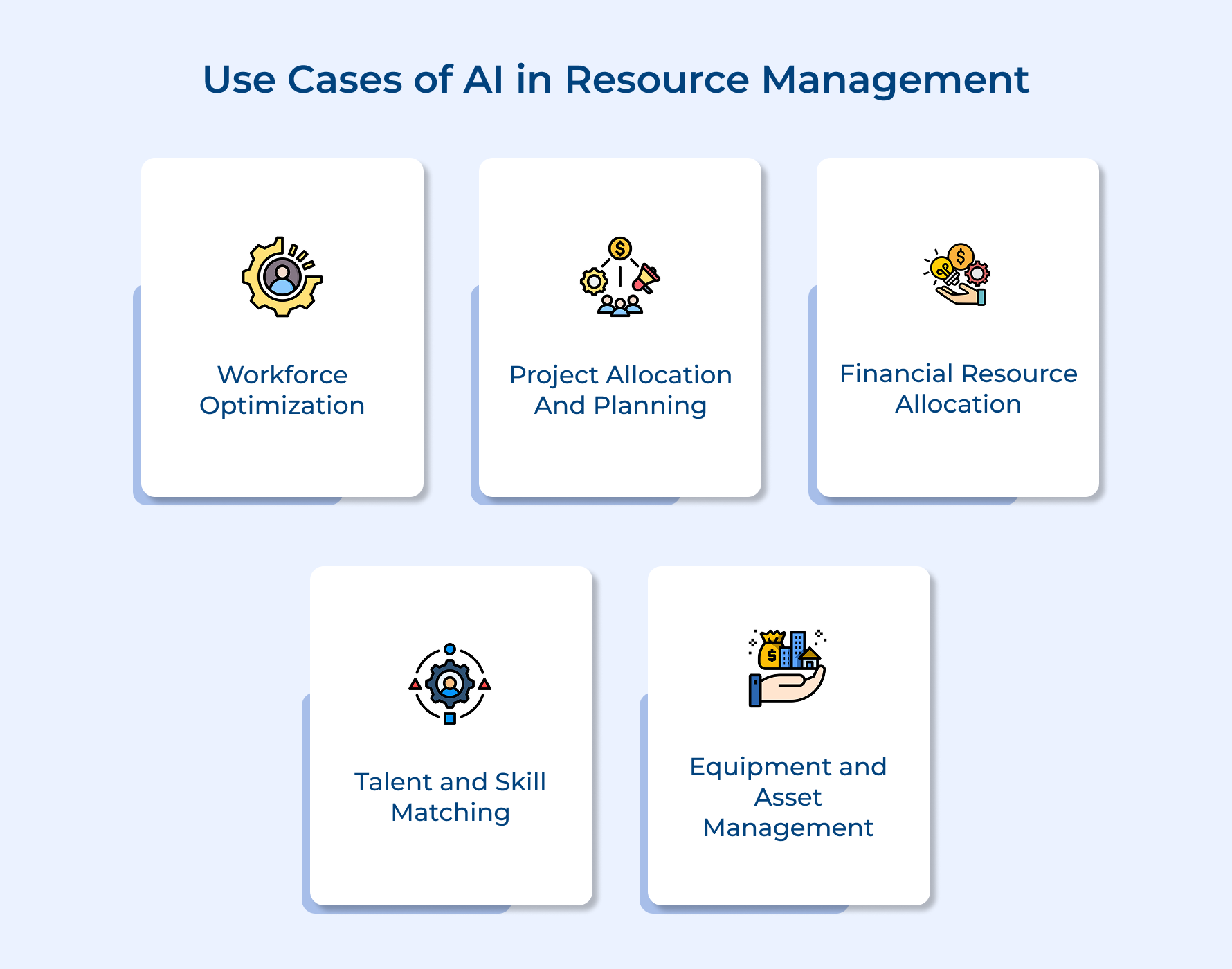
1. Workforce Optimization
AI helps teams work smarter by analyzing workloads and availability in near real-time visibility. Patterns in performance and capacity highlight early signs of burnout or underuse before problems escalate.
What makes this effective:
- Predicts workforce bottlenecks before they delay delivery
- Automatically balances workloads across teams
- Flags employees ready for more responsibility based on trends in timesheet data
Manual planning depends too much on memory and guesswork. One software company reduced overtime by 30% while delivering more features simply by reallocating work more intelligently.
2. Project Allocation and Planning
AI evaluates project needs against skills, capacity and priorities to build stronger teams from day one. Assignments factor in collaboration history, current workload and strategic value.
Key advantages include:
- Resource leveling across multiple projects
- Scenario modeling to test new work against existing commitments
- Automated reallocation as timelines shift
A marketing agency increased client capacity by 20% after AI exposed idle gaps caused by approval delays and reassigned work proactively.
3. Financial Resource Allocation
AI improves budget accuracy by learning from past spending patterns and highlighting waste across the portfolio. Integration with enterprise resource planning systems strengthens financial decisions without extra manual tracking.
Core insights include:
- Early warnings for budget overruns
- Recommendations to move spend toward higher ROI work
- Automated expense categorization
One consulting firm improved margins within two quarters after reallocating overspend from admin tasks to billable work.
4. Talent and Skill Matching
AI maps employee capabilities to organizational needs with precision that manual matching simply cannot achieve at scale. The technology creates detailed skill profiles by analyzing past project contributions, training completions and peer feedback rather than relying on outdated resume data.
Want to know why this matters more than traditional talent management?
- How often do managers assign work based on who they know rather than who’s actually best qualified?
- When was the last time someone reviewed whether employee skills match current organizational priorities?
- Are high-potential team members stuck on routine tasks because nobody realizes their capabilities?
AI eliminates these blind spots by continuously updating skill assessments as people complete new work and develop fresh expertise. The system proactively suggests stretch assignments that help employees grow while ensuring organizational objectives get team members who can excel.
A design agency used AI talent matching to discover that three junior designers had advanced animation skills being wasted on static graphics work. Reassigning them to video projects improved both client satisfaction and employee engagement scores within a month.
Benefits of automated talent matching for organizational performance:
- Reduces time-to-fill for urgent project needs from days to hours
- Increases employee retention by aligning work with actual interests and strengths
- Prevents skill atrophy by ensuring organizational capabilities get used strategically
5. Equipment and Asset Management
AI monitors physical assets to improve utilization and prevent breakdowns. Usage data feeds predictive models that optimize maintenance and distribution across locations.
Common use cases:
- Predictive maintenance scheduling
- ROI analysis by asset type
- Automated performance alerts
A logistics company cut vehicle downtime by 40% and reinvested savings after AI identified underused trucks.
Across all areas, conversational interfaces make insights easier to access, helping teams act faster without digging through dashboards.
Tips and Best Practices of AI in Resource Planning and Management
Implementing AI successfully requires more than just purchasing software and hoping for the best. These practical tips help you avoid common pitfalls and maximize the value AI brings to your project resource management.
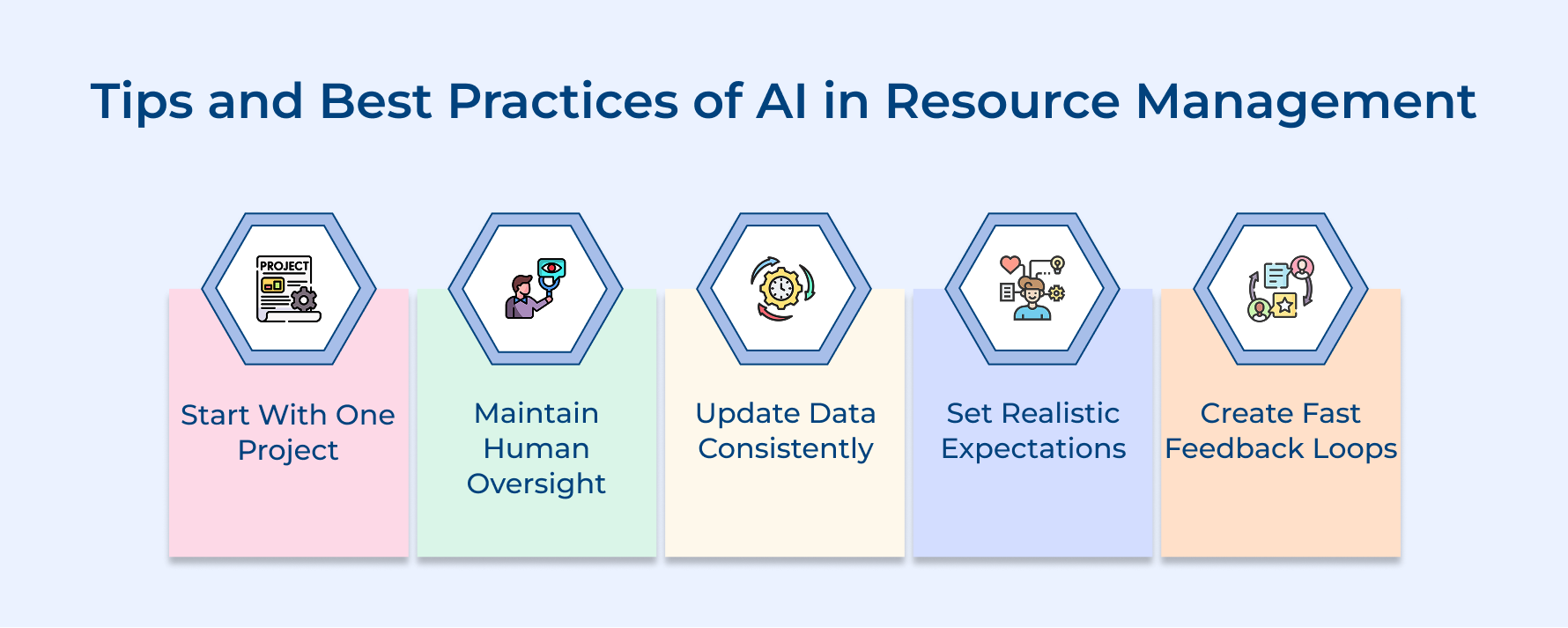
- Start with one project type: Begin AI implementation on a single project category rather than attempting organization-wide deployment immediately. This focused approach lets you refine the system before expanding to other areas.
- Maintain human oversight always: Never let AI make final resource decisions without manager review and approval from experienced leaders. The technology provides recommendations but humans understand context that algorithms miss.
- Update data consistently: Feed your AI system fresh project information daily so predictions reflect current reality instead of outdated conditions. Stale data produces irrelevant suggestions that waste time as well as erode trust.
- Set realistic improvement expectations: Expect gradual enhancement rather than overnight transformation when introducing AI to your project workflows. Most organizations see meaningful gains after three to six months of consistent use.
- Create feedback loops quickly: Build processes where project managers report if AI recommendations worked or failed on actual assignments. This feedback trains the system to understand your organization’s unique dynamics better.
Challenges to Using AI in Resource Management
Understanding these common challenges helps organizations prepare solutions before problems damage their resource management transformation.
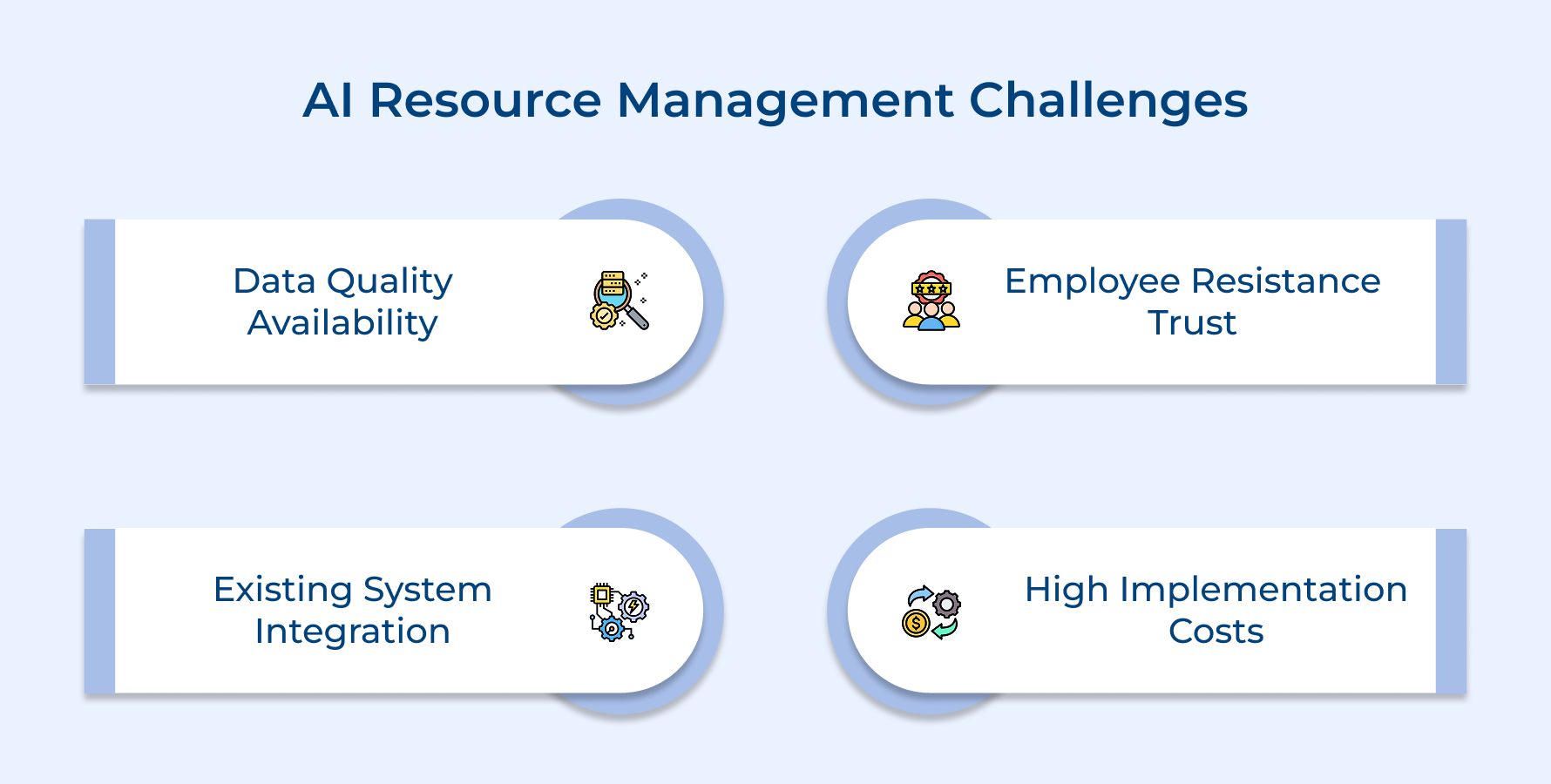
1. Data Quality and Availability Issues
Organizations often lack the clean historical data that AI systems need to generate accurate resource allocation recommendations. Inconsistent record-keeping, missing information and incompatible formats from different departments create gaps that undermine AI’s ability to identify patterns.
2. Employee Resistance and Trust Concerns
Team members fear AI will replace their jobs or question their professional judgment when making resource decisions. This skepticism leads to deliberate non-adoption where people ignore AI recommendations and continue using familiar manual methods instead.
3. Integration With Existing Systems
AI tools frequently struggle to connect with legacy project management software that organizations have used for years. Poor integration forces teams into manual data entry between systems, eliminating the efficiency gains AI should provide.
4. High Implementation Costs
The initial investment in AI platforms, data preparation, training programs and ongoing maintenance can strain organizational budgets. Smaller companies especially struggle to justify these expenses without guaranteed short-term returns on their investment.
Here’s how to address the most common barriers to successful AI adoption in resource management.
- Start with data audits to identify and fix quality issues before purchasing any AI tools.
- Involve employees early in the selection process and demonstrate how AI helps rather than replaces them.
- Choose AI platforms with pre-built integrations for your current project management software.
- Begin with affordable cloud-based AI solutions that charge monthly rather than requiring massive upfront investments.
Examples of AI in Resource Management Across Different Industries
These real-world examples show how organizations in various fields apply AI to solve their unique resource challenges.
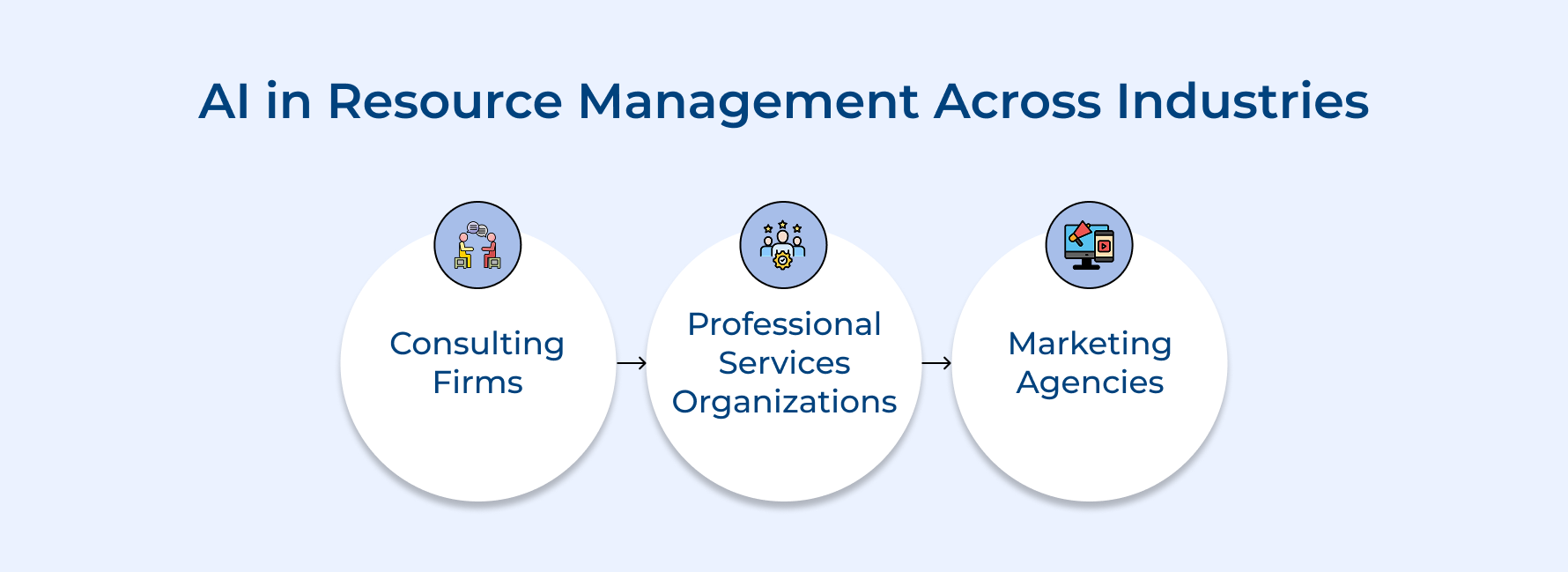
1. Consulting Firms
A management consulting firm uses AI to match consultants with client projects based on industry expertise and past engagement success rates. The system prevents consultant burnout by tracking travel schedules and ensuring fair distribution of demanding assignments across the team.
2. Professional Services Organizations
An accounting firm deploys AI to allocate staff across audit engagements during busy tax season when resource demands peak. The technology predicts which clients will require additional support based on historical complexity, allowing the firm to staff appropriately from day one.
3. Marketing Agencies
A digital marketing agency implements AI to assign creative teams to campaigns based on client industry and campaign type expertise. The system analyzes which designer-copywriter combinations historically produce the highest client satisfaction scores and replicates those successful pairings for new projects.
Revolutionize Your Resource Management With AI Intelligence
AI resource management transforms guesswork into data-driven precision that delivers measurable results across your projects. The technology handles complexity that overwhelms manual methods while freeing managers for strategic work.
Start small with one use case and expand as your team gains confidence in AI recommendations. The organizations seeing the biggest wins are those that take action rather than waiting for perfect conditions.
Limit time — not creativity
Everything you need for customer support, marketing & sales.

Neeti Singh is a passionate content writer at Kooper, where he transforms complex concepts into clear, engaging and actionable content. With a keen eye for detail and a love for technology, Tushar Joshi crafts blog posts, guides and articles that help readers navigate the fast-evolving world of software solutions.