Complete Guide to Resource Scheduling in Projects
- What is Resource Scheduling?
- Key Benefits of Resource Scheduling
- How to Create an Effective Resource Schedule in 7 Steps
- Factors to Consider in Resource Scheduling in Project Management
- Types of Resource Scheduling Methods
- Tips and Best Practices for Resource Scheduling in Project Management
- Top 4 Software & Tools for Resource Scheduling
- Challenges in Resource Scheduling in Project Management
- Examples of Resource Scheduling in Different Industries
- Master Project Management with Seamless Resource Scheduling
- FAQs about Resource Scheduling

Key Highlights:
- Build realistic plans that align people, skills and tools for smooth project delivery.
- Resource scheduling prevents conflicts, improves utilization and keeps project timelines predictable.
- Create a project resource schedule to balance workloads and avoid overbooking key team members.
You’ve probably watched projects fall apart because the right person wasn’t available when needed or three people were somehow assigned the same task. These scheduling disasters happen constantly in project management and they drain budgets while frustrating everyone involved in the work.
Resource scheduling solves the difference between hoping things work out and actually knowing your project can succeed with the people (as well as tools) you have available right now.
Let’s walk you through everything you need to understand resource scheduling from basic definitions to practical implementation steps. By the end you’ll know how to build schedules that keep projects on track without overworking your team or wasting expensive resources.
What is Resource Scheduling?
Resource scheduling is the process of assigning the right people and assets to project tasks at the right times. It ensures your team members as well as equipment are available when needed without being overbooked or sitting idle. This planning process creates a timeline that shows who does what and when throughout your project’s lifecycle.
Think of it like organizing a kitchen during dinner service. You wouldn’t have three chefs chopping vegetables while no one watches the stove. Resource scheduling works the same way by matching your available capacity with the work that needs doing. It helps you see conflicts before they happen while adjusting plans when priorities shift.
Primary objectives:
- Maximize utilization: Keep your team and equipment productively busy without burning anyone out or leaving expensive resources unused.
- Prevent bottlenecks: Identify where multiple tasks compete for the same person or tool so you can resolve conflicts before they delay your project.
- Balance workloads: Distribute tasks fairly across your team to avoid overloading some people while others have gaps in their schedules.
- Meet deadlines: Align resource availability with task dependencies to ensure critical path activities have what they need when they need it.
- Control costs: Optimize how you deploy expensive resources and avoid paying overtime or rush fees that come from poor planning.
Key Benefits of Resource Scheduling
Good resource scheduling does more than just fill calendar slots. It creates a ripple effect of improvements across your entire project and team. Let’s learn some of its benefits:
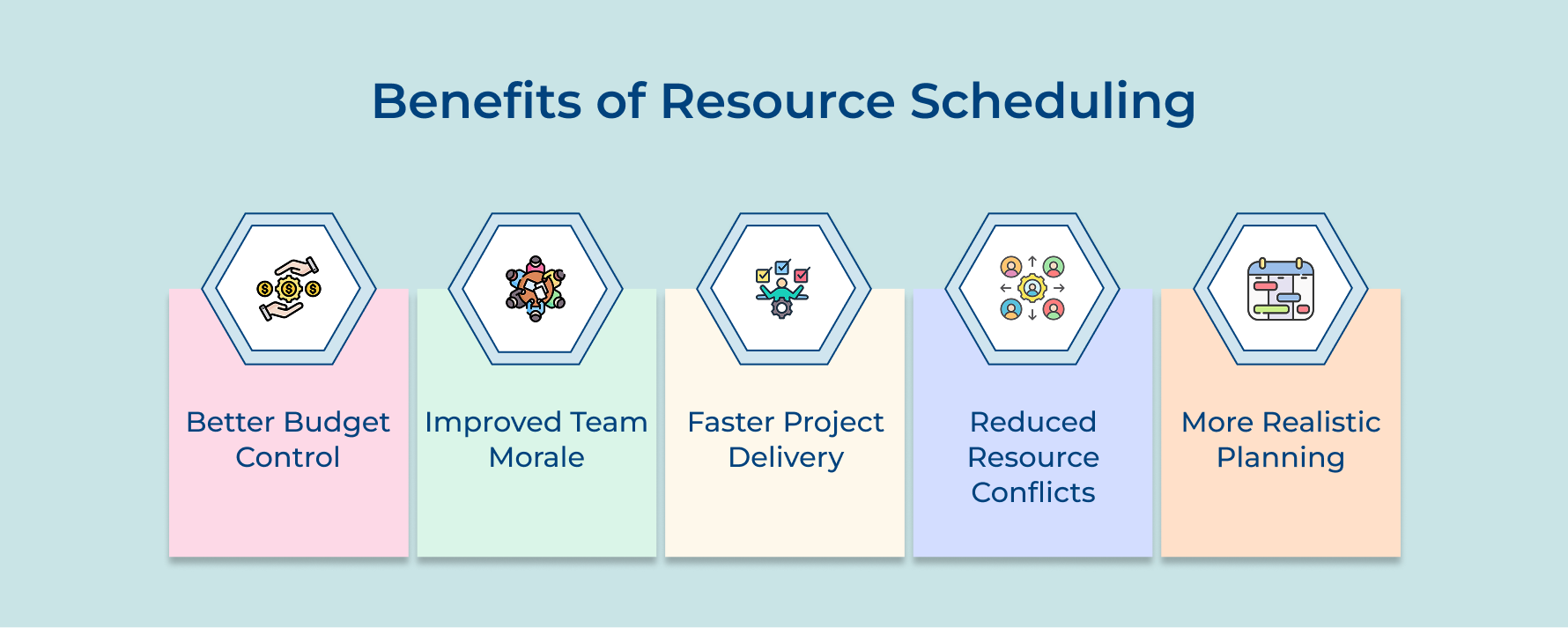
Better Budget Control
A resource scheduling tool gives you a clear picture of where your money goes across the project timelines. You’ll quickly notice when high-cost resources are being used inefficiently and can make changes before expenses spike. The data-backed visibility helps maintain cost savings and makes it easier to explain spending decisions to stakeholders with confidence.
Improved Team Morale
Thoughtful scheduling helps avoid confusion and burnout. Team members know their priorities and deadlines, so they can focus without feeling overloaded. Clear expectations reduce stress while creating a sense of ownership – people feel valued, not like replaceable cogs in a system.
Faster Project Delivery
Efficient scheduling keeps work flowing smoothly. By anticipating dependencies, the next phase starts as soon as the previous one ends. That seamless handoff helps teams deliver projects faster and more predictably.
Reduced Resource Conflicts
A project management tool with smart schedule views highlights overlapping bookings early. You can rebalance workloads or adjust dates before conflicts escalate into missed deadlines.
More Realistic Planning
Scheduling ensures plans are grounded in real availability instead of optimistic guesses. It helps set practical expectations from the start, preventing surprises later.
How to Create an Effective Resource Schedule in 7 Steps
Let’s unravel the process of creating a resource schedule in seven clear steps, helping you and your team achieve seamless coordination as well as timely project delivery.
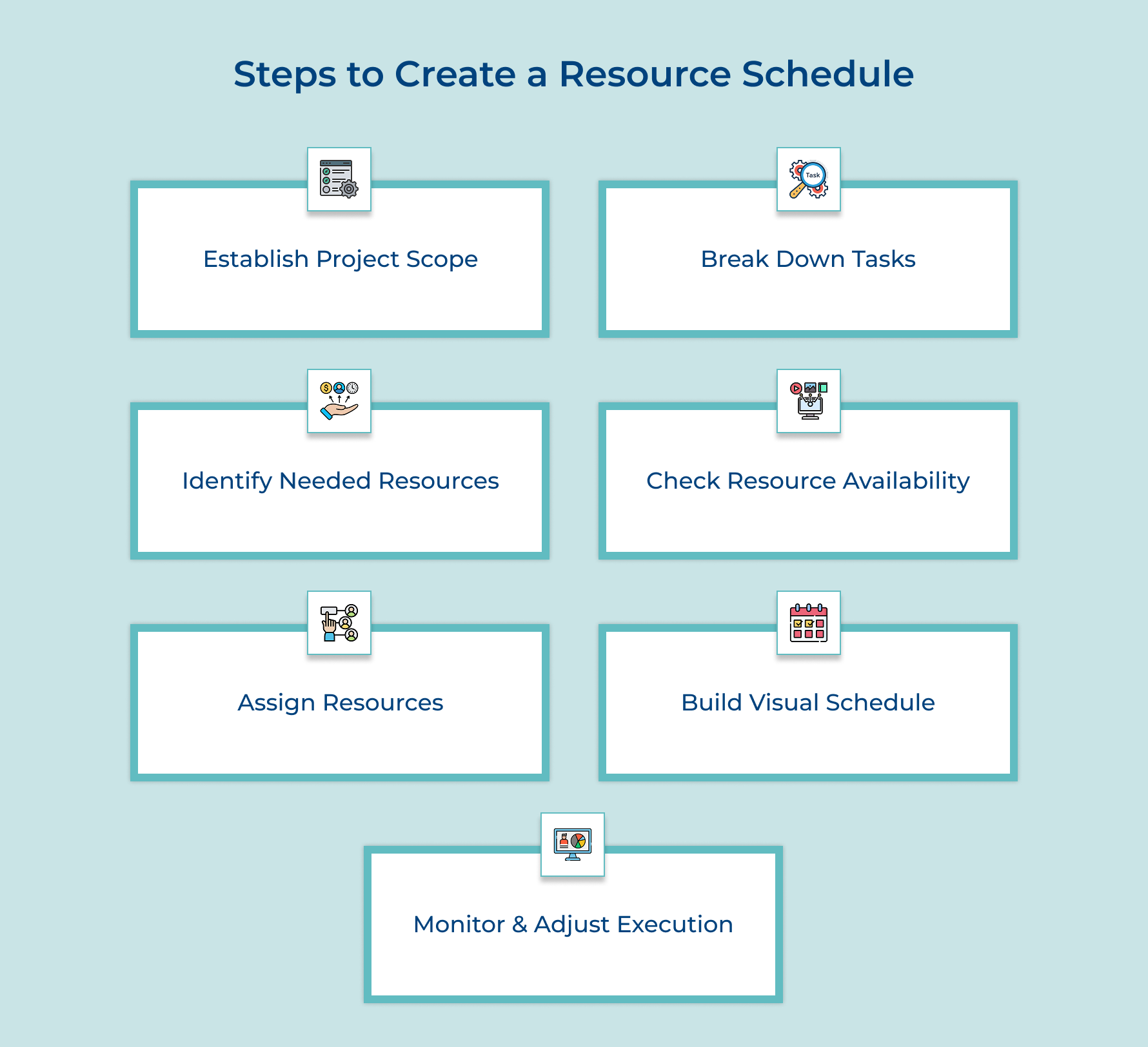
1. Establish Your Project Scope Clearly
Project scope defines what you’re building and what you’re deliberately leaving out of the project. No clear boundaries will leave you struggling to figure out how many people you need or how long tasks will take because the target keeps moving.
Ask yourself these questions if you’re unsure where to begin:
- What specific deliverables must we hand over when the project completes?
- Which features or requirements are absolutely essential versus nice to have?
- What work falls outside this project’s boundaries and belongs to other efforts?
- When does the project officially end and regular operations begin?
Along with answering the questions, clearly note any assumptions that may impact your resource needs. Also mention any constraints, such as regulatory requirements, that could affect the project. Write everything down in a scope statement that your team can reference when questions arise if something belongs in the project.
Stakeholders often have different ideas about what the project should deliver so you need to get everyone aligned before scheduling resources. Schedule meetings with key stakeholders to walk through the scope document and capture their concerns or additions in writing so nothing gets lost.
2. Divide Project Into Manageable Tasks
Task breakdown means splitting your project into smaller work packages that individual people can actually complete within a reasonable timeframe. Large vague activities like “build the website” don’t tell you who should do what or when they’ll finish.
You create this breakdown by starting with major deliverables and repeatedly asking what work must happen to produce each one until you reach tasks small enough to assign. This process reveals the real complexity hiding inside simple-sounding project goals and helps you spot work you initially forgot about.
Breaking down tasks connects directly to resource scheduling because each small task needs specific skills and a certain amount of time. When you know that “design homepage mockup” takes three days while requiring a UX designer you can start building an actual schedule with real people.
Pro tips:
- Stop breaking down tasks when you reach activities that take between three days and two weeks since anything smaller creates scheduling overhead.
- Involve team members who’ll do the work in creating the breakdown because they’ll catch technical details and dependencies you might miss.
3. Determine What Resources You Need
Identifying required resources means listing every person, skill and tool needed for each task. You can’t plan accurately without knowing these resource scheduling details. Here’s how to approach it:
- Review similar projects: Analyze past projects to understand what resources were used as well as adjust for scope or complexity differences.
- Consult technical experts: Involve team members who know the work best, they can identify specific skills, tools, or dependencies managers might overlook.
- Consider flexible options: Evaluate where internal teams, contractors, or generalist skills can fill roles to prevent bottlenecks.
- Apply resource smoothing: Distribute workload evenly across the project timeline to avoid overburdening certain team members or tools.
For example, when planning software features, you might need backend developers, frontend developers, and testers. If even one of these resources is missing, progress stops—even if you still have time available.
4. Assess Your Available Resource Capacity
Capacity assessment means checking how much work your team and equipment can actually handle during the project timeline. If you skip this step you’ll assign people to three projects simultaneously and watch your schedule collapse immediately.
Consider these questions to understand what capacity you truly have available:
- How many hours per week can each team member realistically dedicate to this project?
- What existing commitments or other projects are already consuming their time?
- When are people taking vacation or facing periods of reduced availability?
These questions help you build a realistic foundation for scheduling as you can discover capacity constraints early when you can still adjust the schedule rather than discovering them mid-project when someone misses a deadline.
Five key metrics help you measure available capacity more accurately:
- Resource utilization rate
- Available work hours per resource
- Planned versus actual capacity
- Resource allocation percentage
- Billable hours availability
Don’t forget to evaluate equipment accessibility and maintenance schedules too. Physical resources like conference rooms or specialized machinery have their own availability constraints. Equipment needs regular maintenance that takes it offline and some tools can only be used by one team at a time.
5. Assign Resources to Specific Tasks
Resource scheduling assignment means deciding which person or piece of equipment will handle each task in your project breakdown. This transforms your abstract task list into a concrete plan and prevents everyone from assuming someone else will handle critical work.
You match the skills each task requires with the capabilities your team members possess and their available time slots. Consider both technical fit and workload balance so you don’t overload your strongest performers while leaving others underutilized.
Pro tips:
- Assign your most experienced resources to critical path tasks first since delays there hurt the entire project timeline.
- Avoid scheduling people at 100% capacity because unexpected issues always arise and people need breathing room to handle them.
6. Visualize Schedule Using Appropriate Tools
Schedule visualization turns complex timing data into clear visuals that show how resources align with project goals. Instead of deciphering spreadsheets, teams can instantly see who’s working on what and when.
Using visual tools helps identify dependencies, bottlenecks and overlaps – key insights for applying the critical path method effectively.
Here are four ways to visualize schedules clearly:
- Gantt charts: Display tasks as horizontal bars across timelines, revealing overlaps and helping track the project’s critical path.
- Resource calendars: Show daily assignments in a simple format everyone can understand, keeping workloads transparent.
- Kanban boards: Ideal for agile teams, they visualize workflow stages and resource ownership instead of strict dates.
- Resource histograms: Highlight over- or under-utilization trends, making it easier to balance workloads efficiently.
These visuals transform data into patterns your brain can quickly process, helping teams spot conflicts early and maintain a realistic, synchronized schedule.
7. Monitor and Adjust Schedule Regularly
Schedule monitoring means regularly comparing what’s actually happening against what you planned in the resource schedule. Projects never unfold exactly as planned and small deviations compound into major problems if you don’t catch them early.
Track these five metrics to keep your resource schedule on course:
- Schedule variance: Measures if tasks are finishing earlier or later than planned so you can identify trends before they cascade.
- Resource utilization rates: Shows if people are working at the capacity you expected or sitting idle or getting overwhelmed.
- Task completion percentage: Tracks progress within ongoing activities to reveal when work is moving slower than estimated.
- Conflict frequency: Counts how often resource scheduling conflicts arise because this pattern indicates deeper problems with your allocation approach.
- Replanning frequency: Monitors how often you need to adjust the schedule since constant changes suggest your initial planning missed important constraints.
After analyzing these metrics you need to actually adjust your schedule based on what you discover. Move resources from ahead-of-schedule tasks to struggling ones or negotiate timeline extensions when capacity constraints make the original plan impossible.
Factors to Consider in Resource Scheduling in Project Management
Resource scheduling in project management isn’t just about filling time slots on a calendar. You need to weigh multiple factors that affect if your plan will actually work in the real world.
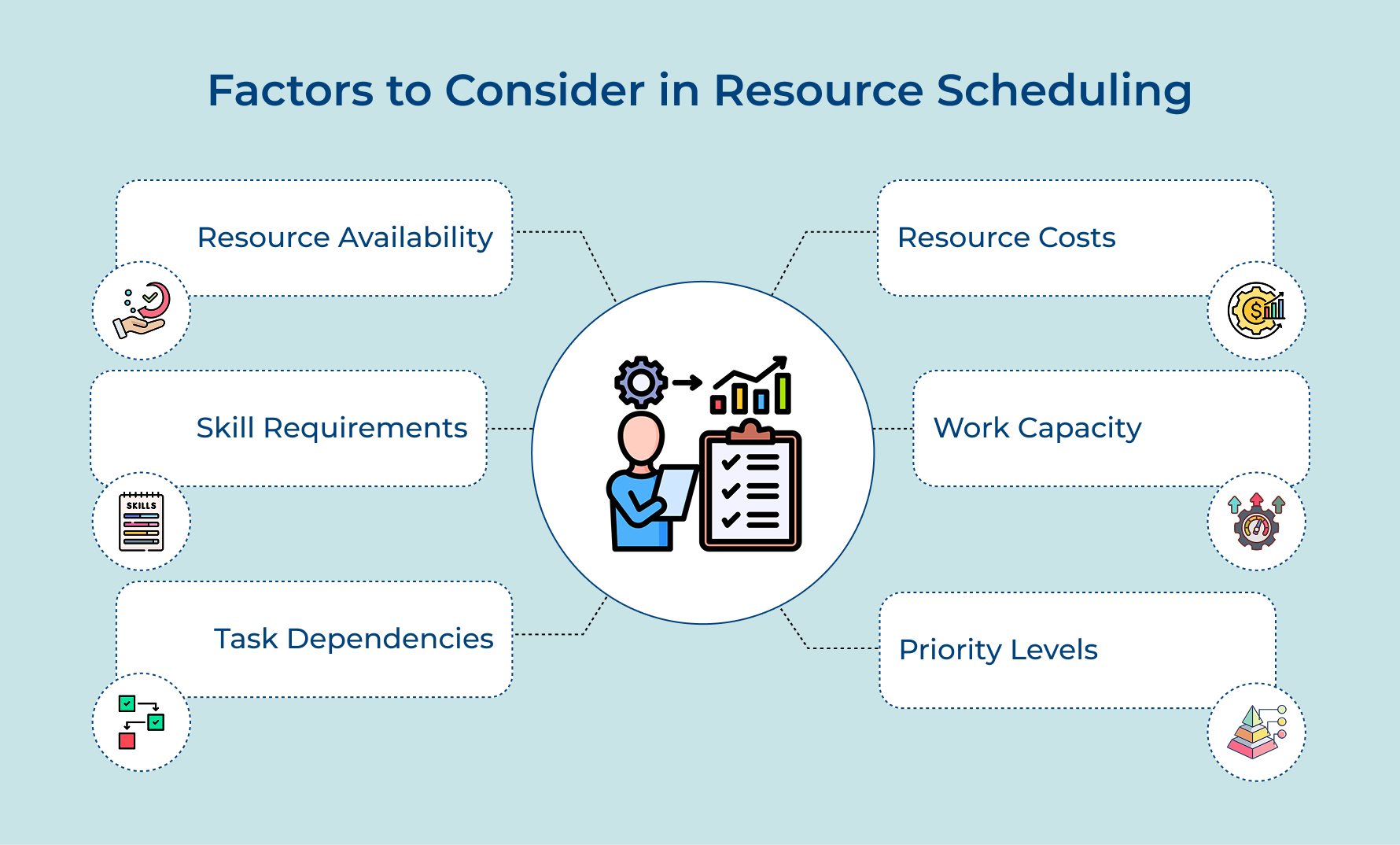
- Resource availability: Check when your team members are actually free to work on your project. People have vacations planned and commitments to other projects that limit their availability for yours.
- Skill requirements: Match tasks with people who have the right expertise to complete them properly. Assigning someone without the necessary skills creates delays and quality problems that cost more than they save.
- Task dependencies: Understand which activities must finish before others can start. You can’t schedule the painters before the drywall team completes their work no matter how much you want to speed things up.
- Resource costs: Consider the expense of using different resources at different times. Overtime rates and contractor fees can vary dramatically depending on when you schedule people to work on specific tasks.
- Work capacity: Account for how much work each person can realistically handle at once. Someone working on three projects simultaneously will move slower on yours than someone fully dedicated to a single effort.
- Priority levels: Recognize that some tasks matter more than others for project success. Schedule your best resources on critical path activities first and fill in the less urgent work around those commitments.
Types of Resource Scheduling Methods
Different projects face different constraints and that’s why you need different scheduling approaches. The method you choose depends on your biggest limitation – time or the availability of resources.
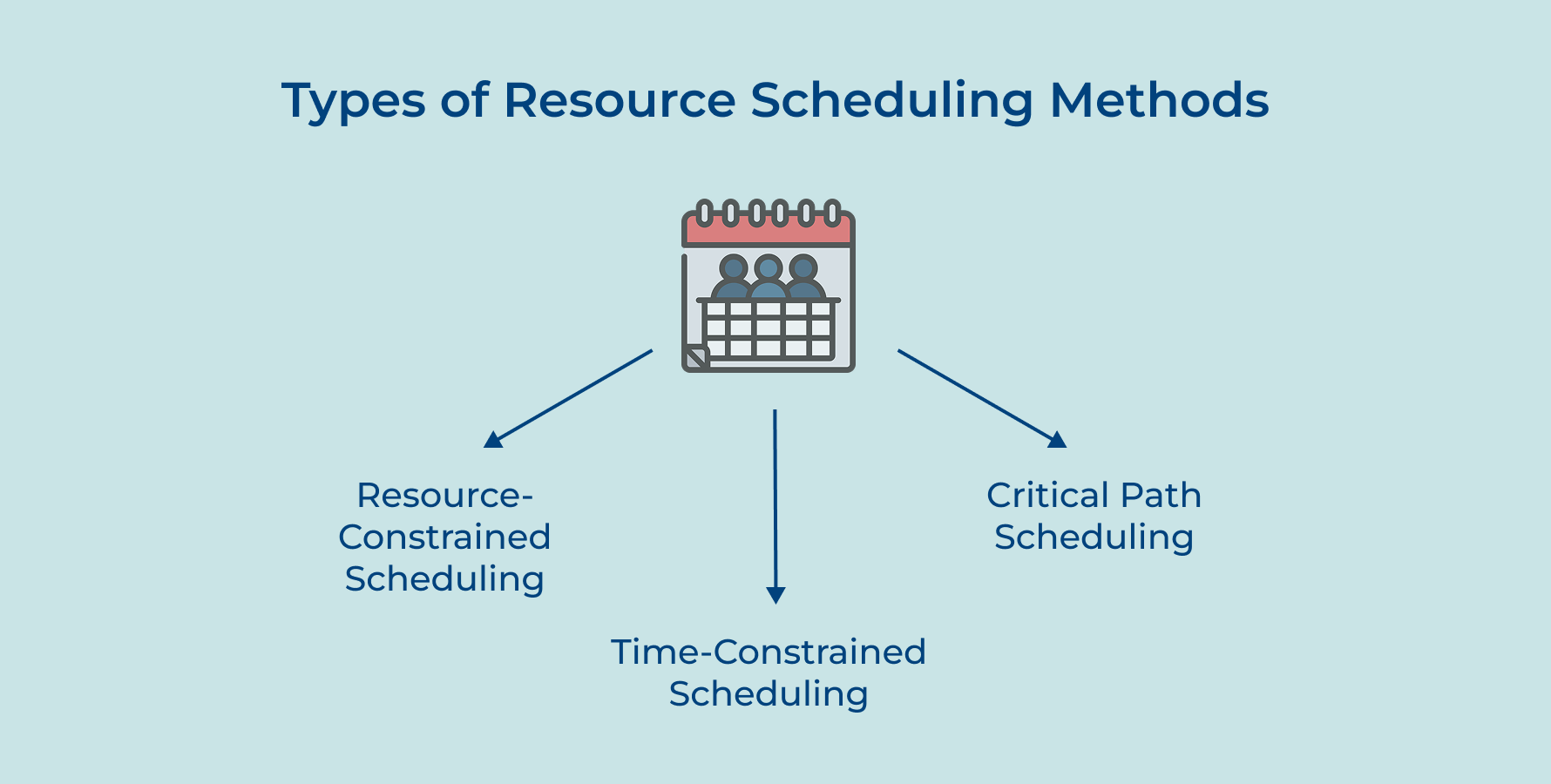
Resource Constrained Scheduling
Resource-constrained scheduling starts with the people and equipment you have available as well as builds your timeline around those limitations. You accept that the project will take as long as it needs to because you can’t add more resources to speed things up.
This approach makes sense when:
- Your budget can’t accommodate bringing in contractors or temporary staff
- You need highly specialized experts who aren’t available for hire elsewhere
- Equipment or facilities have fixed capacity that money can’t expand
This method works when you have a fixed team size or specialized equipment that can’t be duplicated. You schedule tasks in sequence when resources are limited and accept delays rather than trying to hire additional people or rent more equipment.
Time Constrained Scheduling
Time-constrained scheduling locks in your deadline first and then figures out what resources you need to meet it. The project must finish by a specific date so you’ll add people or equipment to compress the schedule if necessary.
This approach makes sense when:
- You face regulatory deadlines or contractual penalties for late delivery
- Market timing matters more than the expense of getting there faster
- A delayed launch means losing competitive advantage that you can’t recover later
You might assign multiple people to work on different parts of a task simultaneously or pay premium rates for overtime and rush delivery. The trade-off is higher costs but you preserve the deadline that matters more than budget in this scenario.
Critical Path Scheduling
Critical path scheduling identifies the longest sequence of dependent tasks that determines your minimum project duration. You focus your attention and best resources on these critical activities because any delay here pushes out your entire completion date.
This approach makes sense when:
- Your project has complex dependencies where some delays matter and others don’t
- You want to focus management attention on the activities that truly determine success
- You need to balance both time and resource constraints by being strategic about where you apply pressure
Tasks not on the critical path have flexibility in their timing since they can shift around without affecting the final deadline. You can delay non-critical work if you need to redirect resources to keep critical tasks on track.
Tips and Best Practices for Resource Scheduling in Project Management
Resource scheduling gets easier when you follow proven practices that experienced project managers have learned through trial and error. These tips help you avoid common pitfalls as well as build schedules that actually survive contact with reality.
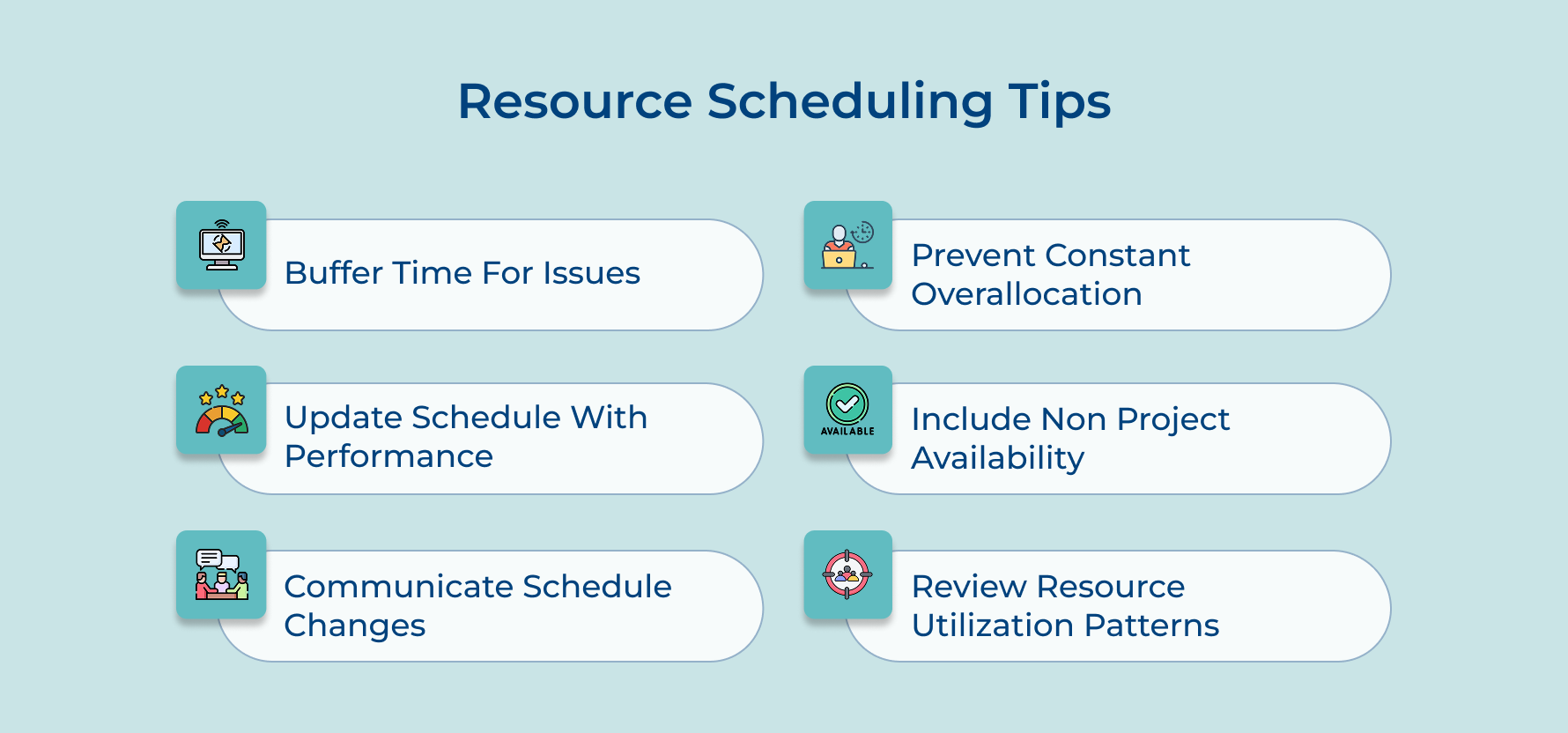
Build in Buffer Time for Unexpected Issues
Every project encounters surprises like sick days or technical problems that take longer than expected to solve. Add 10-20% buffer time to your schedule so these inevitable disruptions don’t immediately derail your entire timeline and force you into crisis mode.
Update Your Schedule Based on Actual Performance
Your initial estimates are educated guesses that need refinement as real work happens and you gather actual data. Review how long tasks really take compared to your estimates and adjust future scheduling accordingly so your predictions become more accurate over time.
Communicate Schedule Changes to Everyone Affected
When you shift resources or timelines you must tell every person whose work depends on those changes or they’ll show up expecting something different. Send updates promptly and confirm that people understand how the changes affect their specific responsibilities as well as deadlines.
Avoid Overallocating Your Best Performers Constantly
It’s tempting to assign all difficult work to your most skilled people but this creates bottlenecks and burns them out quickly. Spread challenging work across the team while pairing less experienced members with mentors so everyone develops skills and nobody becomes overwhelmed.
Account for Non-Project Time in Availability Calculations
People don’t spend 40 hours weekly on project tasks because they have meetings, emails and administrative work consuming their time. Calculate availability at 60-70% of total hours to reflect this reality rather than scheduling people as if they have no other responsibilities.
Review Resource Utilization Patterns After Each Project
Take time when projects end to analyze what worked and what didn’t in your resource scheduling approach. Document lessons about estimation accuracy and resource conflicts so your next project starts with smarter assumptions based on experience rather than repeating the same mistakes.
Top 4 Software & Tools for Resource Scheduling
Here are four tools that project managers commonly use to manage their resource schedules effectively.
Kooper
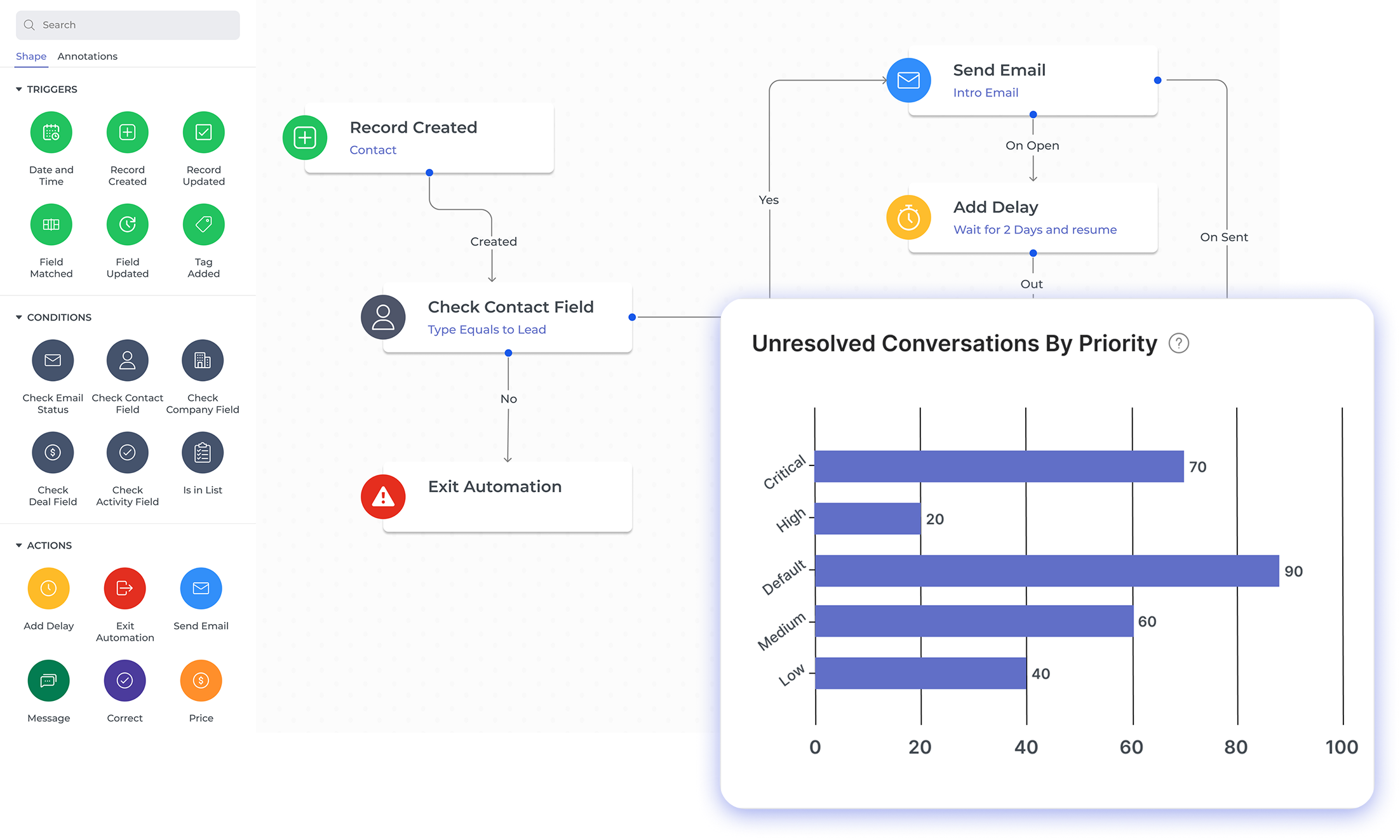
Kooper is a professional services automation platform that combines project management with resource scheduling and financial tracking in one integrated system. It helps agencies and service businesses manage their entire operation from sales through delivery. Its resource forecasting helps with utilization and profitability visible throughout the project lifecycle.
Key features:
- Resource capacity planning: View team availability across all projects with visual dashboards that show who’s overbooked and who has capacity for new work.
- Time tracking integration: Connect scheduled hours directly to actual time entries so you can compare estimates against reality and improve future planning accuracy.
- Budget and profitability monitoring: Track project costs in real-time as resources log hours so you know whether you’re on track financially before it’s too late.
- Cross-project resource allocation: See how individual team members are allocated across multiple simultaneous projects to prevent conflicts and balance workloads effectively.
- Utilization reporting: Generate reports showing billable versus non-billable time and identify patterns in how efficiently your team’s capacity is being used.
Monday.com
Monday.com offers a visual as well as intuitive interface where you can drag and drop tasks to assign resources without needing technical expertise. It works well for teams that want straightforward scheduling with collaboration features like comments and file sharing built directly into the timeline view.
Smartsheet
Smartsheet combines the familiar feel of spreadsheets with project management features like Gantt charts and resource management dashboards. It lets you track capacity as well as allocation across your portfolio while giving non-technical stakeholders an interface they already understand from working with Excel.
Resource Guru
Resource Guru focuses specifically on resource scheduling rather than trying to handle every aspect of project management in one tool. It shows availability at a glance with color-coded calendars and sends automatic alerts when you’re about to overbook someone or create scheduling conflicts.
Challenges in Resource Scheduling in Project Management
Resource scheduling sounds straightforward in theory but becomes surprisingly difficult when you’re managing real people with competing demands. These challenges show up in almost every project and require careful attention to prevent them from derailing your timeline.
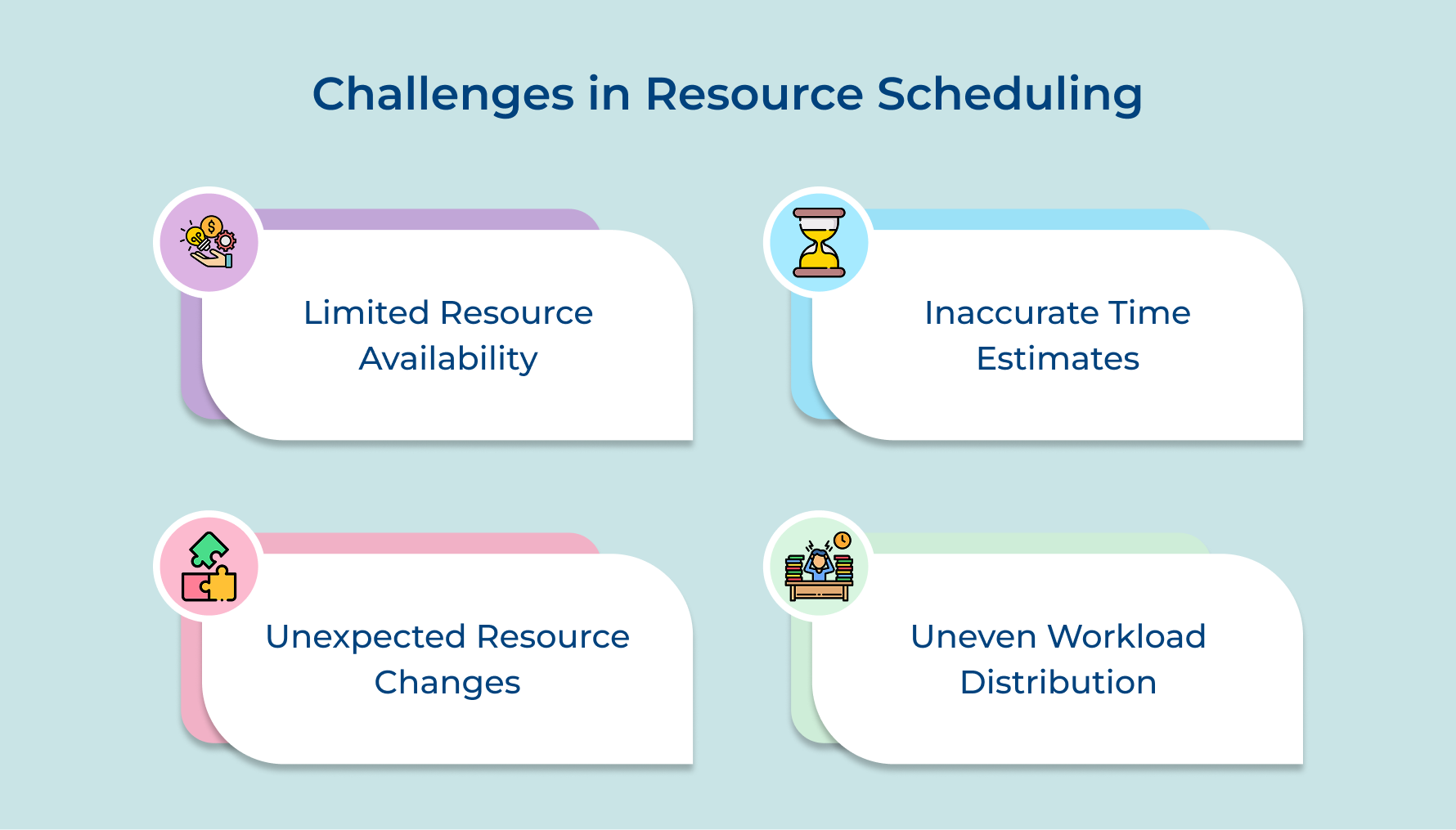
Limited Resource Availability Across Multiple Projects
Your best people are always in demand across several projects simultaneously which creates constant conflicts over who gets their time. You end up choosing which project suffers or negotiating timeline extensions because the same developer is needed on three different teams.
Inaccurate Time Estimates Leading to Schedule Overrun
People consistently underestimate how long tasks will take because they forget about interruptions and complications during actual work. Your schedule falls apart when a three-day task actually takes six and all dependent work gets pushed back.
Unexpected Changes in Resource Availability Mid-Project
Team members get sick or leave the company or get pulled onto urgent issues without warning. These sudden changes leave gaps in your schedule that are hard to fill because replacement people need time to understand the work.
Difficulty Balancing Workload Fairly Across the Team
Some team members end up overwhelmed with back-to-back assignments while others have schedule gaps because work isn’t distributed evenly. This creates resentment and burnout among your hardest workers while underutilizing others who could help.
These challenges are common but not insurmountable if you take a proactive approach. Here are five practical solutions that address root causes rather than just treating symptoms.
- Keep one source of truth showing all commitments so you can see conflicts before making assignments.
- Build in extra time to account for optimism bias that makes people underestimate task duration.
- Develop backup capacity so one person’s absence doesn’t create an unfillable gap.
- Check workload distribution regularly so you can rebalance before anyone becomes overwhelmed.
- Create rules for which projects get first access to shared resources instead of making arbitrary decisions under pressure.
Examples of Resource Scheduling in Different Industries
Resource scheduling looks different depending on your industry because each field has unique constraints and resource types to manage. Here’s how four different sectors apply these principles to their specific operational challenges.
Software Development Agency
A software agency schedules developers across client projects by matching technical skills like React or Python to specific requirements. They balance workload so senior engineers mentor junior developers while maintaining progress on critical deliverables without anyone working overtime.
Management Consulting Firm
Consulting firms schedule consultants based on expertise areas and client locations to minimize travel costs while maximizing billable hours. The agency reserves experienced partners for client-facing strategy work while assigning analysts to research and data analysis tasks.
Construction Company
Construction managers schedule crews and equipment across job sites by coordinating when concrete trucks arrive with when foundation teams finish. The company plans around weather and material deliveries while ensuring expensive equipment like cranes aren’t sitting idle between jobs.
Marketing Agency
Marketing agencies schedule creative teams including copywriters and designers across campaign launches for different clients with staggered deadlines. They coordinate so strategists finish positioning work before designers create visuals and writers develop messaging that needs approval before media placements.
Master Project Management with Seamless Resource Scheduling
Resource scheduling transforms chaotic project management into a controlled process where everyone knows their responsibilities and deadlines. When you schedule resources effectively you prevent costly conflicts and keep projects moving forward without constant firefighting or last-minute scrambling.
Start applying these resource scheduling principles to your next project and watch how clarity emerges from complexity. The time you invest in building a solid schedule pays back through smoother execution as well as teams that deliver results without burning out along the way.
Limit time — not creativity
Everything you need for customer support, marketing & sales.

Shivank Kasera is part of the marketing team at Kooper, where he focuses on building content that helps agencies and service providers grow. With a keen interest in SaaS, operations, and scalability, he translates practical insights into actionable resources for business leaders.