Customer Onboarding Automation: A Complete Introductory Guide
- What is Customer Onboarding Automation?
- 5 Common Challenges of Manual Client or Customer Onboarding
- Key Advantages of the Client Onboarding Automation Process
- How to Automate Your Customer Onboarding: 7 Step Process
- Features to Look for in a Customer Onboarding Automation Solution
- Best Practices for Customer Onboarding Automation in Service Firms
- Automate the Onboarding Journey to Elevate the Customer Experience.
- FAQs about Customer Onboarding Automation
Key Highlights:
- Customer onboarding automation uses trigger-based workflows to guide new clients through every step without manual intervention.
- Investing in automated onboarding can improve retention by 40%, making automation a direct revenue protection strategy.
- Human touchpoints at critical moments, such as missed milestones and kickoff calls, ensure onboarding feels guided and premium.
Businesses lose their highest-risk customers within the first 30 days, but why? The root cause is rarely the product. It is slow onboarding that leaves new clients without direction.
Utilizing automation in customer onboarding uses trigger-based workflows to guide new clients through the steps without human intervention. Companies investing in automation get a 40% improvement in customer retention.
Explore how to streamline onboarding process from auditing to designing behavior-based triggers. Also, get a clear framework for building a customer onboarding automation that reduces churn at every phase.
What is Customer Onboarding Automation?
Customer onboarding automation uses software and workflows to guide new clients through product or service adoption without manual effort. It replaces repetitive human tasks such as sending welcome emails and follow-ups that run on autopilot.
Why Does Customer Onboarding Automation Matter?
Most customer churn starts in the first 30 days and it happens not due to your product. It happens as customers feel lost without any follow-ups at the right time. A good client onboarding automation makes sure every new customer gets a consistent experience regardless of the team’s bandwidth.
When your team scales its client base, workload multiplies fast. Automated customer onboarding reduces it by handling routine touchpoints, so your team can focus on high-value conversations. It dramatically improves your retention numbers within the first quarter of adoption
What areas to automate?
- Welcome communication: Trigger personalized welcome emails right at the moment client signs up
- Document collection: Auto-send forms with built-in deadline reminders
- Account setup guidance: Deliver step-by-step product walkthroughs without the need for a human in the loop
- Check-in scheduling: Book kickoff calls automatically based on client availability
5 Common Challenges of Manual Client or Customer Onboarding
Manual onboarding feels manageable for ten clients, but once you start scaling, it becomes one of the highest hidden costs in successful operations.
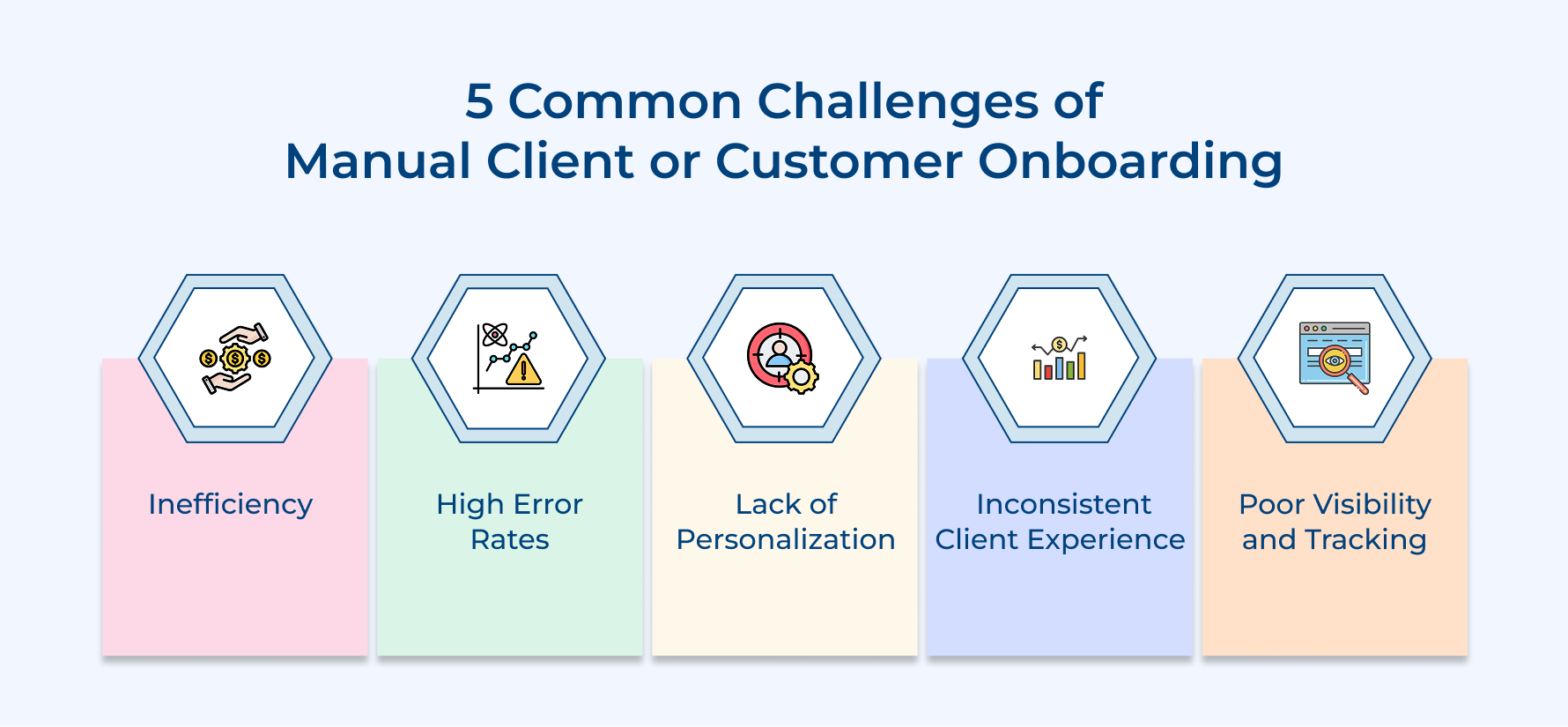
1. Inefficiency
Every manual onboarding task, such as sending emails and updating CRM records, takes hours that teams never get back. Situations when CSM is spending time on repetitive admin work, which means they are simply not doing the work that actually moves the needle for clients.
2. High Error Rates
Humans, when handling repetitive tasks at volume, make mistakes and in onboarding, even a small mistake can break client trust. A missed follow-up sent to the wrong client creates a poor first impression that is hard to recover.
3. Lack of Personalization
Manual adaptation often means every client gets the same generic checklist regardless of their use case. Customer onboarding without automation will not help teams to segment and tailor the experience at scale. It leads to an increase in churn data faster than you think.
4. Inconsistent Client Experience
The quality of adaptation should never affect which team member picks up the account if you automate. In a manual setup, it always does and the inconsistency creates unpredictable outcomes across your client base.
5. Poor Visibility and Tracking
Onboardings that are managed across spreadsheets and inboxes have no real-time view of where each client stands. This unclear visibility leads your team to always react to problems instead of preventing them.
Key Advantages of the Client Onboarding Automation Process
After working with dozens of scaling teams, the moment you automate client onboarding, your entire success operation evolves by freeing up bandwidth to reduce the retention rate.
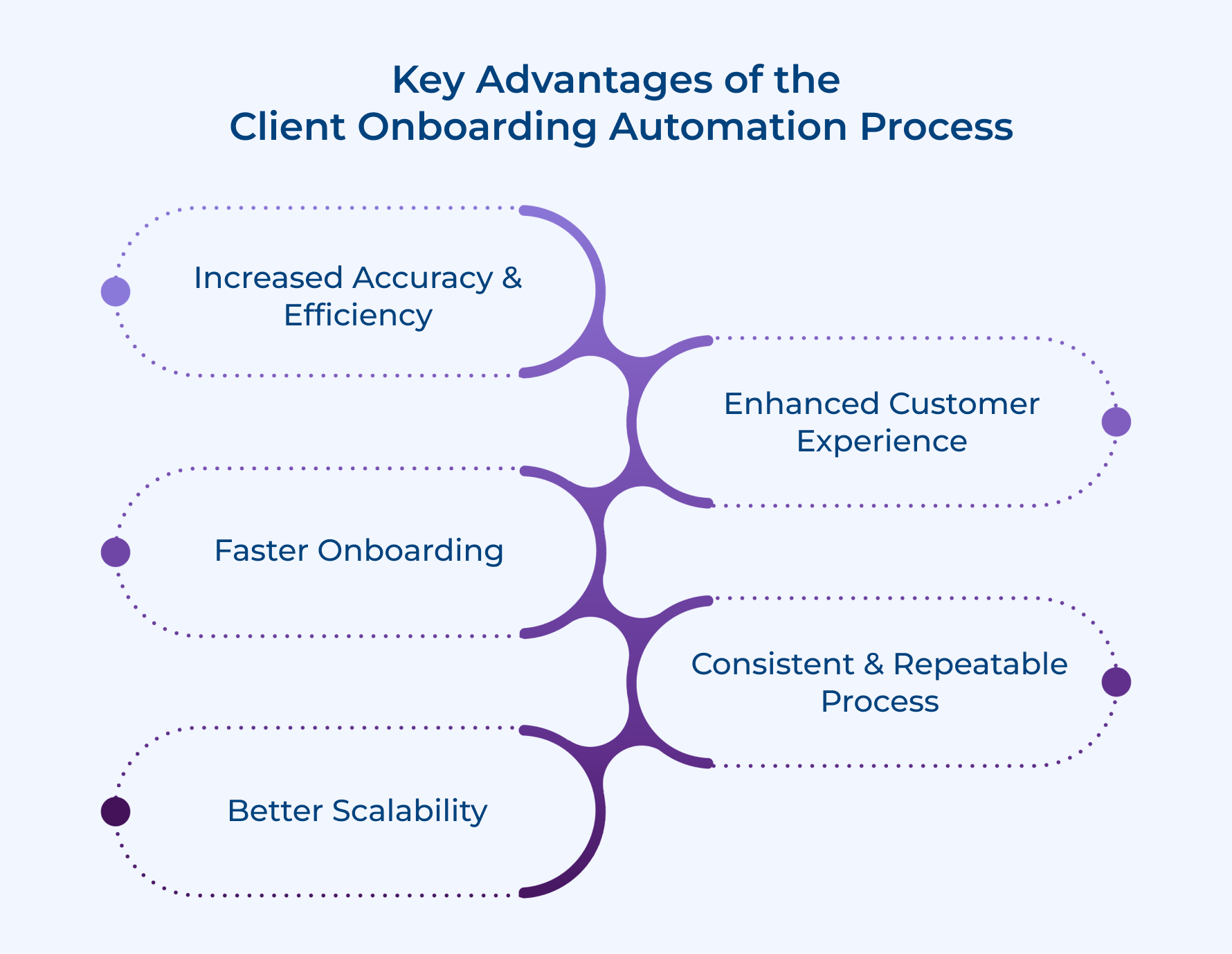
1. Increased Accuracy & Efficiency
Businesses that use manual onboarding often deal with a silent error that nobody tracks until a complaint is raised. A proper customer onboarding automation eliminates it by executing every task exactly as designed without oversight gaps.
Think about how much time is spent on tasks such as sending reminder emails and updating completion status in spreadsheets. That time is better used for strategic conversations.
2. Enhanced Customer Experience
A worthy question to ask every CS leader is: Can you guarantee every new client gets a consistent onboarding flow regardless of ownership? Yes, automated customer onboarding makes it possible, as the experience is driven by workflow logic.
Clients notice when the process is smooth and timely. A well-designed user onboarding automation sequence makes your product feel polished and lets your team feel proactive.
3. Faster Onboarding
The longer the client takes to reach their first milestone, the higher possibility of churn. Automation helps in compressing that time-to-value window significantly because nothing is waiting on a human to send.
Teams that automate often cut their average onboarding completion time by half. The speed directly translates into earlier product adoption and stronger retention numbers.
4. Better Scalability
The first cracks that appear in a growing team are in onboarding quality as client volume scales. Client onboarding, when automated, makes your team handle more accounts without the experience suffering.
5. Consistent and Repeatable Process
The best onboarding experience delivered manually should be the baseline for every client going forward. Automation locks in that gold standard and replicates it without any variation across every new account.
How to Automate Your Customer Onboarding: 7 Step Process
Follow this seven-step process to automate your customer onboarding and enable teams to focus more on growing your business instead of common administrative tasks.
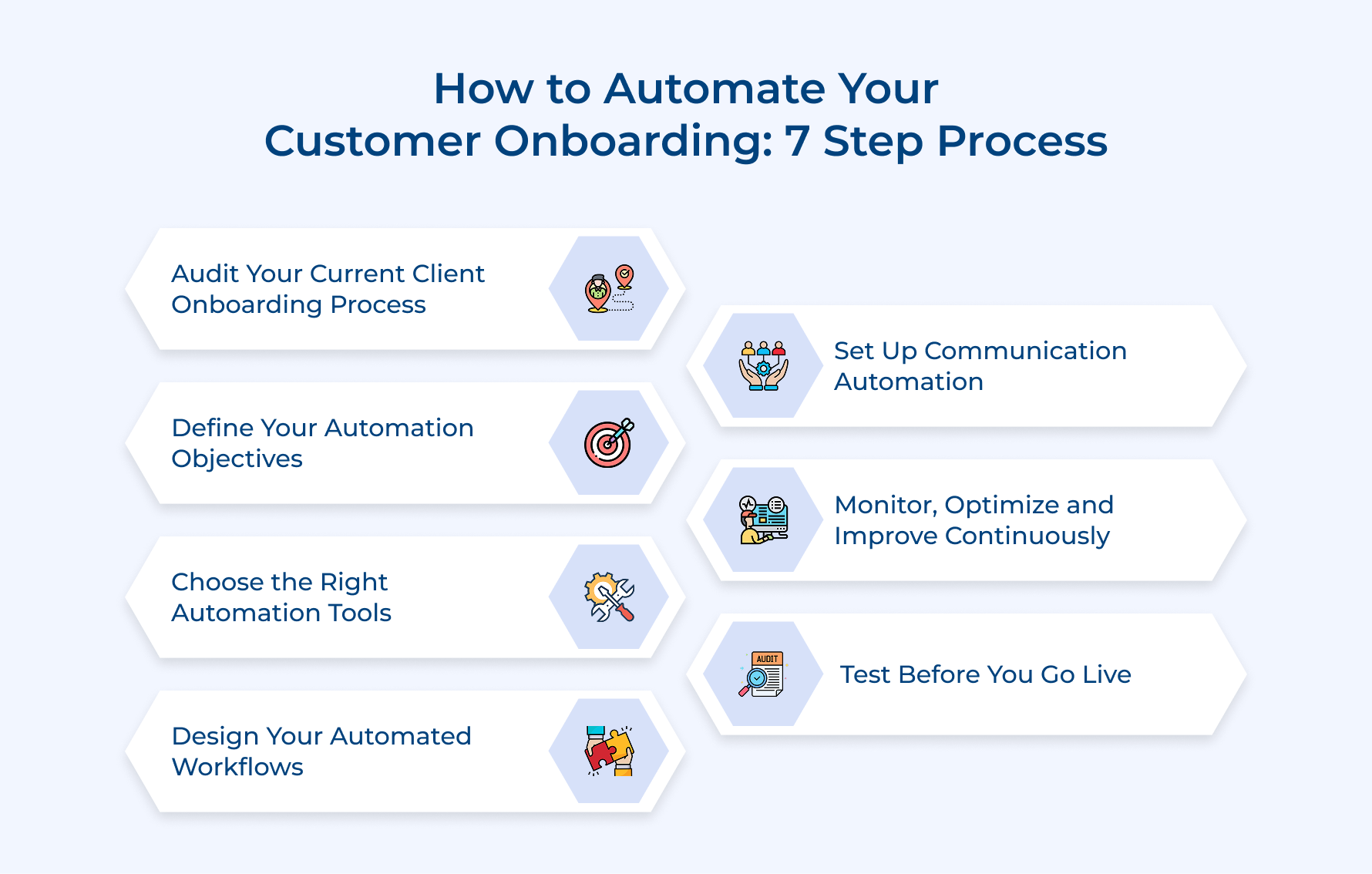
1. Audit Your Current Client Onboarding Process
Before starting with the automation, you need to know what your exact process looks like. This helps in identifying any redundant manual steps that are quietly blocking onboarding potential.
Follow these questions to identify high-value human touchpoints that are simply draining your team’s time.
- Where are clients dropping off? Identify the exact stages where engagement drops or even progress stalls
- Which tasks repeat for clients? Identify repetitive work that needs proper automation
- Where do errors most frequently occur? Friction points that are damaging your client experience
- How long does the onboarding stage take? Measure completion time per step to find your inefficiency gaps
This makes it very clear which parts of your client onboarding automation should be built first and replaces guesswork with real data. Based on your auditing:
- Document the full journey: Map every touchpoint from contract sign to first value milestone
- Categorize tasks: Split tasks into human-led and automation-ready buckets
- Measure baseline metrics: Record current completion rates and average onboarding duration
- Prioritize quick wins: identify the top manual tasks that can be automated.
A thorough audit separates a successful customer onboarding automation from one that just adds tools, as without this foundation, you will not be able to fix actual process gaps.
2. Define Your Automation Objectives
The most costly mistake most teams make is jumping into automation without defining clear objectives. It needs to connect directly to business outcomes such as retention and time-to-value instead of operational convenience.
So, how does a well-defined automation objective look in practice? It is not “we want to send automated emails.” It is “we want every client to complete account setup within 48 hours”. This specificity makes your automated customer onboarding measurable over time.
Examples of some strong automation objectives in onboarding:
- Reduce time-to-first-value: Automate guided setup sequences to help clients reach their first milestone.
- Eliminate manual follow-up: Trigger check-in messages when clients miss milestones
- Improve completion rates: Automated nudges to push clients through onboarding stages
- Standardize the experience: make sure the client receives the same adoption quality regardless of workload
Objectives act as a filter for every workflow decision in your automated client onboarding process. Teams with clear objectives build automation that scale over time instead of rebuilding from scratch.
3. Choose the Right Automation Tools
The wrong choice of tools is an expensive mistake in any automated client onboarding initiative and switching mid-implementation disrupts active journeys. The best tool must fit your existing workflow and reduce complexity.
Choose the right automation tools based on these three factors:
- Audit your current tech stack first: The best automated customer onboarding tool integrates cleanly with CRM and communication platforms.
- Prioritize workflow flexibility over feature volume: Look for tools that let you modify trigger-based workflows without the need for vendor support every time.
- Evaluate vendor onboarding support seriously: the way your software vendor onboards you reflects the experience clients will face. A clunky onboarding tells you everything about the product’s usability at scale.
So, are there any real challenges when selecting tools for onboarding? Tool overlap is the most common, where teams end up with multiple platforms doing the same work. It is recommended to define your non-negotiable workflow requirements to disqualify options early instead of getting swayed by demos.
4. Design Your Automated Workflows
A proper workflow design is where your customer onboarding automation moves from planning to execution. It does not just automate tasks but also replicates the judgment at every stage of the client journey. Create workflows that guide clients through each phase:
Phase 1: Pre-Onboarding (Day 0 to Day 1)
- Personalized welcome email the moment contract is signed
- Auto-send setup instructions with clear next steps
- Deliver a pre-onboarding checklist based on each client’s use case
- Schedule an automatic kickoff call based on client availability
Phase 2: Active Onboarding (Day 2 to Day 30)
- Trigger milestone-based emails as clients complete each step
- Automated check-ins when the client is inactive for 48 hours
- Escalate to a CSM automatically when a client misses consecutive milestones
Phase 3: Onboarding Completion and Handoff (Day 30 to Day 45)
- Trigger a summary email that highlights the client’s achievement
- Auto-schedule a call for the first success before the onboarding window closes
- Send feedback survey to capture client’s onboarding experience in real time
The best onboarding workflows are built around client behavior instead of fixed time intervals. Triggers are based on actions and inactions that make your workflow respond to the client’s actual move across the process.
5. Set Up Communication Automation
Automated communication is the backbone of any customer onboarding strategy as it makes sure no clients are missed.
So what does implementing communication actually look like in a real onboarding setup? Every client interaction that doesn’t need human judgment gets managed by an automated workflow. It keeps the communication flowing without manual intervention.
Key use cases of communication automation across the client journey:
- Welcome sequence: Trigger a branded welcome email the moment a client signs up
- Milestone nudges: Real-time notification when clients complete or skip an onboarding step
- Inactivity alerts: inactive clients for more than 2 days receive an automated message
- Escalation triggers: Route at-risk clients when automated touchpoints fail to drive action
Consider the example of a professional services firm onboarding a new client for a three-month project. Instead of letting the manager chase document submissions, the automation handles reminders and only escalates when a deadline is missed.
6. Test Before You Go Live
Teams that skip a proper test phase lose client trust before the relationship even starts. Every workflow trigger, as well as communication, needs validation against real scenarios before any client faces it.
Run a Pilot With a Small Client Cohort Before Full Rollout
Select small groups of new clients to run a proper customer onboarding automation workflow end-to-end. It gives you a live environment to catch timing issues without exposing the entire client base to errors.
Validate Every Trigger and Workflow Logic Thoroughly
Review every automated step to confirm that each trigger works at the right moment. A trigger that sends follow-up out of sequence can confuse clients and undermine your entire onboarding flow.
7. Monitor, Optimize and Improve Continuously
Launching your user onboarding automation is not just the finish line. It is the starting point for continuous improvement. Teams that get the most out of automation treat their workflows as living systems instead of one-time set-and-forget setups.
Monitoring your onboarding means tracking clients’ progress and their consistent drop-off points. Those drop-off points are a signal that your workflow requires redesign.
Best practices:
- Review cohort data monthly: Compare onboarding completion rates to spot patterns and prioritize the highest-impact workflow fixes
- Frequently test your communication sequences: Run two versions of onboarding emails to identify messages that drive faster client action and milestone completion
Features to Look for in a Customer Onboarding Automation Solution
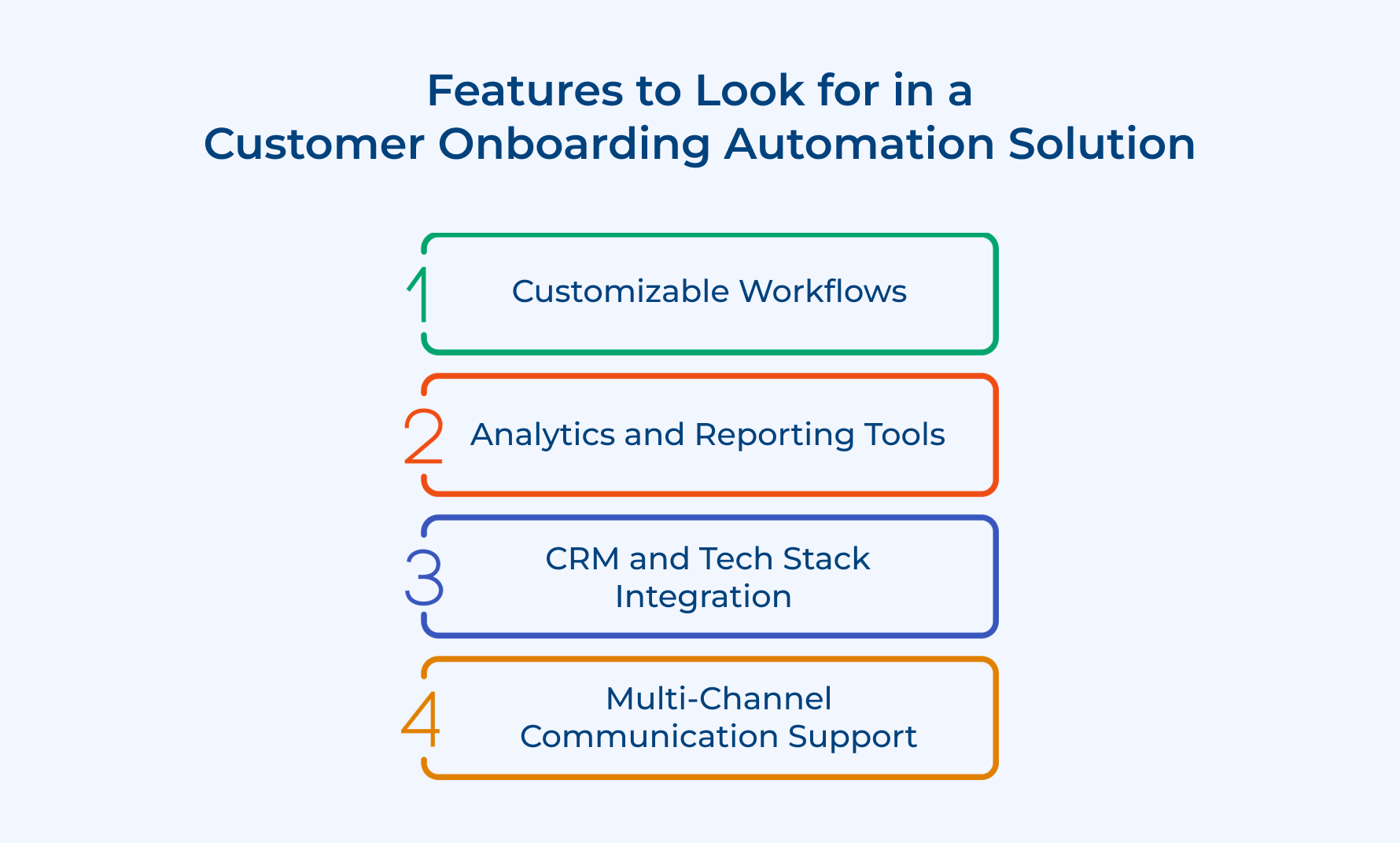
Below are the five key features to consider that actually matter when evaluating a customer onboarding automation solution.
1. Customizable Workflows
A rigid workflow engine is a key to failure, as no two client onboarding journeys are the same. The right customer onboarding automation solution helps in customizing trigger logic and sequence steps to match specific client segments along with business models.
2. Analytics and Reporting Tools
Can you optimize anything if you cannot measure? No, that is why analytics are non-negotiable in any automated customer onboarding solution. Look for reporting tools that show completion rates and drop-off points at every stage to understand what needs attention.
3. CRM and Tech Stack Integration
Tools that don’t talk to your CRM create more work than it eliminates. The client onboarding automation solution needs to sync seamlessly with the existing stack so that client data flows without manual transfers.
4. Multi-Channel Communication Support
All clients don’t engage the same way. The ability to automate onboarding across email and in-app messaging makes sure every client receives timely communication across the channel they respond to.
Best Practices for Customer Onboarding Automation in Service Firms
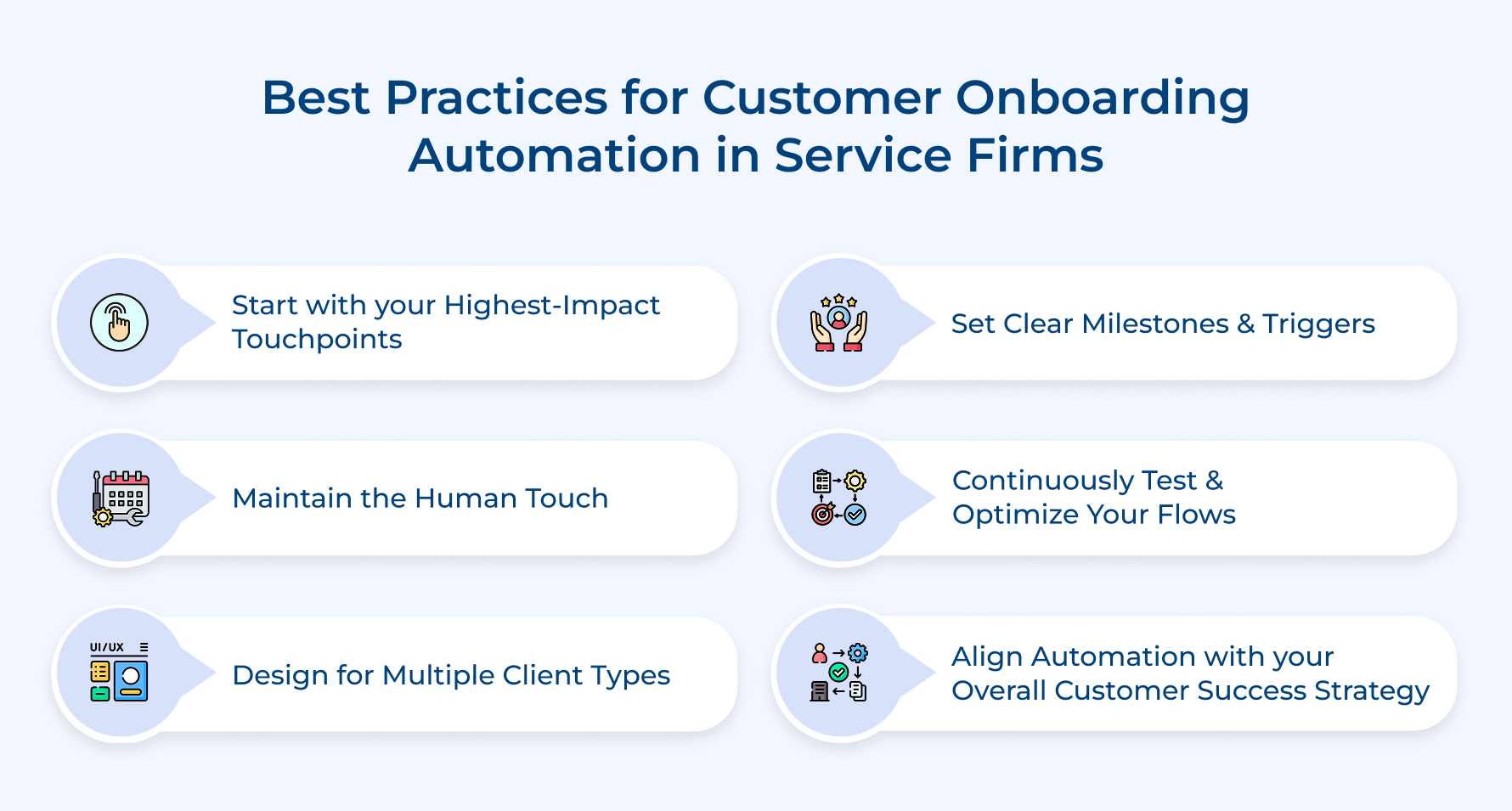
These best practices separate an onboarding automation setup that drives results from those that run in the background.
1. Start With Your Highest-Impact Touchpoints
The first question arises is, where should you actually begin to automate customer onboarding the first time? Consider the touchpoints that cause the most client drop-off. This focused approach gives early wins and builds internal confidence before you scale further.
Once those automation flows are running smoothly, your team has the bandwidth and data to expand. Phase-specific automation always outperforms a rushed full-scale rollout.
2. Maintain the Human Touch
Completely removing human judgement is the biggest mistake in onboarding. Automation is for handling repetitive tasks, while your team owns the conversations that need empathy with real context.
Below are the key moments where human involvement will always be preserved:
- A client misses multiple milestones and shows signs of churn
- Kickoff call where relationship tone is defined for the entire engagement
- A client escalates a problem that needs real context
Human handoff is best knowing where to draw the line, making your customer onboarding automation feel premium instead of transactional. Make it in such a way that clients feel guided and supported by your people.
3. Design for Multiple Client Types
Is a single onboarding flow enough to serve every type of client? A one-size-fits-all is the clearest sign that a team has not thought deeply enough. The strategy should account for different industries and use cases from the first touchpoint.
Pro tip: Segment your workflows based on client type to make sure every client receives onboarding that feels relevant to their goals.
4. Set Clear Milestones and Triggers
Ambiguity is where most churn quietly begins. Every stage in your automated customer onboarding sequence should have milestones and a trigger workflow that fires milestones is missed.
- What do strong milestone-based triggers look like in practice?
- A completion trigger advances the client to next onboarding phase
- An inactivity trigger that sends a re-engagement nudge after no activity
- An escalation trigger to alerts team when more than one milestones are missed
Triggers that are tied to real client behavior make automation responsive rather than robotic to improve the client’s experience across onboarding journeys.
5. Continuously Test and Optimize Your Flows
So, now what happens when you launch the onboarding process but never review it again? Onboarding gradually drifts out of alignment and churn numbers start reflecting that gap. Treating your automation like a finished product makes your customer success automation process fail.
Small optimizations scale over time to produce outsized improvements in onboarding completion. The teams that iterate consistently always outperform those that set and forget.
6. Align Automation With Your Overall Customer Success Strategy
User onboarding automation runs independently of your CS strategy to create a disconnected client experience. Every workflow has a retention goal and success milestone that the team is already tracking.
Automation and customer success strategies align your team is not just saving time but also actively building a system that reduces churn. This transforms onboarding from an operational task into a genuine advantage.
Automate the Onboarding Journey to Elevate the Customer Experience.
Customer onboarding automation is an operational upgrade for retention and long-term revenue. It ensures every client gets a consistent and timely experience without adding headcount.
- Audit your manual process before automating anything
- Design workflows around client behavior, not fixed time intervals
- Maintain proper human touchpoints where empathy is genuinely needed
Ready to explore what automated onboarding can do for retention? Book a demo and walk through workflow around specific client journeys.
Customer onboarding automation gives the best possible start and that turns early adoption into long-term loyalty. The teams that automate the process strategically do not just save time but also build a repeatable system that reduces churn.
Limit time — not creativity
Everything you need for customer support, marketing & sales.

Neeti Singh is a passionate content writer at Kooper, where he transforms complex concepts into clear, engaging and actionable content. With a keen eye for detail and a love for technology, Tushar Joshi crafts blog posts, guides and articles that help readers navigate the fast-evolving world of software solutions.