What Is a Timesheet? Definition, Types, Benefits & Examples
- What is a Timesheet?
- Key Benefits of Timesheets Every Agency Should Consider
- Top 7 Best Practices for Timesheet Management
- How AI is Revolutionizing Timesheet Management?
- 6 Essential Features of Timesheet Management Software
- Top 4 Timesheet Management Software and Tools
- Common Challenges in Timesheet Management with Tips to Overcome them
- Master Timesheet Management Across Client Projects with Kooper
- FAQs About Timesheets

Key Highlights:
- Timesheet benefits agencies in improving efficiency, planning resources, compliance and overall profitability.
- Encourage timely and consistent timesheet submissions to improve accuracy while also reducing delays.
- Real-time tracking captures hours and tasks instantly, ensuring precise data for billing as well as project management.
Service businesses often lose revenue because billable hours slip through the cracks. Teams forget details, and managers can’t see where time is really going.
What is a timesheet? It turns daily work into useful data for billing, planning, and tracking profitability. But they shouldn’t feel like a chore.
Timesheets built into daily work are easy to maintain and give clear insights for making better decisions. It ensures every billable hour actually gets billed. Let’s explore more about timesheets and how they help employees as well as the organization alike.
What is a Timesheet?
A timesheet is a record-keeping tool that tracks the hours employees or contractors spend on specific tasks, projects, or clients. It forms the foundation for billing, payroll, and productivity analysis in service-based businesses. Timesheets transform work hours into valuable data that drives business decisions and ensures fair compensation.
How do Timesheets Work?
Timesheets function as a bridge between work performed and business operations. Employees log their start and end times for each task along with project details as well as client information. These entries get converted into billable hours that directly connect to the invoicing process.
The modern timesheet has evolved beyond paper records into digital systems with automation features. They can track time in real-time with timers or allow for manual entry at the end of each day or week. Some advanced systems integrate with project management tools to provide comprehensive workforce insights.
Key objectives:
- Accurate client billing ensures businesses charge appropriately for services rendered without undercharging or overcharging.
- Resource allocation helps managers understand where time is being spent and how to distribute workloads effectively across teams.
- Project profitability tracking reveals which clients as well as projects generate the most value relative to time invested.
- Employee productivity measurement provides insights into individual and team performance patterns over time.
- Budget adherence monitoring compares actual hours spent against estimated time frames to improve future project planning.
Key Benefits of Timesheets Every Agency Should Consider
Timesheets might seem like simple tracking tools, but they deliver powerful advantages that extend far beyond basic hour counting. Let’s explore the key benefits they bring:
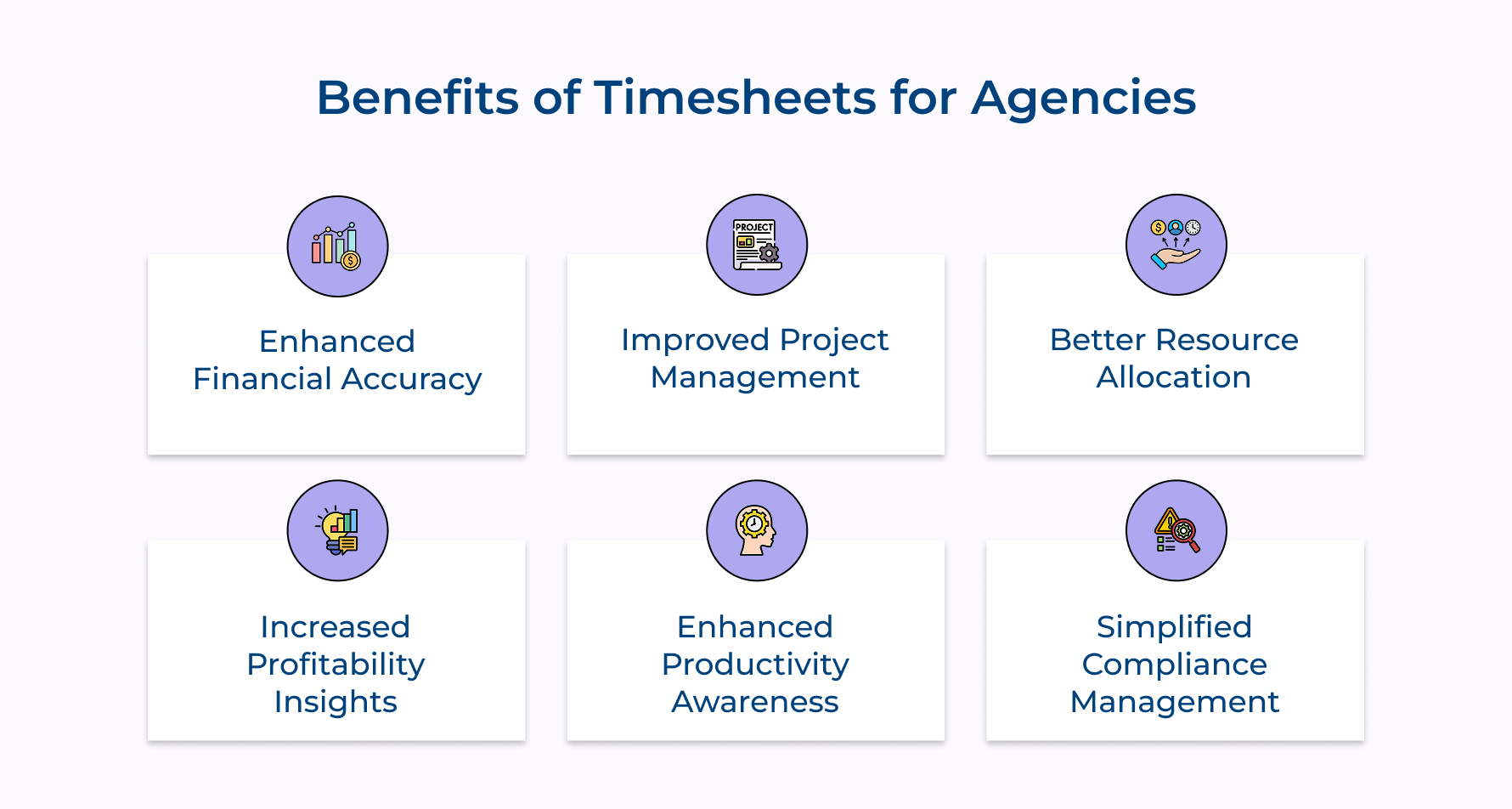
1. Enhanced Financial Accuracy
Timesheets help you track every billable minute. No more forgotten hours or fuzzy estimates, just clear and transparent invoices your clients can trust.
2. Improved Project Management
Want to know where your team’s time is really going? Timesheet data shows you what’s slowing things down, so you can fix issues before deadlines slip.
3. Better Resource Allocation
Not sure who should take on a task? Timesheets show who’s best at what, and how long things usually take. So, you assign work based on data, not guesswork.
4. Increased Profitability Insights
Track time against project budgets to see which clients as well as projects bring in profit and which ones are draining your resources. Make smarter, more strategic decisions.
5. Enhanced Productivity Awareness
When people track their time, they become more aware of how they’re working. That leads to fewer distractions, more focus, and naturally improved productivity.
6. Simplified Compliance Management
Timesheets act as reliable records of work performed, especially for regulated industries and contracts. They help you stay compliant and avoid disputes or penalties.
Top 7 Best Practices for Timesheet Management
Let’s delve into the seven best practices that will transform how your business handles timesheets and set you on the path to enhanced productivity.
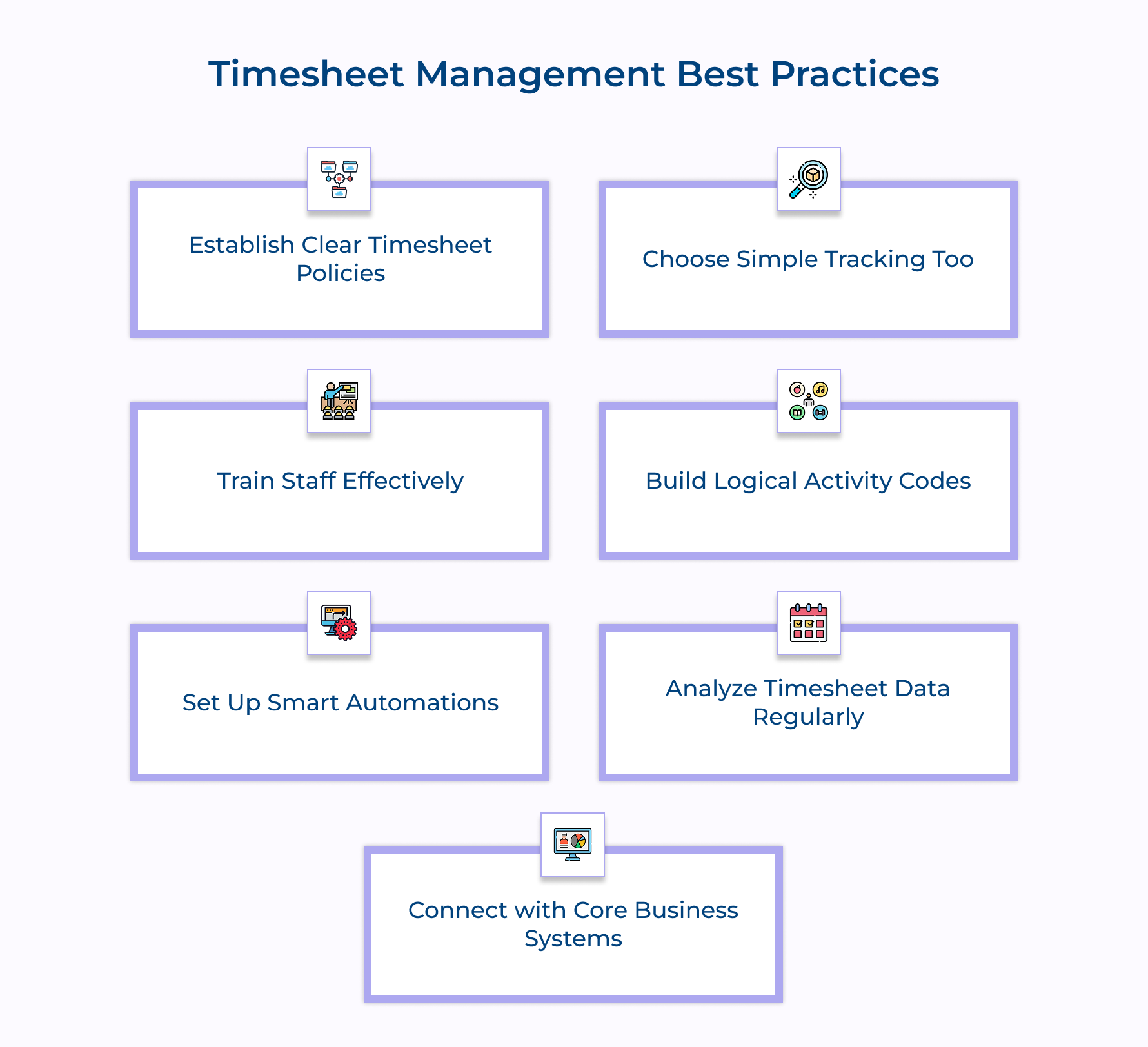
1. Establish Clear Timesheet Policies
Nobody likes confusion around when and how to submit timesheets. You need straightforward guidelines about submission deadlines and how they connect to your billing cycle. Make sure everyone knows what happens if they’re late, create accountability without going overboard with rules. Question to consider for Timesheet Policy Assessment:
Have you defined specific submission deadlines aligned with your billing cycle?
- Do your policies clearly outline consequences for late submissions?
- Have you created a standardized task categorization system?
- Are your policies accessible in multiple formats for easy reference?
- Do you conduct regular reviews to keep policies current with business needs?
Your categories need careful design – too vague like “Client Work”, you’ll miss insights, but too detailed and nobody will use them properly. Find that sweet spot with categories that match what your business actually does.
Make your policies easy to find. Put them everywhere team members might look when they need a reminder. Remember, you want compliance through clarity, not through threats and penalties.
2. Choose Simple Tracking Tools
The right tool makes all the difference in getting people to actually track their time accurately. From all types of timesheets availables, look for software that’s powerful but doesn’t make people think too hard about how to use it.
Consider these essential features when selecting your timesheet solution:
- Contextual time capture: Get tools that learn from patterns and suggest the right codes based on what’s in your calendar or what you’re working on.
- Progressive disclosure interfaces: Find systems that keep it simple for most users but let power users access the complex stuff when needed.
- Intelligent synchronization: Make sure your solution handles the messy reality of people working offline and then syncing later.
Field teams absolutely need offline capabilities. Nothing’s worse than making people reconstruct their day from memory because they couldn’t log time while on site with clients. Integration is key – your timesheet tool should talk directly to your project management, accounting, and resource planning systems.
3. Train Staff Effectively
Good training turns timesheet completion from a chore into a habit. Start with real-world practice sessions using scenarios your team actually encounters in their daily work.
Important training components that actually work:
- Cognitive load reduction: Show people the shortcuts, how to create templates for common scenarios and save favorites they use all the time. The less mental effort required, the more likely people will track time correctly.
- Contextual microlearning: Put tips right in the timesheet system where they’ll see them when needed. Nobody remembers everything from a training session, so give them hints exactly when they’re stuck.
- Narrative-based learning: Tell the story of a timesheet entry, from when someone logs their time to how that data helps win new business or improve project profitability. When people see the bigger picture, they care more about getting it right.
Help your team understand why accurate timesheets matter beyond just paperwork. When they see how this data shapes business strategy, they’ll approach the task more thoughtfully. Don’t wait for mistakes to happen.
4. Build Logical Activity Codes
Your coding structure makes or breaks your ability to analyze where time actually goes. Create a sensible hierarchy that organizes work logically while keeping it simple enough that people don’t get lost trying to find the right code.
Activity Code Evaluation Checklist:
- Does your coding system use a logical hierarchy for projects, tasks, and activities?
- Have you established consistent naming conventions for all code categories?
- Are your codes easily searchable with clear descriptions?
- Do you have specific categories for tracking non-billable time?
- Can your coding system grow to accommodate new service offerings?
- Is there a process for retiring outdated codes without disrupting historical data?
Client codes need special attention. Create consistent naming conventions so similar clients don’t get confused, and make sure your system handles organizational structures like parent companies as well as subsidiaries.
5. Set Up Smart Automations
Timesheet automation doesn’t have to be a hassle, it can actually make your life easier. With the right tools, you can set smart reminders before deadlines and escalate only when needed.
Look for systems that learn work habits over time. For example, if someone usually works on a specific client every Thursday, the system can suggest time entries based on those patterns. It saves time and boosts accuracy.
Natural language input is another game-changer. Instead of clunky forms, team members can just type or speak entries like “3 hours on the Johnson proposal this morning.” It’s fast and intuitive, perfect for those who dread time tracking.
Invest in predictive error detection. Smart tools can catch inconsistencies as they happen so mistakes get fixed early.
Automate approval workflows. Set up intelligent routing with fallback options, so reviews stay on track, even when someone’s out. It’s efficient, reliable, and stress-free.
6. Analyze Timesheet Data Regularly
Ditching paper timesheets and manual timesheets opens the door to smarter decisions. With regular analysis of your daily timesheet data, you can uncover real insights into employee performance and project profitability.
Start by reviewing utilization rates to see who’s meeting billable targets and where you’ve got room for more work. Dive deeper with contribution margin analysis to find which service lines bring real value.
Track client relationship efficiency to spot those clients who drain non-billable time. Connect time data with skills tracking to align projects with employee growth.
Compare time estimates vs. actuals to refine planning and flag slow processes. Spot phases where too much time is spent and you’ll likely find a workflow that needs fixing.
7. Connect with Core Business Systems
Link timesheet data directly to your invoicing system to streamline revenue capture. Set up direct feeds from approved entries to eliminate manual transfers and reduce revenue leakage.
System Integration Questionnaire:
- Are your timesheets automatically feeding into your invoicing system?
- Does your project management system receive real-time timesheet data?
- Have you established budget threshold alerts based on timesheet data?
- Can managers access customized dashboards showing relevant time metrics?
Connect project budgets with time tracking for real-time visibility into budget consumption. Set up alerts that warn managers when projects hit predefined thresholds and forecast completion trajectories before problems become serious.
How AI is Revolutionizing Timesheet Management?
Let’s explore the groundbreaking ways AI is revolutionizing timesheet management and how your business can benefit from this innovative technology.
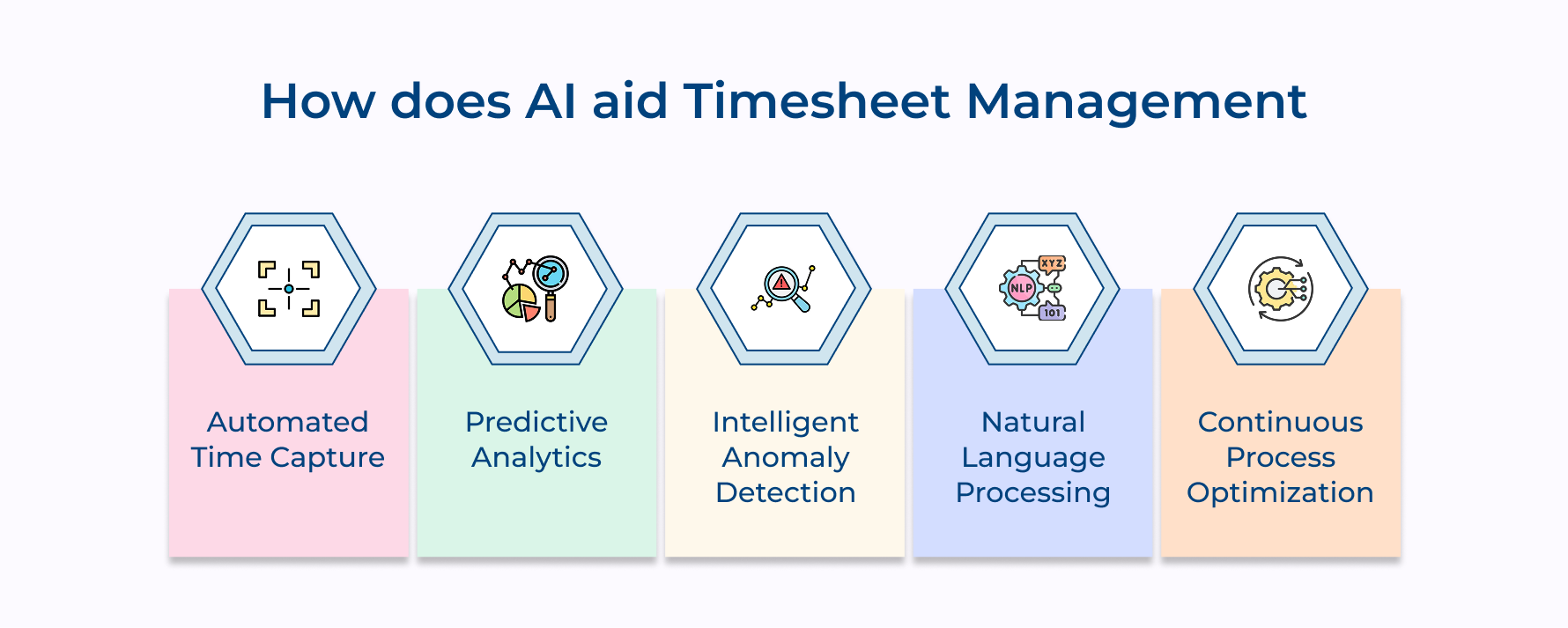
1. Automated Time Capture and Entry
AI-powered tools automatically track your work by monitoring apps, emails, and calendars. They match activity to tasks (like recognizing time spent in Figma as design work) eliminating the need for paper timesheets or manual entry.
2. Predictive Analytics for Resource Planning
AI analyzes daily timesheet data to forecast project timelines and staffing needs. It identifies bottlenecks before they escalate and suggests better resource allocation based on past employee performance.
3. Intelligent Anomaly Detection
Rather than just flagging late timesheets, AI spots unusual behavior, like sudden time spikes on certain projects or a drop in output, indicating possible errors or burnout.
4. Natural Language Processing for Time Entry
Forget structured forms, modern tools let you say things like, “2 hours on client briefing, 3 on pitch deck.” AI translates this into accurate, categorized time entries instantly.
5. Continuous Process Optimization
AI compares timesheet data with project outcomes to identify inefficiencies like tasks that regularly take too long. It recommends workflow tweaks that save time without affecting quality.
6 Essential Features of Timesheet Management Software
Let’s delve into the vital features that make timesheet management software indispensable for any business, helping you make informed decisions that enhance productivity.
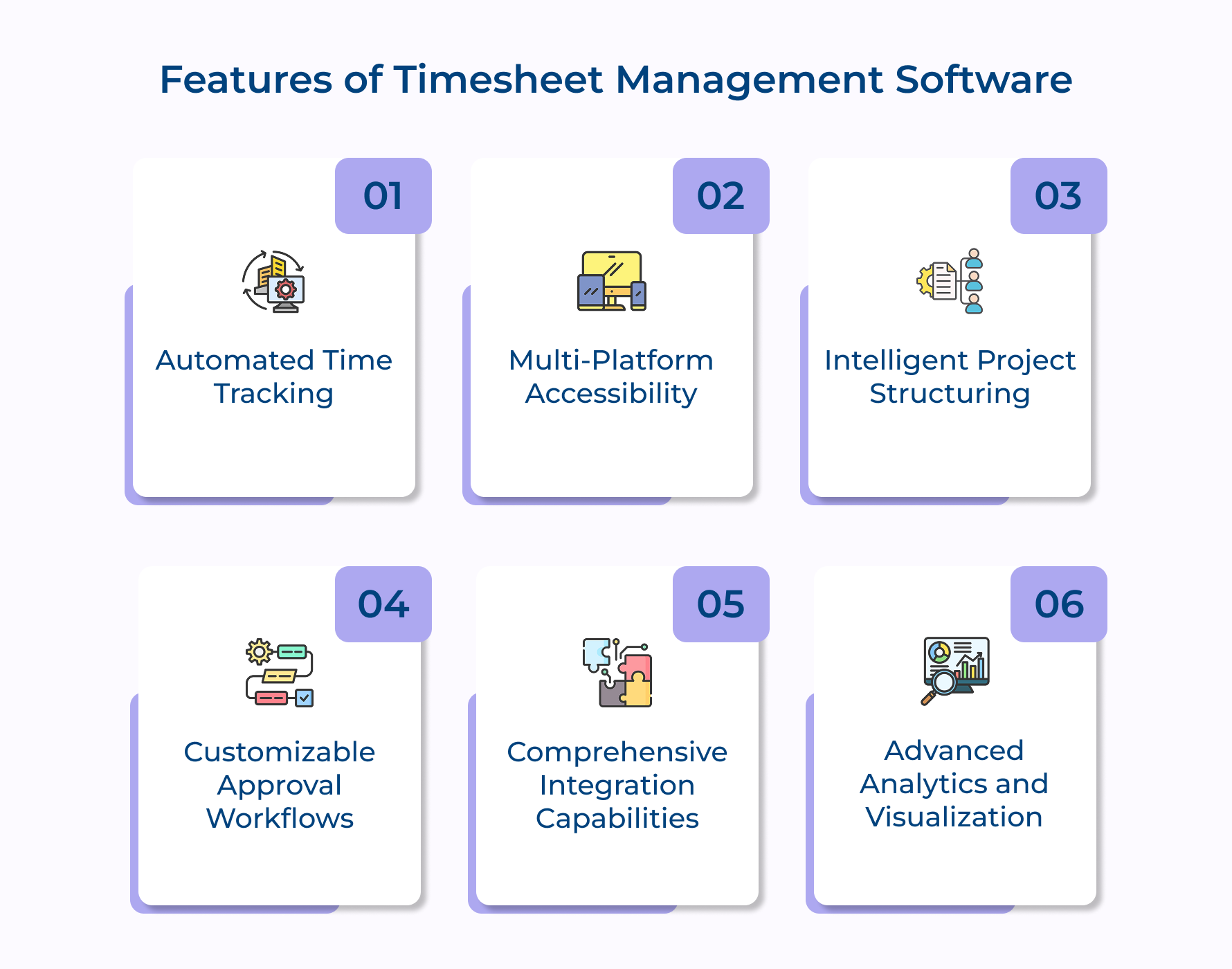
1. Automated Time Tracking
Forget manual entry. The current tools automatically track what you’re working on, like time spent in design apps or specific client docs and suggest accurate time entries. You get reliable records without the hassle.
2. Multi-platform Accessibility
Whether you’re in the office, at a client site, or working from home, you can log time on any device (laptop, phone, tablet, even wearables, etc). Everything syncs seamlessly, so you’re never out of step.
3. Intelligent Project Structuring
The best platforms let you structure timesheets just like your business: clients, projects, tasks, subtasks, etc. This setup makes reporting more meaningful and keeps things organized.
4. Customizable Approval Workflows
You can build approval flows that actually match how your team works. Set up multi-step reviews, add temporary approvers, or route entries based on size or complexity – whatever fits your workflow best.
5. Comprehensive Integration Capabilities
Great timesheet systems talk to your other platforms. Sync with project tools, accounting software, HR systems, or your CRM. This keeps everything connected and your data consistent across the board.
6. Advanced Analytics and Visualization
No more digging through spreadsheets. Trending platforms show you real-time dashboards with utilization rates, profitability, time trends and more. You can drill down from big-picture views to individual entries in just a few clicks.
Top 4 Timesheet Management Software and Tools
These platforms go beyond basic time tracking to address the unique operational challenges faced by agencies and consultancies.
Kooper
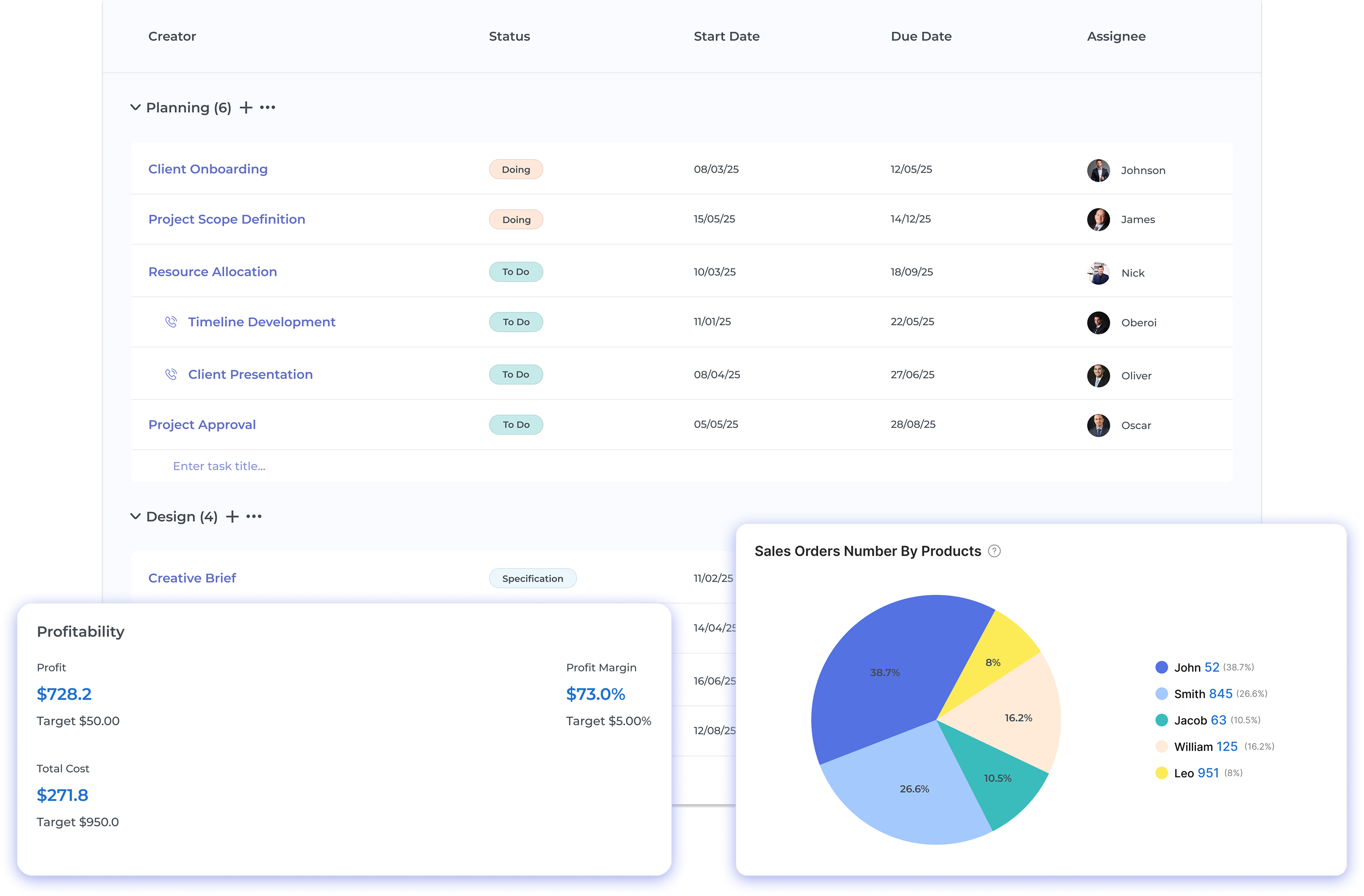
Kooper is an agency management ecosystem that centralizes project management, time tracking, budgeting, and invoicing within a single cohesive platform. Unlike cobbled-together tech stacks requiring multiple integrations, Productive provides a unified experience where data flows seamlessly between modules, eliminating the reconciliation headaches common with disconnected systems.
The platform is designed specifically for service-based businesses with a deep understanding of agency workflows and profitability mechanics. Its architecture balances operational complexity with user simplicity, giving leadership teams powerful financial insights while keeping the interface intuitive for team members who simply need to log time, track tasks, and monitor project progress.
Key features:
- Unified time tracking: Easily track both billable and non-billable hours using timers, manual entry, or calendar sync. Time gets auto-assigned to the right projects and budgets.
- Real-time profitability insights: Watch your project margins in real time. As teams log hours, budgets and profitability metrics update instantly so you’re always in the loop.
- Smart resource planning: See who’s available and who’s overloaded at a glance. Drag-and-drop scheduling as well as color-coded views help you allocate work without overbooking your team.
- Automated invoicing: Turn timesheets and milestones into client-ready invoices in a few clicks. Use templates, set approval rules, and send bills faster than ever.
- Powerful reporting: Get instant visibility into utilization, profitability, team performance, and upcoming revenue—all through customizable reports that help you make better decisions.
Veemo Project
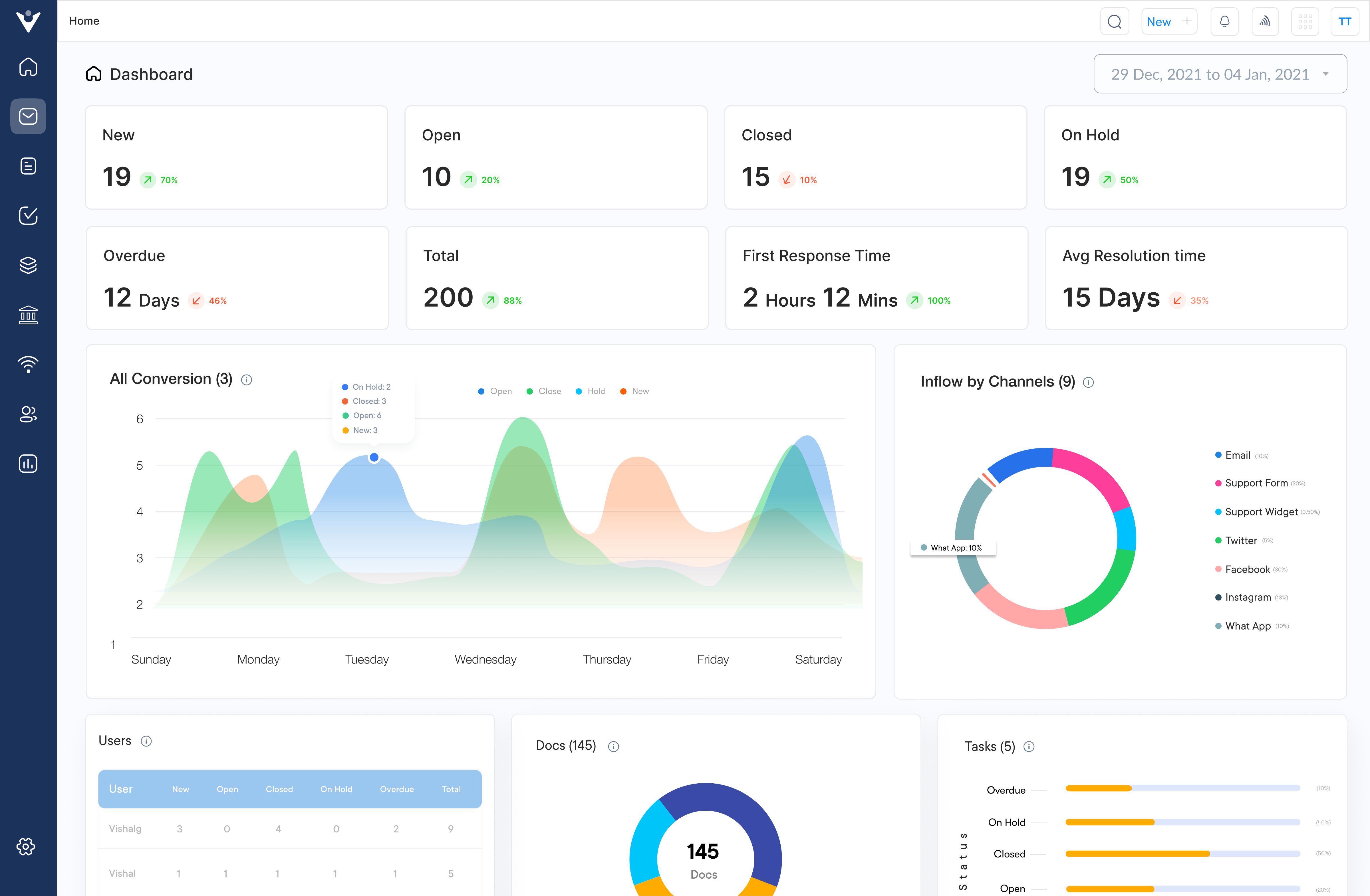
Teamwork provides a comprehensive project management solution that seamlessly integrates robust time tracking capabilities into its collaborative workflow environment. The platform combines sophisticated project planning tools with granular time recording features, allowing service businesses to manage deliverables while capturing accurate billable hours within the same system.
What distinguishes teamwork is its balanced approach to time tracking within the project context. Rather than treating time recording as a separate administrative function, the platform weaves time capture directly into task management workflows.
Key features:
- Task-centric time tracking: allows team members to log hours directly from their task lists with one-click timer functionality that connects work performed with project deliverables.
- Customizable time entry fields: support agency-specific requirements with options to capture billing categories, service types, and detailed work descriptions for each time record.
- Workload visualization tools: combine planned task allocation with actual time spent, revealing where team capacity is being consumed and identifying potential resource conflicts.
- Client budget monitoring: provides real-time visibility into budget consumption with automated alerts when projects approach predefined thresholds based on tracked hours.
- Comprehensive time reporting: generates detailed breakdowns of time allocation across clients, projects, team members, and task types with exportable formats for billing as well as analysis.
Harvest
Harvest stands out for its intuitive interface that removes friction from daily time tracking while providing powerful reporting capabilities behind the scenes. Its one-click timer functionality integrates seamlessly with project management tools like Asana and Trello, creating a unified workflow that encourages consistent time entry without disrupting productive work.
Agencies particularly value Harvest’s built-in invoicing features that transform timesheet data directly into professional client bills.
ClickTime
ClickTime specializes in balancing simplicity for end users with comprehensive administrative controls that appeal to operations managers. The platform excels at handling complex approval hierarchies and departmental structures common in larger professional service organizations.
Its standout budgeting module provides real-time visibility into project financial performance, with customizable alerts warning managers when projects approach predefined spending thresholds before overruns occur.
Common Challenges in Timesheet Management with Tips to Overcome them
Even well-designed timesheet systems encounter persistent obstacles that can undermine their effectiveness. Let’s explore these challenges and how to resolve them:
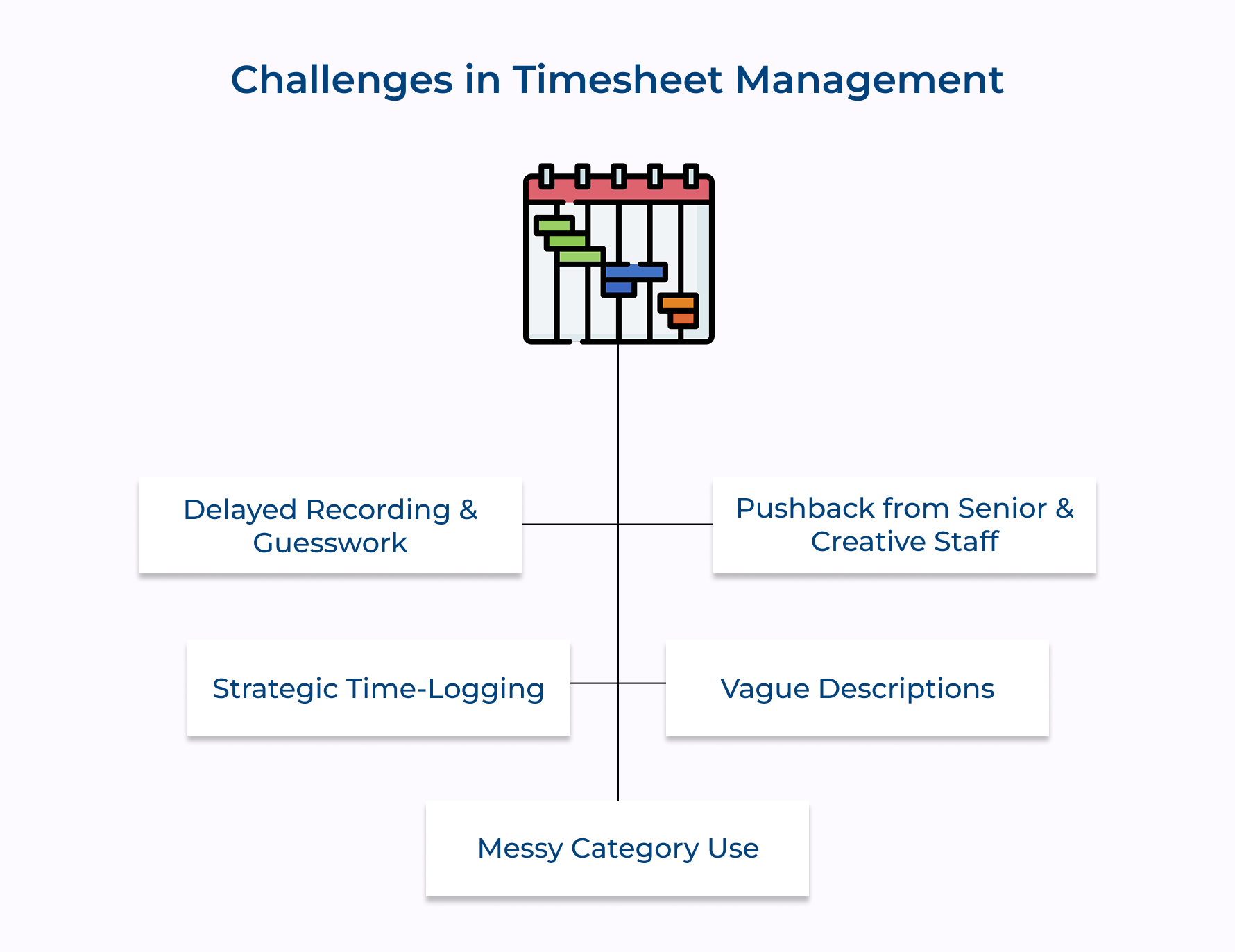
1. Delayed Recording & Guesswork
People often fill in timesheets days late, relying on memory. The result? Vague, inaccurate entries that miss key details.
2. Pushback from Senior & Creative Staff
Some see timesheets as admin noise—especially senior or creative folks—leading to spotty compliance or total avoidance.
3. Strategic Time-Logging
Rather than log actual hours, some record what “looks right.” Think neat numbers that match budgets or avoid tough conversations.
4. Vague Descriptions
Entries like “client work” or “project tasks” don’t cut it. Without clear descriptions, it’s hard to see where time really goes.
5. Messy Category Use
Different people log similar work in different ways, making analysis inconsistent and unreliable.
How to Fix It:
- Add quick mid-day and end-of-day check-ins to log time while it’s fresh.
- Tie time tracking to growth, show how it helps with career development.
- Focus on learning, not blame, when time data reveals inefficiencies.
- Use clear templates for activity descriptions.
- Hold regular team “calibration” sessions to align category use.
Master Timesheet Management Across Client Projects with Kooper
Effective timesheet management isn’t just an administrative function—it’s the cornerstone of professional service success. By capturing the true investment behind every client deliverable, timesheets transform abstract work into concrete data that drives strategic decisions, fair billing practices, and sustainable growth.
Service businesses that master timesheet management unlock significant competitive advantages. They deliver more accurate proposals, identify their most profitable service offerings, optimize resource allocation, and build stronger client relationships based on transparency. These improvements directly enhance both bottom-line results and team satisfaction, creating a virtuous cycle of business performance.
Limit time — not creativity
Everything you need for customer support, marketing & sales.

Shivank Kasera is part of the marketing team at Kooper, where he focuses on building content that helps agencies and service providers grow. With a keen interest in SaaS, operations, and scalability, he translates practical insights into actionable resources for business leaders.