Resource Planning
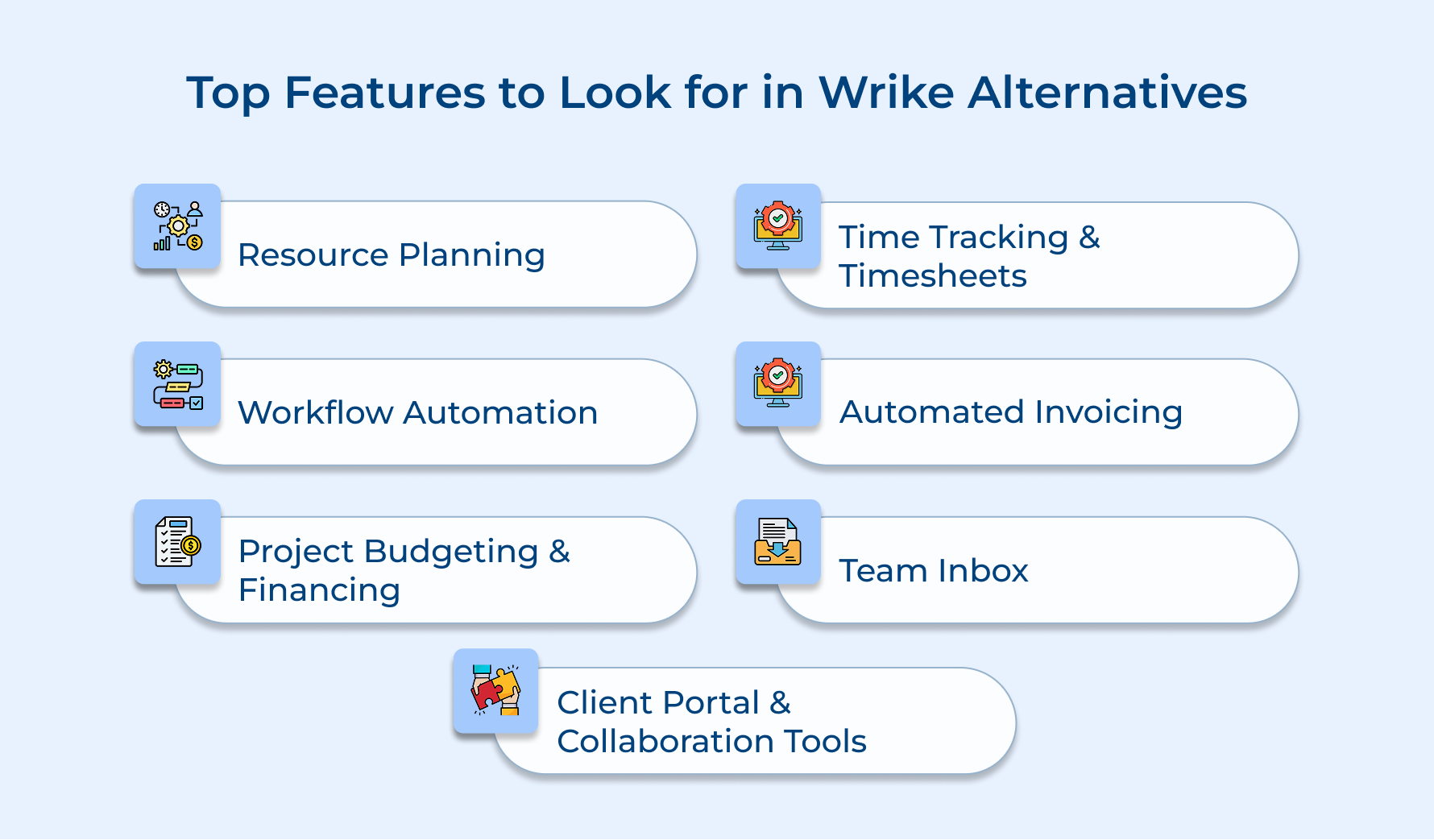
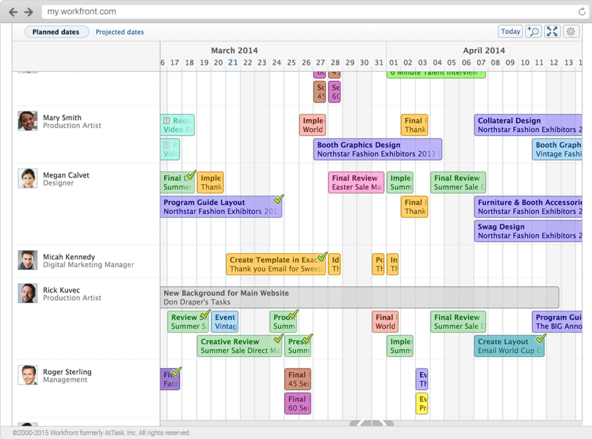
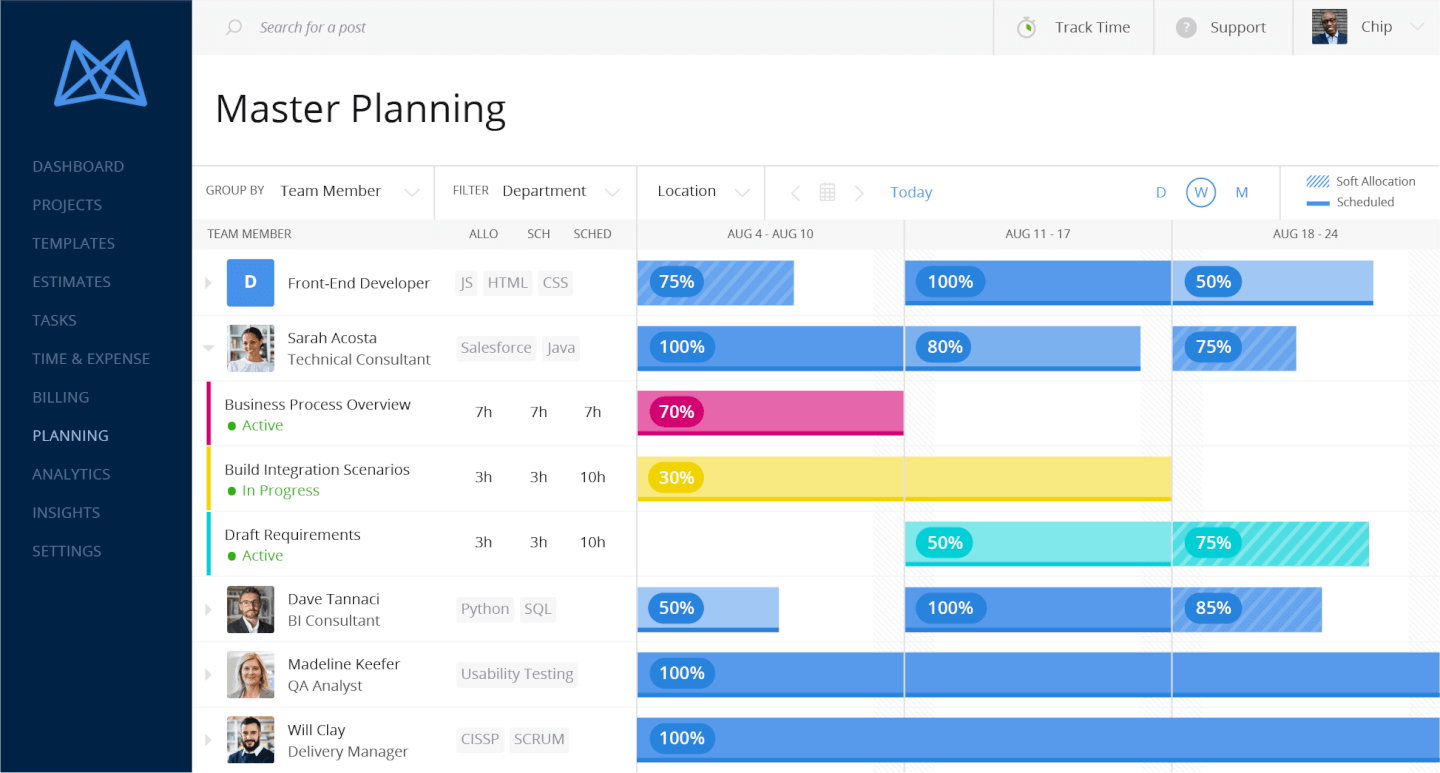
Resource planning provides an advanced visualization of team capacity and allocation for managers to assign the right people to projects. The feature prevents burnout by balancing workload distribution while maximizing utilization rates to ensure adequate staffing without delays. To make an informed choice between tools, visit to see how Proofhub competitors compare in features and pricing.
Time Tracking & Timesheets
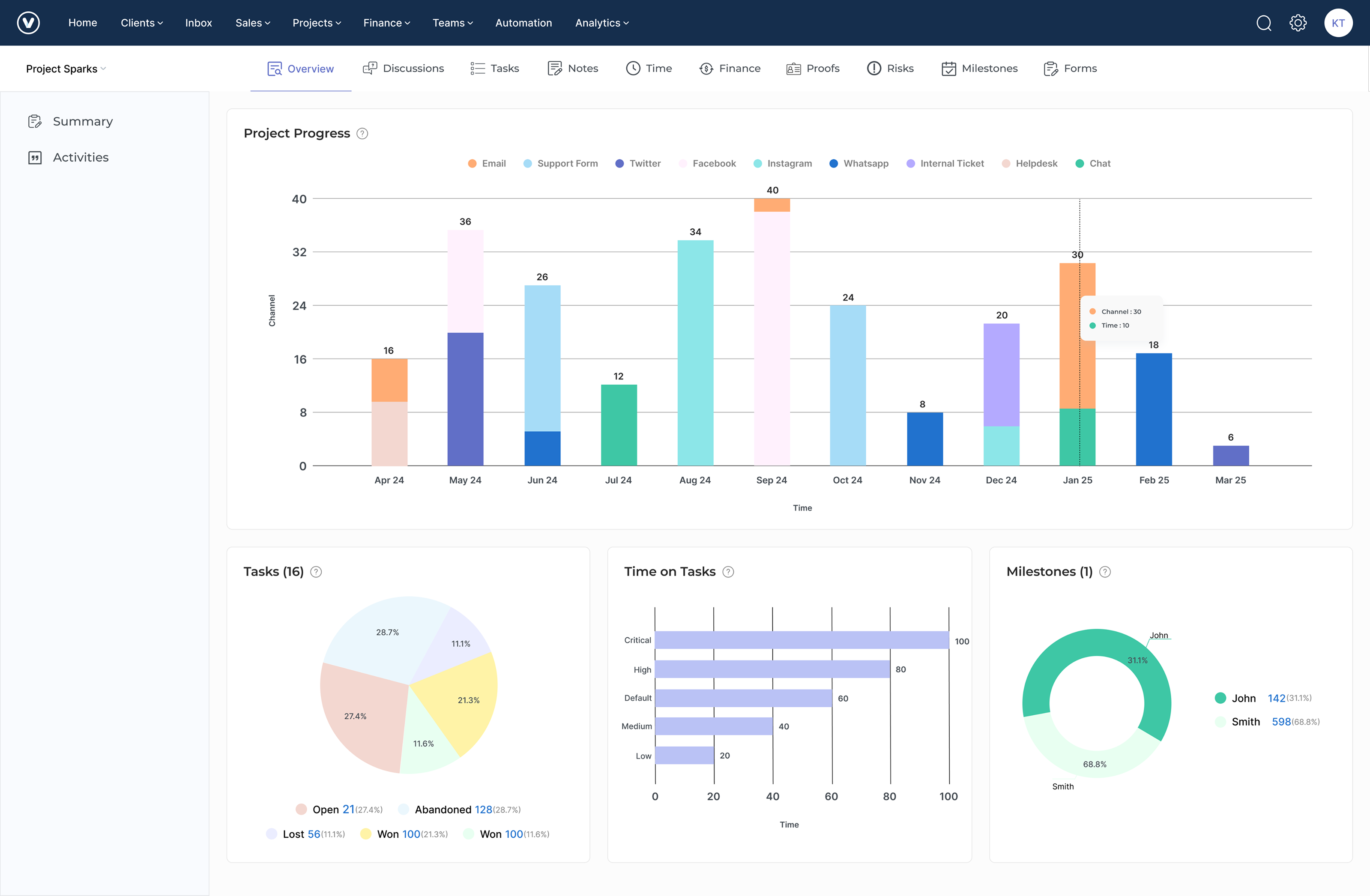
Time tracking is one of the important features to look for in any Wrike alternative, as it helps in tracking worked hours for accurate client billing and project profitability analysis. The timesheet functionality enables the team to log time against specific projects. It provides valuable insights into productivity patterns to help identify process inefficiencies.
Workflow Automation
The feature helps in automating repetitive manual tasks by creating rule-based sequences that trigger actions. It streamlines administrative tasks so that teams can focus on high-value work while maintaining consistency, minimizing human error, along with accelerating project delivery. To explore how other business tools compare, read more about vCita competitors.
Automated Invoicing
Convert tracked time or expenses into professional invoices with invoicing combined with customizable templates, scheduled billing cycles and flexible payment options. The feature helps in accelerating cash flow by reducing invoice creation time and providing transparent bill documentation that builds client trust. Businesses exploring new platforms to improve efficiency can learn about the best Plutio alternatives to streamline operations for better productivity.
Project Budgeting & Financing
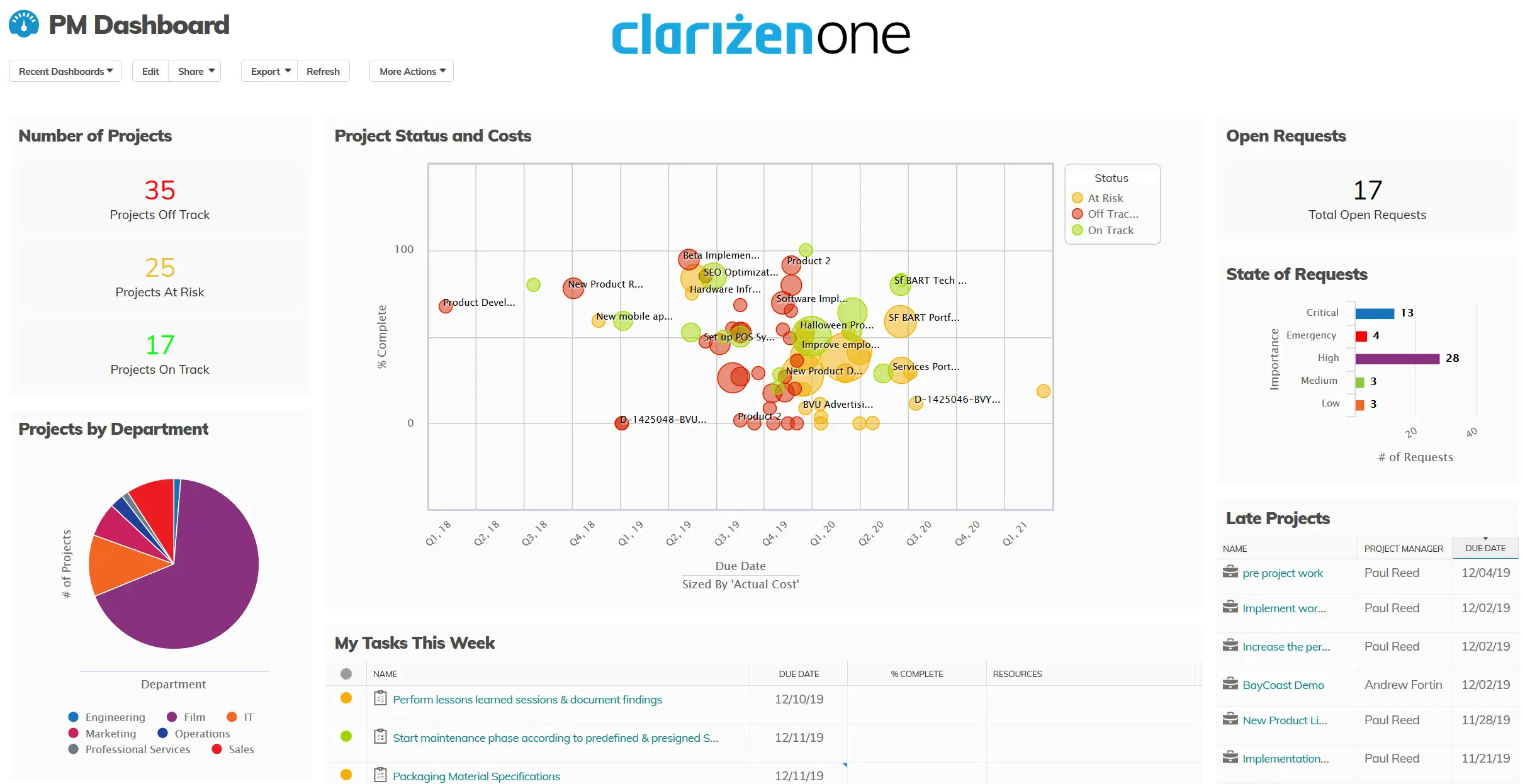
Project budgeting enables precise financial planning in real-time by monitoring expenses against estimates. They provide instant visualization into project profitability, cost overruns, and resource utilization costs to make scope adjustments to maintain healthy profit margins.
Team Inbox
Look for any replacement of Wrike that includes a team inbox to centralize all client communications in a unified place leading to reduced information silos. It further enables maintaining conversation history to ensure consistent client communication and prevents duplication of efforts when team members change.
Client Portal & Collaboration Tools
A branded workspace for clients to access project information, approve deliverables and provide feedback. The collaboration tools help in maintaining transparency through real-time updates while strengthening client relationships by balancing professional boundaries. Businesses exploring new solutions can visit to learn about forecast competitors for better evaluation.