Top 11 Time Tracking Best Practices for Productivity Success
- Benefits of Implementing Time Tracking Best Practices
- 11 Essential Time Tracking Best Practices to Boost Productivity
- A. Time Tracking Best Practices for Teams
- B. Time Tracking Best Practices for Individuals
- C. Time Tracking Best Practices for Managers
- How to Implement Time Tracking Best Practices?
- Master Agencies Productivity with Time Tracking Best Practices
- FAQs about Time Tracking Best Practices

Key Highlights:
- Automate routine time tracking with smart tools to minimize errors, save effort and ensure accurate employee time logs.
- Use time tracking best practices to gain clearer insights, improve reporting accuracy as well as support data-backed client billing.
- Set clear expectations, offer feedback and review time data regularly to build accountability while driving team-wide performance improvement.
Agencies as well as professional services firms struggle with chaotic time management that leads to project overruns, inaccurate billing and team burnout.
Every minute of untracked time represents lost revenue and missed insights about your team’s productivity patterns. Poor time management creates billing disputes with clients and leaves managers guessing about resource allocation decisions that impact profitability.
Implementing proven time tracking best practices transforms scattered work patterns into organized systems that boost productivity and profitability. These eleven strategies provide the framework for capturing accurate time data while improving project delivery and client satisfaction across your organization.
Benefits of Implementing Time Tracking Best Practices
Implementing structured time tracking practices help agencies enhance across operations and client relationships. The data reveals compelling patterns that transform how professional services firms operate.
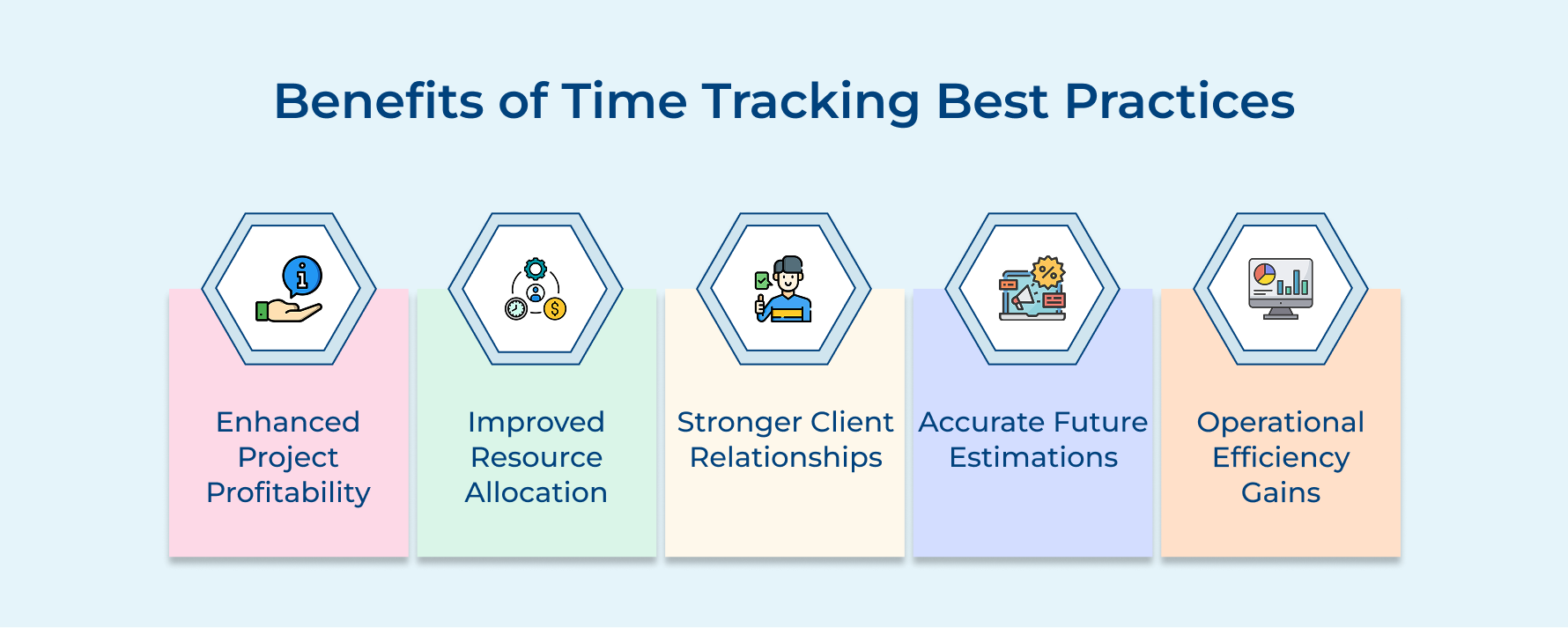
Enhanced Project Profitability
Tracking employee work hours uncovers the real cost behind each project, both the obvious and hidden ones. It helps teams spot tasks that eat up more time than expected and tweak their project plan accordingly. Having this clarity helps pricing future projects that become more accurate and profitable.
Improved Resource Allocation
Detailed logs of employee work hours show exactly where everyone’s time goes. Managers can spot overloads or underused resources, rebalance the team and make sure key tasks get the attention they need. It results in healthier teams and smoother project delivery.
Stronger Client Relationships
Clear, transparent time tracking (automated or through manual time entries) gives clients visibility into how their investment is being used. When they see specific deliverables tied to real effort, it builds trust and increases the likelihood of long-term partnerships.
Accurate Future Estimations
Instead of guessing, teams can use historical employee work hours from similar projects to shape new ones. This kind of productivity analysis helps create smarter, more accurate project plans and sets realistic expectations right from the start.
Operational Efficiency Gains
Consistent time tracking reveals where time is being wasted, regardless of it being inefficient steps or redundant tasks. Here teams can refine workflows, cut the noise and focus on the work that truly drives results as well as improves client outcomes.
11 Essential Time Tracking Best Practices to Boost Productivity
Dive into these best practices to take control of your time and elevate your productivity to new heights.
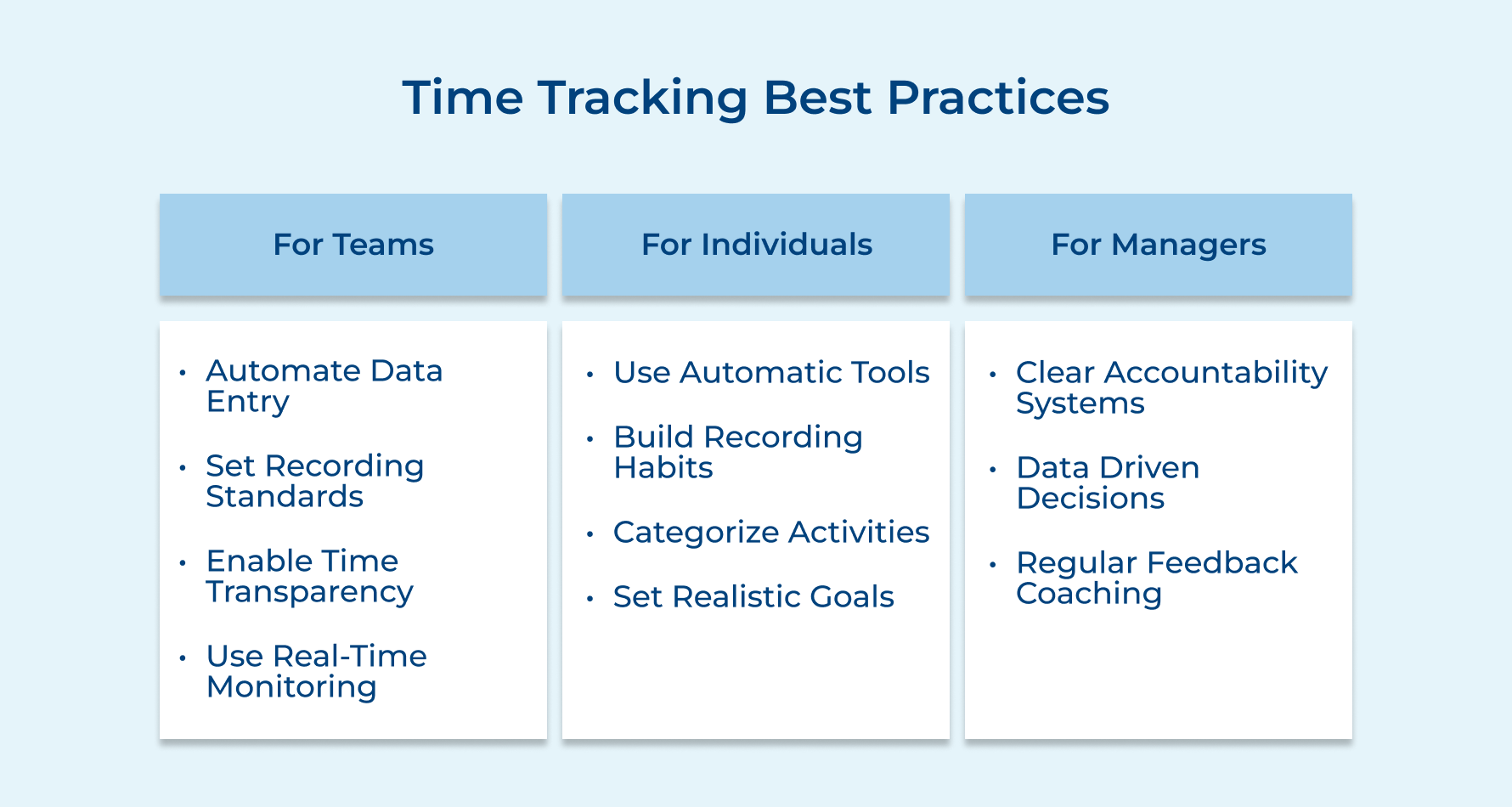
A. Time Tracking Best Practices for Teams
1. Automate Repetitive Data Entry
Automated time tracking takes the hassle out of manual entries and helps teams focus on real work. By capturing routine activities automatically, you reduce errors and save time across the board. Here’s how smart automation helps:
- Meeting time capture: Calendar integrations log meetings as billable or admin time without extra effort.
- Project task recording: Use templates to track regular tasks like reports or client check-ins.
- Email tracking: Smart tools detect email activity and link it to the right project.
- Document logging: Automation tracks when files are created or updated and records the time.
To get started, pick one repetitive task your team does daily and automate just that. Once they’re comfortable, slowly introduce more workflows.
2. Establish Consistent Recording Standards
When everyone logs time differently, it’s tough to spot patterns or track project costs accurately. That’s why having consistent recording standards is key. It gives your team a shared language for time tracking and enables meaningful insights across projects.
Here are three simple ways to standardize your time entries:
- Project code systems: Create clear, intuitive codes that reflect client departments and deliverables. These should be easy for new team members to pick up and detailed enough for accurate billing.
- Task categorization: Use predefined categories (like “client meetings” or “admin tasks”) with clear examples so there’s no confusion about where work goes.
- Time increments: Set consistent rules (like tracking time in 15-minute or 6-minute blocks) to align with your billing or analysis needs.
3. Build Collaborative Time Transparency
Collaborative time transparency means giving your team a peek into how others use their time, not for micromanagement, but for learning and support. When done right with time tracking software, it builds trust and helps everyone work smarter.
Here’s how shared time logs benefit the whole team:
- Balance the load: Team members can spot when someone’s overloaded and step in to help, preventing burnout.
- Learn from the best: Others can adopt more effective habits by seeing how top performers structure their time.
- Set realistic expectations: Shared time logs give everyone a better sense of how long tasks actually take.
Start small. In team meetings, invite volunteers to share a time-saving habit or time pattern they’ve noticed. This keeps the vibe collaborative.
4. Implement Real-Time Progress Monitoring
Real-time progress monitoring provides immediate visibility into project status and resource utilization. It enables teams to make quick adjustments before small issues become major problems.
This practice transforms time tracking from a historical record into an active management tool that guides daily decisions.
Teams use real-time monitoring by setting up dashboards that display current project hours against budgets and show individual capacity levels. These systems send alerts when projects approach budget thresholds or when team members exceed healthy work limits.
Pro tips:
- Set budget alerts at 75% and 90% thresholds rather than waiting until projects exceed their limits completely.
- Create team capacity visualizations that show availability for urgent requests without revealing sensitive individual performance data.
B. Time Tracking Best Practices for Individuals
5. Use Automatic Time Tracking Applications
Automatic time tracking applications eliminate the guesswork and memory lapses that plague manual time recording systems.
These tools run quietly in the background while you work and capture exactly how you spend your time without requiring constant attention or input from you.
Essential questions to evaluate before selecting your automatic time tracking solution:
- What types of applications and websites does the software monitor to ensure comprehensive coverage of your work activities?
- How does the tool categorize different activities and can you customize these categories to match your specific project needs?
- What privacy controls are available to protect sensitive client information while still capturing useful productivity data?
- How easily can you review and edit the automatically captured data before submitting it for billing or reporting purposes?
These questions help you choose a solution that fits your workflow rather than forcing you to adapt to rigid software requirements. The right tool should feel invisible during your workday while providing accurate data that actually reflects your professional activities.
6. Develop Personal Time Recording Habits
Personal time recording habits create consistent patterns that make accurate time tracking feel natural rather than burdensome. These habits ensure you capture time investments immediately when your memory is fresh and details are clear.
Practical approaches for building sustainable individual time recording habits:
- Set specific times each day for reviewing and updating your time entries rather than trying to remember everything at week’s end.
- Use natural work transitions like completing tasks or switching between projects as triggers to log your time immediately.
- Create simple shortcuts or templates for common activities so recording time takes seconds rather than minutes of detailed description.
Consistent habits transform time tracking from an annoying administrative task into a valuable personal productivity tool that helps you understand your own work patterns better.
7. Categorize Activities for Better Insights
Activity categorization transforms raw time data into meaningful insights about your work patterns and productivity trends. The practice helps you identify which types of work energize you versus drain your focus while revealing opportunities for efficiency improvements.
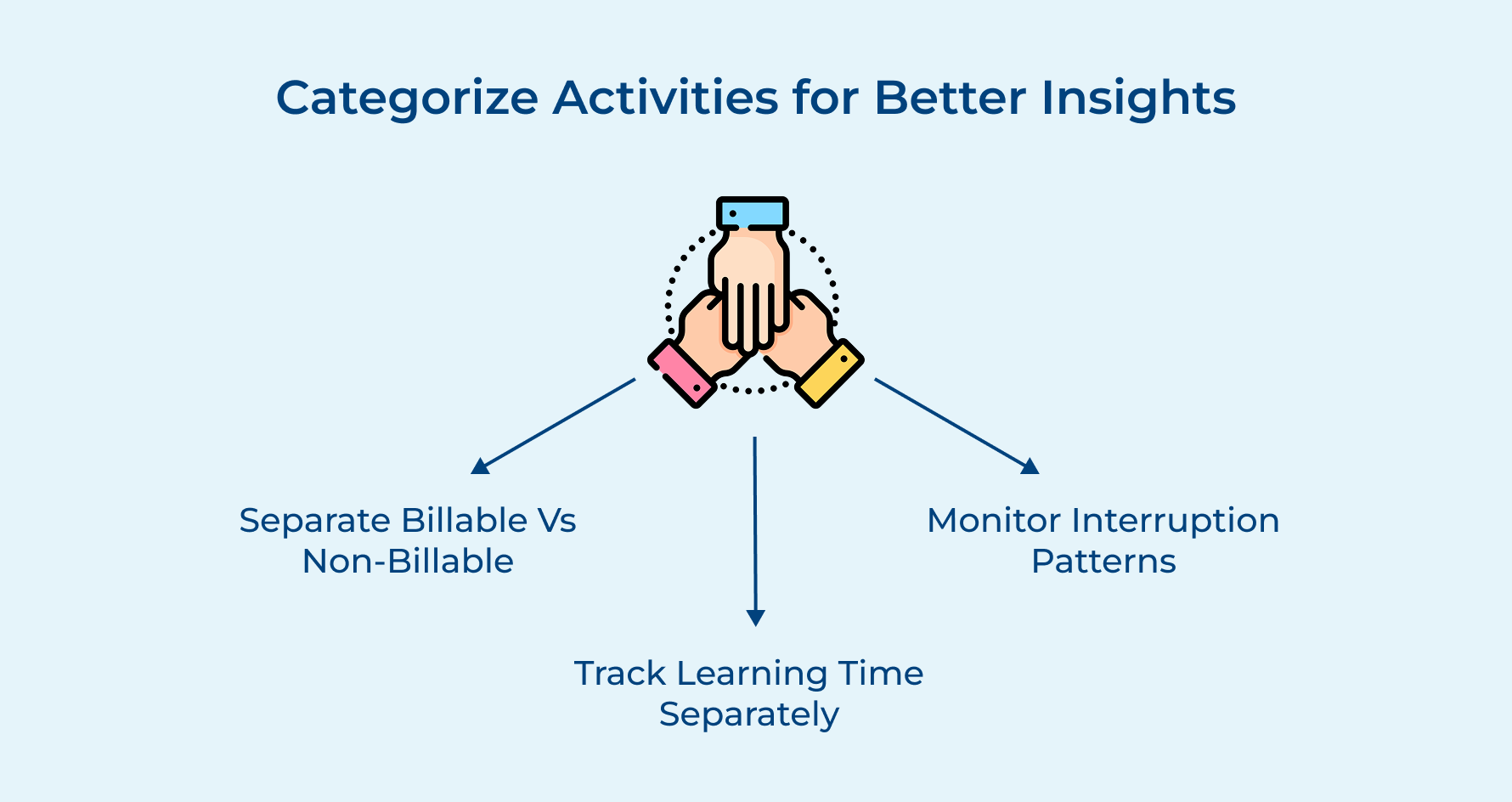
Separate Billable from Non-Billable Work Clearly
Clear separation between billable and non-billable activities ensures accurate client invoicing while helping you understand how much time you invest in business development versus direct client service.
Track Learning and Development Time Separately
Dedicated tracking of learning activities helps you quantify your professional growth investments and demonstrates your commitment to skill development during performance reviews or career planning discussions.
Monitor Interruption Frequency and Duration Patterns
Understanding your interruption patterns reveals the hidden time costs of constant communication and helps you design focused work blocks that protect your most productive hours from unnecessary distractions.
8. Set Realistic Time Estimation Goals
Using a time tracking app helps you set more realistic time estimates and avoid the stress of constantly underestimating tasks. It also boosts your credibility by supporting more accurate deadlines and project plans.
One key habit? Separate billable vs. non-billable work:
- Log client-facing tasks like meetings and deliverables as billable.
- Track internal work (like business development or team check-ins) as non-billable.
- Categorize admin work separately from deep focus tasks like design or strategy.
Also, don’t ignore interruption patterns. It may feel like extra effort, but five minutes tracking interruptions is better than losing an hour without knowing why. Your time tracking app can show how often you’re pulled away, so you can take back control of your focus.
C. Time Tracking Best Practices for Managers
9. Create Clear Accountability Systems
Clear accountability systems establish transparent expectations for time tracking while providing structured methods for monitoring and addressing compliance issues.
Managers need these systems because inconsistent time recording undermines project profitability analysis. It also leads to billing disputes that can damage client relationships and hurt team morale.
Four essential factors managers must consider when building effective accountability frameworks:
- Submission Deadlines
- Quality Standards.
- Review Processes
- Consequence Protocols
How do you balance accountability with trust when implementing these systems? You need clear rules and consequences but also patience as well as guidance. The goal is building habits that benefit everyone rather than creating a punitive environment that destroys team morale.
10. Analyze Data for Strategic Decisions
Employee time tracking is more than just logging hours, it’s the foundation for smarter business decisions. But raw data isn’t enough. To uncover real insights, you need solid analysis.
First, make sure your time tracking process is reliable with:
- Automated system integration to reduce manual errors
- Standardized reporting templates for consistency
- Regular data validation to ensure accuracy
Once you’ve gathered accurate data, shift your focus to patterns.
- Which project types often run over budget?
- Are certain teams more efficient than others?
These insights help you decide which projects to prioritize and how to allocate resources for maximum impact. With smart use of time data, you can drive growth and avoid repeating costly mistakes.
11. Provide Regular Feedback and Coaching
Regular feedback and coaching transforms time tracking from a compliance requirement into a professional development opportunity that helps team members understand their productivity patterns.
Managers need consistent coaching approaches because individual time management skills directly impact project success and team member satisfaction with their work experience.
Effective feedback sessions focus on identifying productivity patterns and growth opportunities rather than criticizing past performance or micromanaging daily activities.
Use time data as a starting point for conversations about workload balance and skill development. It also helps team members identify their most productive work patterns and cut out inefficient habits.
Pro tips:
- Schedule feedback sessions immediately after project completion when time data patterns are fresh and relevant rather than waiting for annual reviews.
- Focus discussions on future improvements and goal setting rather than dwelling on past time tracking mistakes or missed deadlines.
How to Implement Time Tracking Best Practices?
Successfully implementing time tracking best practices requires a structured approach that balances organizational needs with individual comfort levels. The key lies in gradual adoption that builds momentum rather than overwhelming teams with complex systems from day one.
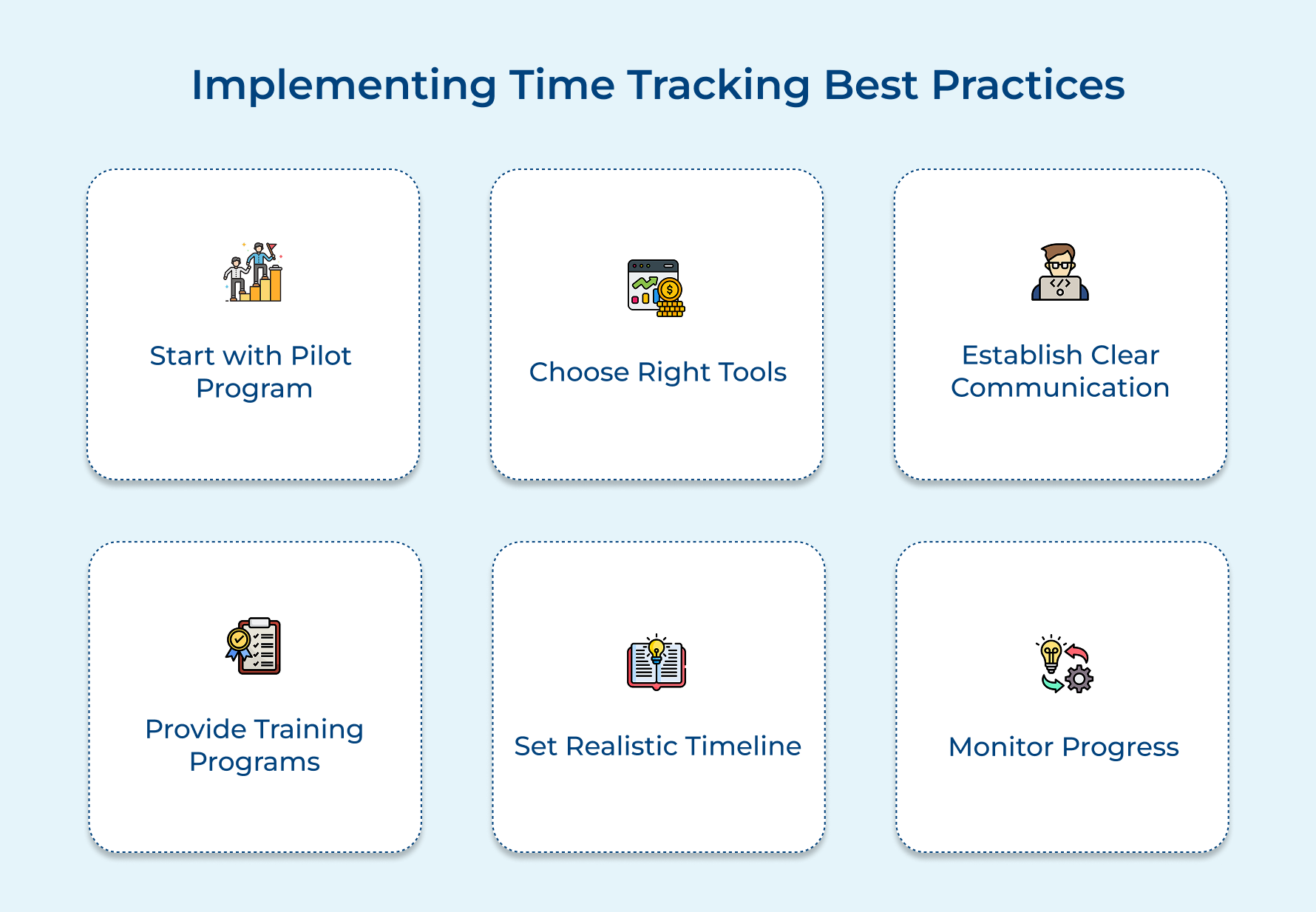
Start with a Pilot Program
Kick things off with a small group of volunteers to test the new system and offer feedback before rolling it out company-wide. This helps you catch issues early as well as build a group of internal advocates who can guide others and ease resistance.
Choose the Right Technology Stack
Pick time tracking tools that work well with your existing project management and accounting software. Choose something your team feels comfortable using, but that also gives managers the reports they need to make smart decisions.
Establish Clear Communication Channels
Create open forums where teams can talk about time tracking challenges and share wins. When people see how their time data improves projects, they’re more likely to stay engaged.
Provide Comprehensive Training Programs
Offer training that covers not just how to use the tools, but why time tracking matters. Tackle concerns around privacy and micromanagement by showing how time data supports both career growth as well as better results.
Set Realistic Implementation Timeline
Roll things out gradually so teams have time to adjust without feeling overwhelmed. A rushed launch can lead to frustration and old habits creeping back in when deadlines hit.
Monitor Progress and Adjust Approach
Check in regularly to see how adoption is going. Be open to feedback and ready to tweak your approach, it’s the best way to make sure your time tracking system actually sticks.
Master Agencies Productivity with Time Tracking Best Practices
Time tracking best practices represent the foundation of sustainable growth for agencies and professional services firms because they transform chaotic work patterns into organized systems that support strategic decision-making and long-term success.
When agencies implement comprehensive time tracking systems, they unlock significant improvements in profitability through accurate project costing. They also enhance operational efficiency by identifying productivity bottlenecks. Additionally, these systems strengthen client relationships through transparent billing and reliable delivery commitments.
Limit time — not creativity
Everything you need for customer support, marketing & sales.

Pooja Deshpande is a content contributor at Kooper, focused on creating insightful resources that help agencies and service providers scale efficiently. Passionate about SaaS trends, content strategy, and operational excellence, she delivers practical, easy-to-implement guidance for modern business leaders.